
This page is not an official page of the app or its developer, but an independent editorial publication created for informational and commentary purposes. Unless expressly stated otherwise, neither the app nor its developer is affiliated with, endorsed by, sponsored by, authorized by, or otherwise officially connected with MWM, Apple, Google Play, the app publisher, or the app's developer, and nothing on this page implies that the app was developed using MWM's services. Any trademarks, logos, screenshots, and other content remain the property of their respective owners.


3D STL/OBJ Viewer
Stop digging through folders and start creating. Organize your STL and OBJ files into a professional category-based library, enjoy lightning-fast 3D previews, and visualize your designs in the real world with immersive Augmented Reality.
Downloads
0User Rating
Total Ratings
0Publisher
Category
Developer ToolsLocales
1Latest Version
20Size
78.9 MBFirst Released
Apr 24, 2025Elevate Your 3D Workflow
The ultimate hub for engineers and makers to organize, preview, and visualize STL and OBJ models with professional-grade precision.
Smart Library Organization
End the digital clutter. Categorize your entire STL and OBJ collection into a structured, searchable library accessible anywhere on your iPhone or iPad.
Pro-Grade AR Visualization
Check scale and fit before you print. Project your 3D models into your real-world environment using advanced Augmented Reality tools.
The following screenshots and description are sourced directly from the app's official store listing and are the property of the app developer.
App Store
Screenshots
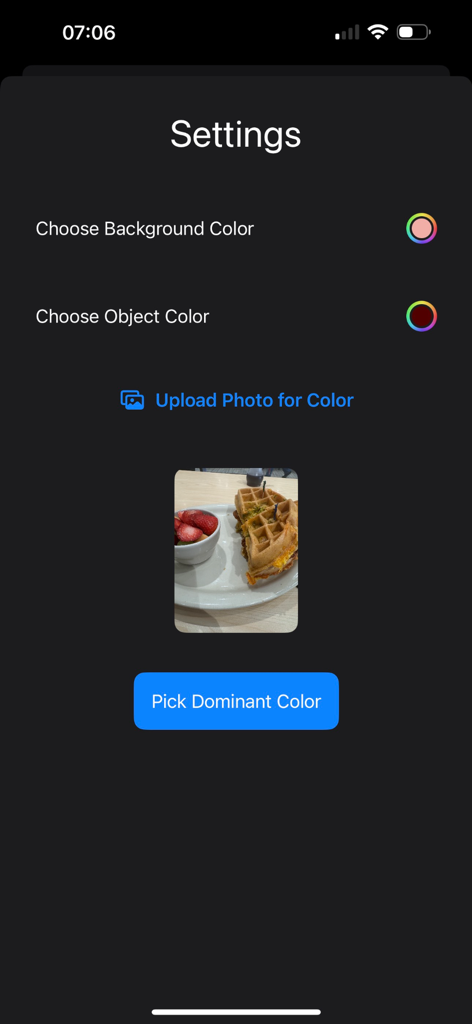
Settings screen of the 3D STL/OBJ Viewer app showing options to choose background and object colors with a photo upload feature to pick dominant colors

Screen showing a list of uploaded 3D STL files with management options like view and delete
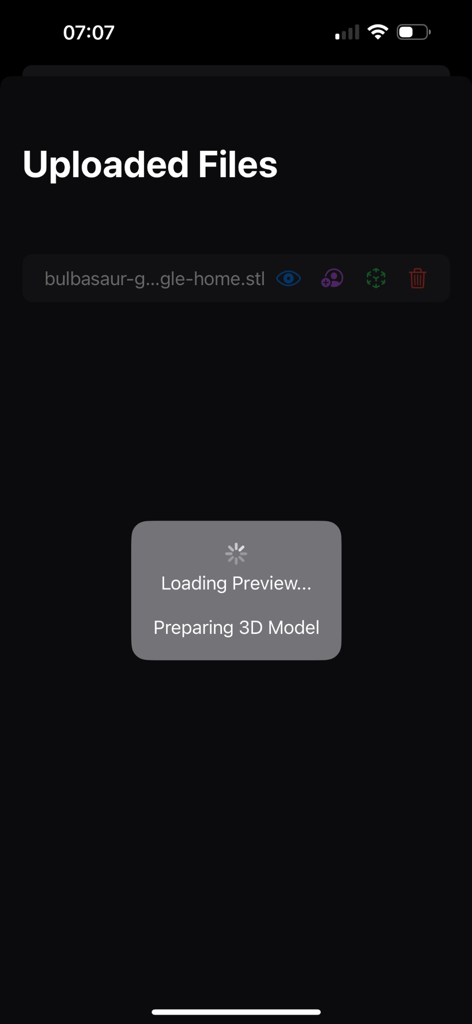
A screenshot of the 3D STL/OBJ Viewer app showing a loading screen while preparing a 3D model preview for an uploaded file
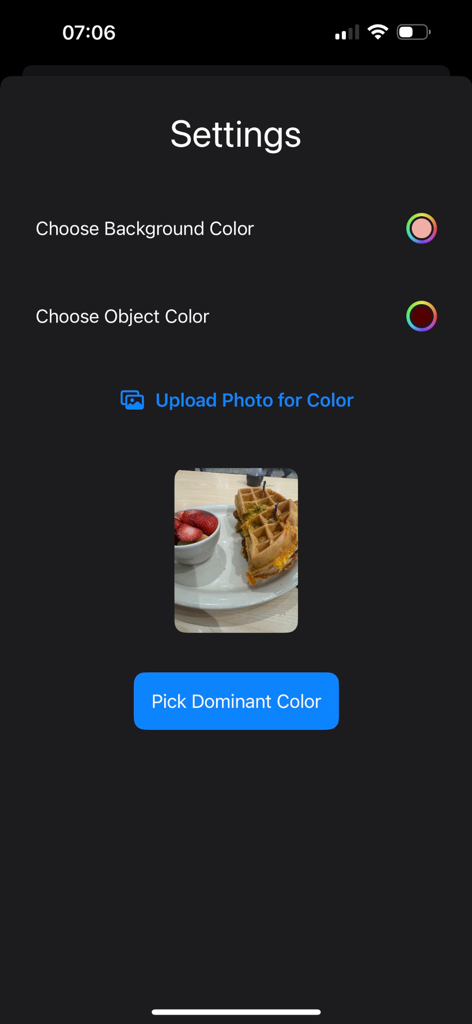
Settings screen of the 3D STL Viewer app showing background and object color customization options with a photo upload feature to pick dominant colors.
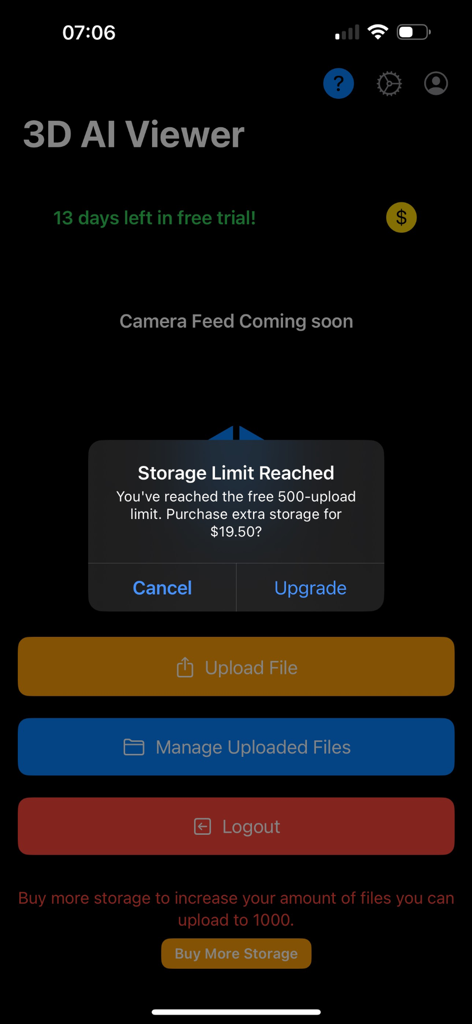
Interface of the 3D AI Viewer app showing a storage limit reached notification and file management options.
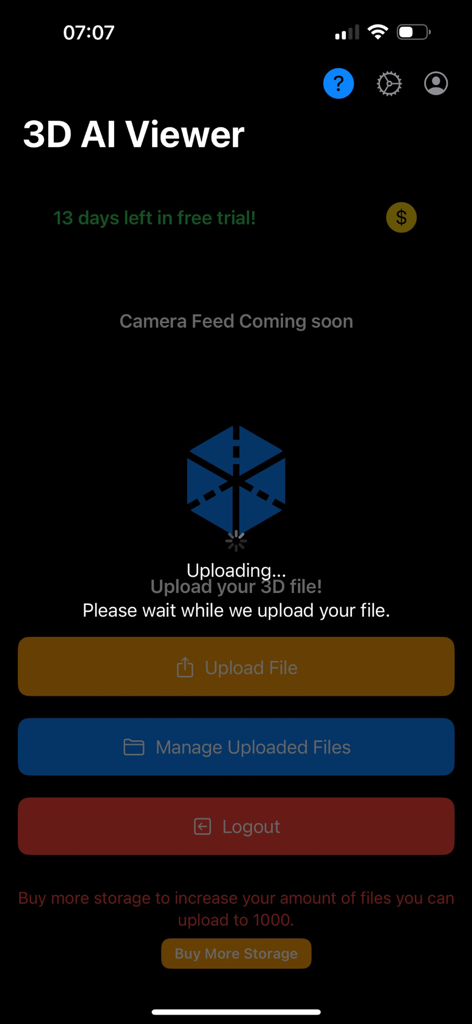
Interface of the 3D AI Viewer app showing the file upload progress screen and file management buttons
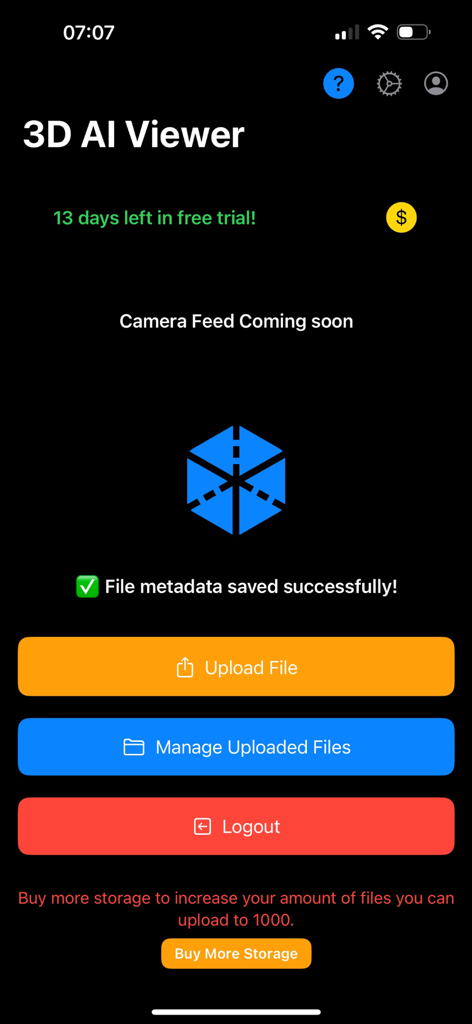
Main menu of the 3D AI Viewer app showing file upload and management buttons with a blue geometric cube logo
Description
Download
More Like This
Top-ranked apps in the same category

TestFlight
Apple Inc.

Replit: Vibe Code Apps
Replit, Inc

GitHub
GitHub

O-KAM Pro
Shenzhen VeePai IoT Intelligent Technology LLC

Apple Developer
Apple Inc.

Expo Go
650 Industries, Inc.

Scriptable
Simon Stovring

Stream - Network Debug Tool
Stream Lab Inc.

App Store Connect
Apple Inc.
This page is not an official page of the app or its developer, but an independent editorial publication created for informational and commentary purposes. Unless expressly stated otherwise, neither the app nor its developer is affiliated with, endorsed by, sponsored by, authorized by, or otherwise officially connected with MWM, Apple, Google Play, the app publisher, or the app's developer, and nothing on this page implies that the app was developed using MWM's services. Any trademarks, logos, screenshots, and other content remain the property of their respective owners.