
This page is not an official page of the app or its developer, but an independent editorial publication created for informational and commentary purposes. Unless expressly stated otherwise, neither the app nor its developer is affiliated with, endorsed by, sponsored by, authorized by, or otherwise officially connected with MWM, Apple, Google Play, the app publisher, or the app's developer, and nothing on this page implies that the app was developed using MWM's services. Any trademarks, logos, screenshots, and other content remain the property of their respective owners.

Advanced IP Scanner
Effortlessly scan your LAN, discover devices, and troubleshoot connectivity with expert tools. No account required—just instant access to IP info, Wi-Fi analysis, and ping tests for developers and IT pros.
Downloads
0User Rating
Total Ratings
0Publisher
Category
Developer ToolsLocales
1Latest Version
2.0Size
25.1 MBFirst Released
Mar 11, 2026Master Your Network with Professional Precision
Advanced IP Scanner delivers a comprehensive suite of diagnostic tools designed for IT professionals, developers, and home lab enthusiasts who demand instant network clarity.
Deep LAN Discovery
Instantly map your entire subnet. Identify every connected device, from smart home IoT to office servers, with hostnames and real-time response times.
Precision Connectivity Testing
Diagnose latency issues with a robust Ping tool. Run up to 100 tests per host to ensure your connection is rock-solid for deployments or gaming.
The following screenshots and description are sourced directly from the app's official store listing and are the property of the app developer.
App Store
Screenshots
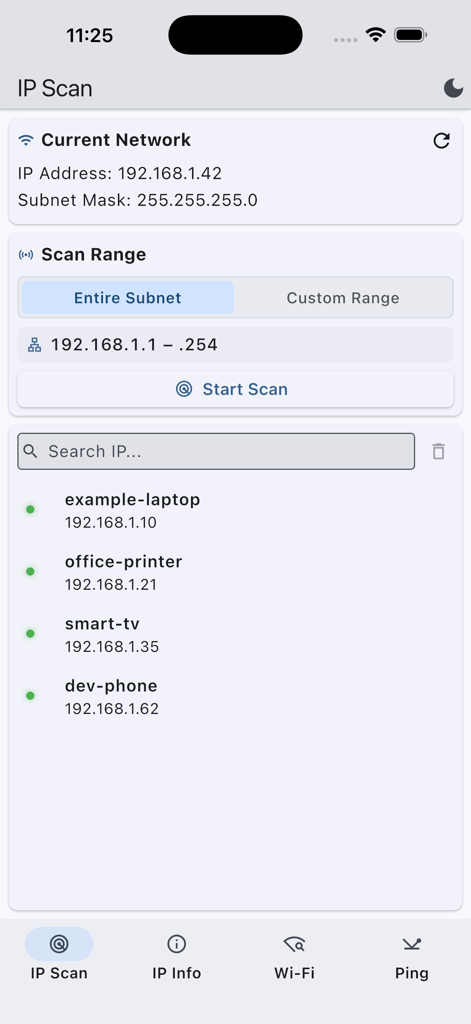
Advanced IP Scanner app screen displaying a list of discovered network devices including a laptop, printer, and smart TV.
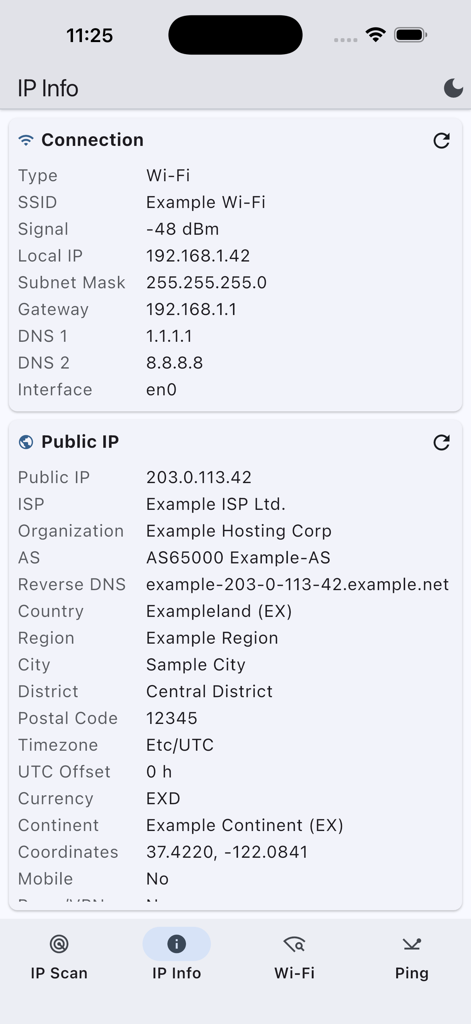
Advanced IP Scanner app displaying local connection and public IP address details
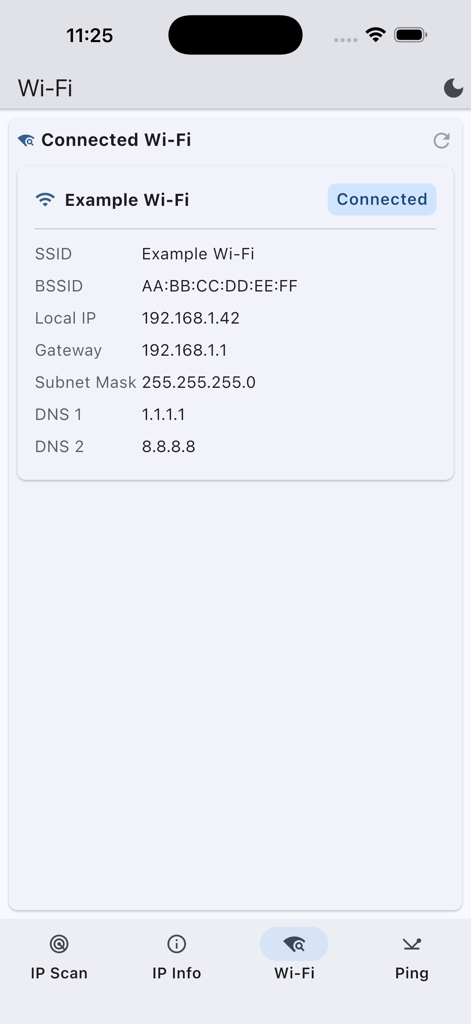
Advanced IP Scanner app interface showing connected wifi details such as SSID BSSID local IP and DNS settings
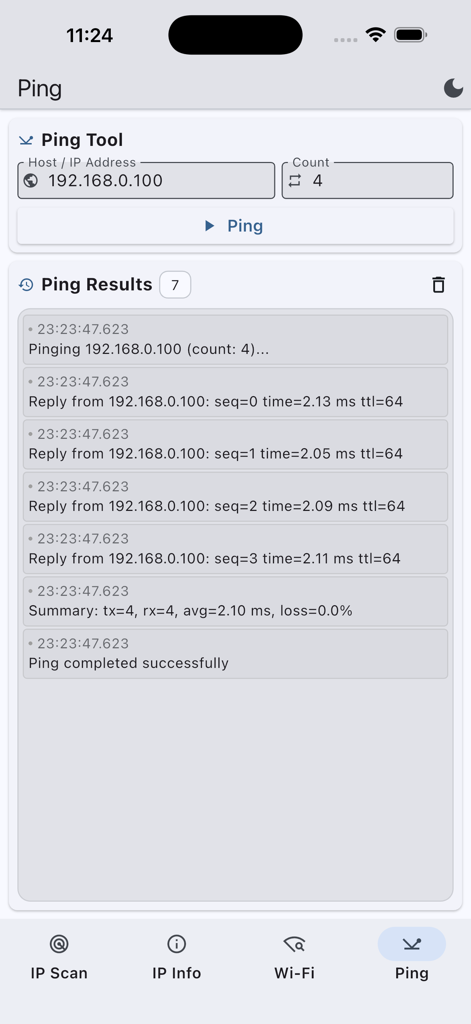
Advanced IP Scanner app screenshot showing a successful ping test result for a local network IP address
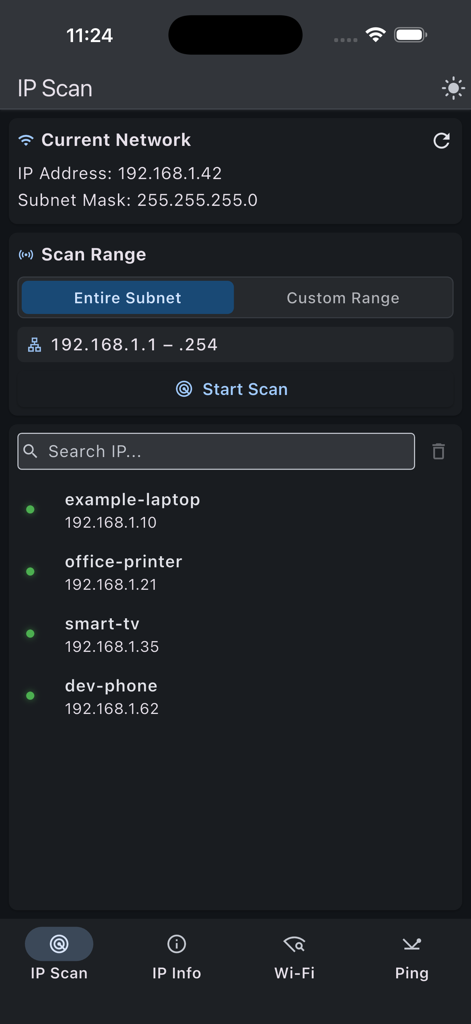
The IP scan screen of the Advanced IP Scanner app showing discovered network devices
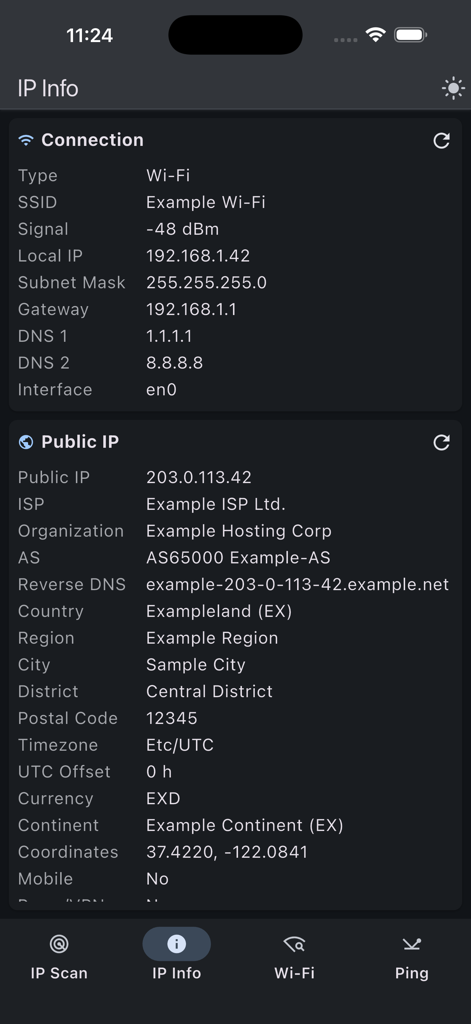
Detailed view of local connection and public IP information in the Advanced IP Scanner app
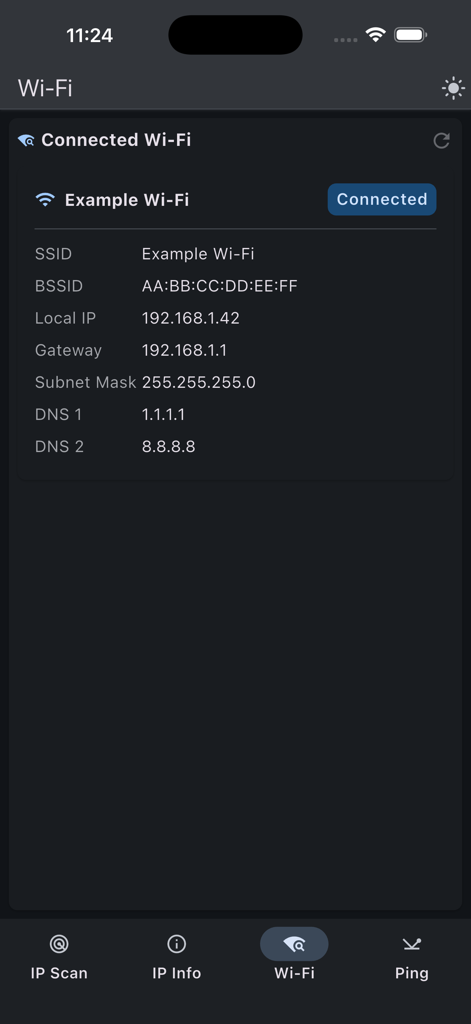
Advanced IP Scanner interface displaying connected Wi-Fi network information including IP address and DNS details
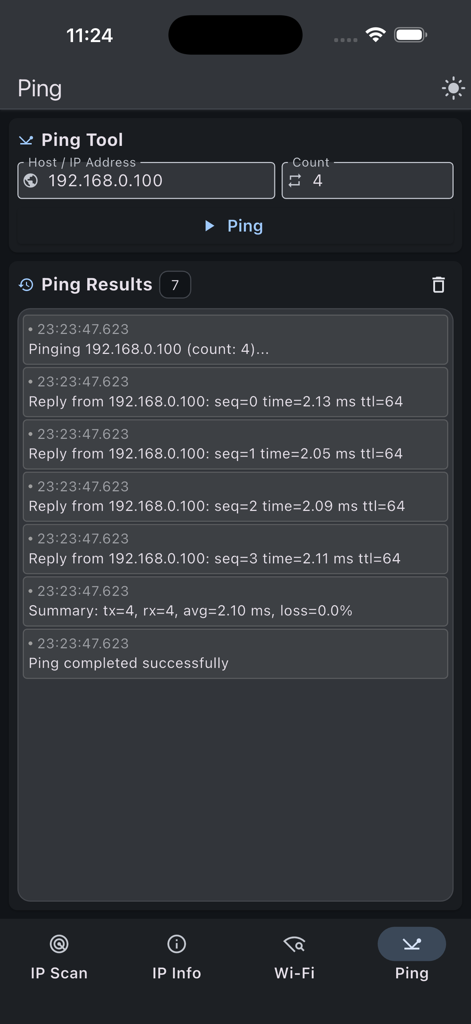
Screen showing ping test results for a local network address in Advanced IP Scanner app
Description
Download
More Like This
Top-ranked apps in the same category

TestFlight
Apple Inc.

Replit: Vibe Code Apps
Replit, Inc

GitHub
GitHub

O-KAM Pro
Shenzhen VeePai IoT Intelligent Technology LLC

Emergent AI: Vibe Code Apps
Emergent Labs Inc

Apple Developer
Apple Inc.

Expo Go
650 Industries, Inc.

App Store Connect
Apple Inc.

Scriptable
Simon Stovring
This page is not an official page of the app or its developer, but an independent editorial publication created for informational and commentary purposes. Unless expressly stated otherwise, neither the app nor its developer is affiliated with, endorsed by, sponsored by, authorized by, or otherwise officially connected with MWM, Apple, Google Play, the app publisher, or the app's developer, and nothing on this page implies that the app was developed using MWM's services. Any trademarks, logos, screenshots, and other content remain the property of their respective owners.