
This page is not an official page of the app or its developer, but an independent editorial publication created for informational and commentary purposes. Unless expressly stated otherwise, neither the app nor its developer is affiliated with, endorsed by, sponsored by, authorized by, or otherwise officially connected with MWM, Apple, Google Play, the app publisher, or the app's developer, and nothing on this page implies that the app was developed using MWM's services. Any trademarks, logos, screenshots, and other content remain the property of their respective owners.


Agendrix – Employee Scheduling
The all-in-one mobile solution for managers to create schedules in seconds and employees to stay connected, clock in, and manage shifts from anywhere.
Downloads
544K+User Rating
Total Ratings
48K+Publisher
Category
BusinessLocales
4Latest Version
6.12.2Size
73.9 MBFirst Released
Sep 21, 2015Empower Your Team, Simplify Your Day
Agendrix bridges the gap between managers and employees with intuitive tools for smarter scheduling, seamless communication, and accurate time tracking.
Smart Scheduling & Sync
Create shifts in minutes and sync them directly to your personal calendar for total work-life visibility.
Seamless Team Communication
Manage leave requests, shift swaps, and group chats in one place without sharing personal phone numbers.
Frequently Asked Questions
Everything you need to know about Agendrix – Employee Scheduling
What is the Agendrix app?
Agendrix is a mobile app designed to simplify schedule management, track work time, and enhance communication for both managers and employees.
Can managers create and edit work schedules with Agendrix?
Yes, managers can create, edit, and view their team's work schedules using the Agendrix app. They also receive instant alerts for schedule changes.
Does Agendrix support mobile clock-in and clock-out with geotracking?
Yes, employees can easily clock in and out using the Agendrix app. It includes geotracking functionality for accurate timekeeping.
How does the Agendrix app facilitate communication?
Agendrix centralizes communication, allowing managers and employees to communicate in private or group conversations. It also instantly alerts for schedule changes.
Can employees request shift swaps in Agendrix?
Yes, employees can request to swap shifts with coworkers directly through the Agendrix app. Managers can easily manage these shift swap requests.
How do employees submit their work availability in Agendrix?
Employees submit their work availability by sending their managers the hours and days they are free to work through the Agendrix app.
Does Agendrix offer features for employee recognition and feedback?
Yes, Agendrix includes features like 'High fives' for employee recognition and tools for creating and conducting surveys to gather feedback.
Can employees submit time off requests using the Agendrix app?
Yes, employees can submit leave requests quickly via the Agendrix app. Managers can efficiently manage time off and replacement requests within the platform.
The following screenshots and description are sourced directly from the app's official store listing and are the property of the app developer.
App Store
Screenshots
Agendrix mobile app interface showing employee scheduling and management slogan on a teal background.
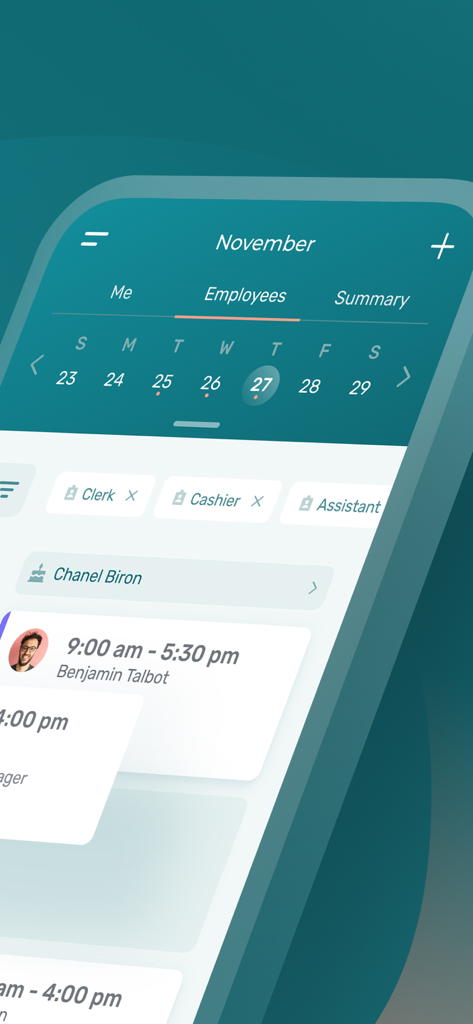
Agendrix mobile app interface displaying employee work schedules for November with shift times and roles like clerk and cashier.
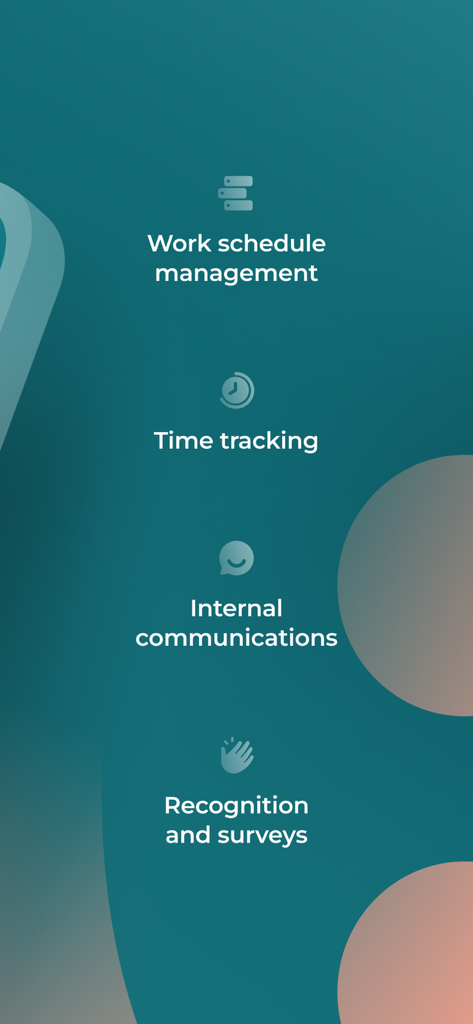
Agendrix app features list including work schedule management, time tracking, internal communications, and recognition and surveys.
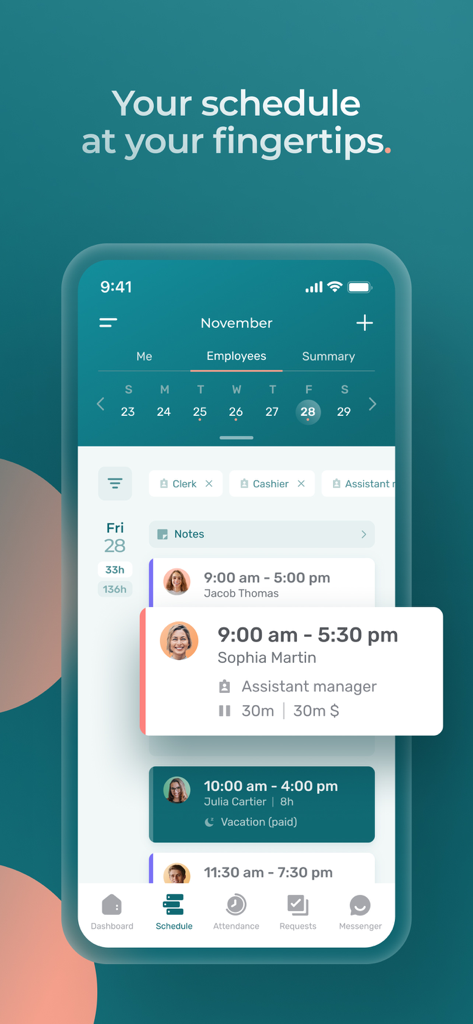
A mobile phone displaying the Agendrix app's employee schedule screen with shift times and staff names.
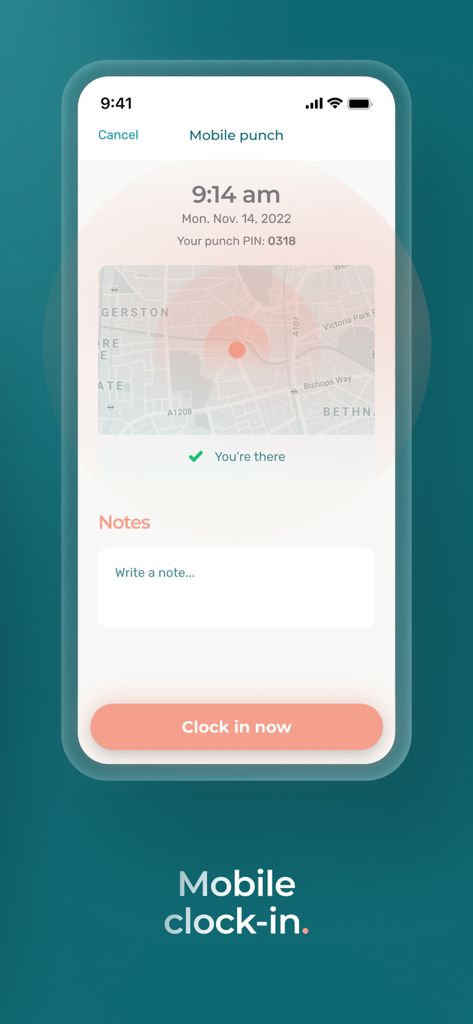
Agendrix mobile clock-in screen with GPS location verification and notes section
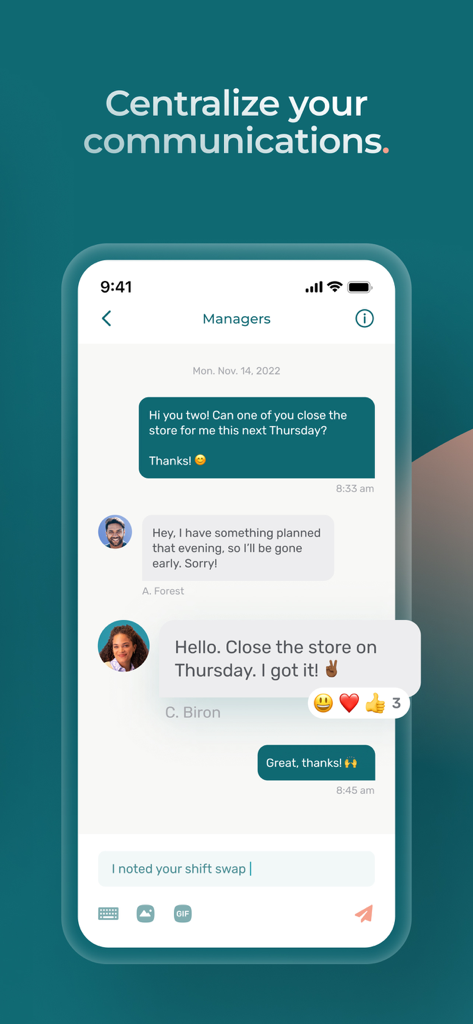
The Agendrix app chat interface showing a manager and employees discussing shift changes and store closing.
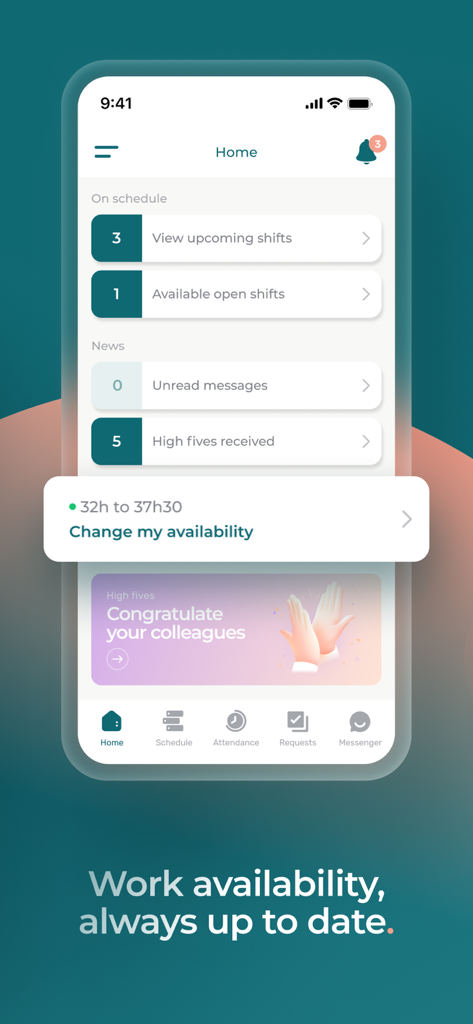
Agendrix app home screen showing upcoming work shifts and the option to change work availability
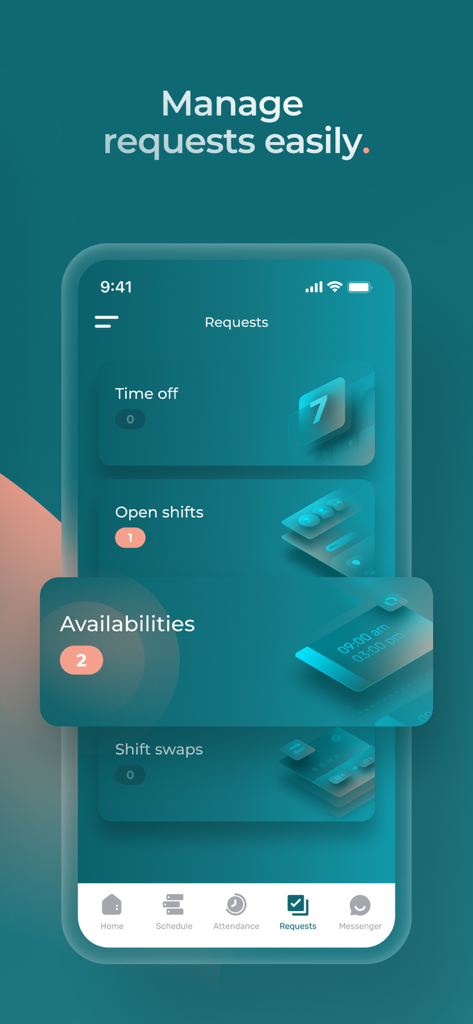
Interface of the Agendrix app showing the requests management screen for time off, open shifts, availabilities, and shift swaps
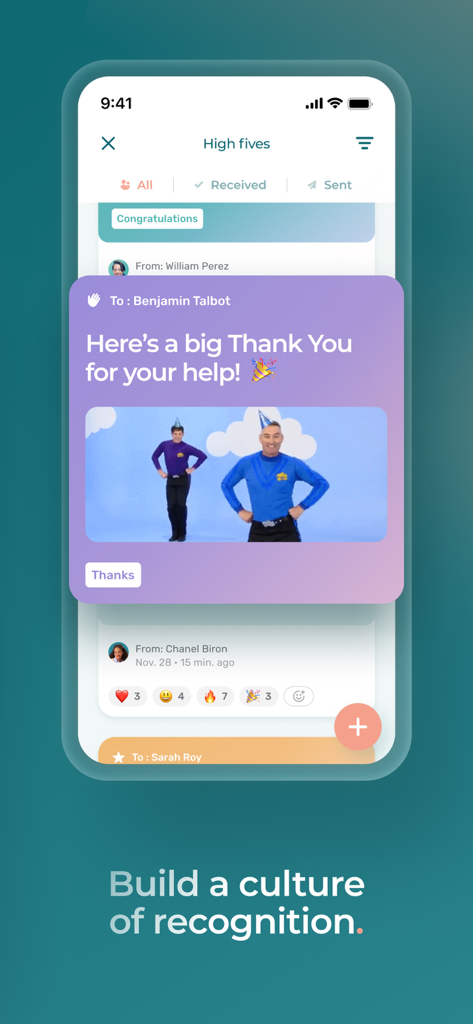
Agendrix mobile app interface showing the High fives feature for employee recognition and peer feedback
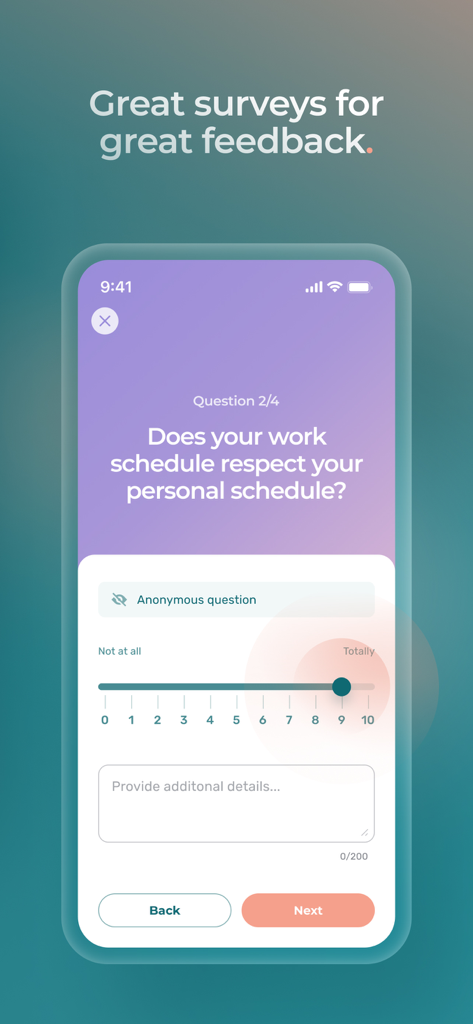
A mobile app screen showing an anonymous employee feedback survey regarding work schedule and personal life balance
Description
Download
More Like This
Apps with similar features and user experience

Connecteam Team Management App
Connecteam, Inc.

Homebase: Team Management
Pioneer Works, Inc.
7shifts: Employee Scheduling
7shifts, Inc.

When I Work Staff Scheduling
When I Work, Inc.

Jibble: Attendance Tracker
Jibble Tech Sdn Bhd

Legion Workforce Engagement
Legion Technologies Inc.

Crunchtime Teamworx
CrunchTime Information Systems
Restaurant365
Dynamic Methods, Inc

AxisCare Mobile
Centex Axiscare Inc
This page is not an official page of the app or its developer, but an independent editorial publication created for informational and commentary purposes. Unless expressly stated otherwise, neither the app nor its developer is affiliated with, endorsed by, sponsored by, authorized by, or otherwise officially connected with MWM, Apple, Google Play, the app publisher, or the app's developer, and nothing on this page implies that the app was developed using MWM's services. Any trademarks, logos, screenshots, and other content remain the property of their respective owners.