
This page is not an official page of the app or its developer, but an independent editorial publication created for informational and commentary purposes. Unless expressly stated otherwise, neither the app nor its developer is affiliated with, endorsed by, sponsored by, authorized by, or otherwise officially connected with MWM, Apple, Google Play, the app publisher, or the app's developer, and nothing on this page implies that the app was developed using MWM's services. Any trademarks, logos, screenshots, and other content remain the property of their respective owners.

AI Blur Video - Mosaic Editor
Protect identities and sensitive data with powerful on-device AI. The fastest, most secure way to censor faces and objects without ever uploading your media to the cloud.
Downloads
22K+User Rating
Total Ratings
500Publisher
Category
Photo & VideoLocales
11Latest Version
1.7Size
88.4 MBFirst Released
Sep 7, 2025Complete Privacy in Every Frame
Protect yourself, your family, and your sources with powerful on-device AI that censors sensitive details in seconds.
Smart Identity Protection
Instantly detect and blur faces or use 'Eye Censorship' to hide identities while keeping the emotion of your story alive.
Precision Object Tracking
No more manual editing. Tap to lock onto moving license plates or logos and let our AI handle the tracking automatically.
The following screenshots and description are sourced directly from the app's official store listing and are the property of the app developer.
App Store
Screenshots
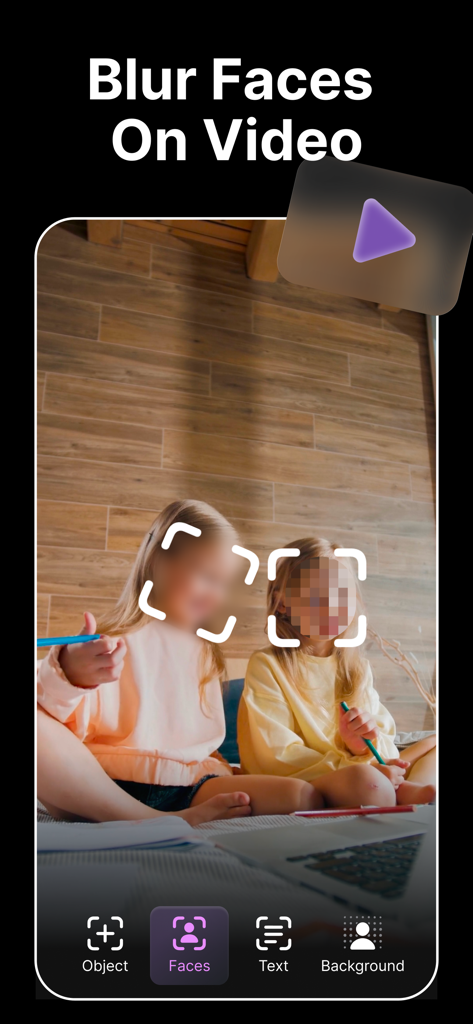
Smartphone screen showing AI face blurring and pixelation on a video of two kids
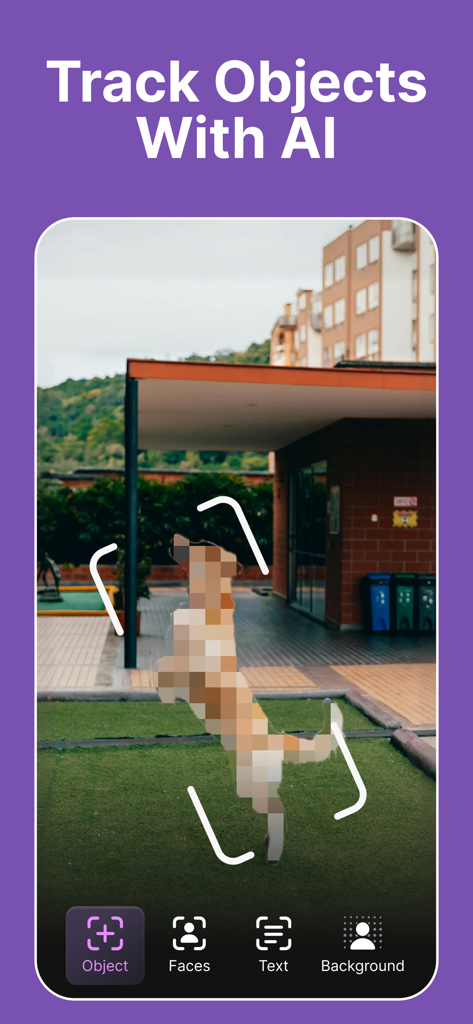
Mobile app interface demonstrating AI object tracking to blur a jumping dog in a video
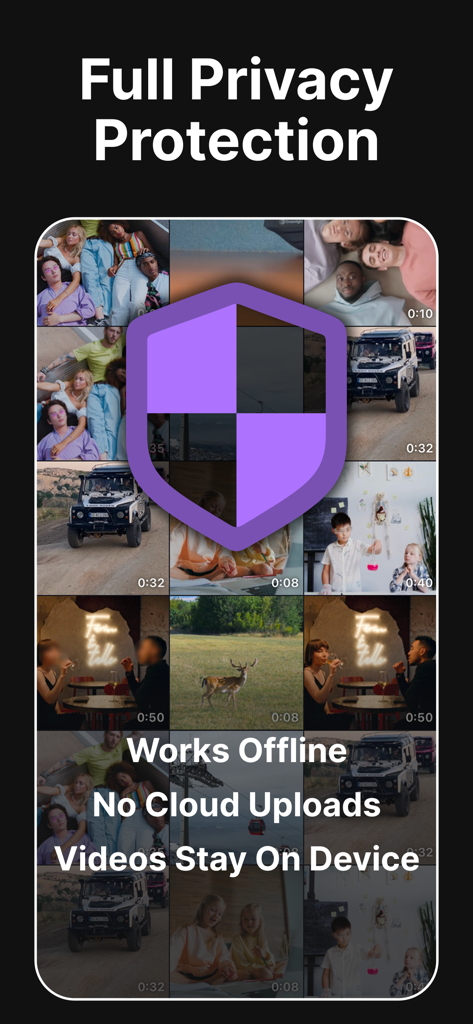
Screenshot of the AI Blur Video app highlighting full privacy protection with offline on-device video processing and no cloud uploads
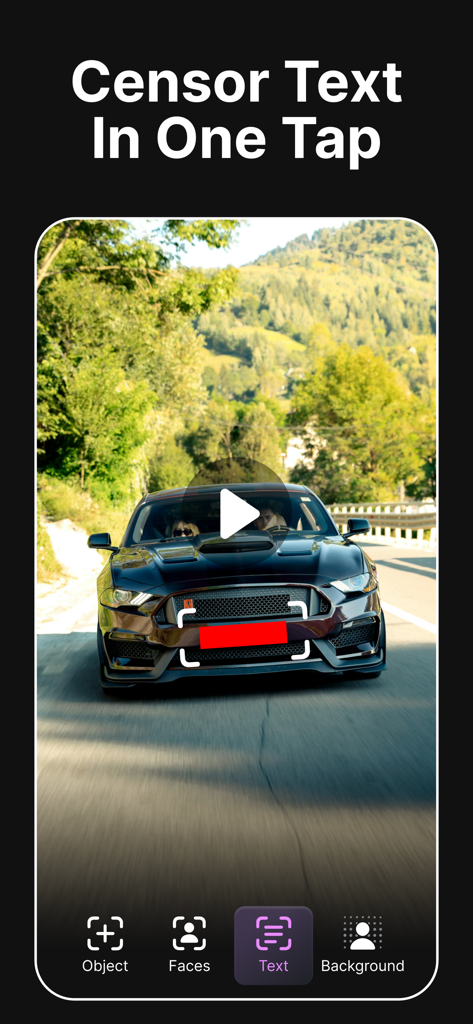
AI Blur Video app interface showing a license plate being censored with a red bar in one tap
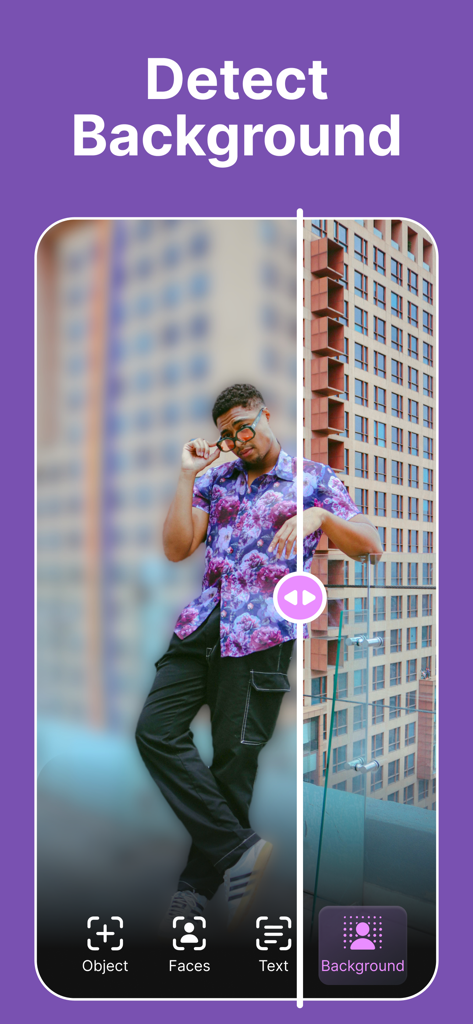
A split screen showing a man with a blurred background versus a clear background to demonstrate the detect background feature
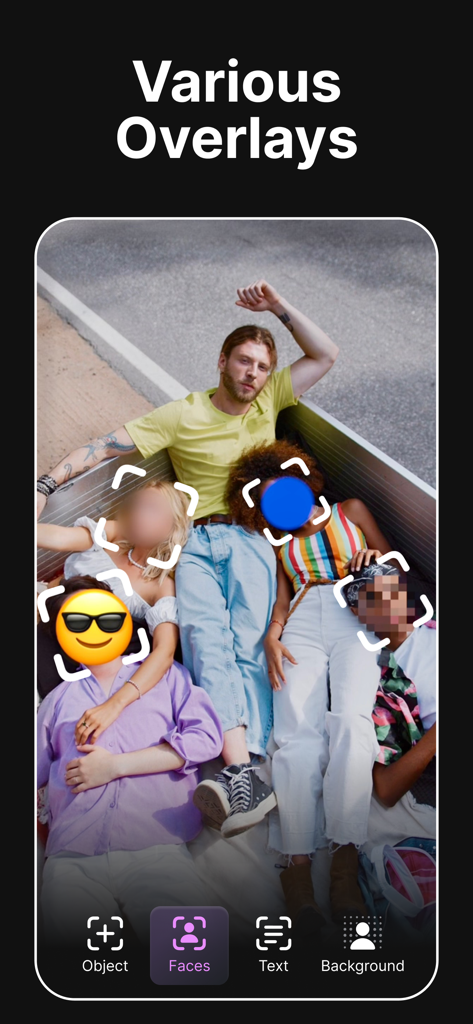
A group photo showing different face censorship overlays like blur, pixelation, and emojis.
Description
Download
More Like This
Apps with similar features and user experience




This page is not an official page of the app or its developer, but an independent editorial publication created for informational and commentary purposes. Unless expressly stated otherwise, neither the app nor its developer is affiliated with, endorsed by, sponsored by, authorized by, or otherwise officially connected with MWM, Apple, Google Play, the app publisher, or the app's developer, and nothing on this page implies that the app was developed using MWM's services. Any trademarks, logos, screenshots, and other content remain the property of their respective owners.