
This page is not an official page of the app or its developer, but an independent editorial publication created for informational and commentary purposes. Unless expressly stated otherwise, neither the app nor its developer is affiliated with, endorsed by, sponsored by, authorized by, or otherwise officially connected with MWM, Apple, Google Play, the app publisher, or the app's developer, and nothing on this page implies that the app was developed using MWM's services. Any trademarks, logos, screenshots, and other content remain the property of their respective owners.


MosaicEditor Video App
Effortlessly mask faces, license plates, and sensitive info with a simple touch. Track moving subjects perfectly so you can share your world safely on social media.
Downloads
212K+User Rating
Total Ratings
3K+Publisher
Category
Photo & VideoLocales
2Latest Version
1.50.0Size
29.2 MBFirst Released
Jul 16, 2023Share Your World, Protect Your Privacy
Effortlessly mask faces, license plates, and sensitive details with intuitive touch-based editing designed for safe social sharing.
Touch-to-Blur Simplicity
Simply tap and touch the areas you want to hide. Our intuitive interface allows you to apply professional-grade mosaics in seconds.
Dynamic Motion Tracking
Keep subjects hidden even when they move. Easily shift and adjust your masks to follow the action throughout your entire video.
Frequently Asked Questions
Everything you need to know about MosaicEditor Video App
What is the MosaicEditor Video App?
The MosaicEditor Video App is a video editing tool. It applies mosaic or blur effects to specific areas within videos, allowing users to adjust effect duration and position. Users can also create multiple masks and save their edited videos.
How do I add a mosaic or blur to a video using the MosaicEditor Video App?
To add a mosaic or blur with the MosaicEditor Video App, first select a video. Then, tap the "+" button and touch the specific area where you want to apply the mosaic or blur effect.
Can I adjust the timing of a mosaic effect in the MosaicEditor Video App?
Yes, you can adjust the timing of a mosaic effect in the MosaicEditor Video App. Users pull a label on the timeline to define when the mosaic starts and ends, providing precise control over its duration.
Does the MosaicEditor Video App allow video trimming and rotation?
Yes, the MosaicEditor Video App allows users to trim, rotate, and flip videos as part of the editing process. These functions are available after video selection and before applying effects.
Can I use multiple mosaic masks on different subjects in the MosaicEditor Video App?
Yes, the MosaicEditor Video App supports creating multiple masking areas. Users can apply several masks and move them to track different subjects throughout the video, ensuring comprehensive coverage.
What are the final steps to save an edited video in the MosaicEditor Video App?
The final steps to save an edited video in the MosaicEditor Video App involve selecting your desired video size. Once confirmed, the application saves the completed video directly to your device's album.
Does the MosaicEditor Video App have options for blurring crowds?
Yes, the MosaicEditor Video App includes options for blurring crowds. Users can select and apply blur effects to large groups or specific areas within a video.
Can I customize the blur style or intensity in the MosaicEditor Video App?
Yes, you can customize the blur style and intensity in the MosaicEditor Video App. The app offers an "Amount" slider to adjust intensity and provides various preset blur styles for selection.
The following screenshots and description are sourced directly from the app's official store listing and are the property of the app developer.
App Store
Screenshots
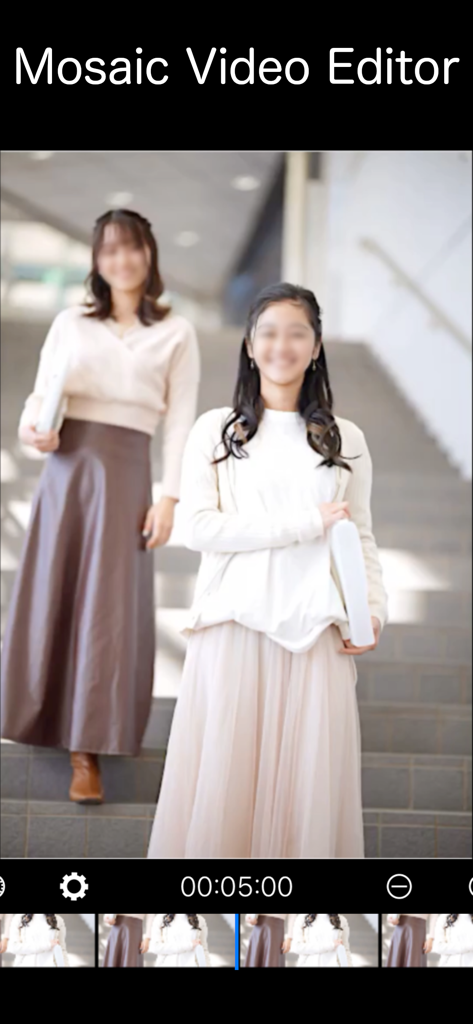
Screenshot of MosaicEditor Video App showing a blurred face in a video for privacy protection
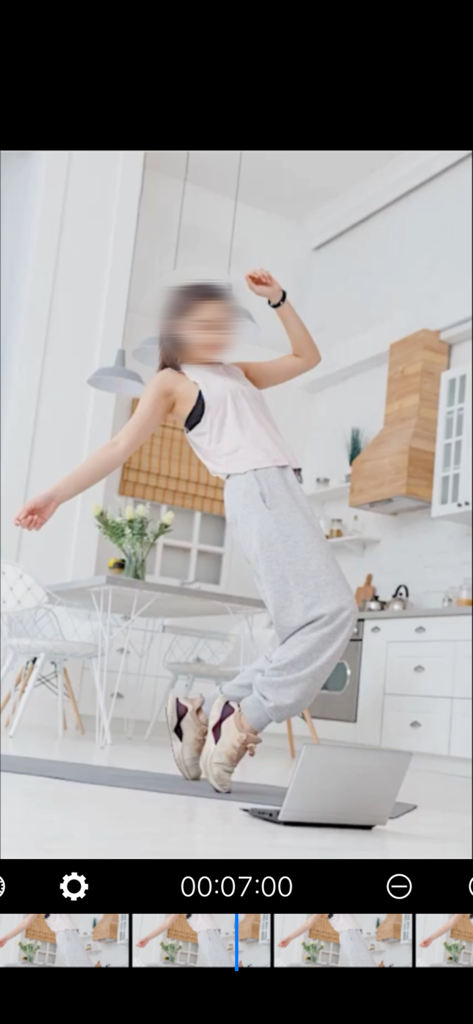
A woman dancing in a kitchen with her face blurred using the MosaicEditor video privacy tool
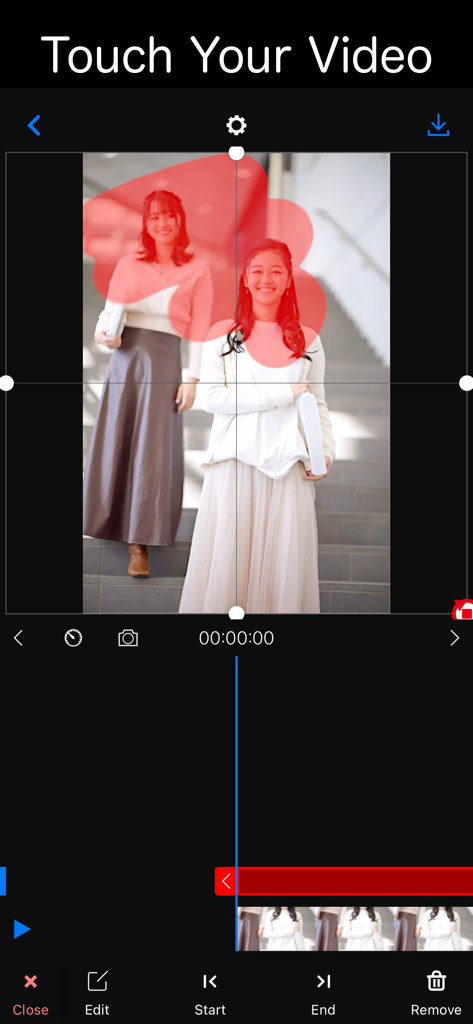
Interface of the MosaicEditor app showing a user selecting an area on a video to apply a blur or mosaic effect for privacy
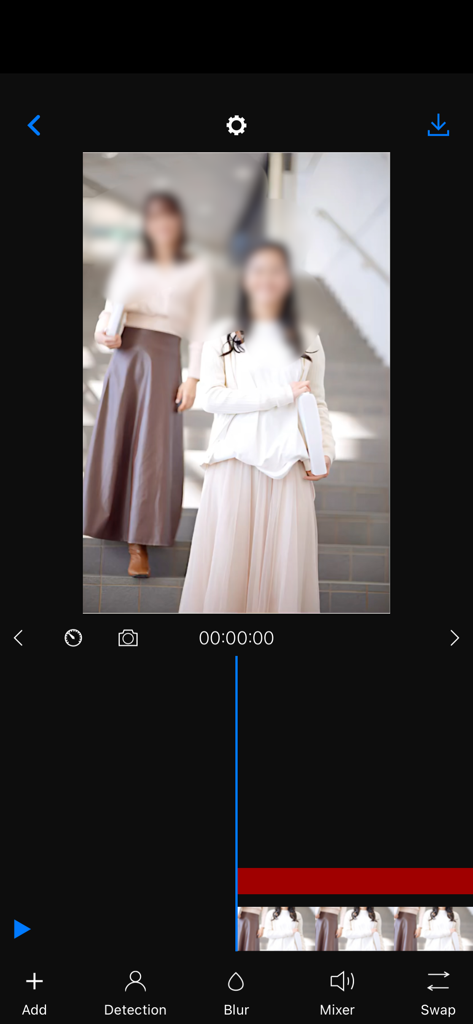
MosaicEditor app interface showing face blur for video privacy
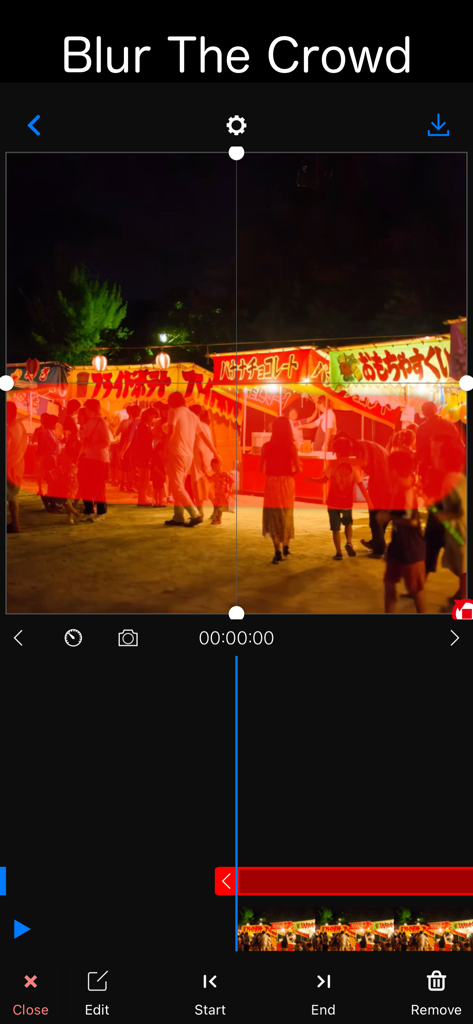
Interface of MosaicEditor app displaying the Blur The Crowd feature on a night festival video
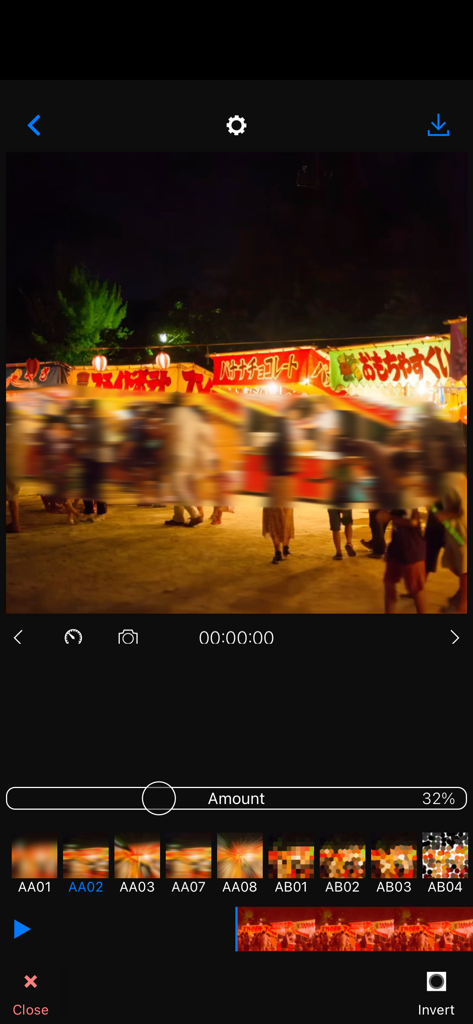
MosaicEditor interface showing a horizontal blur mask applied to people in a night market video
Description
Download
More Like This
Apps with similar features and user experience



This page is not an official page of the app or its developer, but an independent editorial publication created for informational and commentary purposes. Unless expressly stated otherwise, neither the app nor its developer is affiliated with, endorsed by, sponsored by, authorized by, or otherwise officially connected with MWM, Apple, Google Play, the app publisher, or the app's developer, and nothing on this page implies that the app was developed using MWM's services. Any trademarks, logos, screenshots, and other content remain the property of their respective owners.