
This page is not an official page of the app or its developer, but an independent editorial publication created for informational and commentary purposes. Unless expressly stated otherwise, neither the app nor its developer is affiliated with, endorsed by, sponsored by, authorized by, or otherwise officially connected with MWM, Apple, Google Play, the app publisher, or the app's developer, and nothing on this page implies that the app was developed using MWM's services. Any trademarks, logos, screenshots, and other content remain the property of their respective owners.


Blur Video & Mosaic
Automatically blur faces, license plates, and backgrounds with AI. Perfect for TikTok creators, parents, and professionals who need fast, smart, and secure video editing.
Downloads
2M+User Rating
Total Ratings
34K+Publisher
Category
Photo & VideoLocales
36Latest Version
217.3Size
150.9 MBFirst Released
Jan 3, 2017Powerful Privacy, Professional Results
The all-in-one toolkit to mask sensitive information and enhance your video aesthetic without the need for complex desktop software.
Automated AI Tracking
Save hours of manual editing with smart AI that automatically detects and blurs faces or license plates as they move through the frame.
Aesthetic Background Control
Instantly remove distractions or swap backgrounds for solid colors and 'fluffy' filters to keep your content clean and professional.
Frequently Asked Questions
Everything you need to know about Blur Video & Mosaic
Can I blur an entire video using the Blur Video & Mosaic app?
Yes, Blur Video & Mosaic allows users to blur an entire video. This feature provides a complete mosaic or blur effect over the entire video frame, making privacy easy and effective.
Does Blur Video & Mosaic provide automatic face blurring?
Yes, the Blur Video & Mosaic app automatically blurs faces in videos. This feature identifies faces and applies a blur effect, ensuring privacy for individuals appearing in your content.
How do I blur specific areas or objects in a video using Blur Video & Mosaic?
Blur Video & Mosaic offers flexible blurring options, including the ability to blur specific areas by moving the mosaic during playback or by tracing areas with your finger for custom effects.
Does the Blur Video & Mosaic app allow users to edit video audio?
Yes, Blur Video & Mosaic includes the functionality to edit audio within the app. Users can adjust audio tracks alongside their video edits, enhancing the overall production quality.
What premium features are available in Blur Video & Mosaic?
The premium features of Blur Video & Mosaic include ad-free editing, automatic background blur, background removal or color replacement, and automatic car license plate blur for enhanced privacy and customization.
The following screenshots and description are sourced directly from the app's official store listing and are the property of the app developer.
App Store
Screenshots
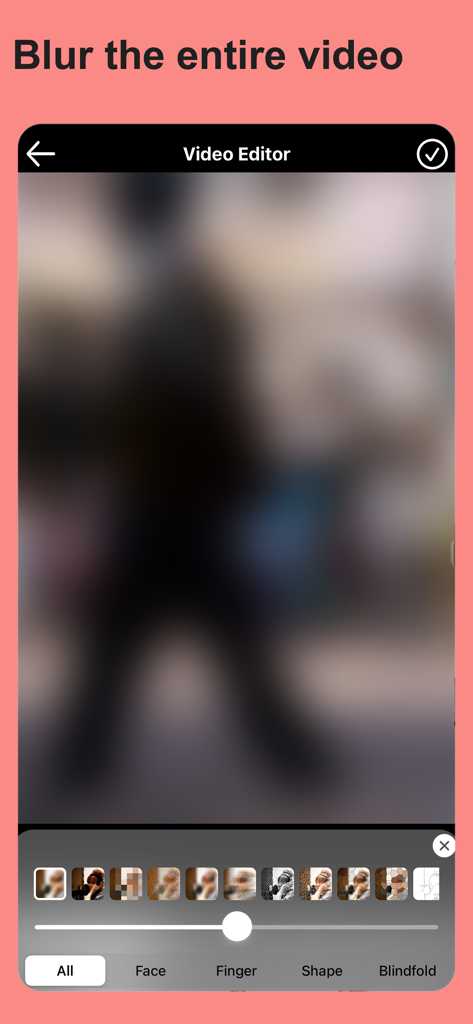
Mobile interface of Blur Video and Mosaic app showing a fully blurred video frame with various mosaic options
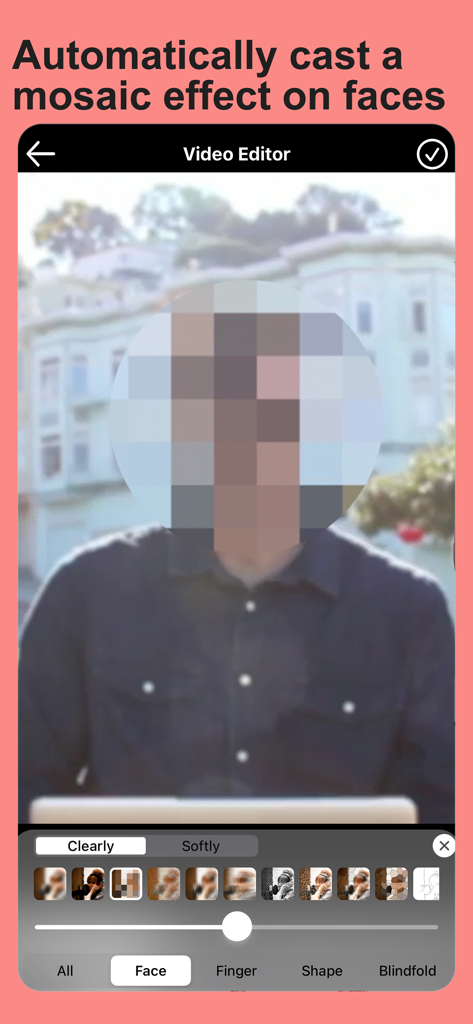
A video editing app interface showing a circular mosaic effect automatically applied to a person's face for privacy.
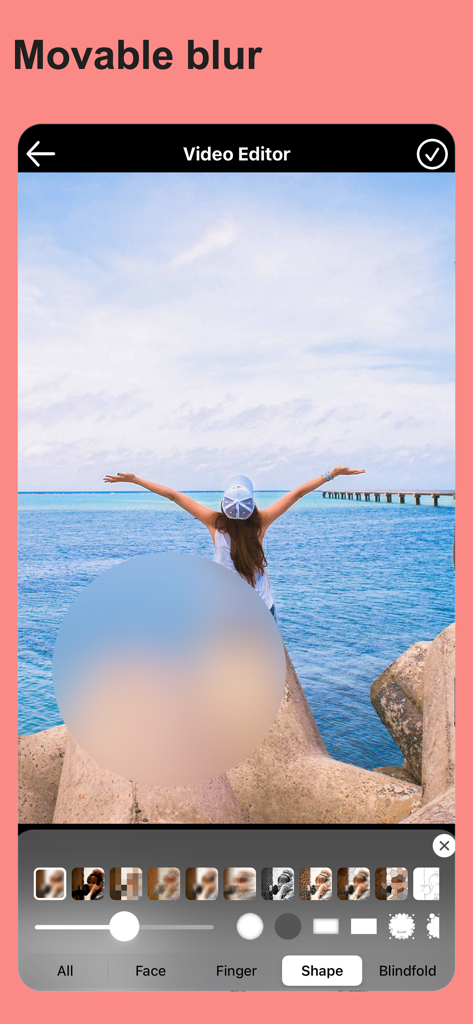
Mobile video editor interface showing a circular movable blur effect applied to a scenic video
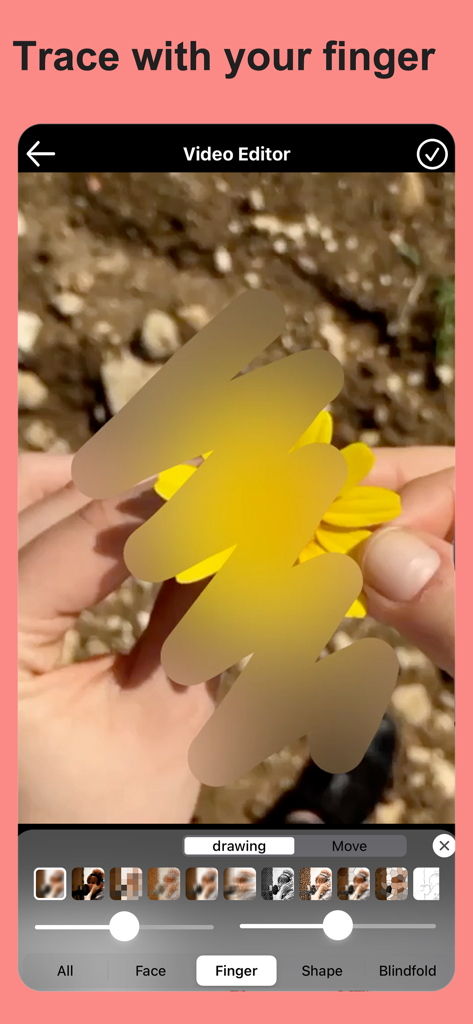
A video editing screen showing the manual finger tracing feature to apply a blur effect to a yellow flower
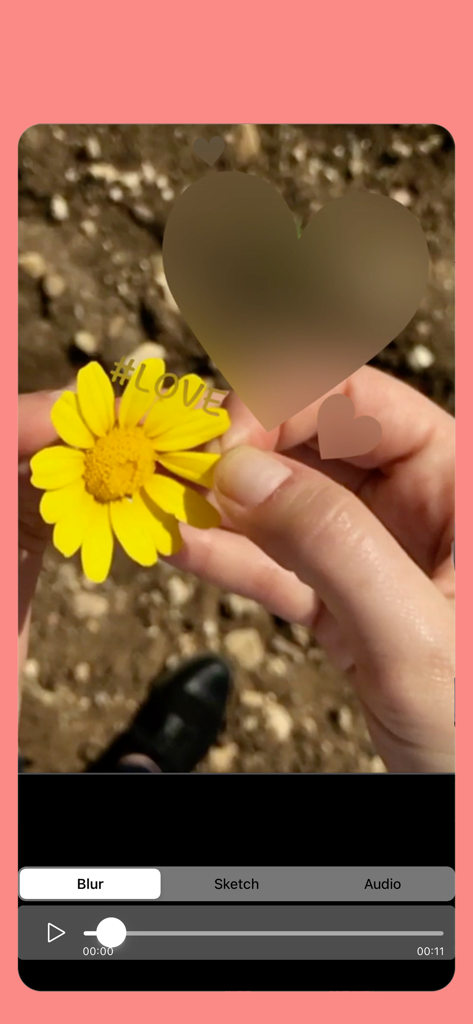
Applying a heart shaped blur to a video of a yellow flower within the Blur Video and Mosaic app interface
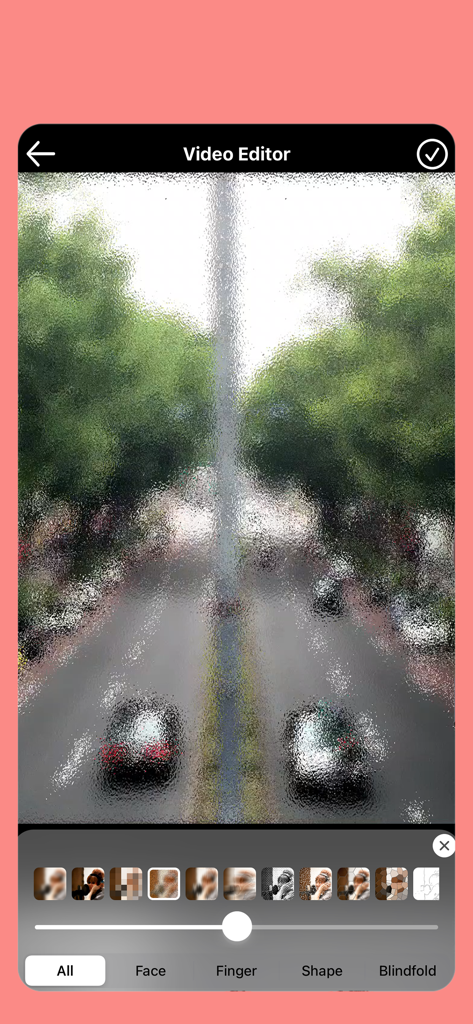
Video editor interface displaying a street scene with a textured mosaic blur effect applied to the whole frame
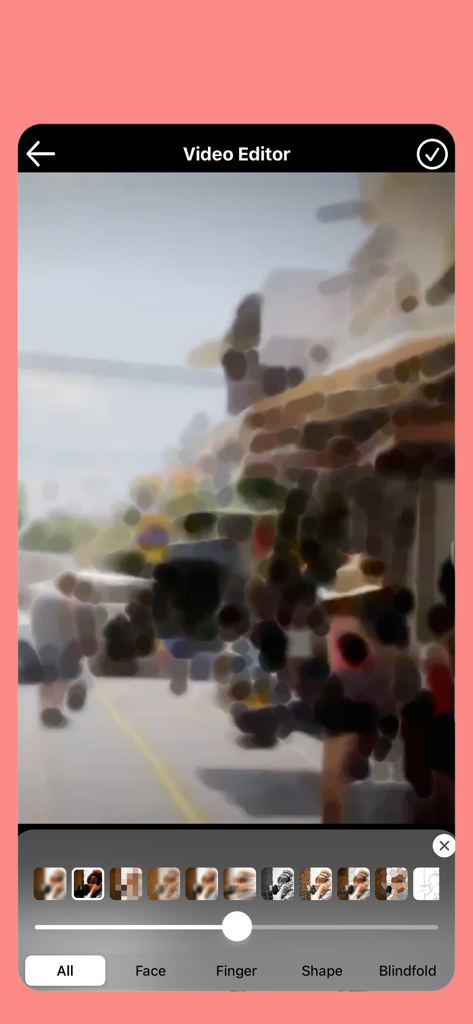
Interface of the Blur Video and Mosaic app showing various artistic blur filters applied to a street scene video.
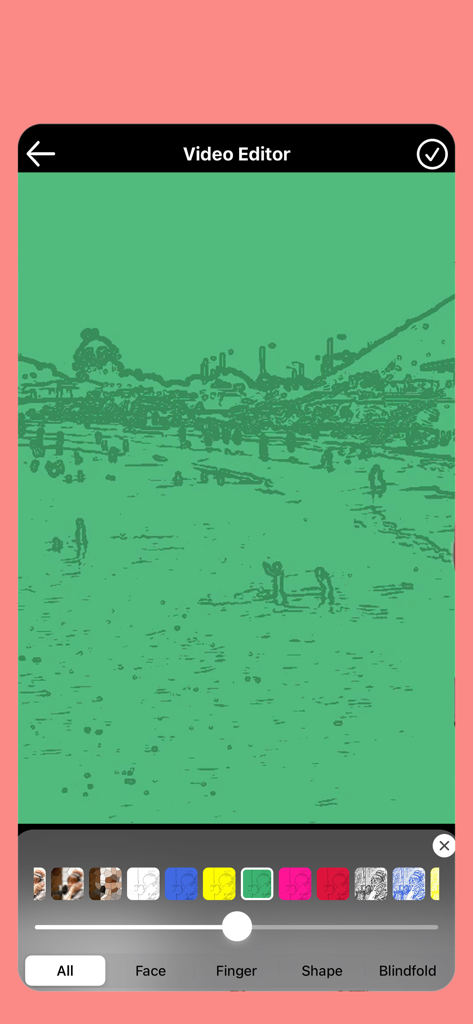
A screenshot of the Blur Video and Mosaic app editor showing a green artistic filter applied to a video
Description
Download
More Like This
Apps with similar features and user experience


This page is not an official page of the app or its developer, but an independent editorial publication created for informational and commentary purposes. Unless expressly stated otherwise, neither the app nor its developer is affiliated with, endorsed by, sponsored by, authorized by, or otherwise officially connected with MWM, Apple, Google Play, the app publisher, or the app's developer, and nothing on this page implies that the app was developed using MWM's services. Any trademarks, logos, screenshots, and other content remain the property of their respective owners.