
This page is not an official page of the app or its developer, but an independent editorial publication created for informational and commentary purposes. Unless expressly stated otherwise, neither the app nor its developer is affiliated with, endorsed by, sponsored by, authorized by, or otherwise officially connected with MWM, Apple, Google Play, the app publisher, or the app's developer, and nothing on this page implies that the app was developed using MWM's services. Any trademarks, logos, screenshots, and other content remain the property of their respective owners.


Blur Video - AI Blur Maker
Automatically blur faces, license plates, and sensitive objects with intelligent AI tracking. Create safe, high-quality 4K videos for TikTok and Instagram in just one tap.
Downloads
742K+User Rating
Total Ratings
11K+Publisher
Category
Photo & VideoLocales
16Latest Version
2.0.0Size
167.0 MBFirst Released
Sep 12, 2021Professional Privacy, Powered by AI
Hide sensitive details, protect identities, and keep your content secure with the most advanced video blurring tool for iPhone.
One-Tap AI Face Blur
Instantly detect and obscure faces across your entire video. Perfect for parents and vloggers who want to protect privacy without the manual effort.
Smart Motion Tracking
Follow moving cars, license plates, or logos automatically. Our advanced AI keeps your blur locked on target even in high-action scenes.
Frequently Asked Questions
Everything you need to know about Blur Video - AI Blur Maker
What is the Blur Video - AI Blur Maker app?
Blur Video is a free video blurring app for iPhone. It hides persons, faces, texts, logos, objects, and license plates in videos using AI-powered blurring and provides additional video editing tools.
Does Blur Video - AI Blur Maker automatically blur faces?
Yes, Blur Video - AI Blur Maker automatically blurs faces in videos using intelligent AI detection. The app identifies and tracks faces throughout the clip for consistent and seamless blurring.
Can Blur Video blur multiple moving objects?
Yes, Blur Video blurs multiple moving objects in videos. It uses AI-powered tracking to automatically follow moving elements or allows full control with manual keyframe tracking for precise results.
What video export resolutions does Blur Video support?
Blur Video supports video export resolutions including 480p, 540p, 720p, 1080p, and Ultra HD - 4K resolution. It also offers HDR export for enhanced video quality.
Does Blur Video - AI Blur Maker remove video metadata?
Yes, Blur Video - AI Blur Maker removes metadata to protect user data and privacy. Users can enable this feature during the video export process for secure sharing.
How does the Blur Video app subscription work?
The Blur Video app offers auto-renewable subscriptions (weekly, yearly) for unrestricted access to all features. Subscriptions with a free trial automatically renew to paid unless canceled at least 24 hours prior.
What blur effects are available in Blur Video - AI Blur Maker?
Blur Video offers Gaussian and Pixelate blur effects. Users can also adjust the intensity of the blur and choose between rectangular or oval blur shapes.
Does Blur Video include other editing features besides blurring?
Yes, Blur Video includes additional editing features beyond blurring. Users can apply various filters, add multiple stickers, add custom texts, and draw to enhance their videos.
What video file formats does Blur Video support for export?
Blur Video supports exporting videos in either MP4 or MOV file formats. Users can select their preferred format during the video export options.
Is it safe to share videos after using Blur Video - AI Blur Maker?
Yes, it is safe to share videos after using Blur Video - AI Blur Maker. The app removes metadata to protect privacy, ensuring that shared content is secure.
The following screenshots and description are sourced directly from the app's official store listing and are the property of the app developer.
App Store
Screenshots
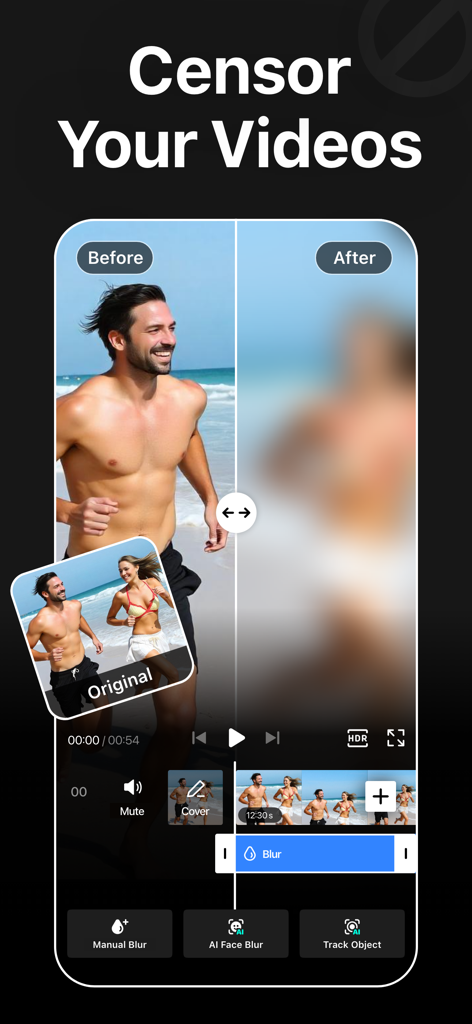
A side by side comparison of a video before and after applying an AI blur effect to a person
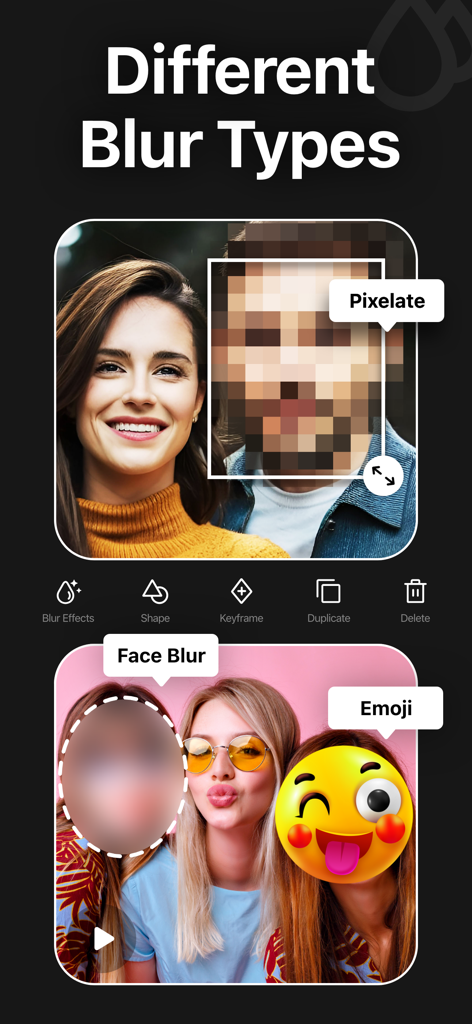
A showcase of various blur effects like pixelate, face blur, and emoji in a video editing app.
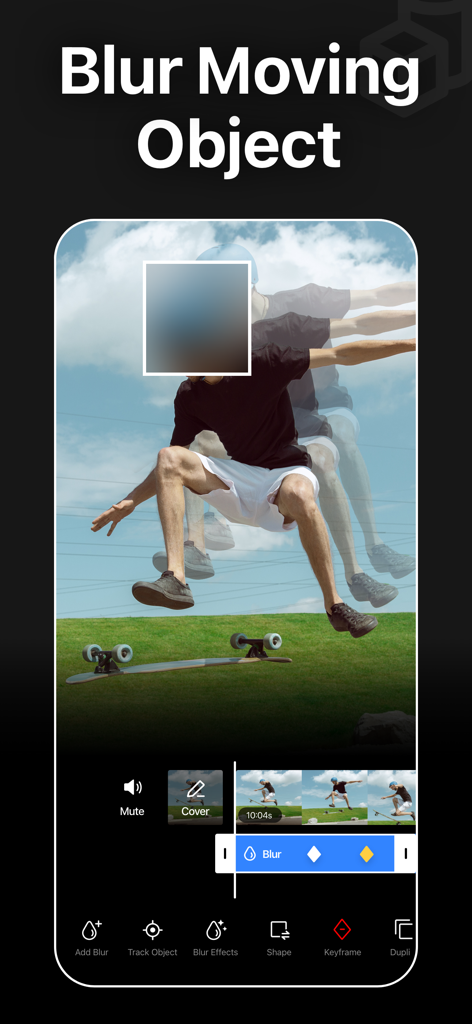
Mobile app interface displaying AI tracking and blurring of a moving person in a video.
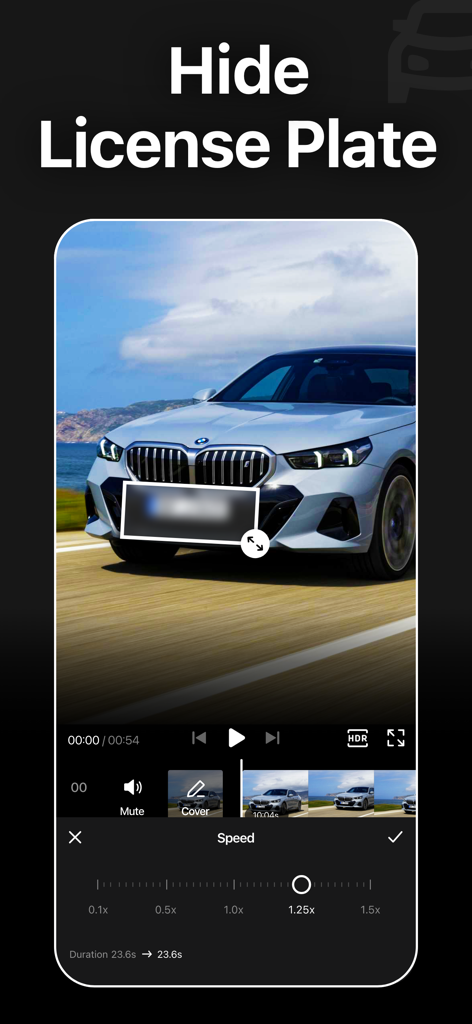
Blur Video app interface showing a blurred license plate on a car with video editing tools
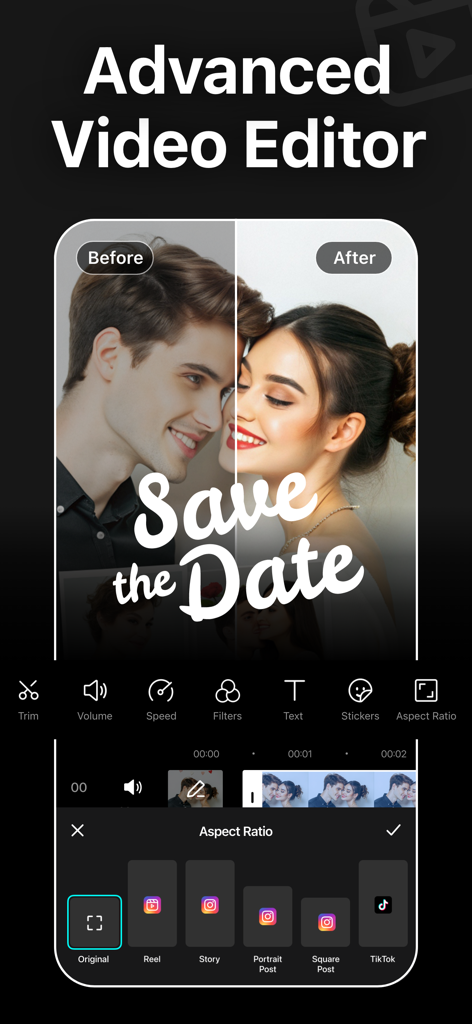
Advanced video editor interface displaying aspect ratio presets for social media platforms like TikTok and Instagram
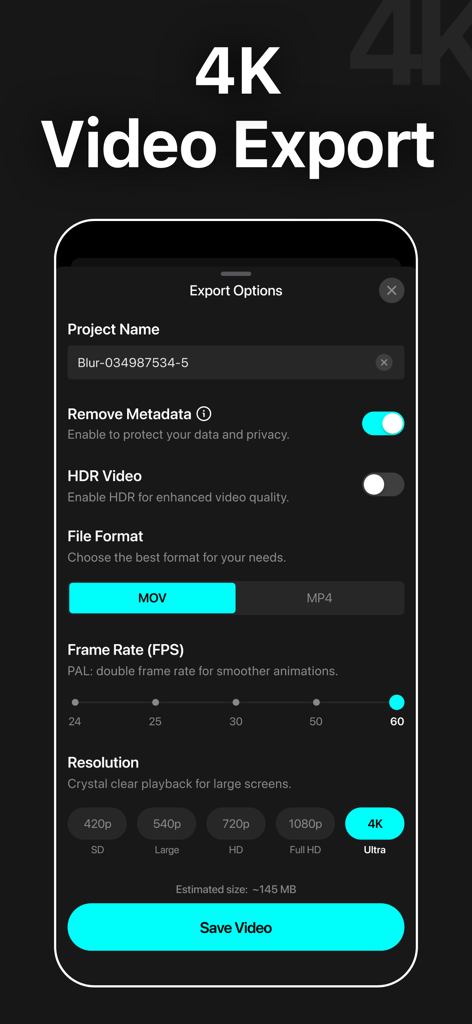
Screenshot of video export options in the Blur Video app showing 4K resolution and metadata removal privacy settings
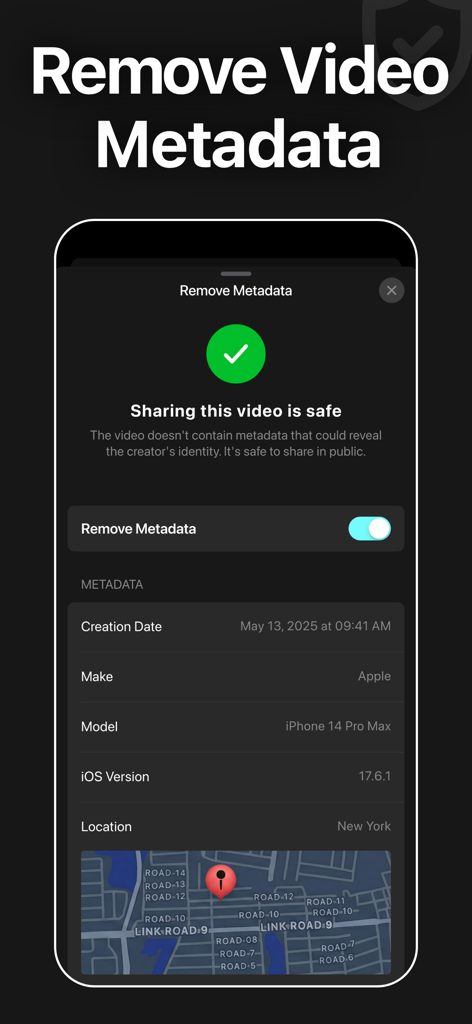
Interface of the Blur Video app showing the feature to remove video metadata and location info for safe sharing
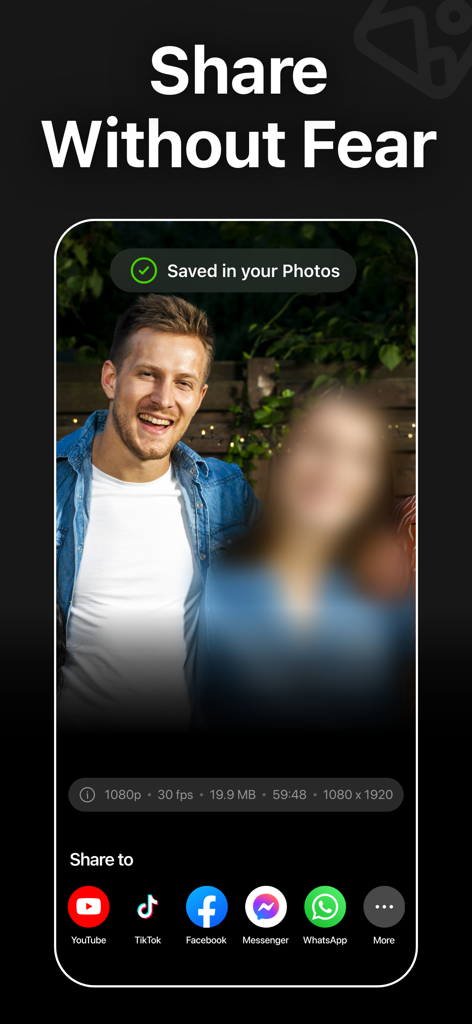
Interface of the Blur Video app showing a blurred face in a video and options to share on social media platforms like TikTok and YouTube.
Description
Download
More Like This
Apps with similar features and user experience




This page is not an official page of the app or its developer, but an independent editorial publication created for informational and commentary purposes. Unless expressly stated otherwise, neither the app nor its developer is affiliated with, endorsed by, sponsored by, authorized by, or otherwise officially connected with MWM, Apple, Google Play, the app publisher, or the app's developer, and nothing on this page implies that the app was developed using MWM's services. Any trademarks, logos, screenshots, and other content remain the property of their respective owners.