
This page is not an official page of the app or its developer, but an independent editorial publication created for informational and commentary purposes. Unless expressly stated otherwise, neither the app nor its developer is affiliated with, endorsed by, sponsored by, authorized by, or otherwise officially connected with MWM, Apple, Google Play, the app publisher, or the app's developer, and nothing on this page implies that the app was developed using MWM's services. Any trademarks, logos, screenshots, and other content remain the property of their respective owners.

AI PDF Converter: Files to PDF
Stop hunting for a desktop. Effortlessly scan, sign, and convert any file on your iPhone with AI-powered precision. The professional-grade toolkit designed for the modern, on-the-go workflow.
Downloads
7K+User Rating
Total Ratings
0Publisher
Category
ProductivityLocales
15Latest Version
1.0.4Size
31.1 MBFirst Released
Mar 13, 2025Your All-in-One Mobile Office
Stop jumping between apps. Everything you need to manage, convert, and secure your documents is right here in one place.
Universal File Conversion
Instantly turn Word, Excel, and PowerPoint files into professional PDFs while preserving every layout detail.
Pro-Grade Mobile Scanning
Digitize receipts and contracts with AI-powered edge detection and smart filters for crystal-clear results.
Frequently Asked Questions
Everything you need to know about AI PDF Converter: Files to PDF
What is the AI PDF Converter app?
The AI PDF Converter is an iOS app that converts, scans, merges, signs, and creates PDFs. It supports various document, spreadsheet, presentation, and image formats, turning them into high-quality PDFs.
Which file types can the AI PDF Converter app convert to PDF?
The AI PDF Converter app converts DOC, DOCX, TXT, RTF, ODT, WPS, XLS, XLSX, CSV, ODS, PPT, PPTX, PPS, PPSX, ODP, JPG, PNG, SVG, BMP, GIF, TIFF, HEIC, and WEBP files to PDF.
Can the AI PDF Converter scan paper documents?
Yes, the AI PDF Converter app includes a built-in scanner. It digitizes paper documents like receipts and invoices into clear PDF files, featuring auto edge detection and smart enhancement for professional results.
How do I add an e-signature in the AI PDF Converter app?
The AI PDF Converter app allows users to draw or import electronic signatures directly onto documents. It also supports saving multiple signatures for future use to quickly sign and share legally binding documents.
Does the AI PDF Converter allow merging and splitting PDF files?
Yes, the AI PDF Converter app allows merging and splitting PDF files. Users can combine multiple PDFs into one file or extract specific pages from PDFs to save them as separate documents.
Is file conversion secure with the AI PDF Converter app?
Yes, file conversion with the AI PDF Converter app is secure. Certain conversions utilize a secure cloud server, and both original and converted files are automatically deleted from the cloud immediately upon task completion.
How does the subscription for the AI PDF Converter app work?
The AI PDF Converter offers an auto-renewing subscription for premium features. Payment is charged to the iTunes Account, and subscriptions automatically renew unless turned off 24 hours before the current period ends.
Does the AI PDF Converter app offer a free trial?
Yes, the app description indicates that a free trial period may be offered. Any unused portion of such a trial is forfeited if a subscription is purchased.
Can I enhance images before converting them to PDF with AI PDF Converter?
Yes, the AI PDF Converter allows image enhancement before conversion. Users can crop, rotate, apply professional filters, and optimize image quality for sharper output when converting images to PDF.
The following screenshots and description are sourced directly from the app's official store listing and are the property of the app developer.
App Store
Screenshots
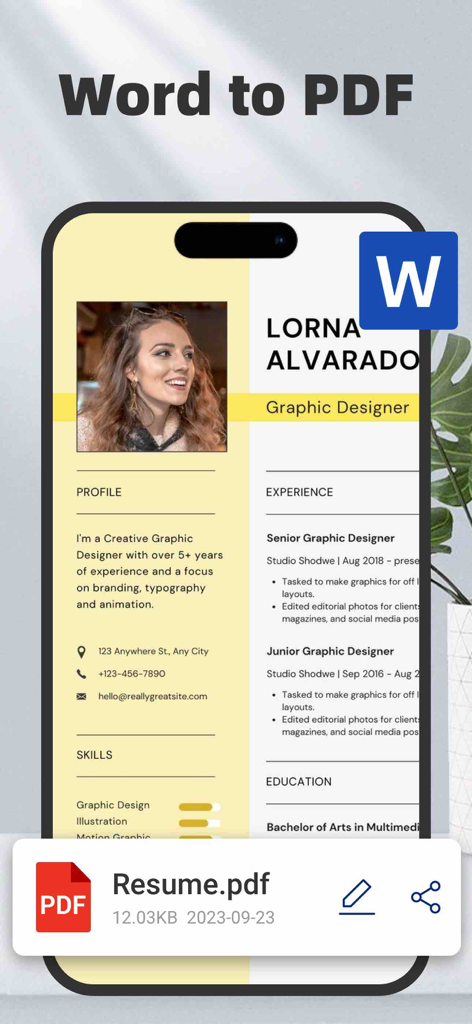
A smartphone interface showing the conversion of a professional Word document resume into a PDF file
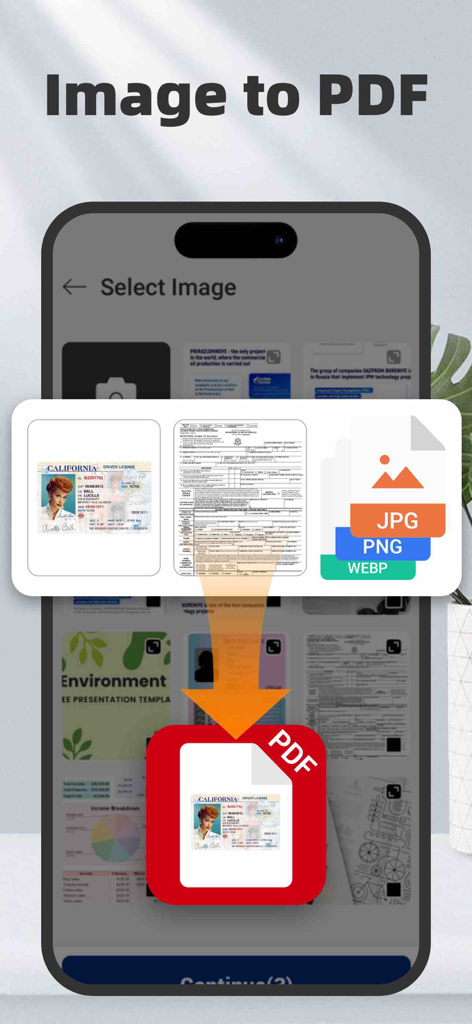
Mobile app screen showing the conversion of images and ID photos into PDF documents
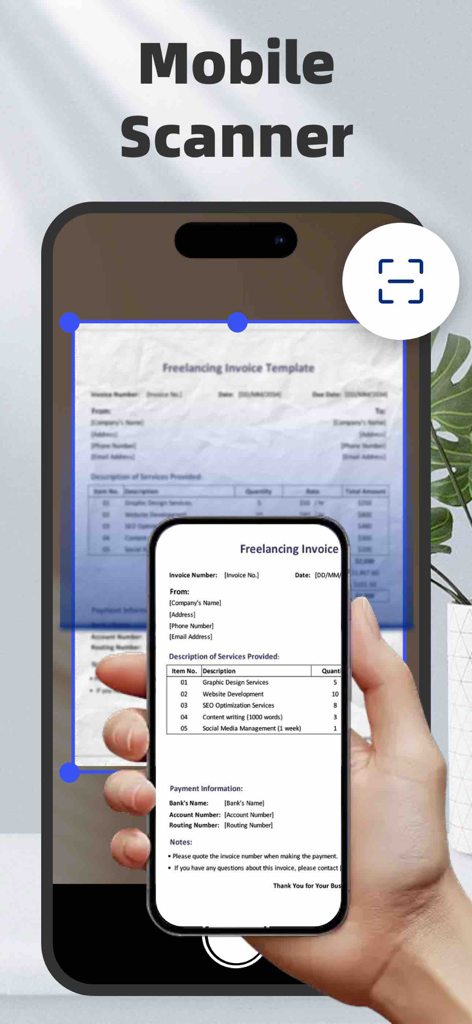
AI PDF converter app scanning a paper invoice using auto edge detection on an iPhone
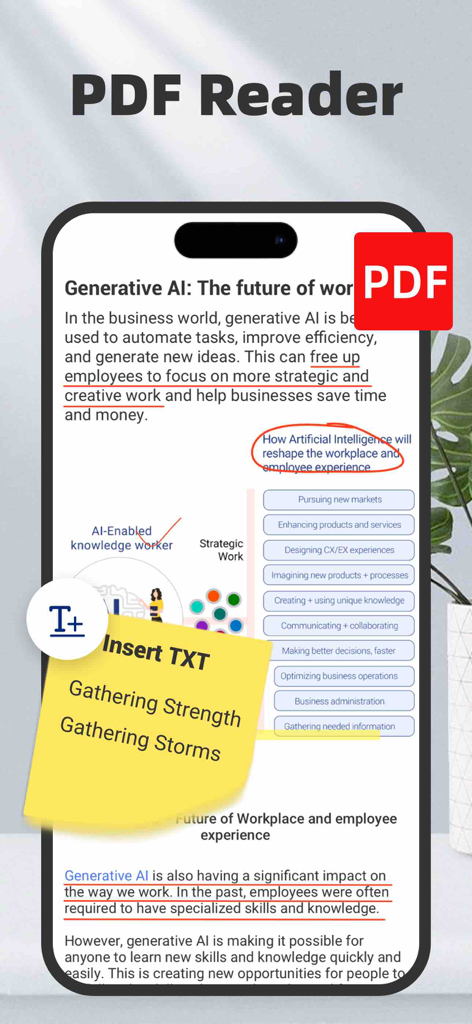
An iPhone screen showing a PDF reader interface with text annotations and a yellow digital sticky note.
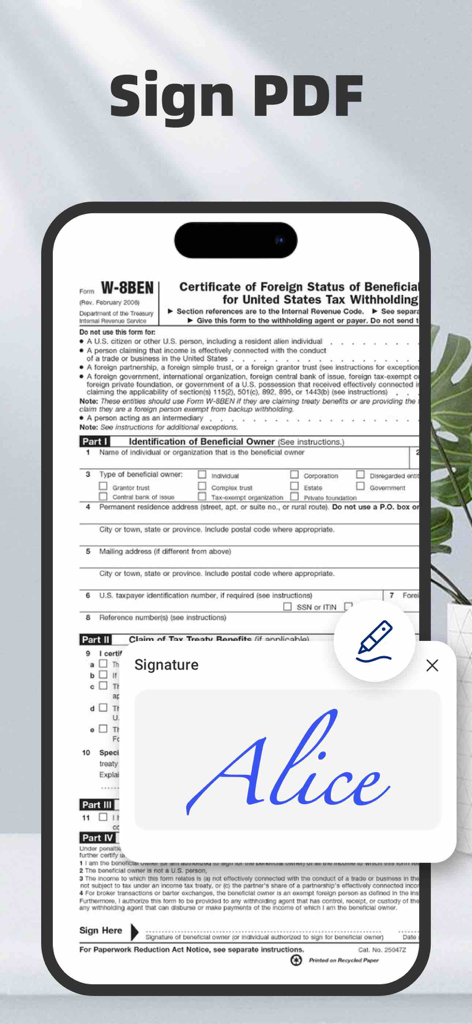
Mobile app screen showing the digital signature feature on a PDF document
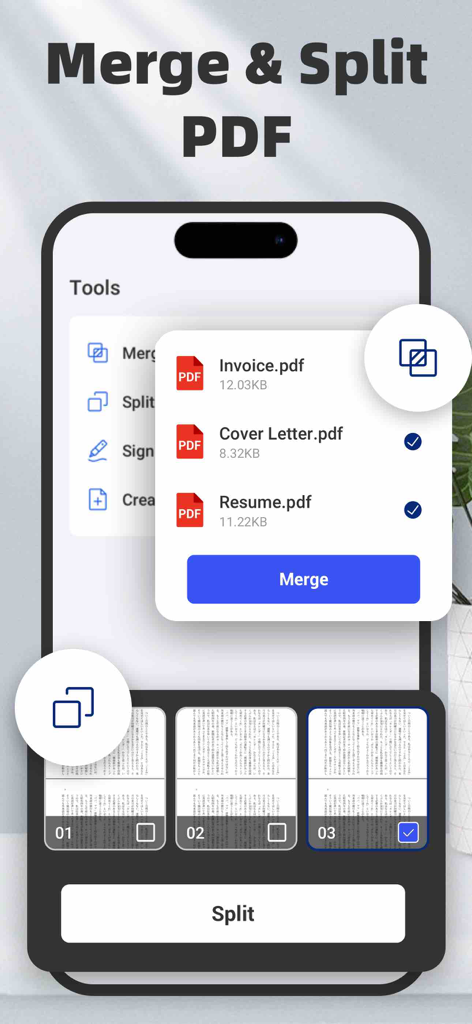
Mobile app interface showing how to merge multiple PDF files and split document pages on an iPhone.
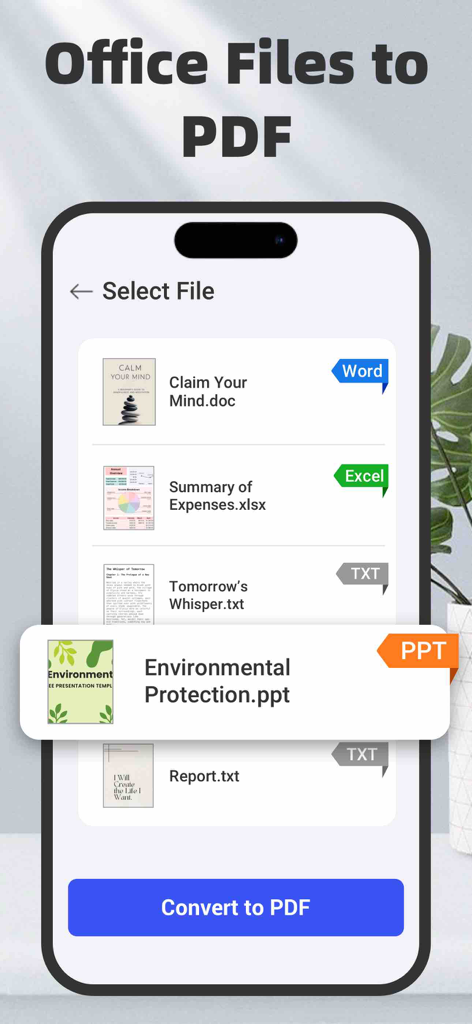
Interface of AI PDF Converter app showing the selection of Word, Excel, and PowerPoint files for PDF conversion.
Description
Download
More Like This
Top-ranked apps in the same category

ChatGPT
OpenAI OpCo, LLC

Google Gemini
Google LLC

Grok
X.AI Corporation

Gmail - Email by Google
Google LLC

千问 - 阿里最强大模型官方AI助手
Shanghai Zhixin Puhui Technology Co., Ltd.

Google Drive
Google LLC

Microsoft Authenticator
Microsoft Corporation

Google Sheets
Google LLC

Google Docs
Google LLC
This page is not an official page of the app or its developer, but an independent editorial publication created for informational and commentary purposes. Unless expressly stated otherwise, neither the app nor its developer is affiliated with, endorsed by, sponsored by, authorized by, or otherwise officially connected with MWM, Apple, Google Play, the app publisher, or the app's developer, and nothing on this page implies that the app was developed using MWM's services. Any trademarks, logos, screenshots, and other content remain the property of their respective owners.