
This page is not an official page of the app or its developer, but an independent editorial publication created for informational and commentary purposes. Unless expressly stated otherwise, neither the app nor its developer is affiliated with, endorsed by, sponsored by, authorized by, or otherwise officially connected with MWM, Apple, Google Play, the app publisher, or the app's developer, and nothing on this page implies that the app was developed using MWM's services. Any trademarks, logos, screenshots, and other content remain the property of their respective owners.


Air Share Wifi File Transfer
Ditch the cables and skip the cloud. Instantly move movies, music, and documents between your computer and iOS devices over WiFi with no software to install and no subscription fees.
Downloads
46K+User Rating
Total Ratings
500Publisher
Category
BusinessLocales
12Latest Version
2.1.7Size
41.1 MBFirst Released
Feb 1, 2017High-Speed Transfers, Zero Cables Required
The ultimate cross-platform bridge for your digital life. Move any file between your computer and iPhone instantly over WiFi—no cloud, no cables, and no subscriptions.
Instant Drag & Drop
Forget iTunes and USB cables. Open any web browser on your PC, Mac, or Linux to move photos and documents directly to your iPhone in seconds.
Media Without Limits
Transfer and play high-quality formats like MKV and FLAC that aren't natively supported by Apple. Use your device as a wireless media powerhouse or a portable drive.
Frequently Asked Questions
Everything you need to know about Air Share Wifi File Transfer
How does Air Share Wifi File Transfer work?
Air Share Wifi File Transfer facilitates file sharing between PC/Mac and iOS devices over Wifi. Users access a generated URL in a web browser, then drag and drop files directly into the browser window for transfer.
Does Air Share require an internet connection for file transfers?
No, Air Share Wifi File Transfer does not require an internet connection for file transfers. It only needs a local working Wifi network to establish a connection between your computer and iOS device.
What types of files can Air Share Wifi File Transfer handle?
Air Share Wifi File Transfer supports transferring music, videos, documents, photos, and any other file types. It also allows direct previewing or playing of major file types including documents, audio, video, images, and subtitles.
Can I backup photos from my iPhone to my computer using Air Share?
Yes, Air Share Wifi File Transfer enables users to back up photos from their iPhone or iPad directly to a PC or Mac. This backup process is conducted wirelessly over Wifi.
Is a USB cable or additional software needed for Air Share transfers?
No, Air Share Wifi File Transfer does not require any additional software installation or a USB cable for file transfers. It operates solely through your existing Wifi network and a standard web browser.
Can I transfer files using Air Share on different operating systems?
Yes, Air Share Wifi File Transfer is compatible with multiple operating systems, including macOS, Windows, and Linux. It functions across any OS that runs popular web browsers.
How can I contact support for Air Share Wifi File Transfer?
You can contact support for Air Share Wifi File Transfer by emailing support@dropouts.in. The team commits to responding to inquiries within 24 hours.
Does Air Share allow exporting files to other apps on iOS?
Yes, Air Share Wifi File Transfer allows users to export all stored files to other applications on their iOS device. There are no restrictions on sharing files with preferred apps.
Can Air Share function as a wireless USB drive?
Yes, Air Share Wifi File Transfer functions as a wireless USB drive. You can use your iOS device to carry any file type and transfer files between different computers without a physical drive.
Can I add text memos and bookmarks in the Air Share app?
Yes, Air Share allows users to add bookmarks from their computer for viewing on the go. You can also add and manage sticky text memos within the app for quick reference on your iOS device.
The following screenshots and description are sourced directly from the app's official store listing and are the property of the app developer.
App Store
Screenshots
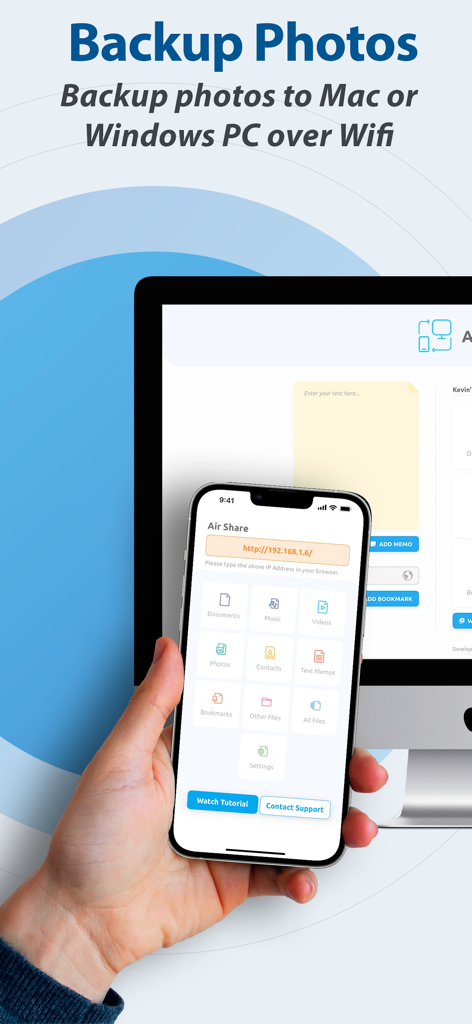
Wireless photo backup from an iPhone to a computer via WiFi using the Air Share app interface
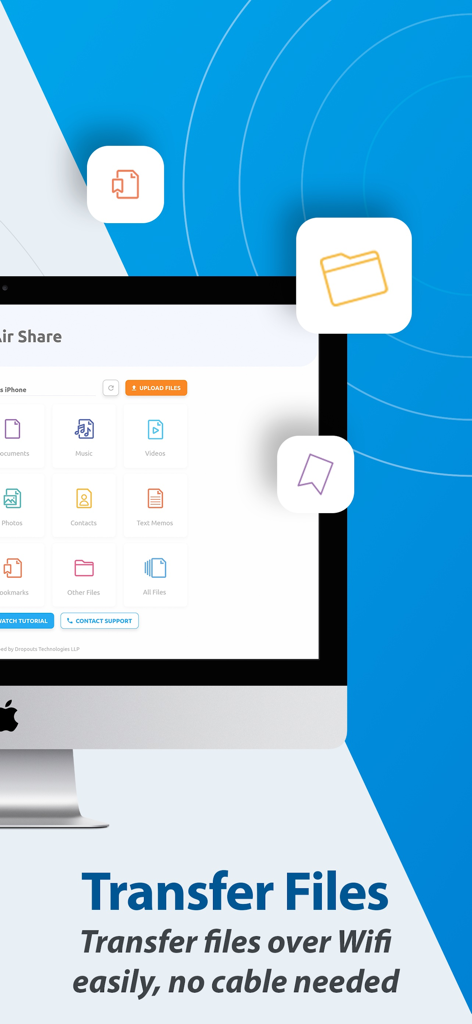
Air Share app desktop interface for wireless file transfer over WiFi with no cables
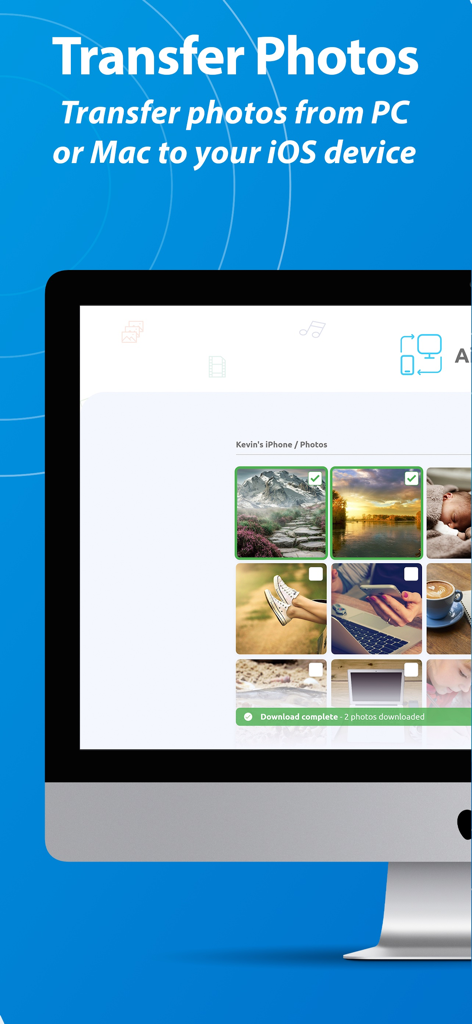
Desktop interface of Air Share showing photos being transferred from a computer to an iOS device via a web browser
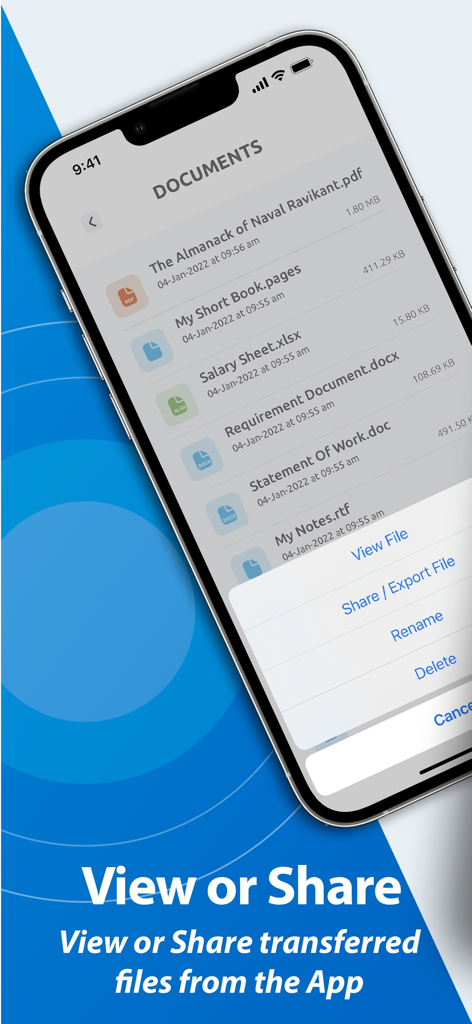
iPhone screen of Air Share app showing a list of documents and a menu for viewing or sharing files
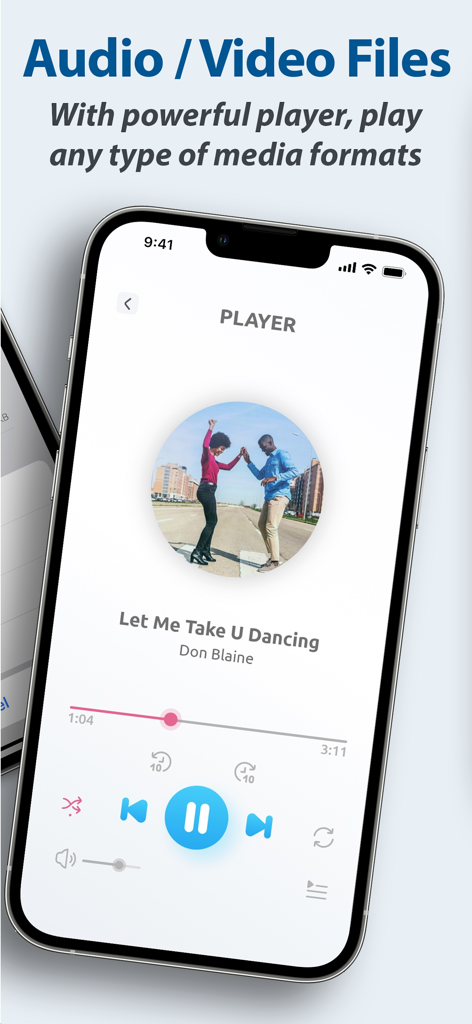
A smartphone screen showing the integrated media player in the Air Share app playing a song
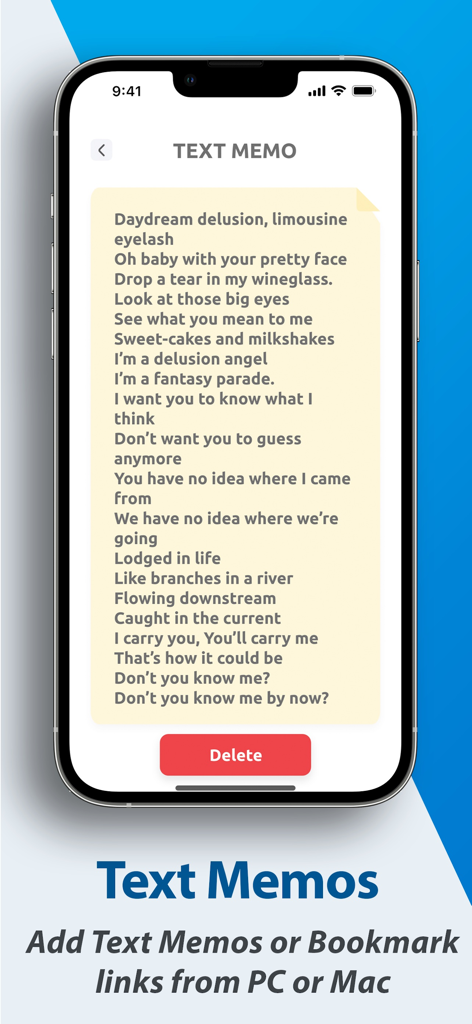
iPhone screen displaying a text memo note within the Air Share app interface
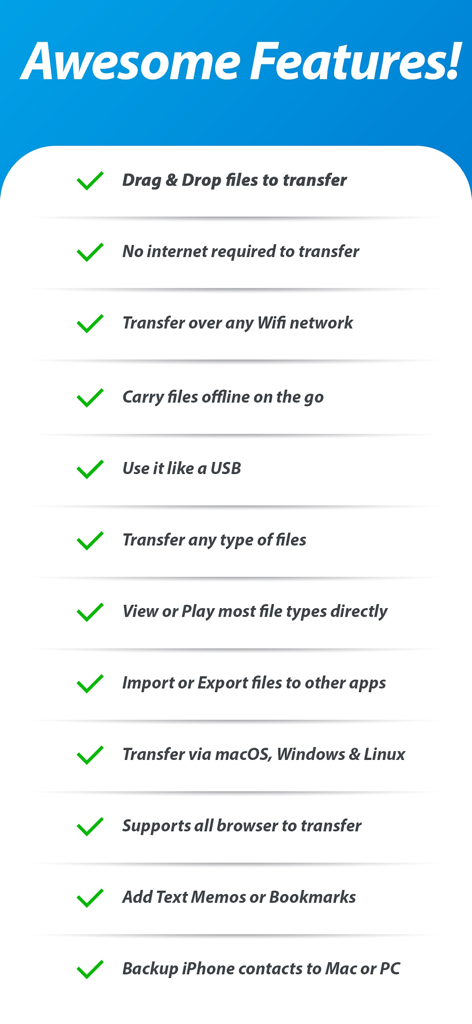
List of key features for Air Share Wifi File Transfer app including drag and drop and offline file access
Description
Download
More Like This
Apps with similar features and user experience

WeTransfer: Transfer Files
Wetransfer B.V.

Send Anywhere - File Transfer
Rakuten Symphony Korea, Inc.

Blip: Send Files in a Click
Blip Studio Inc.

Zapya - File Sharing
Lindong Network Technology(Beijing) Co.,Ltd.

Files Transfer - Quick share
梦洋 崔

Air File Share & Drop
Best Free and Fun Games, LLC

手机克隆-极速换机助手免流量数据迁移
军甫 贺

Photo Transfer: Send via WiFi
Mobileware Studio SL

SHAREit: Transfer, Share Files
SHAREit Technologies Co. Ltd
This page is not an official page of the app or its developer, but an independent editorial publication created for informational and commentary purposes. Unless expressly stated otherwise, neither the app nor its developer is affiliated with, endorsed by, sponsored by, authorized by, or otherwise officially connected with MWM, Apple, Google Play, the app publisher, or the app's developer, and nothing on this page implies that the app was developed using MWM's services. Any trademarks, logos, screenshots, and other content remain the property of their respective owners.