
This page is not an official page of the app or its developer, but an independent editorial publication created for informational and commentary purposes. Unless expressly stated otherwise, neither the app nor its developer is affiliated with, endorsed by, sponsored by, authorized by, or otherwise officially connected with MWM, Apple, Google Play, the app publisher, or the app's developer, and nothing on this page implies that the app was developed using MWM's services. Any trademarks, logos, screenshots, and other content remain the property of their respective owners.

AirDroid Cast - ScreenShare
Stream TikTok, Twitch, and movies from your iPhone to any Smart TV or console instantly. No extra hardware needed—just cinematic sharing in a few taps.
Downloads
2K+User Rating
Total Ratings
0Publisher
Category
UtilitiesLocales
7Latest Version
1.8Size
163.8 MBFirst Released
Sep 27, 2022Unlock Your Screen’s Full Potential
Experience seamless screen mirroring that connects your iPhone to any Smart TV or console. From viral TikToks to cinematic movies, bring everything you love to the big screen instantly.
Social Media Without Limits
Finally enjoy TikTok, Instagram Reels, and Twitch on your big screen. Browse your entire feed and share viral moments with friends without passing your phone around.
Universal Browser Casting
Ditch the expensive adapters. Cast to any Smart TV, PC, or gaming console via a simple web browser. It’s the perfect solution for 'mixed-brand' households.
Frequently Asked Questions
Everything you need to know about AirDroid Cast - ScreenShare
What is AirDroid Cast - ScreenShare?
AirDroid Cast - ScreenShare is an application that enables screen sharing and mirroring from an iPhone to any smart TV or console with a web browser. It allows casting music, videos, and the entire screen.
Does AirDroid Cast - ScreenShare require a special app on my TV for casting?
No, AirDroid Cast - ScreenShare does not require a specific app on your TV. It supports any smart TV or console that has a web browser, allowing direct screen mirroring.
What types of content can I cast using AirDroid Cast - ScreenShare?
With AirDroid Cast - ScreenShare, you can cast music, videos, your entire screen, Twitch Streams, videos from TikTok, Instagram, Facebook, YouTube, personal photos, videos from your gallery, and web pages.
Is AirDroid Cast - ScreenShare compatible with all Smart TVs?
Yes, AirDroid Cast - ScreenShare is compatible with Smart TVs from brands like Samsung, LG, Panasonic, and TCL, among others. It works with any TV or console that supports a web browser.
Does AirDroid Cast - ScreenShare offer features for hearing-impaired users?
Yes, AirDroid Cast - ScreenShare functions as an accessibility tool. It allows hearing-impaired users to enjoy digital audio and video content without needing a hearing aid.
How does AirDroid Cast - ScreenShare help reduce TV lags?
AirDroid Cast - ScreenShare includes a built-in speed test feature designed to help users get rid of TV lags. This ensures a stable stream without interruptions.
What premium features are included in AirDroid Cast - ScreenShare?
Premium features in AirDroid Cast - ScreenShare include Cinematic Sound for total immersion, Speed Control for stable streaming, and Wi-Fi Security for a safe connection to any network.
Can I use AirDroid Cast - ScreenShare to personalize audio?
Yes, AirDroid Cast - ScreenShare allows users to personalize audio settings. It offers immersive audio experiences through advanced algorithms to enhance your content viewing.
Does AirDroid Cast - ScreenShare provide Wi-Fi security?
Yes, AirDroid Cast - ScreenShare includes a Wi-Fi Security premium feature. This ensures a safe and secure connection when mirroring your screen to any network.
How can I connect my TV to Wi-Fi using AirDroid Cast - ScreenShare?
AirDroid Cast - ScreenShare features a built-in password manager to help connect all your TVs to Wi-Fi. This simplifies the process of managing network connections for multiple devices.
How do I initiate instant broadcasting with AirDroid Cast - ScreenShare?
AirDroid Cast - ScreenShare supports instant broadcasting by using a QR code. Users can scan the QR code displayed on their TV with their phone to begin mirroring instantly.
The following screenshots and description are sourced directly from the app's official store listing and are the property of the app developer.
App Store
Screenshots
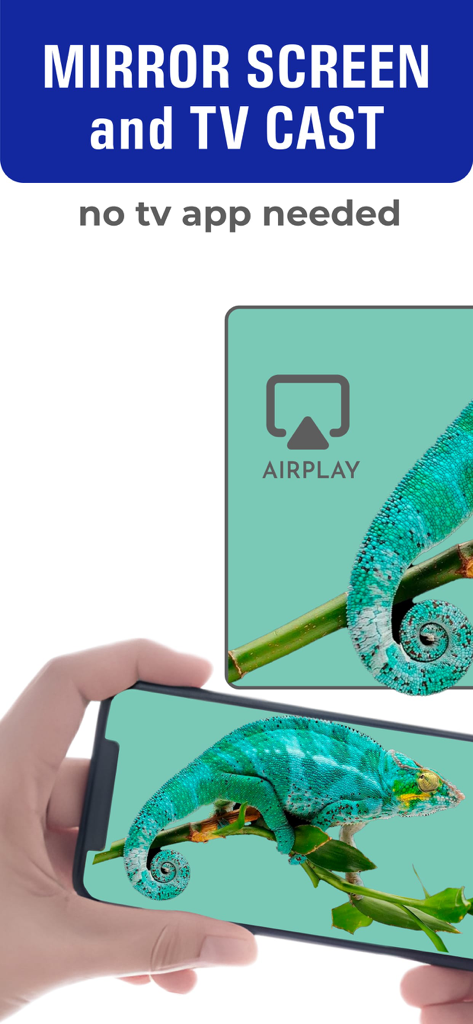
AirDroid Cast app mirroring an iPhone screen with a chameleon onto a TV display
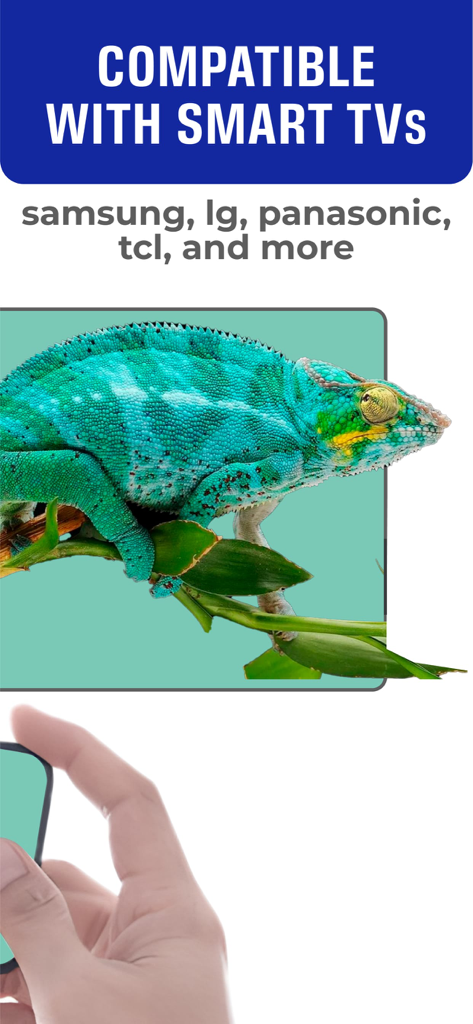
AirDroid Cast screen mirroring app showing compatibility with Samsung LG Panasonic and TCL smart TVs
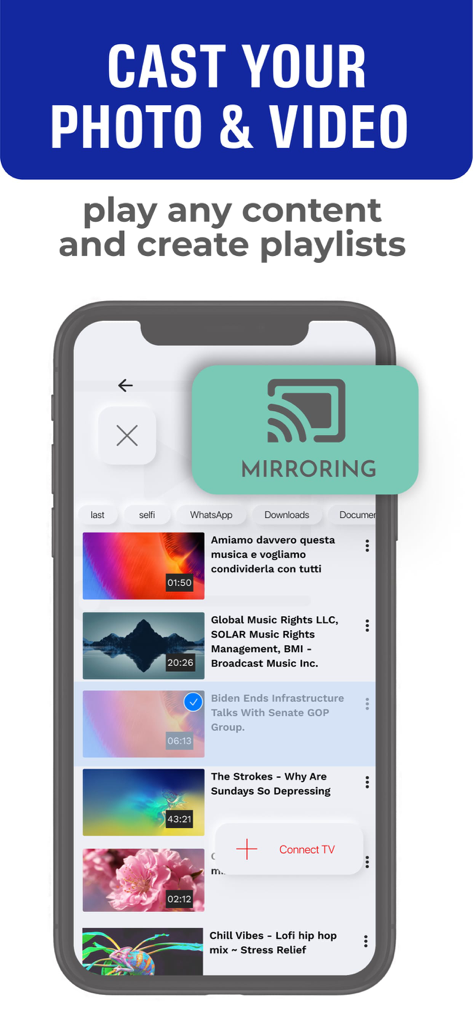
App interface showing video selection for screen mirroring and casting to a TV
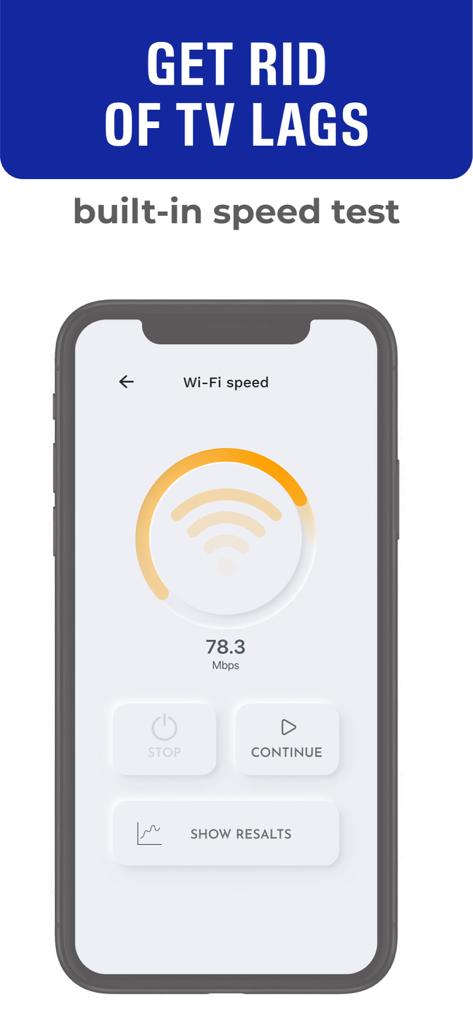
AirDroid Cast app interface showing a built-in Wi-Fi speed test to prevent screen mirroring lag
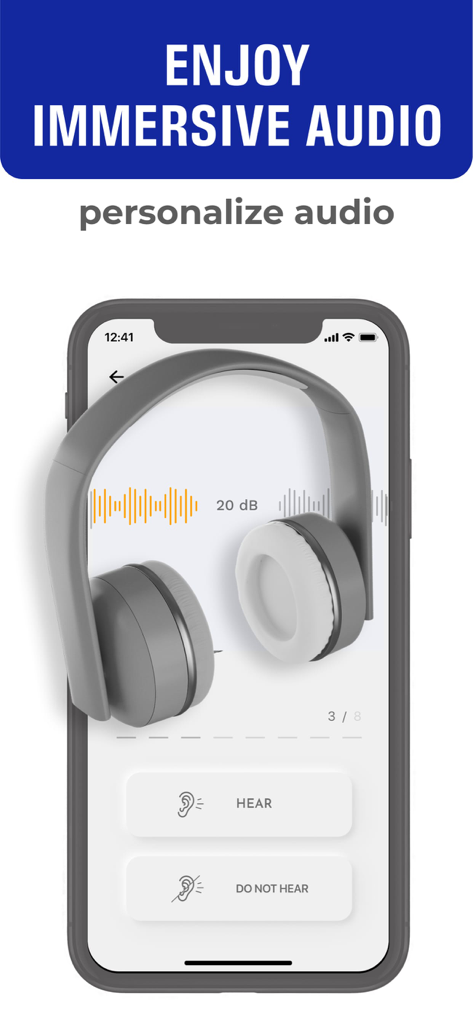
Smartphone screen showing audio personalization with headphones and hearing test options
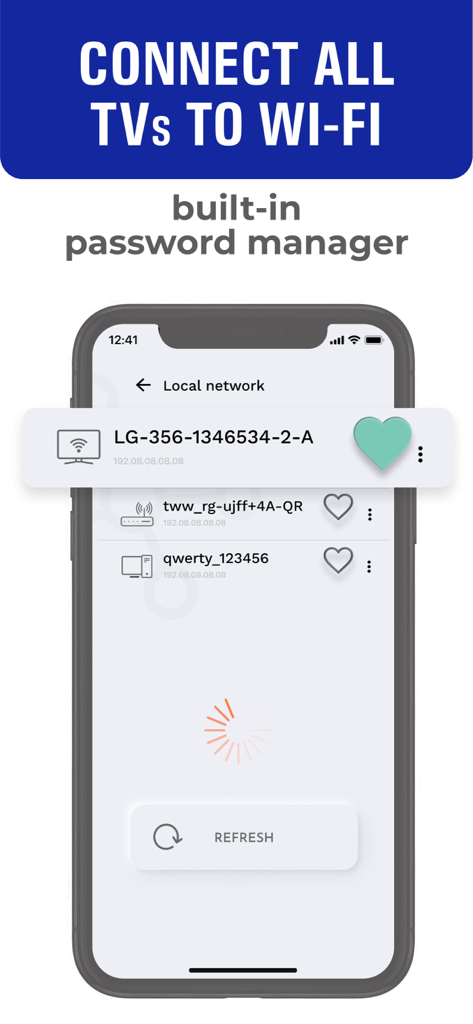
AirDroid Cast app interface showing a local network scan with available smart TVs and a built-in password manager
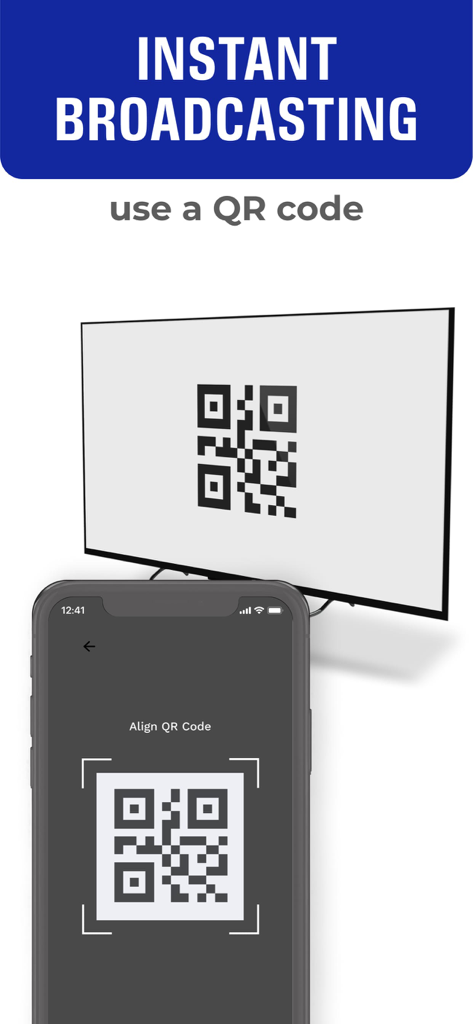
Smartphone scanning a QR code on a TV for instant screen mirroring
Description
Download
More Like This
Top-ranked apps in the same category

Google LLC

Google Chrome
Google LLC

中国移动(手机营业厅)
China Mobile Online Services Co., Ltd.

Google Authenticator
Google LLC

CNH do Brasil
Servicos e Informacoes do Brasil

Cleanup: Phone Storage Cleaner
DEEP FLOW SOFTWARE SERVICES - FZCO

gov.br
Servicos e Informacoes do Brasil

中国电信-全国统一官方服务平台
CHINA TELECOM Corporation Ltd.

Microsoft Edge: AI Browser
Microsoft Corporation
This page is not an official page of the app or its developer, but an independent editorial publication created for informational and commentary purposes. Unless expressly stated otherwise, neither the app nor its developer is affiliated with, endorsed by, sponsored by, authorized by, or otherwise officially connected with MWM, Apple, Google Play, the app publisher, or the app's developer, and nothing on this page implies that the app was developed using MWM's services. Any trademarks, logos, screenshots, and other content remain the property of their respective owners.