
This page is not an official page of the app or its developer, but an independent editorial publication created for informational and commentary purposes. Unless expressly stated otherwise, neither the app nor its developer is affiliated with, endorsed by, sponsored by, authorized by, or otherwise officially connected with MWM, Apple, Google Play, the app publisher, or the app's developer, and nothing on this page implies that the app was developed using MWM's services. Any trademarks, logos, screenshots, and other content remain the property of their respective owners.

Alarm Clock
Master your morning with force-wake tasks, advanced calendar planning, and custom recurring schedules. 100% free with no subscriptions or in-app purchases—the powerful alternative for heavy sleepers and high-performers.
Downloads
1K+User Rating
Total Ratings
500Publisher
Category
ProductivityLocales
7Latest Version
1.1.20Size
139.7 MBFirst Released
Sep 15, 2025Master Your Morning, Your Way
The ultimate productivity toolkit for non-standard schedules. 100% free with no subscriptions—designed for those who demand more from their time.
Dynamic Schedule Planning
Go beyond the basic Monday-Friday routine. Set alarms for specific dates, shift rotations, or every X days, all managed in a sleek calendar view.
Unstoppable Force Wake
Eliminate the fear of oversleeping. Use Force Wake tasks to bypass morning lethargy and ensure you are alert for your first win of the day.
The following screenshots and description are sourced directly from the app's official store listing and are the property of the app developer.
App Store
Screenshots
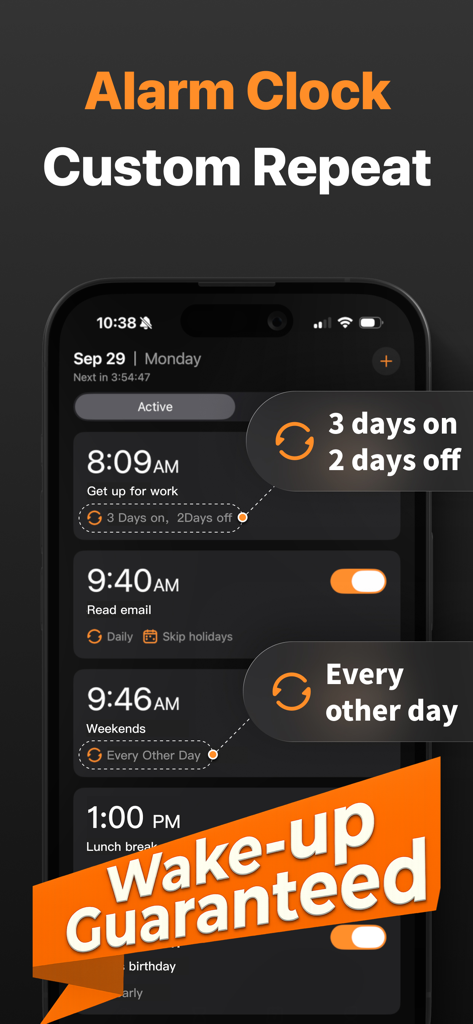
Alarm clock app screen showing custom repeat options for irregular schedules
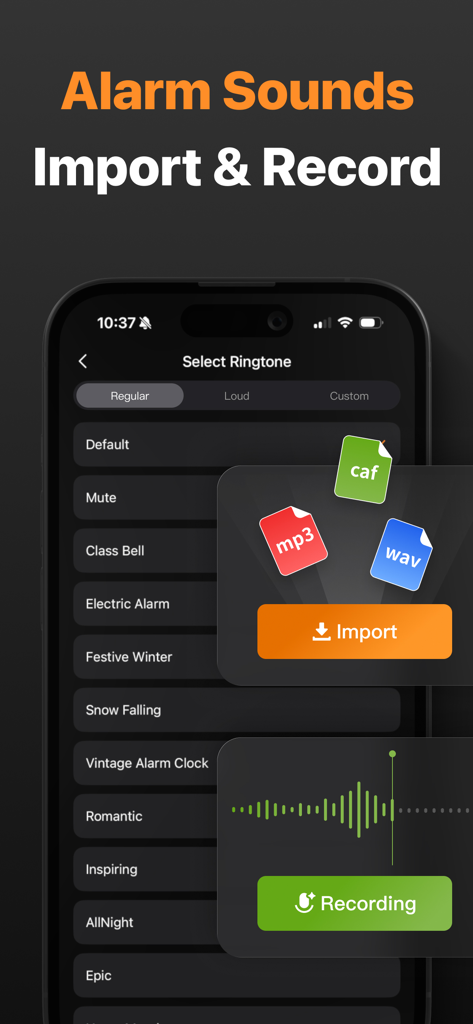
Interface of the Alarm Clock app showing options to select, import, and record custom ringtones on an iPhone.
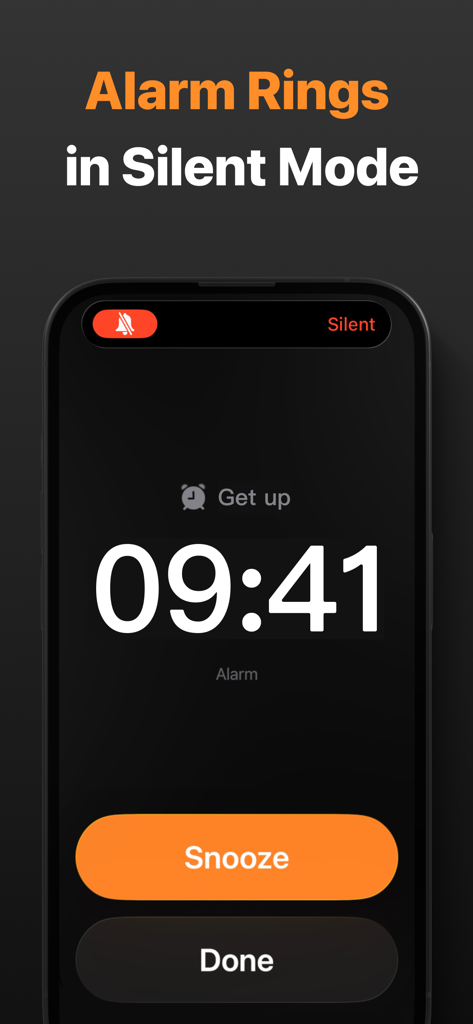
A smartphone screen displaying a ringing alarm with snooze and done buttons highlighting that it works in silent mode
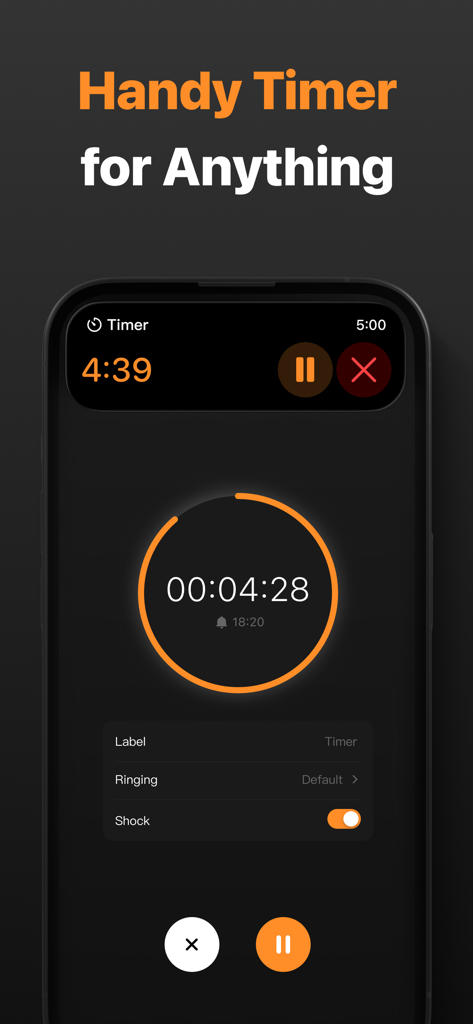
Smartphone screen showing a countdown timer feature with a dark interface and orange circular progress bar.
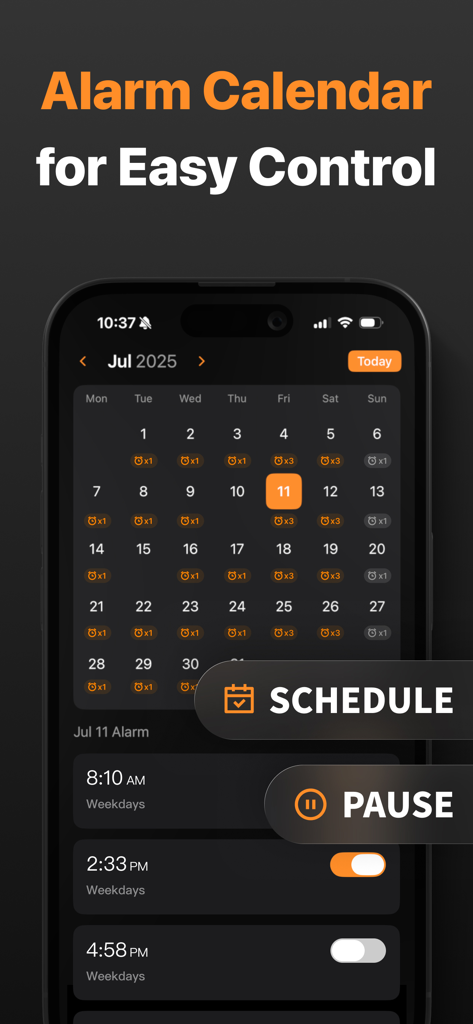
Interface of the Alarm Clock app showing a monthly calendar view to manage and schedule alarms for different days.
Description
Download
More Like This
Top-ranked apps in the same category

ChatGPT
OpenAI OpCo, LLC

Google Gemini
Google LLC

Grok
X.AI Corporation

Gmail - Email by Google
Google LLC

千问 - 阿里最强大模型官方AI助手
Shanghai Zhixin Puhui Technology Co., Ltd.

Google Drive
Google LLC

Microsoft Authenticator
Microsoft Corporation

Google Sheets
Google LLC

Google Docs
Google LLC
This page is not an official page of the app or its developer, but an independent editorial publication created for informational and commentary purposes. Unless expressly stated otherwise, neither the app nor its developer is affiliated with, endorsed by, sponsored by, authorized by, or otherwise officially connected with MWM, Apple, Google Play, the app publisher, or the app's developer, and nothing on this page implies that the app was developed using MWM's services. Any trademarks, logos, screenshots, and other content remain the property of their respective owners.