Ally – Collect and Backup
Download on App Store

This page is not an official page of the app or its developer, but an independent editorial publication created for informational and commentary purposes. Unless expressly stated otherwise, neither the app nor its developer is affiliated with, endorsed by, sponsored by, authorized by, or otherwise officially connected with MWM, Apple, Google Play, the app publisher, or the app's developer, and nothing on this page implies that the app was developed using MWM's services. Any trademarks, logos, screenshots, and other content remain the property of their respective owners.


Logo of Ally – Collect and Backup
Download on App Store

Ally – Collect and Backup

Scan, manage, and backup your entire collection on the go. Experience the most advanced NFC tool for Nintendo enthusiasts with total privacy and seamless iCloud sync.

Key Figures

Downloads

65K+

User Rating

4.9/5

Total Ratings

800

Publisher

7 glyphs Ltd

Category

Utilities

Locales

1

Latest Version

2.2.2

Size

9.8 MB

First Released

Jun 12, 2020
Features

Master Your Amiibo Collection

The premium iOS-native solution to scan, manage, and backup your Amiibo figures with total privacy and portability.

Your Entire Library, Pocket-Sized

Scan your physical figures via NFC to create a digital library. Access rare stats and game usage info on the go without risking your physical collection.

Advanced NFC Writing

Full support for NTAG215, Powertags, and N2. Easily restore your backups to tags for daily gaming use in Zelda, Smash Bros, and Animal Crossing.

The following screenshots and description are sourced directly from the app's official store listing and are the property of the app developer.

App Store

Screenshots
Ally – Collect and Backup - Ally app promotional screen for collecting amiibo via NFC featuring character silhouettes on an orange background
Ally app promotional screen for collecting amiibo via NFC featuring character silhouettes on an orange background

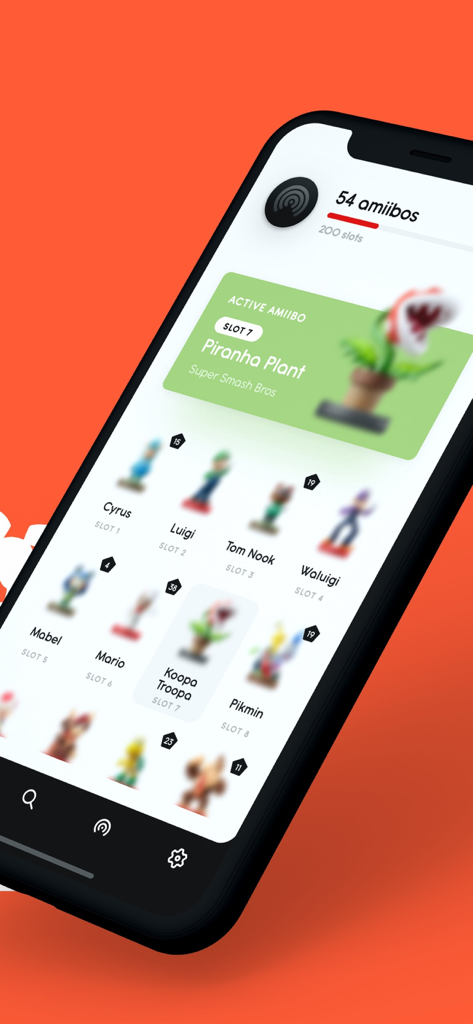
Ally – Collect and Backup - Smartphone screen displaying the Ally app library with various Nintendo Amiibo characters and active collection stats
Smartphone screen displaying the Ally app library with various Nintendo Amiibo characters and active collection stats

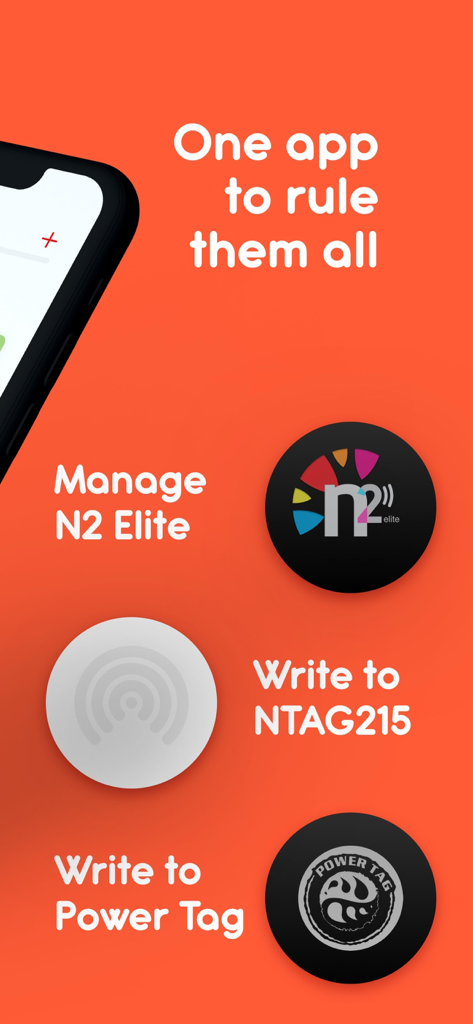
Ally – Collect and Backup - Ally app interface showcasing support for managing N2 Elite writing to NTAG215 and Power Tags
Ally app interface showcasing support for managing N2 Elite writing to NTAG215 and Power Tags

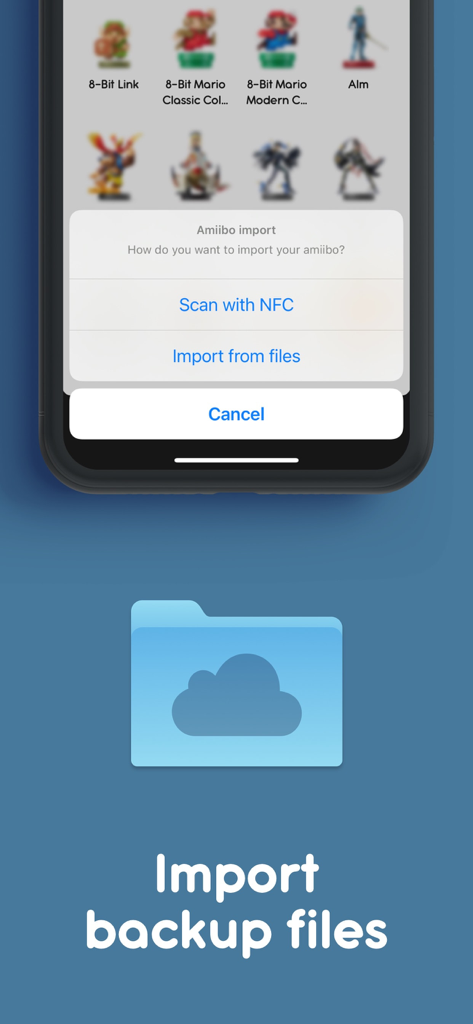
Ally – Collect and Backup - Importing Amiibo backup files in the Ally app for iPhone
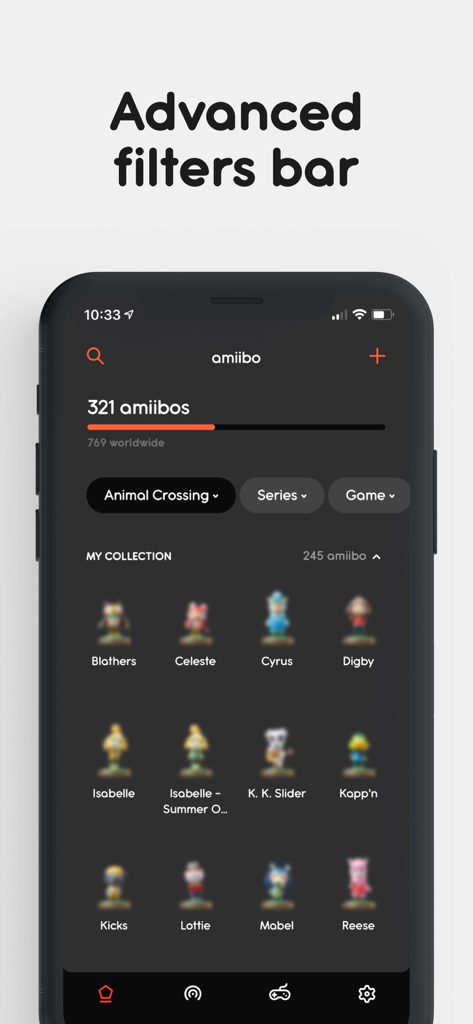
Importing Amiibo backup files in the Ally app for iPhone

Ally – Collect and Backup - Ally app interface displaying an amiibo collection with advanced filtering options in dark mode
Ally app interface displaying an amiibo collection with advanced filtering options in dark mode

Ally – Collect and Backup - Global search screen in Ally app displaying various Mario amiibo figurines in a grid layout
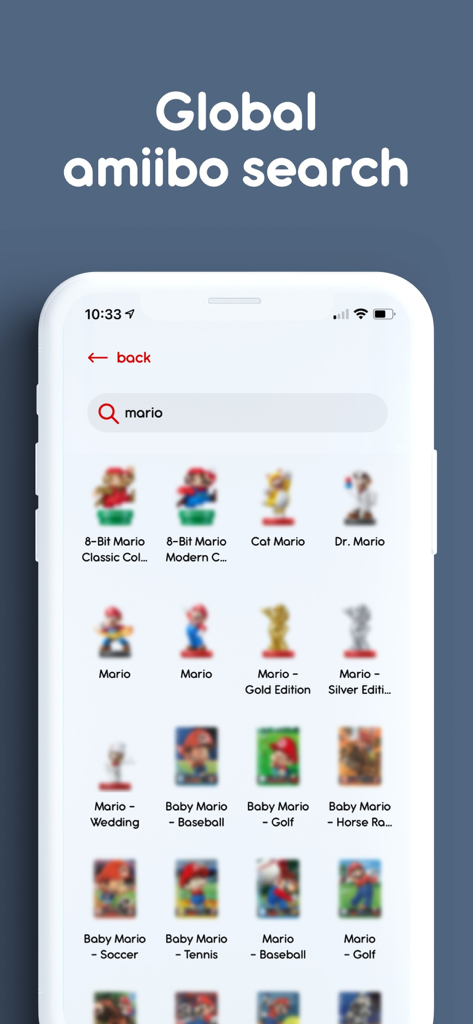
Global search screen in Ally app displaying various Mario amiibo figurines in a grid layout

Ally – Collect and Backup - Ally app interface showing an amiibo wishlist and collection tracker with characters like Peach and Bowser Jr
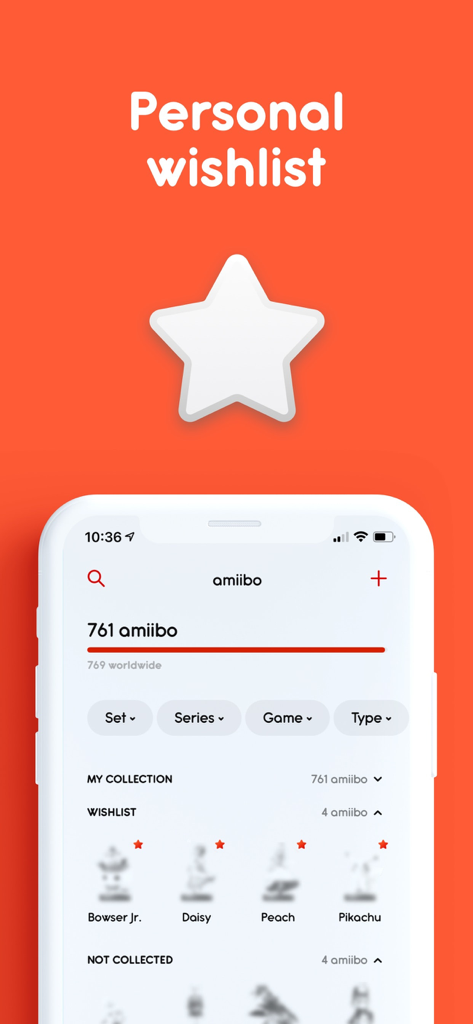
Ally app interface showing an amiibo wishlist and collection tracker with characters like Peach and Bowser Jr

Ally – Collect and Backup - Ally app interface showcasing light and dark themes for amiibo collection
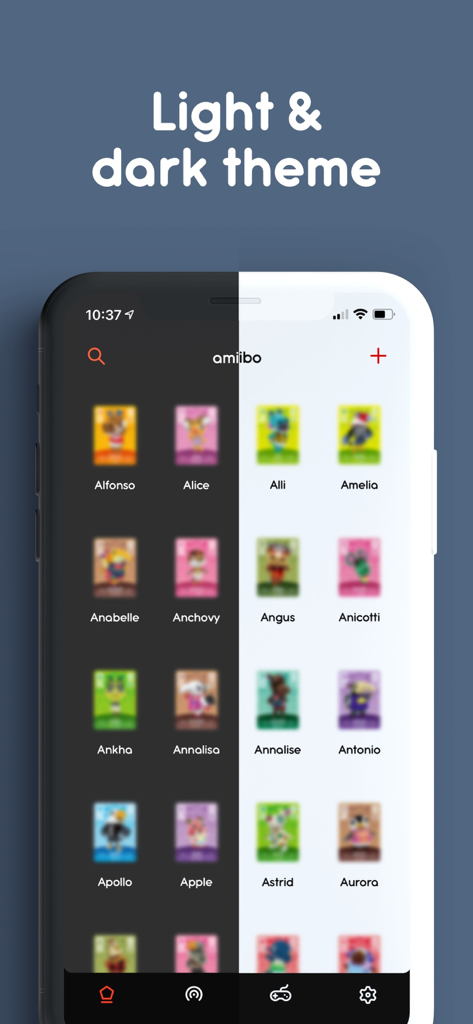
Ally app interface showcasing light and dark themes for amiibo collection

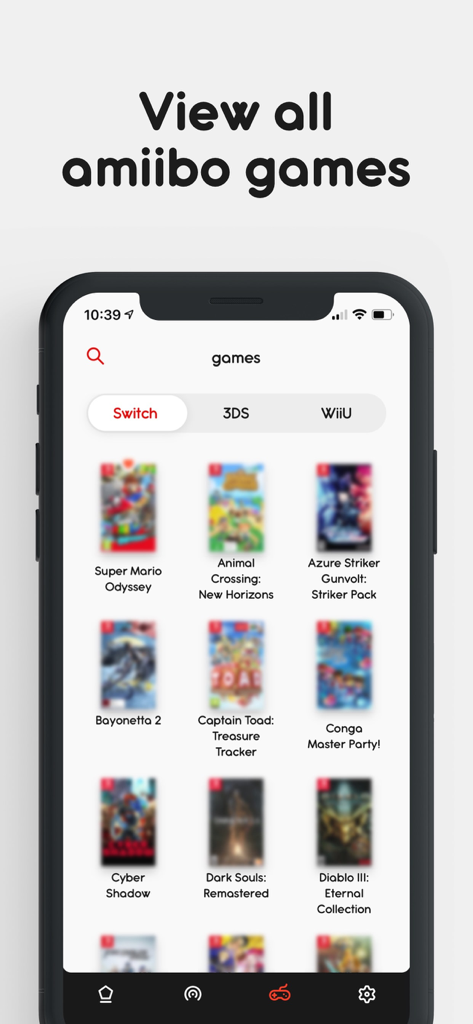
Ally – Collect and Backup - Ally app screen displaying a list of Nintendo Switch games compatible with Amiibo
Ally app screen displaying a list of Nintendo Switch games compatible with Amiibo

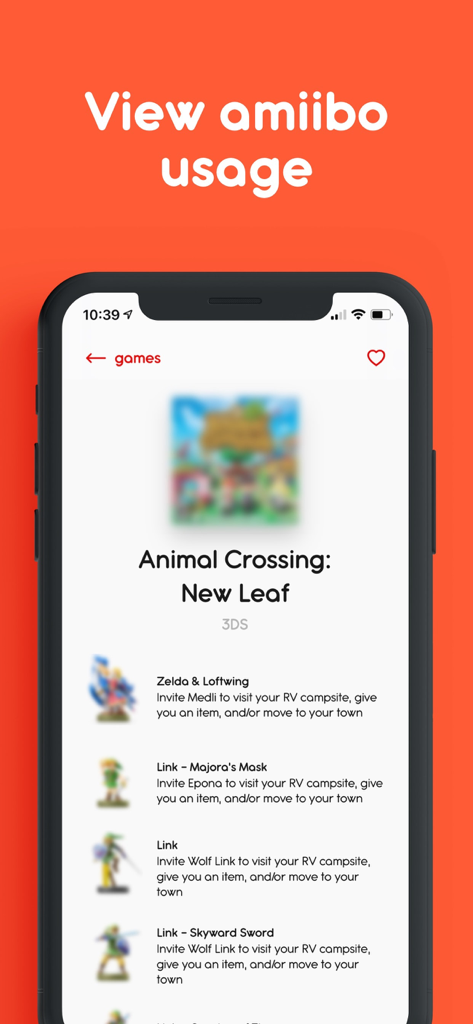
Ally – Collect and Backup - A screen from the Ally app showing which amiibo can be used in Animal Crossing New Leaf and the specific items they unlock.

A screen from the Ally app showing which amiibo can be used in Animal Crossing New Leaf and the specific items they unlock.

Description

Ally – Collect and Backup is the number one iPhone Amiibo collection app with the ability to add amiibo to your collection by simply scanning their NFC tags. The app works with n2, blank ntag215 tags or Powertags so you can quickly restore your backups there. The app works offline, so you can always get access to your fantastic Amiibo collection any time anywhere, while your amiibo are still at home. Ally supports the dark iOS theme. The theme was designed from scratch and looks fantastic. Check it out. The app works with 753+ amiibo, including such series as Animal Crossing, Mario, Metroid, etc. Ally is built with privacy in mind. That means that no data is sent to developers or any other third party. Ally does not send any amiibo data anywhere. Ally does not have any tracking tools in the app. All your amiibo data is stored privately under your iCloud account, and only you have access to it. Features: – Owned collection with the ability to add new amiibo by scanning their NFC tags or importing amiibo from files – Get details of all available amiibo – View amiibo game usage Information – View Super Smash Bros. Ultimate amiibo game data (Level, Experience, Attack and Defence) – View Midna & Wolf Link amiibo game data (Level and number of hearts) – Support of all 6 Power-Up bands – Global amiibo search – Advanced filters bar, so you can search by name, game or amiibo series – Add or remove amiibo you are hunting for to your wishlist – Search Amazon for the toys you want to buy – The app allows you to manage your N2 and Amiiqo NFC tags fully – NTAG215 support – Power Tags support – Browse games that support amiibo on Switch, 3DS and WiiU consoles – View all amiibo supported by a game with all the features – Beautiful and user-friendly design – The app uses CloudKit, so your data is secure and available on all your iPhones – Full support of the iOS Dark Theme * DISCLAIMER Ally – Collect and Backup is an unofficial app for collectors and fans of amiibo and is intended only to be used for informational and educational purposes. Ally – Collect and Backup is in no way affiliated with Nintendo. amiibo is a registered trademark of Nintendo. All items, names and other aspects are trademarked and owned by their respective owners. *SUBSCRIPTION Subscriptions will be charged to your credit card through your iTunes account. Subscriptions will automatically renew unless cancelled within 24-hours before the end of the current period. You can cancel anytime with your iTunes account settings. The auto-renewal subscriptions may be turned off by going to the iCloud Account Settings after purchase. For more information, see our terms: https://ally.ninja/terms.html and privacy policy: https://ally.ninja/privacy.html.

Download

Download on App Store

This page is not an official page of the app or its developer, but an independent editorial publication created for informational and commentary purposes. Unless expressly stated otherwise, neither the app nor its developer is affiliated with, endorsed by, sponsored by, authorized by, or otherwise officially connected with MWM, Apple, Google Play, the app publisher, or the app's developer, and nothing on this page implies that the app was developed using MWM's services. Any trademarks, logos, screenshots, and other content remain the property of their respective owners.








