
This page is not an official page of the app or its developer, but an independent editorial publication created for informational and commentary purposes. Unless expressly stated otherwise, neither the app nor its developer is affiliated with, endorsed by, sponsored by, authorized by, or otherwise officially connected with MWM, Apple, Google Play, the app publisher, or the app's developer, and nothing on this page implies that the app was developed using MWM's services. Any trademarks, logos, screenshots, and other content remain the property of their respective owners.


Alook Browser - 8x Speed
Unlock desktop-class features on iOS. From 16x video playback and total ad-blocking to pro file management and private iCloud syncing, experience a faster web without the noise.
Downloads
2M+User Rating
Total Ratings
164K+Publisher
Category
UtilitiesLocales
17Latest Version
21.8Size
26.5 MBFirst Released
Jul 29, 2017The Ultimate Power Tool for Mobile Browsing
Break free from mobile restrictions with a minimalist, lightning-fast browser designed for those who demand maximum productivity and zero distractions.
Extreme Media Control
Master your content with background playback, Picture-in-Picture, and adjustable video speeds from 0.5x up to 16.0x.
Desktop-Class File Management
Download, unzip RAR/7z files, and read E-books (EPUB/PDF) directly. Turn your mobile device into a high-performance workstation.
Frequently Asked Questions
Everything you need to know about Alook Browser - 8x Speed
What are the core features of the Alook Browser?
The Alook Browser offers features like lightning-fast browsing, advanced audio/video playback, comprehensive file management, an e-book reader, ad blocking, and website translation capabilities.
Does Alook Browser support advanced video playback features, such as background playback?
Yes, the Alook Browser supports advanced video features including floating playback, adjustable speed, background playback, AirPlay casting, DLNA casting, and picture-in-picture.
What file management capabilities does Alook Browser offer for users?
Alook Browser provides robust file management, supporting manual downloads, unzipping/compressing (zip, rar, 7z), file creation/editing, and Wi-Fi transfers. It also handles encrypted archives.
Does the Alook Browser come with an integrated ad blocker?
Yes, the Alook Browser features a built-in Adblock Plus. It supports multi-language rules, third-party rules, and custom ad marking for blocking intrusive advertisements.
Which e-book formats does the Alook Browser support for reading?
Alook Browser supports various e-book formats including txt, pdf, epub, kindle, mobi, azw, azw3, azw4, prc, and pdb for its integrated e-book reader.
How does Alook Browser protect user privacy and data security?
Alook Browser protects user privacy by not uploading account, password, or activity data. It stores bookmarks and data securely in the user's iCloud private database, not developer databases.
Does Alook Browser include a private browsing or incognito mode?
Yes, Alook Browser offers a private mode or incognito browsing. This mode ensures that browsing history, cache, and cookies are not saved.
Is Alook Browser compatible with iPad devices and their features?
Yes, Alook Browser is fully compatible with iPad devices. It perfectly adapts to split-screen functionality and supports iOS 11 drag-and-drop operations for enhanced usability.
Can Alook Browser translate webpages?
Yes, Alook Browser includes a built-in translation feature. It supports full-page translation and word translation across 14 different languages.
Can Alook Browser switch between desktop and mobile website views?
Yes, Alook Browser supports switching between desktop or mobile website views. Users can also customize the user agent for specific website rendering.
Does Alook Browser provide a night mode or dark theme for browsing?
Yes, Alook Browser features a night mode. It supports OLED pure black mode and eye-care web colors, enhancing comfort during low-light browsing.
Does Alook Browser have a download manager?
Yes, Alook Browser includes robust file management features that support manual downloads. Users can manage, read, and play downloaded files directly within the app.
Does Alook Browser support integration with external password managers?
Yes, Alook Browser supports popular password managers like 1Password, LastPass, and Avast Passwords, allowing for secure and convenient login management.
Is the Alook Browser a free application to download and use?
No, Alook Browser is not a free application. User reviews indicate it is a paid app, with mentions of a $12 price point.
The following screenshots and description are sourced directly from the app's official store listing and are the property of the app developer.
App Store
Screenshots
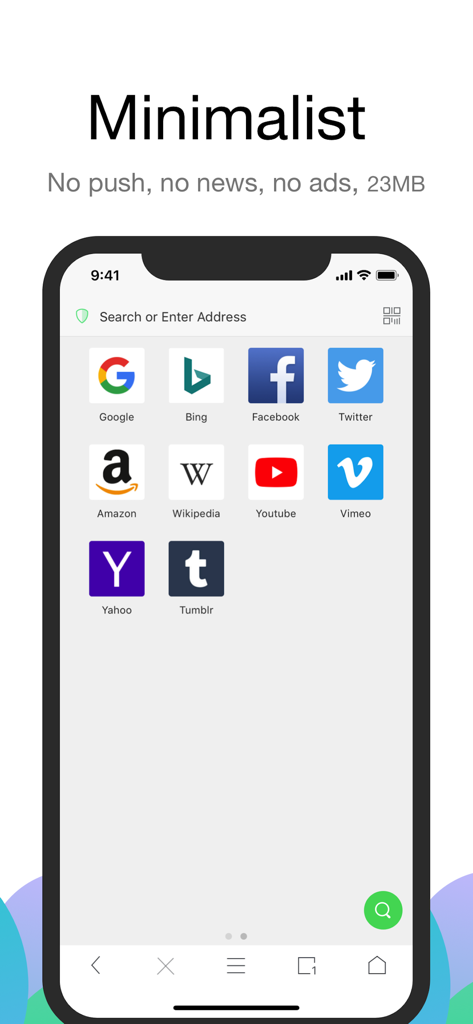
Alook Browser minimalist home screen showing a clean interface with search bar and popular website icons.
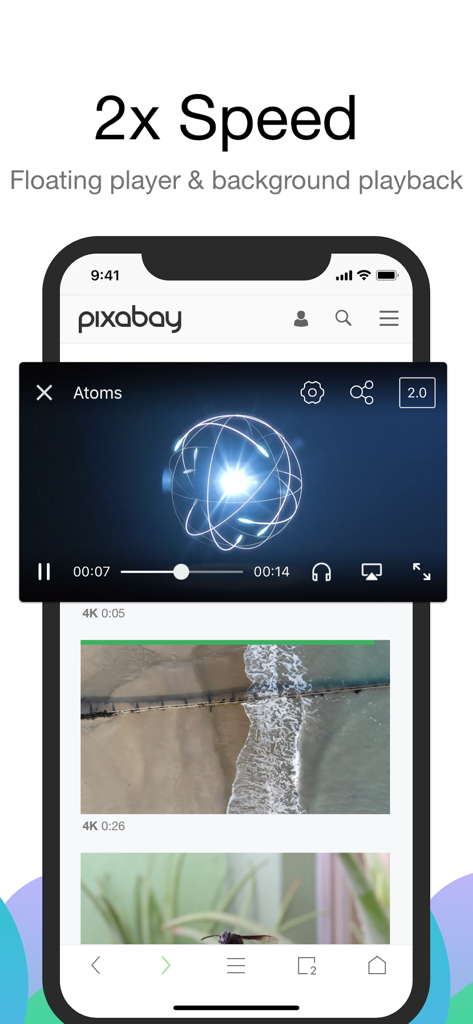
Alook Browser interface showing a floating video player at 2x speed on a mobile device.
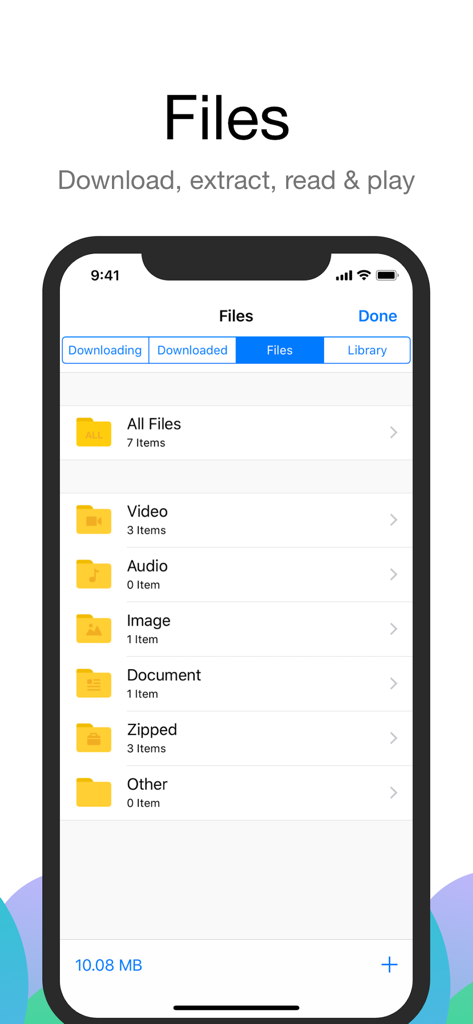
Alook Browser file management screen showing folders for videos audio documents and zipped files
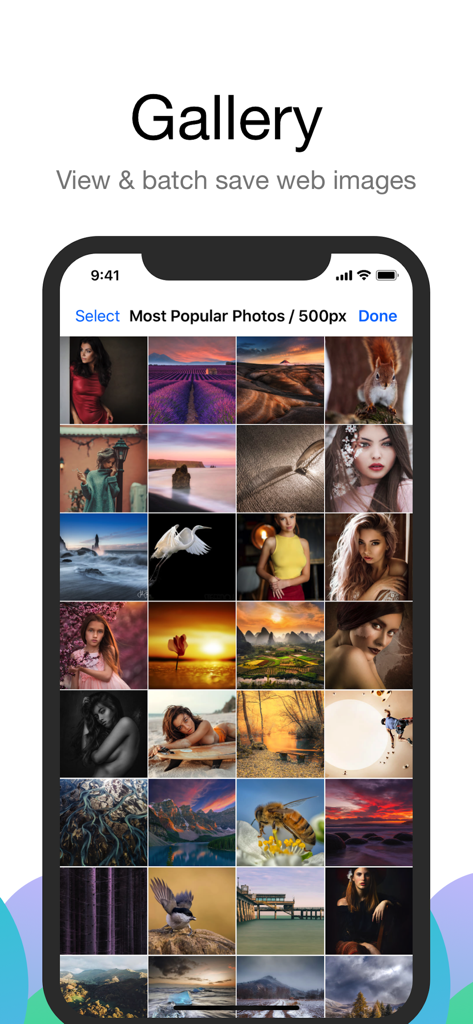
Alook Browser gallery interface showing a grid of web images available for batch saving
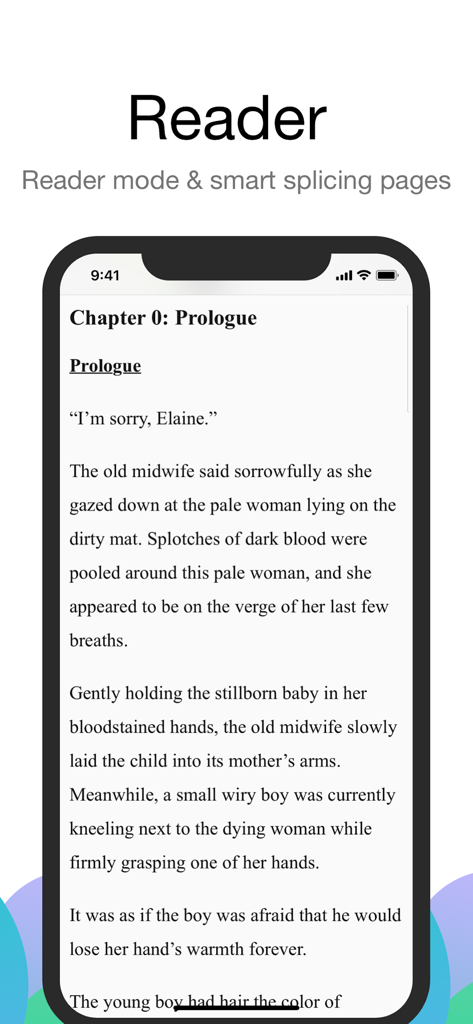
iPhone screen showing Alook Browser reader mode for a clean and distraction free reading experience.
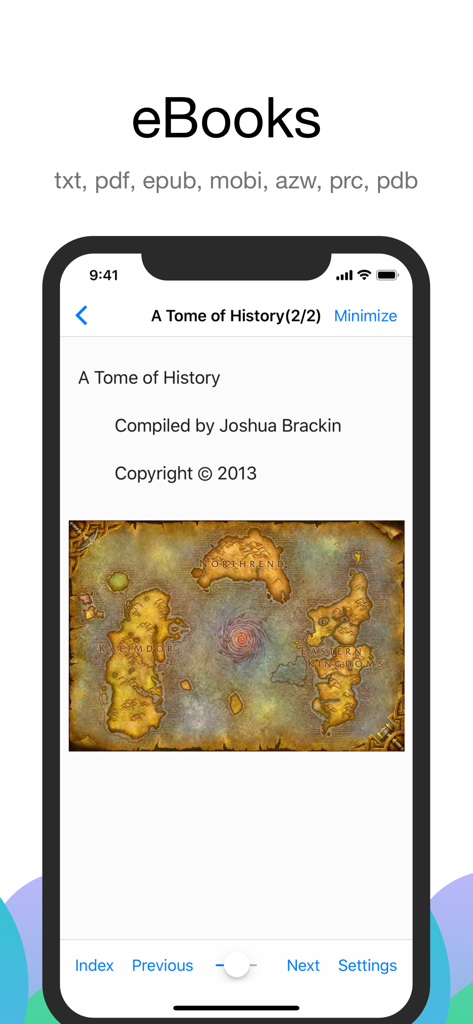
Alook Browser interface showing eBook reader mode with support for various file formats.
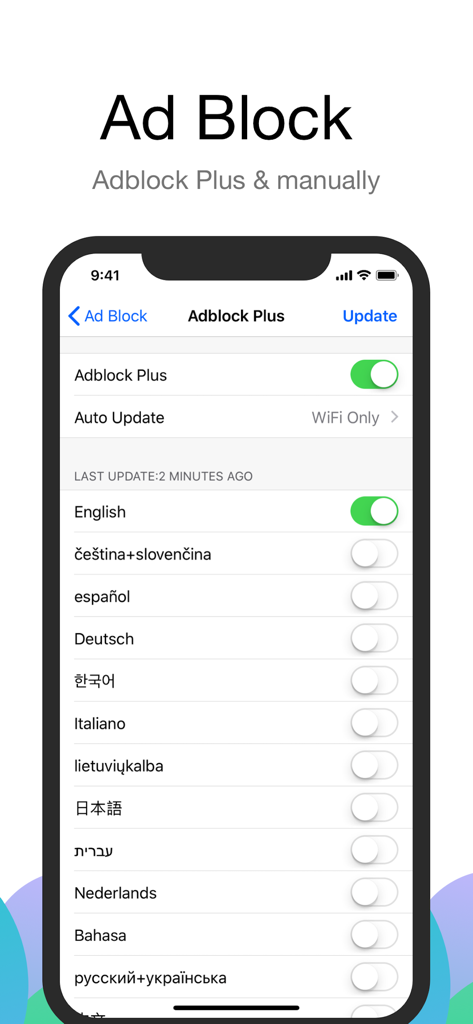
Interface of Alook Browser showing Adblock Plus settings with various language filter options
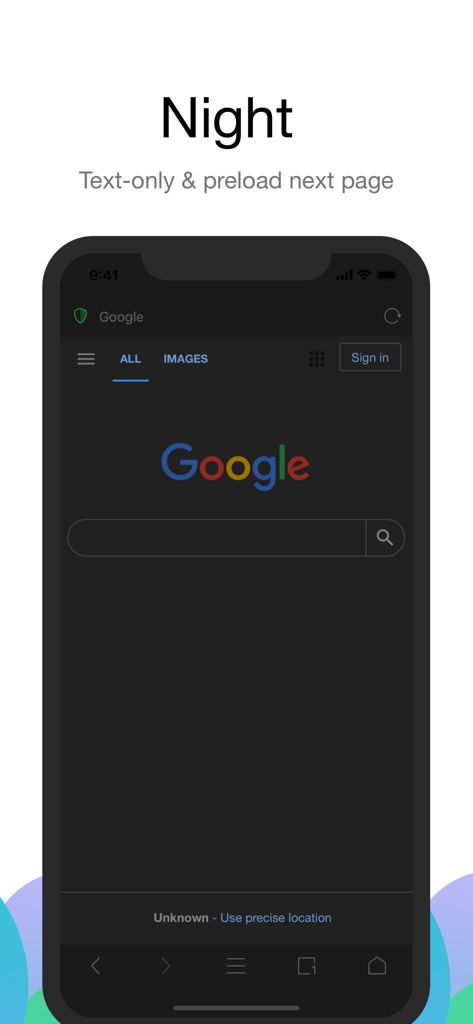
Alook Browser interface in night mode with dark theme and text only browsing
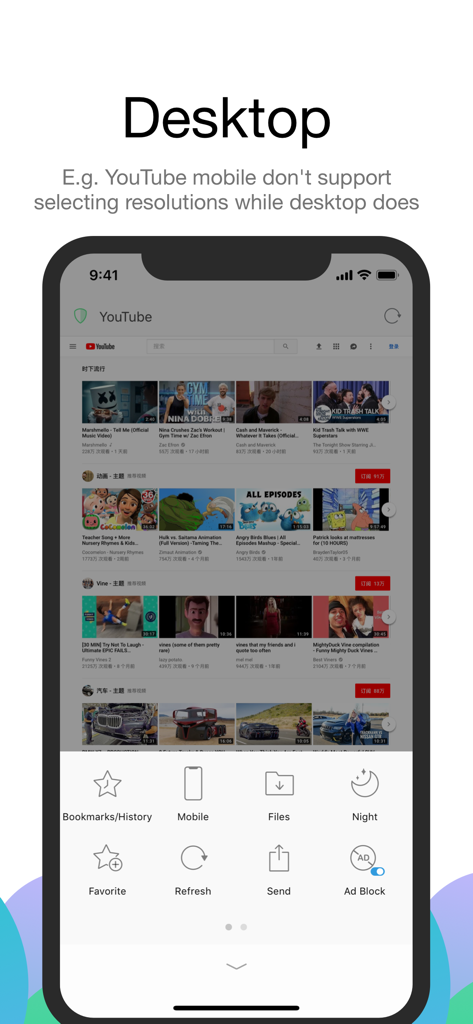
Alook Browser showing YouTube in desktop mode on an iPhone with features like ad blocking and file management.
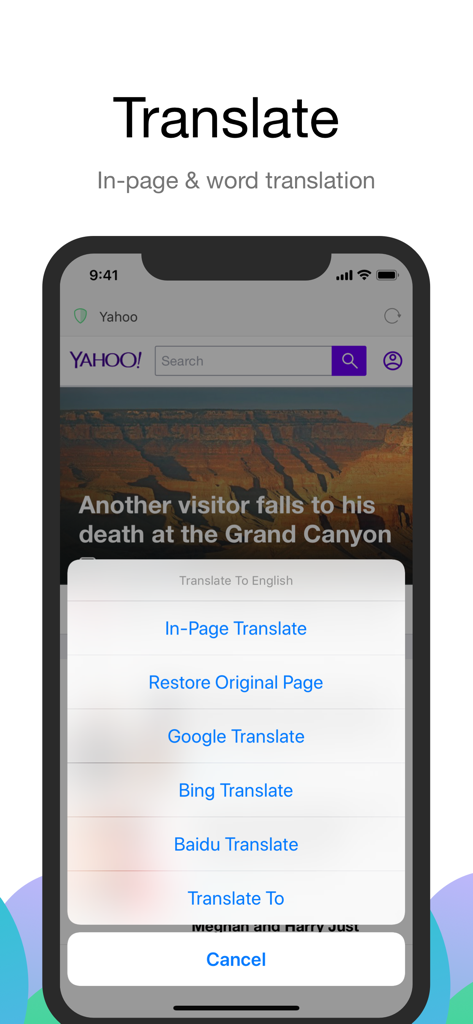
Alook Browser in-page and word translation options on a mobile device
Description
Download
More Like This
Apps with similar features and user experience

Stay for Safari
寅 沈

Via Browser
亚锋 涂

Desktop Browser • Zoomable
Actowise LLC

Web Messenger for Dual Chat
ATA KAGAN DURAKER

拦截100-浏览器广告拦截油猴脚本
UU Momentum Network Technology Co., Ltd.

雨见浏览器
键 金

Userscripts
Justin Wasack
1DM: Browser & Downloader
Abhijith Jishankar

iCab Mobile (Web Browser)
Alexander Clauss
This page is not an official page of the app or its developer, but an independent editorial publication created for informational and commentary purposes. Unless expressly stated otherwise, neither the app nor its developer is affiliated with, endorsed by, sponsored by, authorized by, or otherwise officially connected with MWM, Apple, Google Play, the app publisher, or the app's developer, and nothing on this page implies that the app was developed using MWM's services. Any trademarks, logos, screenshots, and other content remain the property of their respective owners.