
This page is not an official page of the app or its developer, but an independent editorial publication created for informational and commentary purposes. Unless expressly stated otherwise, neither the app nor its developer is affiliated with, endorsed by, sponsored by, authorized by, or otherwise officially connected with MWM, Apple, Google Play, the app publisher, or the app's developer, and nothing on this page implies that the app was developed using MWM's services. Any trademarks, logos, screenshots, and other content remain the property of their respective owners.


Userscripts
The powerful, open-source Safari extension for developers and power users. Inject custom JS and CSS to automate redirects, bypass restrictions, and personalize your mobile browsing with zero tracking.
Downloads
561K+User Rating
Total Ratings
800Publisher
Category
Developer ToolsLocales
1Latest Version
1.8.6Size
2.0 MBFirst Released
May 14, 2019Your Web, Your Rules
The powerful, open-source Safari extension designed for developers and power users who demand total control and privacy in their mobile browsing experience.
Total DOM Manipulation
Inject custom JS and CSS to hide intrusive 'Open in App' banners, force layout changes, or add missing functionality to any website you visit.
Privacy-First & Open Source
Zero user tracking and no analytics. Since it is open-source, you can audit the code yourself, ensuring your scripts and data remain strictly yours.
Frequently Asked Questions
Everything you need to know about Userscripts
What is Userscripts?
Userscripts is an open-source Safari extension that allows users to save and execute custom JavaScript and CSS code on websites. It enhances web browsing experiences by enabling various site manipulations.
What features does the Userscripts app offer?
Userscripts provides features like automatic page redirection, website manipulation, custom ad-blocking, and custom code/style injection. It is open source and does not track user data.
Is the Userscripts app open source?
Yes, the Userscripts app is open source. This allows for transparency and community contributions to its development and functionality.
Does Userscripts collect user data?
No, Userscripts does not collect user data. The application explicitly states "No user tracking" as one of its core features, ensuring user privacy.
How do I install a custom script using Userscripts?
When Userscripts detects script code on a page, it displays a banner "Userscript Detected: Tap to install". Tapping this allows installation after reviewing any security warnings.
Is it safe to install scripts through Userscripts?
Installing scripts requires caution. Userscripts explicitly warns, "Be sure you trust the author before installing. Nefarious code can exploit your security and privacy."
What types of code does Userscripts support?
Userscripts supports arbitrary JavaScript and CSS code. This enables a wide range of customizations, from styling changes to complex interactive functionalities on websites.
How do I enable the Userscripts extension in Safari?
To enable the Userscripts extension, navigate to your device's Settings. From there, locate and turn on the "Userscripts iOS Safari extension" as instructed by the app.
Where can I get support for the Userscripts app?
For support or to report bugs for the Userscripts app, visit its GitHub repository. The app description provides the direct link to this resource.
The following screenshots and description are sourced directly from the app's official store listing and are the property of the app developer.
App Store
Screenshots
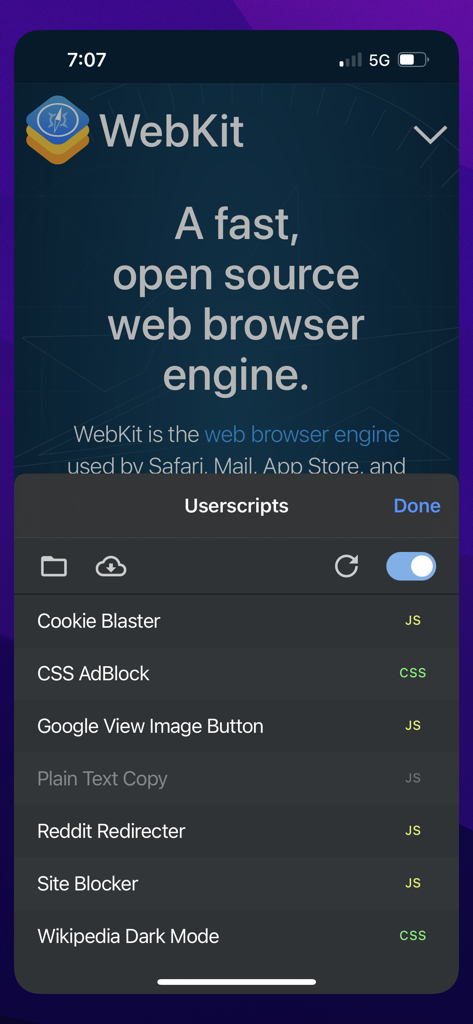
A list of active JavaScript and CSS userscripts within the Safari mobile extension interface
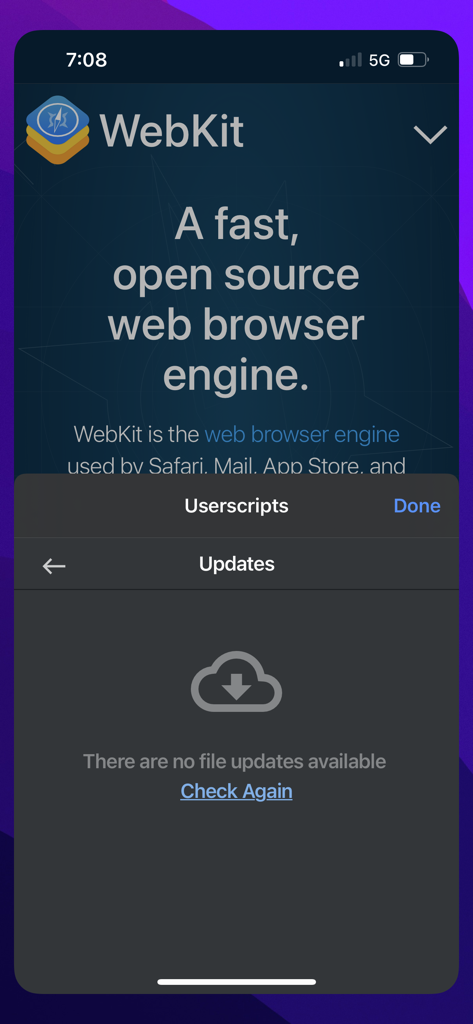
The Userscripts app interface showing the updates screen with a message stating there are no file updates available.
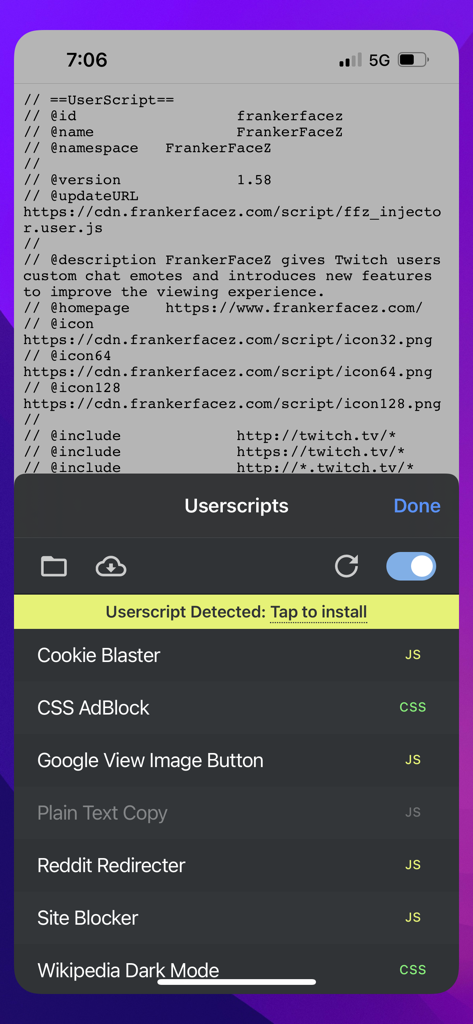
Userscripts Safari extension interface showing detected and installed web customization scripts
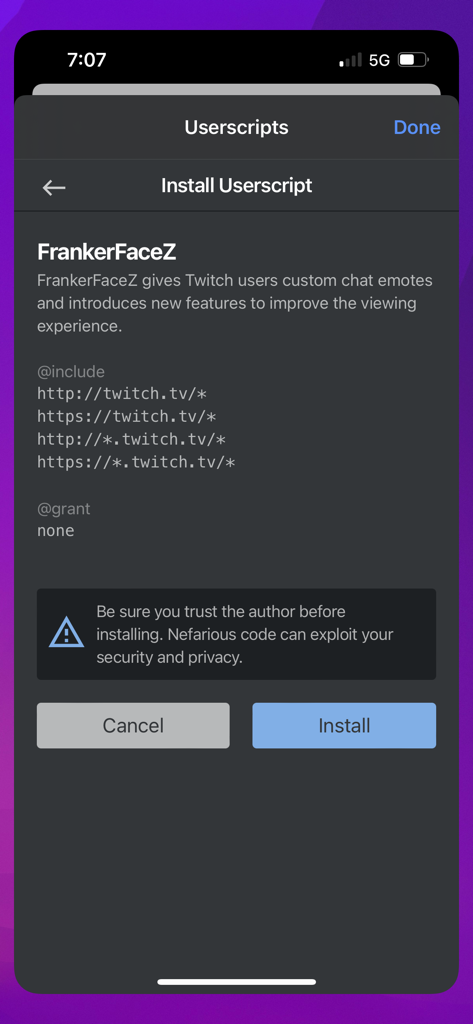
Interface showing the installation prompt for a custom Twitch userscript in the Userscripts app.
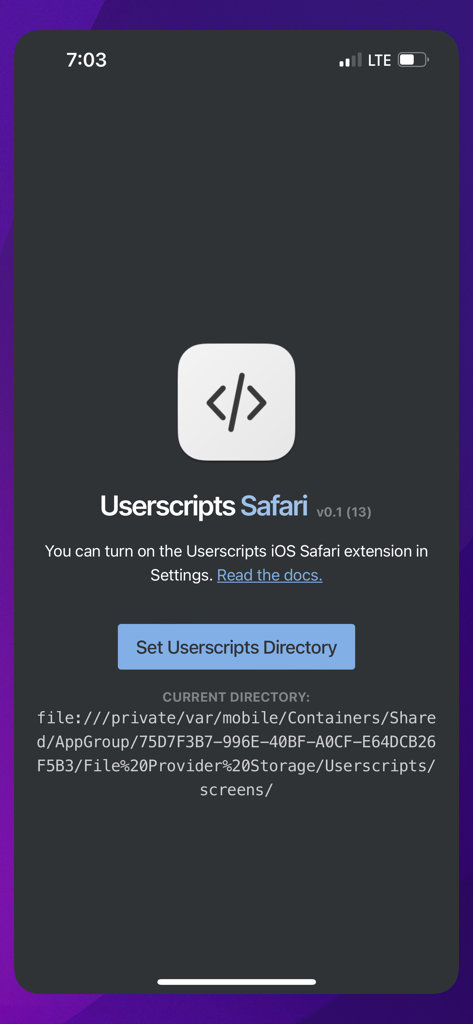
The Userscripts app home screen with directory setup for the Safari extension on iOS
Description
Download
More Like This
Apps with similar features and user experience

Alook Browser - 8x Speed
Baoding Lehuo Network Technology Co., Ltd.

Stay for Safari
寅 沈

Via Browser
亚锋 涂

Desktop Browser • Zoomable
Actowise LLC

Web Messenger for Dual Chat
ATA KAGAN DURAKER

拦截100-浏览器广告拦截油猴脚本
UU Momentum Network Technology Co., Ltd.

雨见浏览器
键 金

1DM: Browser & Downloader
Abhijith Jishankar

iCab Mobile (Web Browser)
Alexander Clauss
This page is not an official page of the app or its developer, but an independent editorial publication created for informational and commentary purposes. Unless expressly stated otherwise, neither the app nor its developer is affiliated with, endorsed by, sponsored by, authorized by, or otherwise officially connected with MWM, Apple, Google Play, the app publisher, or the app's developer, and nothing on this page implies that the app was developed using MWM's services. Any trademarks, logos, screenshots, and other content remain the property of their respective owners.