
This page is not an official page of the app or its developer, but an independent editorial publication created for informational and commentary purposes. Unless expressly stated otherwise, neither the app nor its developer is affiliated with, endorsed by, sponsored by, authorized by, or otherwise officially connected with MWM, Apple, Google Play, the app publisher, or the app's developer, and nothing on this page implies that the app was developed using MWM's services. Any trademarks, logos, screenshots, and other content remain the property of their respective owners.


Desktop Browser • Zoomable
Stop struggling with limited mobile interfaces. Access professional tools like App Store Connect and Firebase Console with a resizable desktop screen and precision zoom.
Downloads
253K+User Rating
Total Ratings
3K+Publisher
Category
Developer ToolsLocales
17Latest Version
3.4Size
13.7 MBFirst Released
May 23, 2021Engineered for Power Users and Developers
Stop struggling with limited mobile layouts. Zoomable delivers the full power of the desktop web to your iPhone, optimized for professional productivity.
True Desktop-First Browsing
Bypass restricted mobile views and access every professional tool, dashboard, and feature hidden by standard responsive designs.
Precision 1x to 3x Scaling
Navigate complex consoles like Firebase or App Store Connect with ease. Use free-form zooming to hit every radio button and link accurately.
The following screenshots and description are sourced directly from the app's official store listing and are the property of the app developer.
App Store
Screenshots
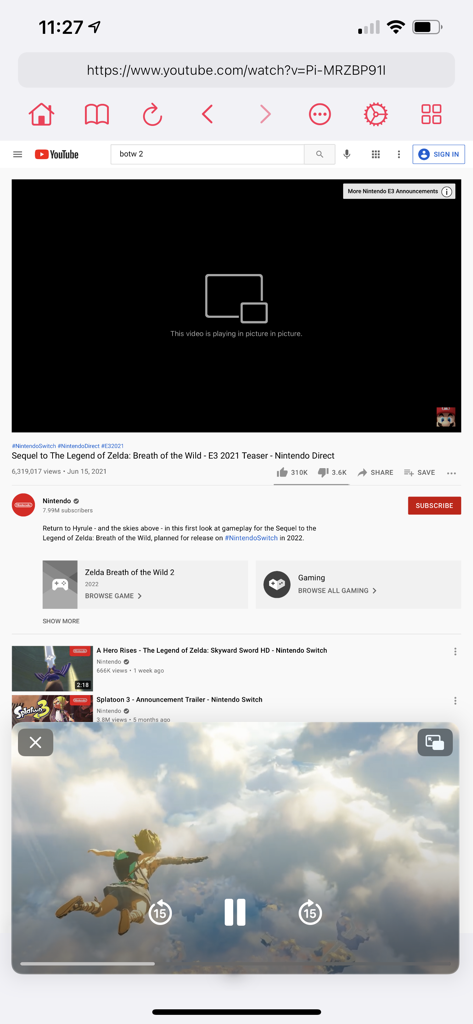
Desktop Browser app showing the YouTube desktop website with an active picture-in-picture video player.
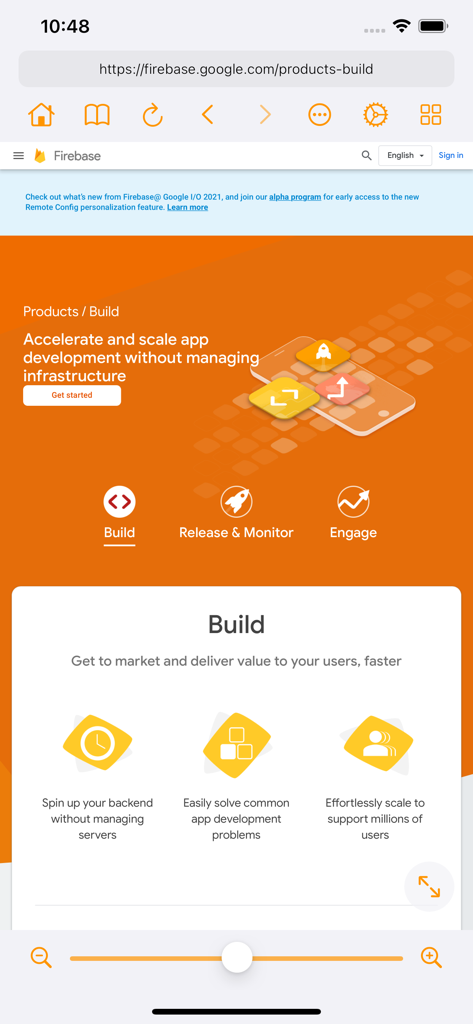
A mobile interface of the Desktop Browser app showing a desktop version of the Firebase website with a zoom slider at the bottom.
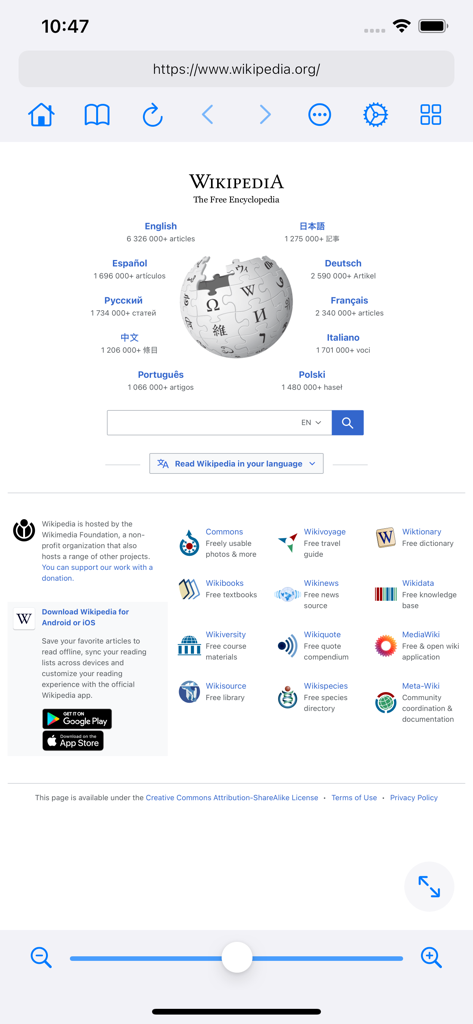
Desktop Browser Zoomable app displaying the Wikipedia desktop site with a zoom control slider at the bottom
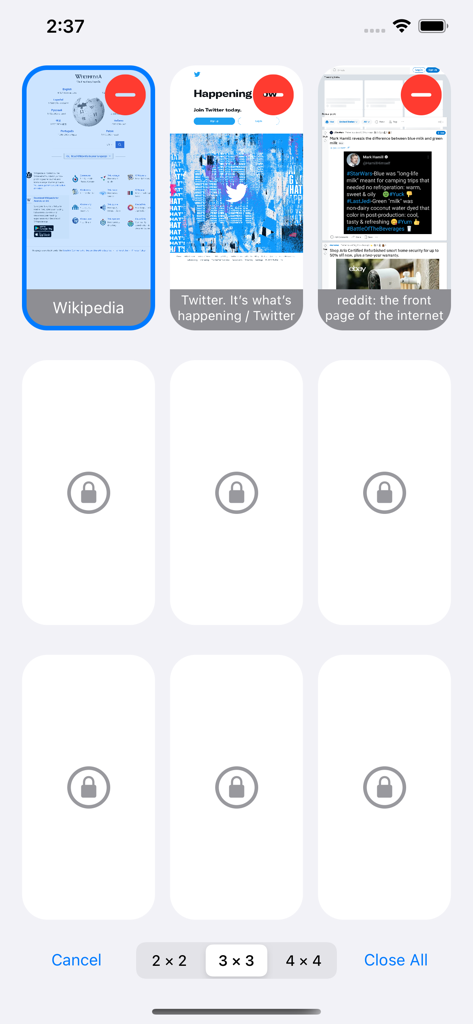
Interface of the Desktop Browser app showing a multi tab grid layout with thumbnails of Wikipedia and Twitter
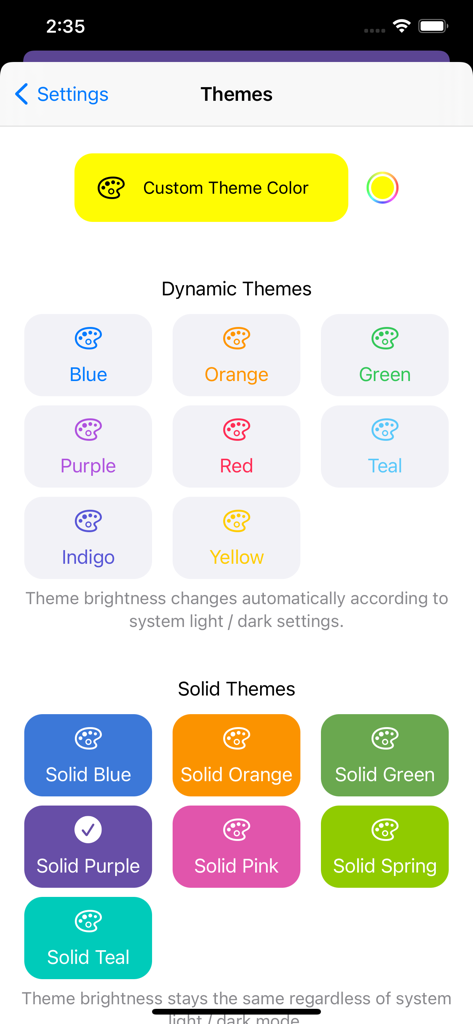
Themes setting screen with dynamic and solid color options for user interface customization.
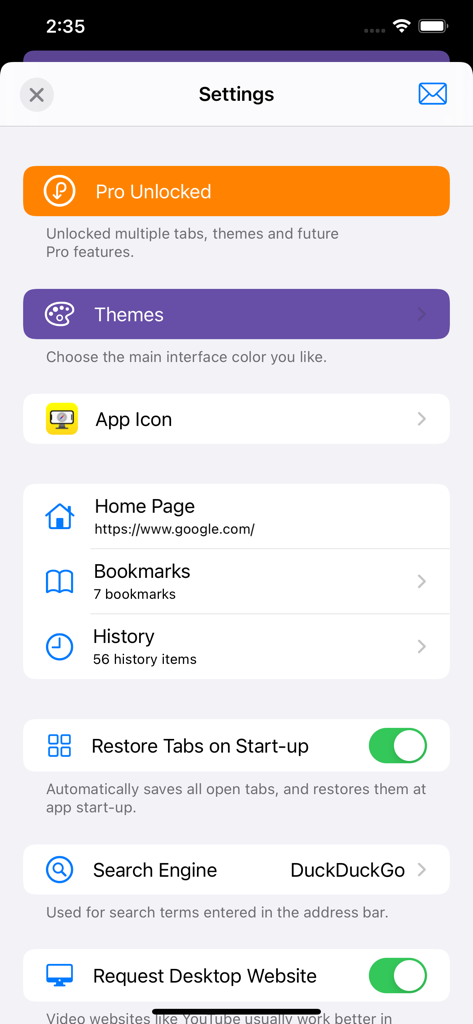
Settings screen of the Desktop Browser app displaying options for Pro features, themes, app icon customization, bookmarks, and search engine selection.
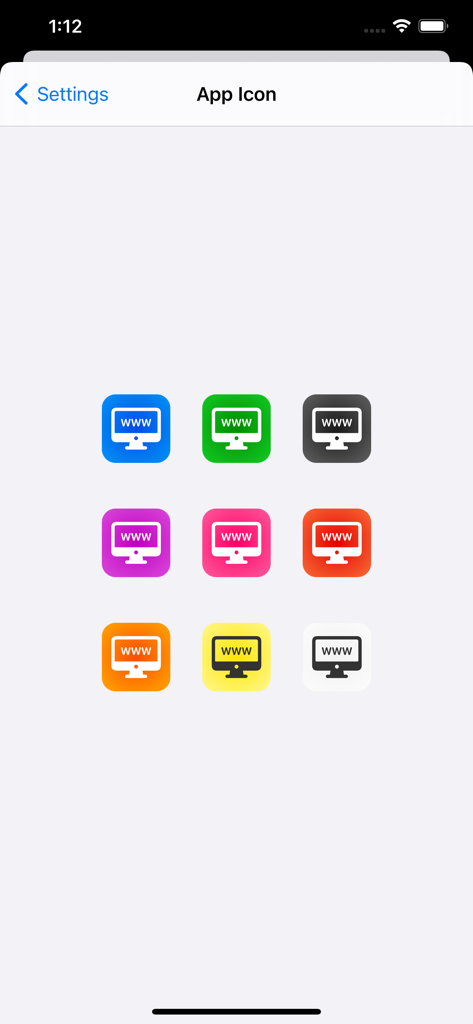
A grid of nine colorful app icon customization choices in the settings menu
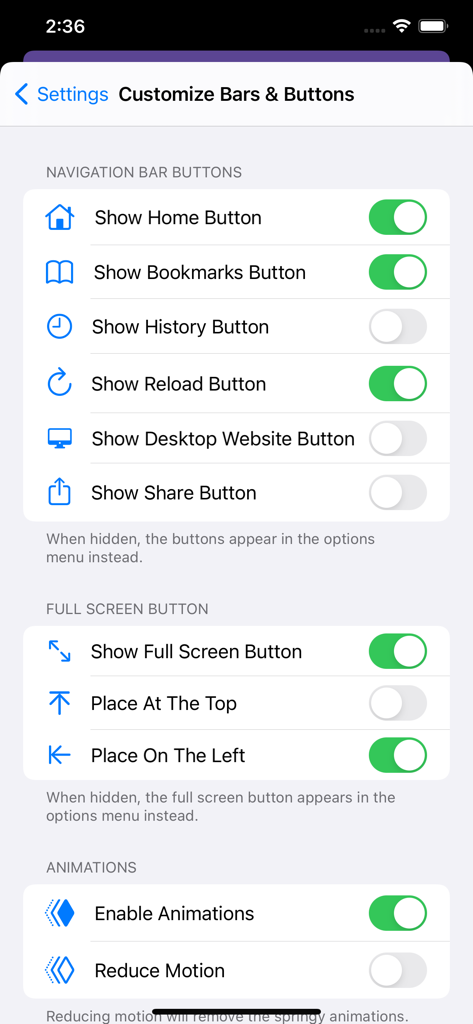
Interface customization settings for navigation bar buttons and full screen options.
Description
Download
More Like This
Apps with similar features and user experience

Alook Browser - 8x Speed
Baoding Lehuo Network Technology Co., Ltd.

Stay for Safari
寅 沈

Via Browser
亚锋 涂

Web Messenger for Dual Chat
ATA KAGAN DURAKER

拦截100-浏览器广告拦截油猴脚本
UU Momentum Network Technology Co., Ltd.

雨见浏览器
键 金

Userscripts
Justin Wasack

1DM: Browser & Downloader
Abhijith Jishankar

iCab Mobile (Web Browser)
Alexander Clauss
This page is not an official page of the app or its developer, but an independent editorial publication created for informational and commentary purposes. Unless expressly stated otherwise, neither the app nor its developer is affiliated with, endorsed by, sponsored by, authorized by, or otherwise officially connected with MWM, Apple, Google Play, the app publisher, or the app's developer, and nothing on this page implies that the app was developed using MWM's services. Any trademarks, logos, screenshots, and other content remain the property of their respective owners.