
This page is not an official page of the app or its developer, but an independent editorial publication created for informational and commentary purposes. Unless expressly stated otherwise, neither the app nor its developer is affiliated with, endorsed by, sponsored by, authorized by, or otherwise officially connected with MWM, Apple, Google Play, the app publisher, or the app's developer, and nothing on this page implies that the app was developed using MWM's services. Any trademarks, logos, screenshots, and other content remain the property of their respective owners.

Analog Clock - Desk Widget
Transform your iPhone or iPad with 100+ designer watch faces and interactive iOS 17 widgets. From minimalist transparent looks to full-screen desk clocks, craft the perfect setup for your workspace.
Downloads
106K+User Rating
Total Ratings
1K+Publisher
Category
ProductivityLocales
31Latest Version
3.26Size
49.3 MBFirst Released
May 22, 2021Elevate Your Workspace Aesthetic
Transform your iPhone and iPad into a curated piece of digital art with premium analog faces and interactive widgets designed for the modern desk setup.
100+ Designer Watch Faces
Match your unique vibe with a massive collection of styles, from minimalist chic to vintage classics that perfectly complement your home screen theme.
Seamless Transparent Widgets
Achieve that clean, professional look with transparent widgets and interactive Lock Screen faces that show real-time seconds without cluttering your wallpaper.
Frequently Asked Questions
Everything you need to know about Analog Clock - Desk Widget
Is Analog Clock - Desk Widget a free application?
Yes, Analog Clock - Desk Widget is a free application. It provides a beautiful desk clock experience and various features without cost.
What features does Analog Clock - Desk Widget offer for iOS 17?
Analog Clock - Desk Widget offers a new iOS 17 LockScreen interactive widget with seconds. Users can tap this widget to display the seconds.
Can I customize the appearance of Analog Clock - Desk Widget?
Yes, users can customize Analog Clock - Desk Widget with over 100 watch faces and themes. It also includes various aesthetic clock widget styles and app icons.
Does Analog Clock - Desk Widget support transparent widgets?
Yes, Analog Clock - Desk Widget supports transparent analog widgets. This feature enables the clock widget to blend seamlessly with your home screen background.
What time formats does Analog Clock - Desk Widget display?
Analog Clock - Desk Widget displays time in both 24-hour and 12-hour formats. It also provides options to show the current date and calendar information.
Can I control screen brightness using the Analog Clock - Desk Widget app?
Yes, Analog Clock - Desk Widget allows users to control screen brightness directly from within the application. This feature optimizes visibility for the full-screen analog clock.
How can Analog Clock - Desk Widget enhance my iPhone's Lock Screen?
Analog Clock - Desk Widget enhances your Lock Screen with interactive iOS 17 widgets. These widgets display time, including seconds, and come in various aesthetic designs.
The following screenshots and description are sourced directly from the app's official store listing and are the property of the app developer.
App Store
Screenshots
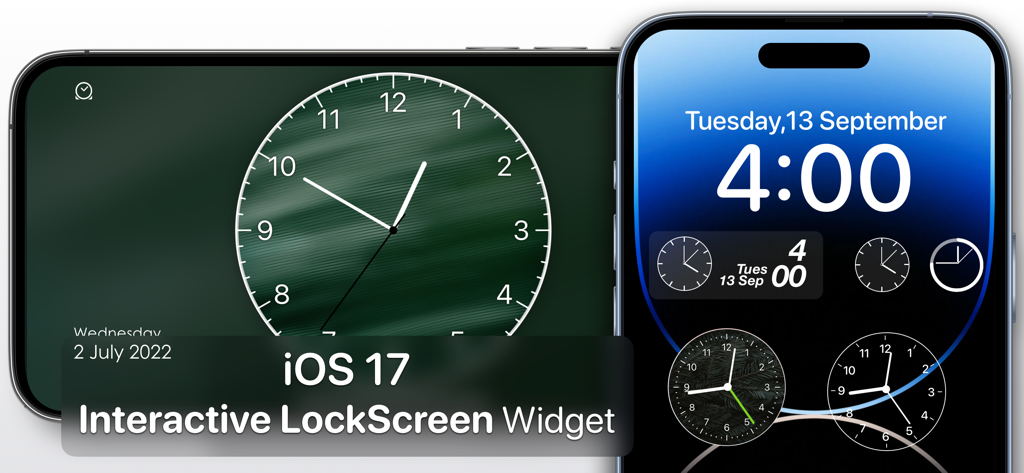
Interactive analog clock widgets and full screen desk clock on iPhone lock screen
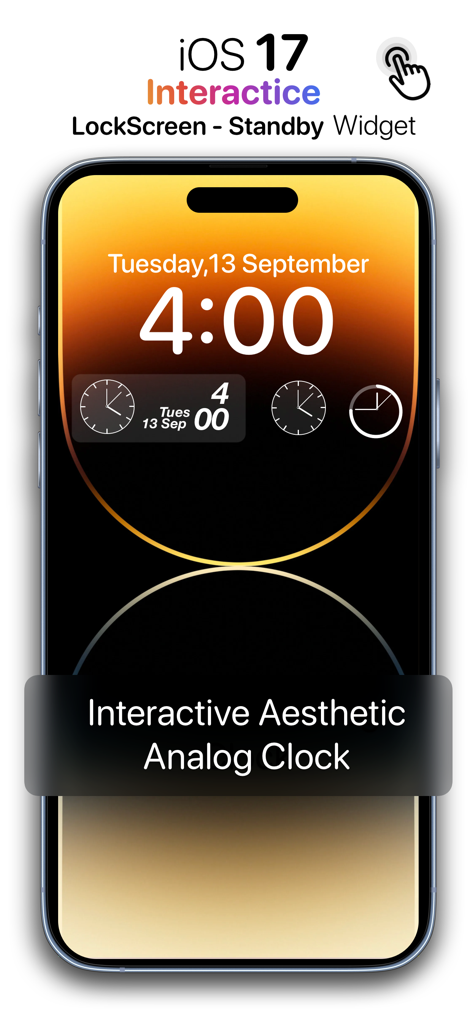
iOS 17 interactive lock screen widget featuring aesthetic analog clocks on an iPhone.
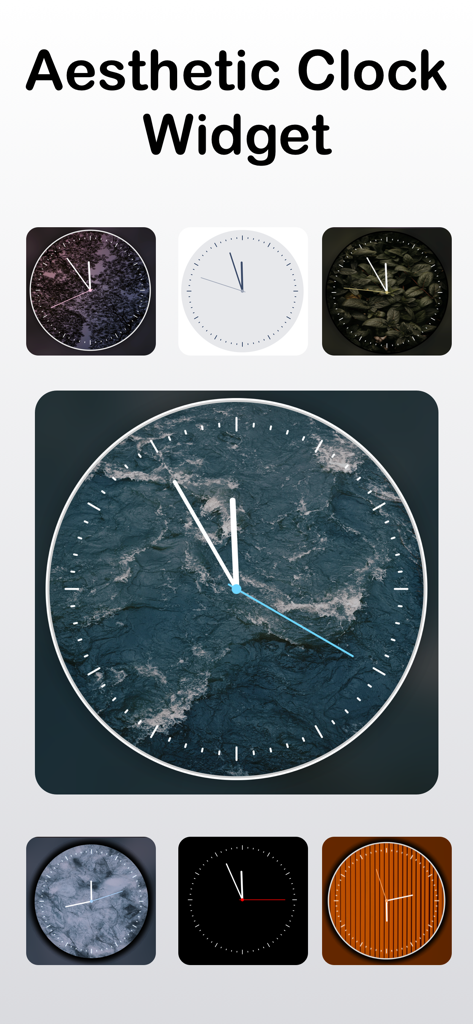
A collection of aesthetic analog clock widget styles with various artistic backgrounds
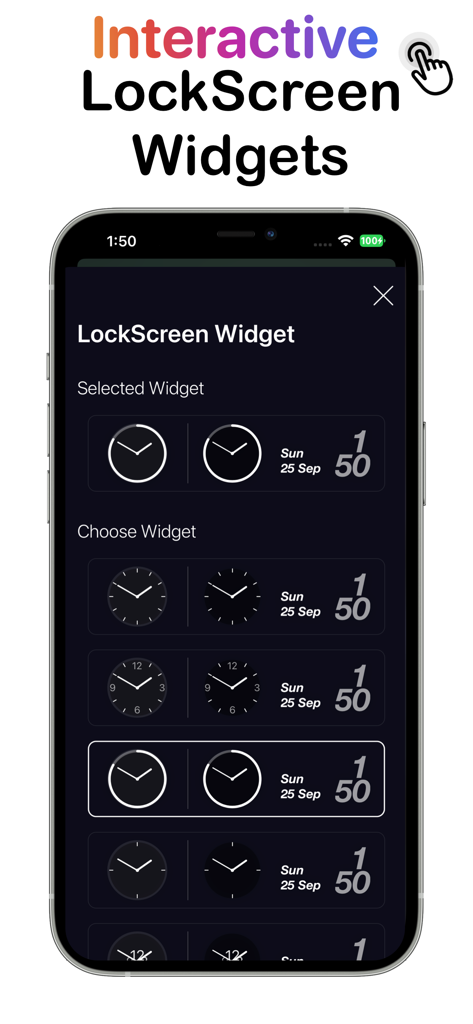
iPhone screen displaying a variety of interactive analog clock and date widget styles for the lock screen.
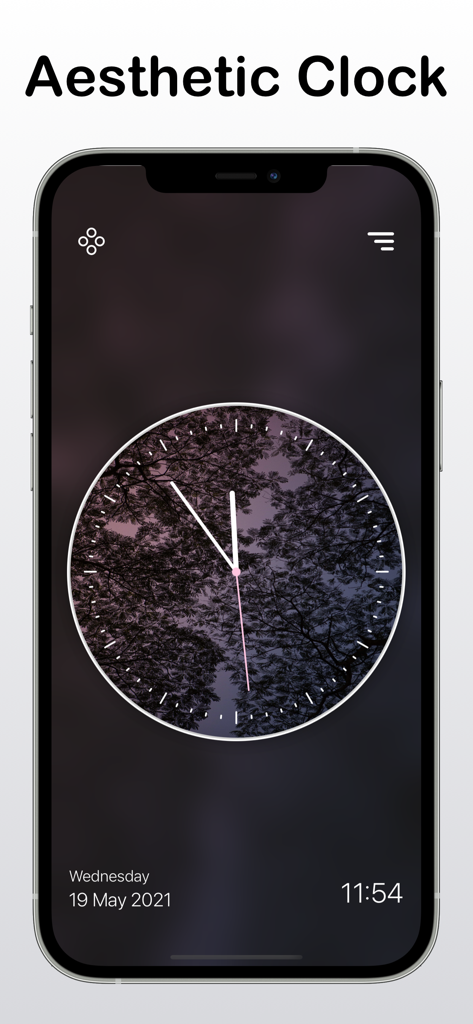
An iPhone screen displaying a full screen aesthetic analog clock with a nature themed background
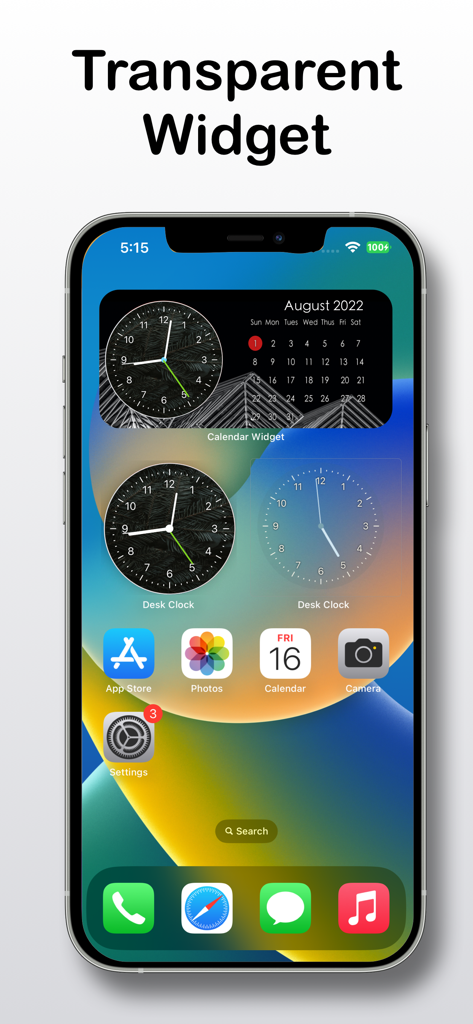
iPhone home screen featuring transparent and aesthetic analog clock widgets and a calendar
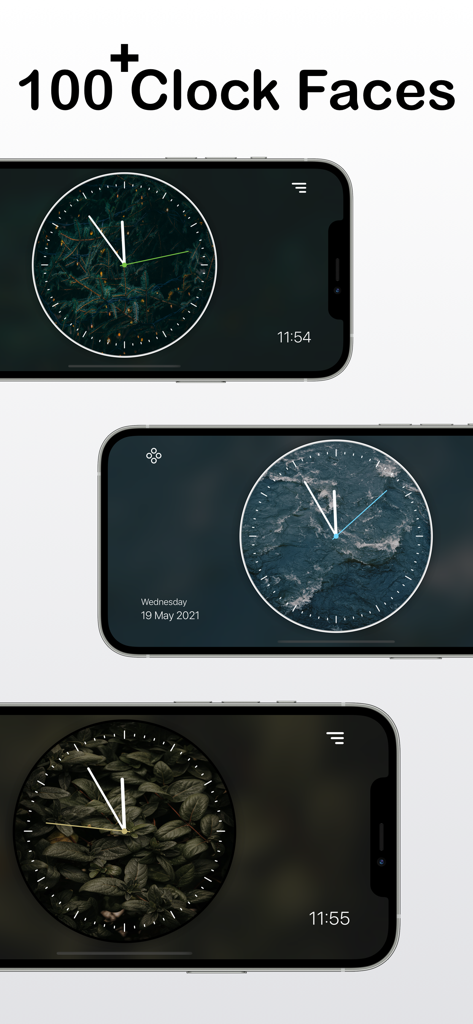
Three iPhones in landscape mode displaying different aesthetic analog clock faces with forest, water, and leaf backgrounds.
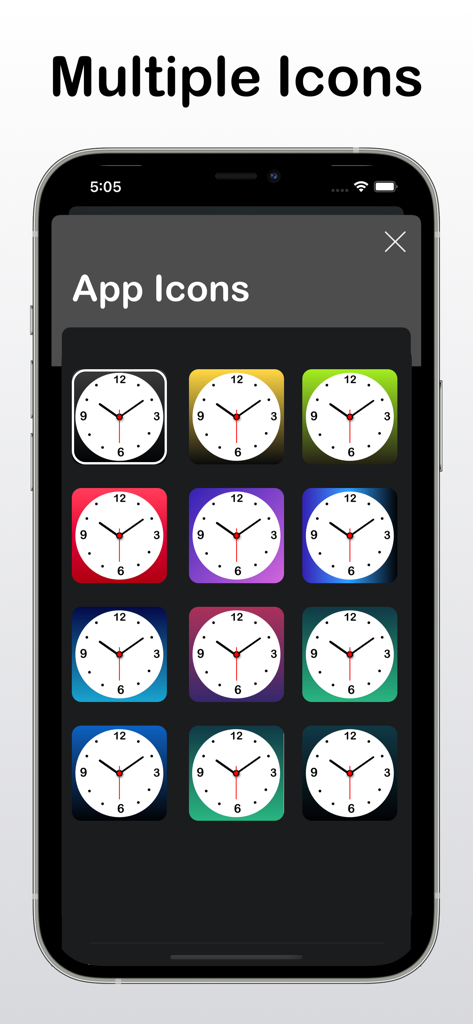
A variety of colorful analog clock app icons displayed on an iPhone screen.
Description
Download
More Like This
Apps with similar features and user experience
DClock - Digital Flip Clock
少杰 施
Fullscreen Clock: Flip & Focus
Zhengzhou Sibo Intelligent Technology Co., Ltd.
Alarm Clock for Me - Wake Up!
Mosaic S.r.l.
Flip clock - no ads
Beijing Free Calculator Technology Co., Ltd.
Mugen Clock
Koichiro Kamada

The Clocks: Alarm, World Clock
Meanterm Inc.
Digital Clock - Bedside Alarm
俊杰 阮
Fliqlo
Yuji Adachi
Clocks - A fun standby mode
Daniel Destefanis
This page is not an official page of the app or its developer, but an independent editorial publication created for informational and commentary purposes. Unless expressly stated otherwise, neither the app nor its developer is affiliated with, endorsed by, sponsored by, authorized by, or otherwise officially connected with MWM, Apple, Google Play, the app publisher, or the app's developer, and nothing on this page implies that the app was developed using MWM's services. Any trademarks, logos, screenshots, and other content remain the property of their respective owners.