
This page is not an official page of the app or its developer, but an independent editorial publication created for informational and commentary purposes. Unless expressly stated otherwise, neither the app nor its developer is affiliated with, endorsed by, sponsored by, authorized by, or otherwise officially connected with MWM, Apple, Google Play, the app publisher, or the app's developer, and nothing on this page implies that the app was developed using MWM's services. Any trademarks, logos, screenshots, and other content remain the property of their respective owners.

Clocks - A fun standby mode
Transform your iPhone into a stunning desk accessory with 20+ animated backgrounds and minimalist designs. Ad-free, private, and perfectly crafted for your home office or studio setup.
Downloads
43K+User Rating
Total Ratings
100Publisher
Category
UtilitiesLocales
16Latest Version
1.24Size
64.5 MBFirst Released
Apr 29, 2025Elevate Your Aesthetic Workspace
Transform your iPhone and iPad into stunning pieces of digital decor with minimalist designs and seamless automation for deep focus.
Curated Digital Decor
Personalize your space with 20+ intentionally designed animated backgrounds and clock faces that turn your device into a piece of art.
Total Workspace Harmony
Achieve a cohesive look across your entire setup with the Pro Pack, featuring matching macOS screensavers for your desktop and laptop.
The following screenshots and description are sourced directly from the app's official store listing and are the property of the app developer.
App Store
Screenshots
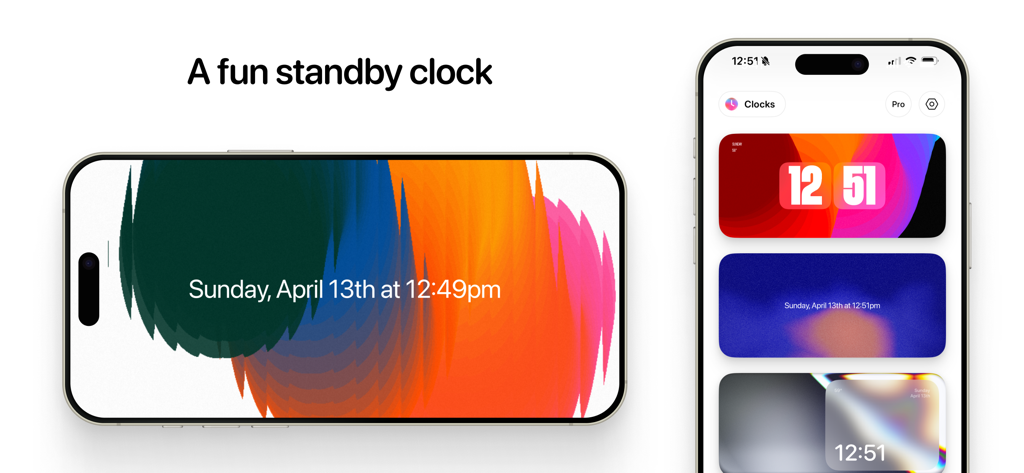
iPhone displaying the Clocks app with various aesthetic standby mode backgrounds and clock styles
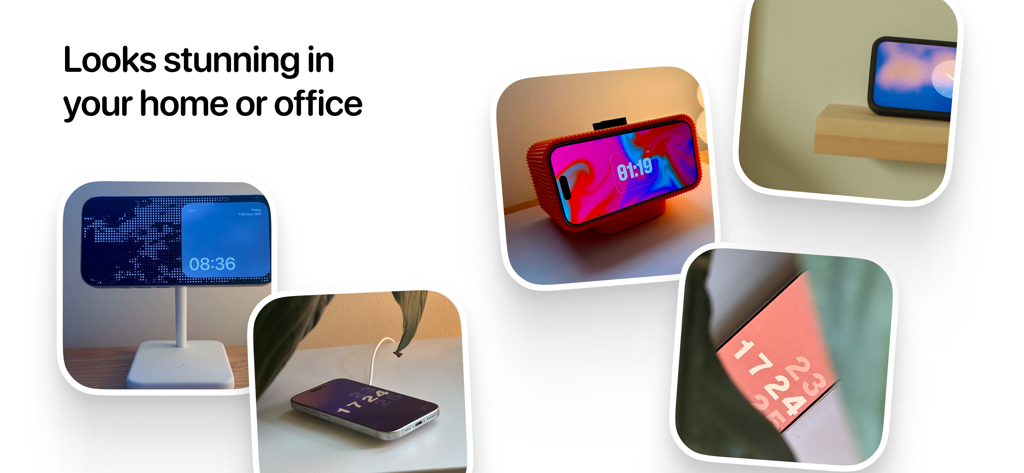
A collage of iPhones in various home and office settings displaying different aesthetic clock faces from the Clocks app.
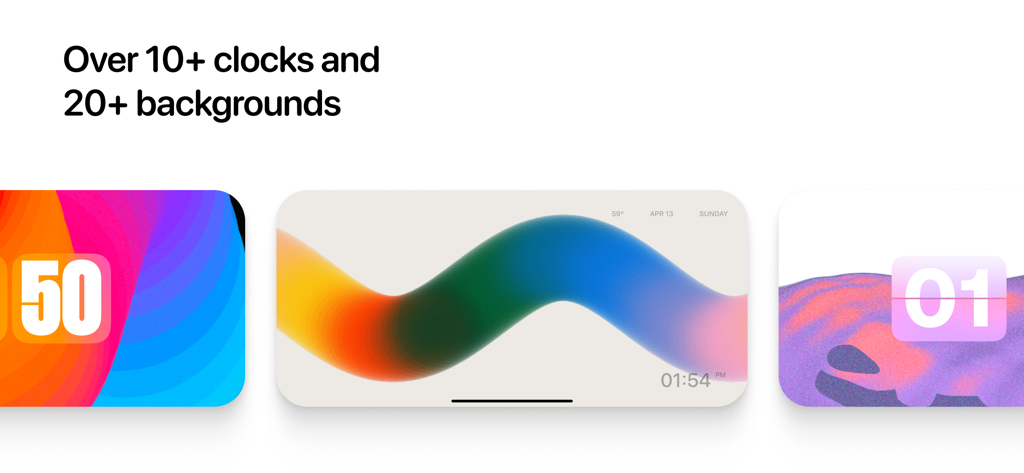
Three different aesthetic clock face and background designs from the Clocks app showing vibrant colors and minimalist layouts
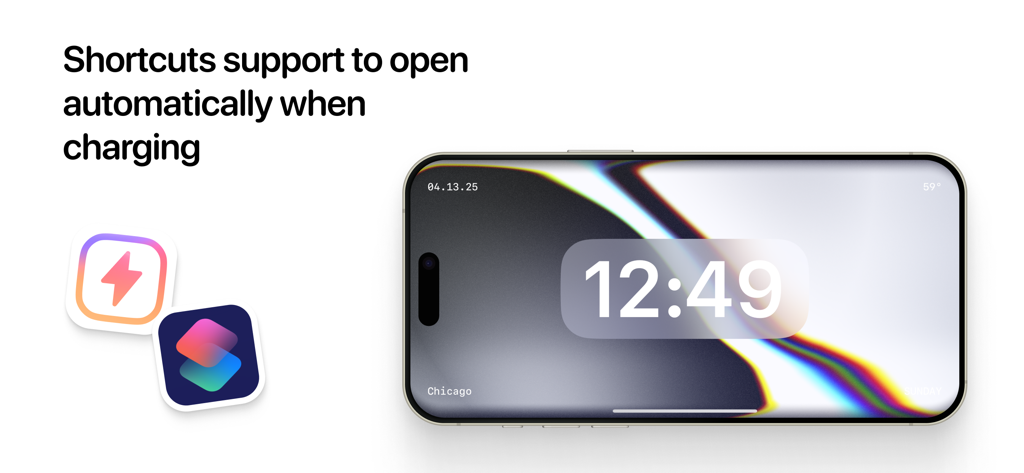
iPhone displaying the Clocks app in landscape mode with iOS Shortcuts integration for automatic opening when charging
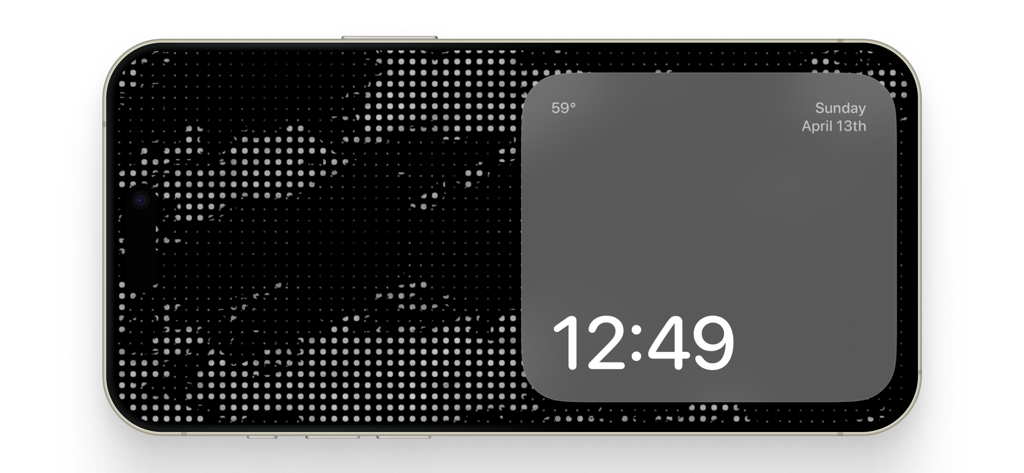
A minimalist digital clock and weather display in standby mode on an iPhone
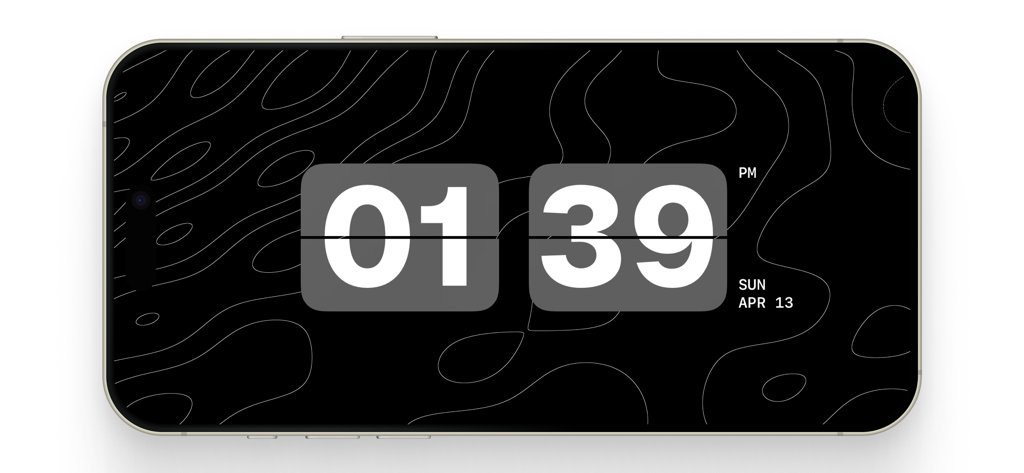
Digital flip clock on an iPhone screen with a minimalist topographic design.
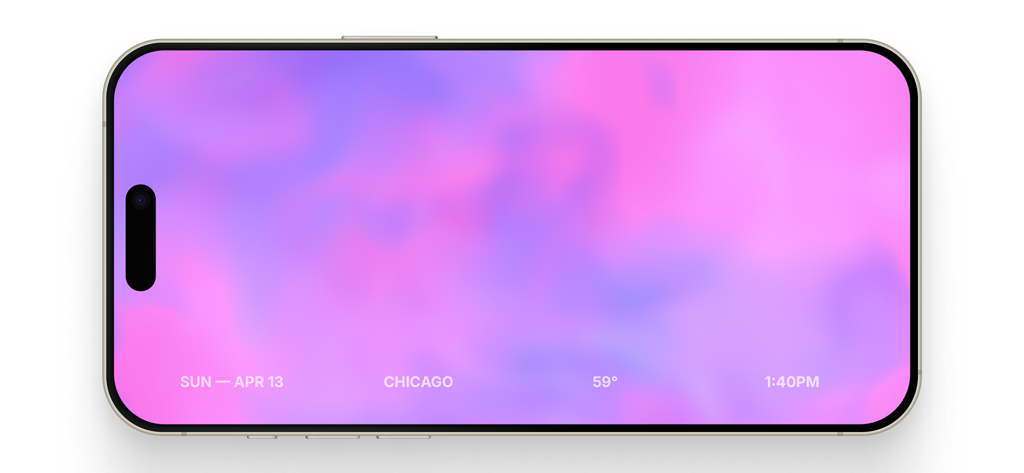
iPhone displaying a pink and purple gradient clock in standby mode.
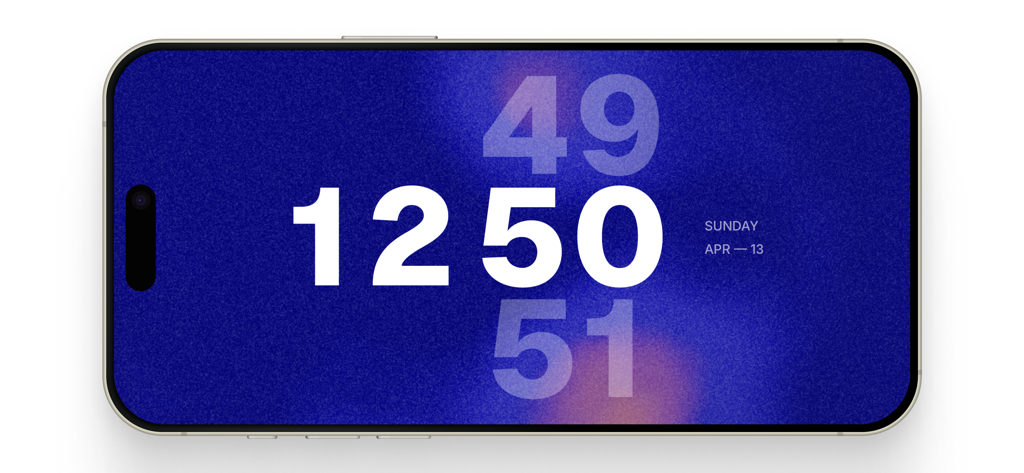
A minimalist digital clock on an iPhone in landscape mode featuring a grainy blue background and bold white numbers
Description
Download
More Like This
Apps with similar features and user experience
DClock - Digital Flip Clock
少杰 施
Fullscreen Clock: Flip & Focus
Zhengzhou Sibo Intelligent Technology Co., Ltd.
Alarm Clock for Me - Wake Up!
Mosaic S.r.l.

Flip clock - no ads
Beijing Free Calculator Technology Co., Ltd.
Mugen Clock
Koichiro Kamada

The Clocks: Alarm, World Clock
Meanterm Inc.
Digital Clock - Bedside Alarm
俊杰 阮
Fliqlo
Yuji Adachi

FlipClock-Digital Alarm Clock
JSPP(Shanghai)Co,Ltd.
This page is not an official page of the app or its developer, but an independent editorial publication created for informational and commentary purposes. Unless expressly stated otherwise, neither the app nor its developer is affiliated with, endorsed by, sponsored by, authorized by, or otherwise officially connected with MWM, Apple, Google Play, the app publisher, or the app's developer, and nothing on this page implies that the app was developed using MWM's services. Any trademarks, logos, screenshots, and other content remain the property of their respective owners.