
This page is not an official page of the app or its developer, but an independent editorial publication created for informational and commentary purposes. Unless expressly stated otherwise, neither the app nor its developer is affiliated with, endorsed by, sponsored by, authorized by, or otherwise officially connected with MWM, Apple, Google Play, the app publisher, or the app's developer, and nothing on this page implies that the app was developed using MWM's services. Any trademarks, logos, screenshots, and other content remain the property of their respective owners.

Mugen Clock
Transform your iPhone or iPad into a stunning, glanceable clock. With massive numbers and infinite customization, see the time clearly from across the room while matching your unique style.
Downloads
1M+User Rating
Total Ratings
37K+Publisher
Category
UtilitiesLocales
2Latest Version
5.60.2Size
145.6 MBFirst Released
Dec 14, 2015Design Your Perfect Time
Whether you need a high-contrast focus tool for your home office or a cozy bedside companion, Mugen Clock blends massive visibility with infinite aesthetic possibilities.
Crystal Clear Visibility
Massive, bold characters fill the entire screen, allowing you to check the time instantly from across any room—perfect for busy kitchens or focus sessions.
Aesthetic Desk Customization
Elevate your workspace with handpicked themes, live camera backgrounds, or personal photos to create a clock that perfectly matches your style.
Frequently Asked Questions
Everything you need to know about Mugen Clock
What is the main feature of the Mugen Clock app?
The Mugen Clock app is designed for readability, displaying time with big, bold numbers that fill the entire screen. This allows users to easily see the time from anywhere in a room.
How can I personalize my clock display with Mugen Clock?
Mugen Clock offers extensive personalization. You can customize colors, select fonts, choose from handpicked themes, and even create unique color combinations.
Can Mugen Clock show specific information like date or weather?
Yes, Mugen Clock allows full layout control. You can choose to display or hide various elements such as the date, day of the week, seconds, battery level, and current weather or temperature.
What background customization options does Mugen Clock provide?
Mugen Clock allows users to set backgrounds from their photo library, utilize a live camera effect, or use dynamic video backgrounds for a gentle motion display (premium feature).
Does the Mugen Clock app include a timer and stopwatch?
Yes, Mugen Clock integrates essential tools including a simple, intuitive, and reliable timer and stopwatch. These features are built-in for various tracking needs.
Can I save different clock designs in Mugen Clock?
Yes, Mugen Clock supports saved presets. You can save your customized clock designs and easily switch between different configurations with a single tap, like "Focus Mode" and "Relax Mode".
What is the development history and reputation of Mugen Clock?
Mugen Clock is a "Made-in-Japan" app with over 10 years of development. It achieved No.1 clock app status in Japan, has over 2 million downloads, and a 4.6-star rating from 37k users.
Does Mugen Clock support home screen widgets?
Yes, Mugen Clock supports customizable home screen widgets. Users can select and arrange various clock styles to display directly on their device's home screen.
Is the video background feature free in Mugen Clock?
No, the video background feature in Mugen Clock is a premium feature. It allows users to add gentle motion to their display.
What types of alarms can I set in Mugen Clock?
Mugen Clock allows users to set various alarms with custom descriptions. Examples shown include alarms for waking up, grocery delivery, school pickup, watering plants, and kids' bedtime.
The following screenshots and description are sourced directly from the app's official store listing and are the property of the app developer.
App Store
Screenshots
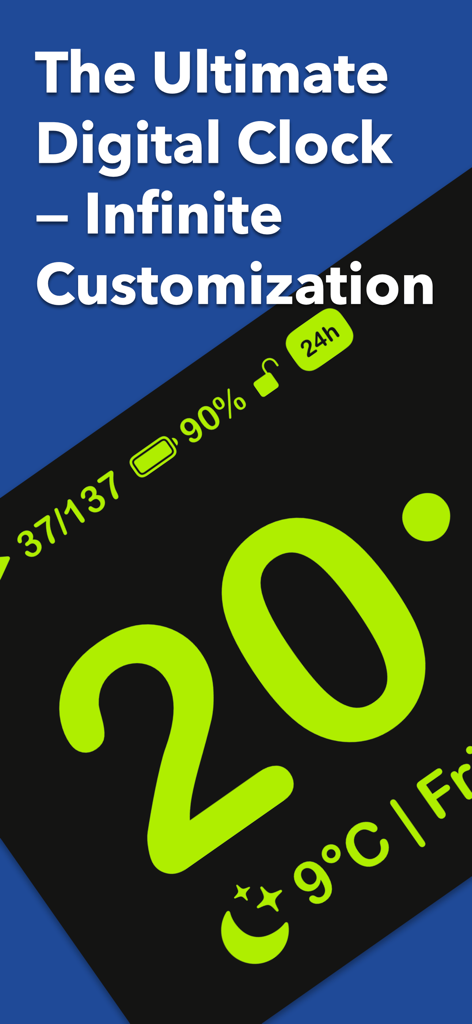
Mugen Clock app interface featuring large neon green numbers with battery and weather details
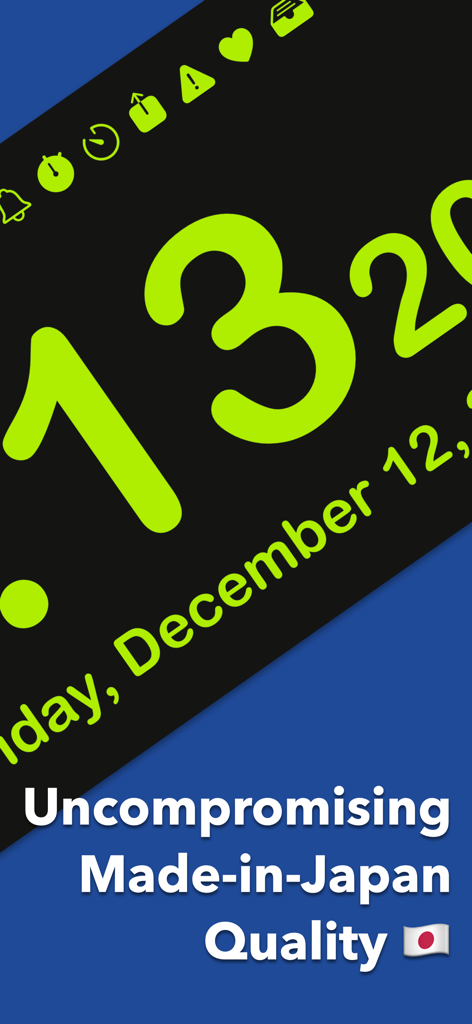
Mugen Clock app screenshot showing large lime-green numbers on a black background with text highlighting made-in-Japan quality
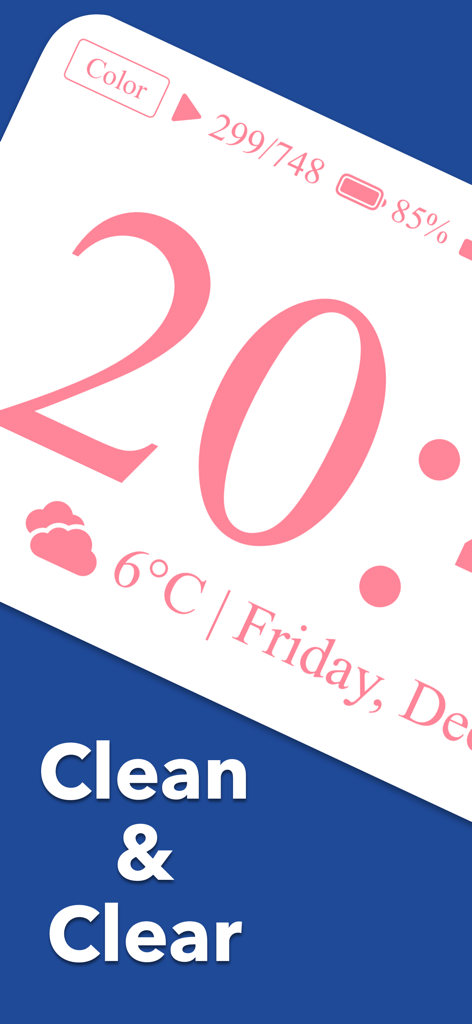
Mugen Clock app interface showing a large pink digital clock with weather and battery status
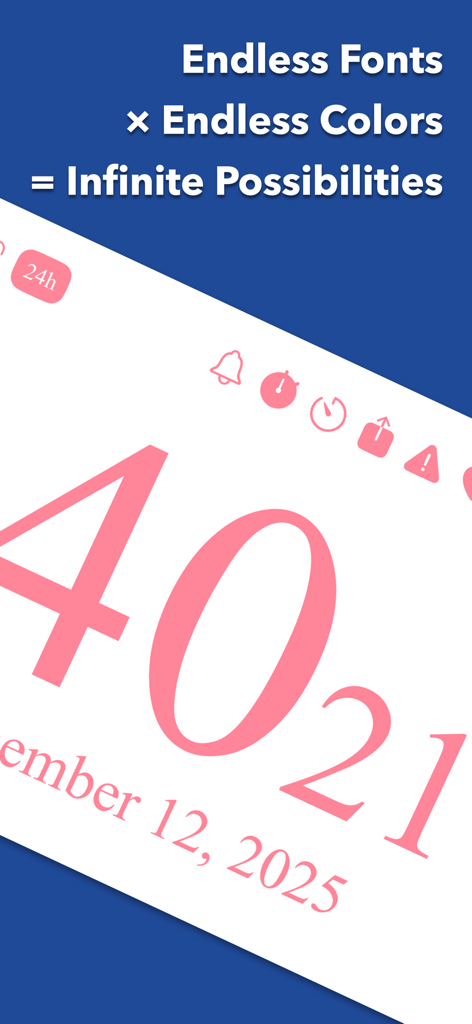
Mugen Clock app interface showcasing customizable fonts and colors with large pink digital numbers
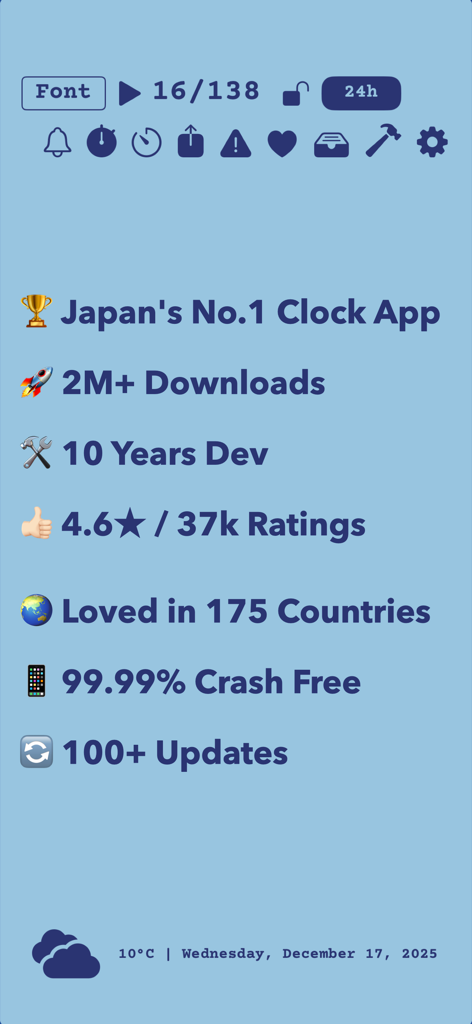
Overview of Mugen Clock achievements including 2 million downloads and 4.6 star rating.
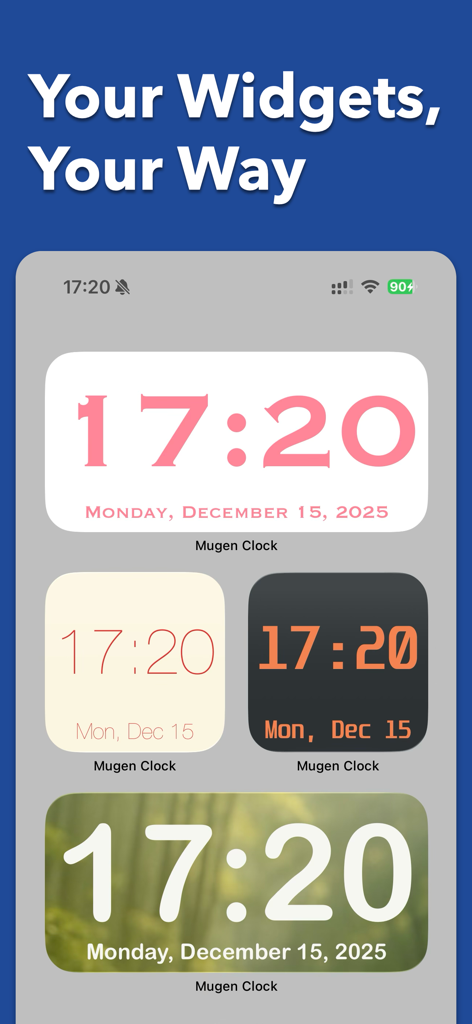
Four different Mugen Clock widget styles on an iPhone home screen showing various colors fonts and backgrounds
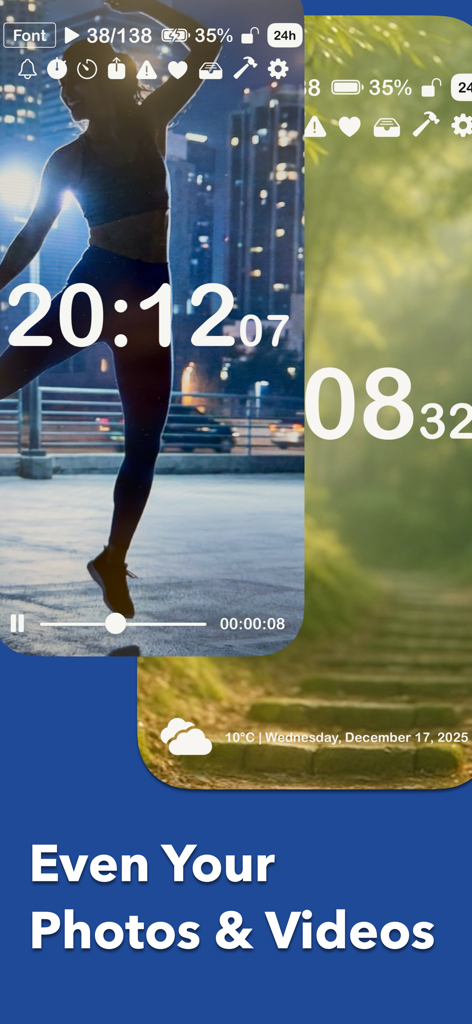
Digital clock display using personal photos and videos as custom background themes
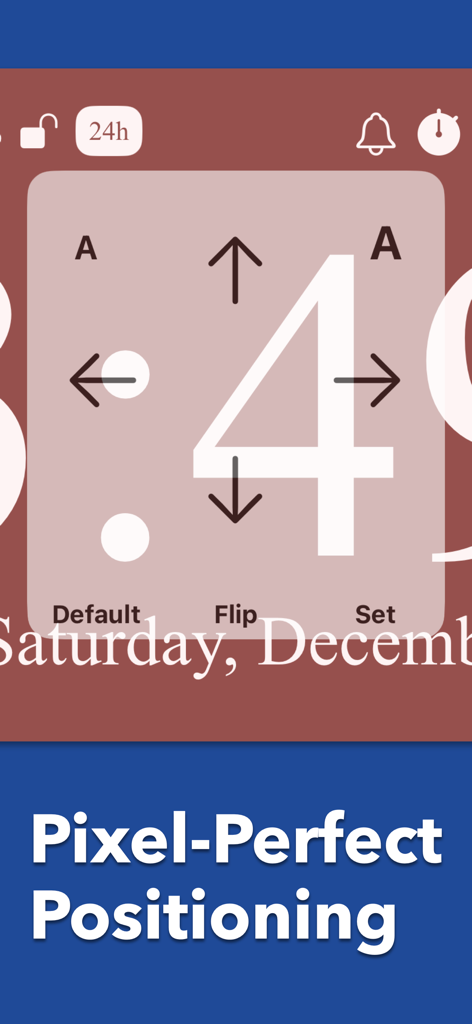
Interface of the Mugen Clock app showing a large number 4 with directional arrows for pixel-perfect positioning adjustments.
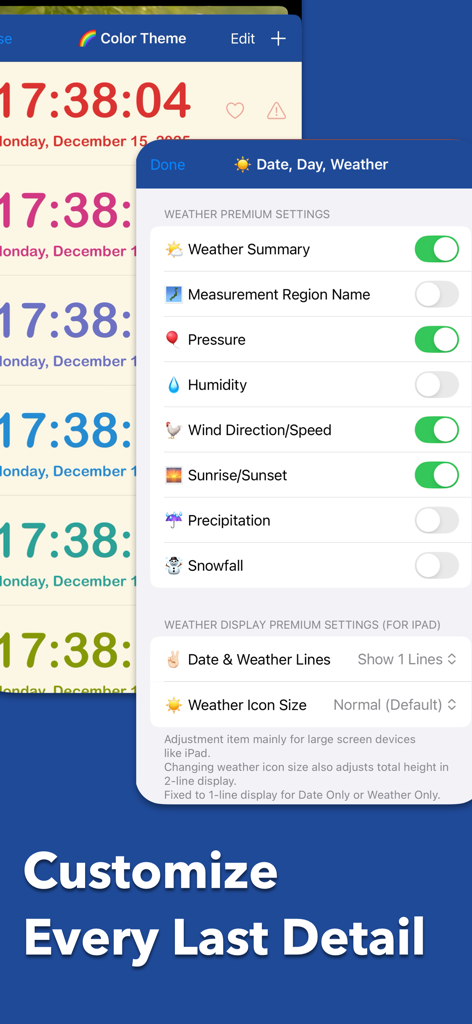
Mugen Clock app interface showing premium weather customization settings and colorful clock themes
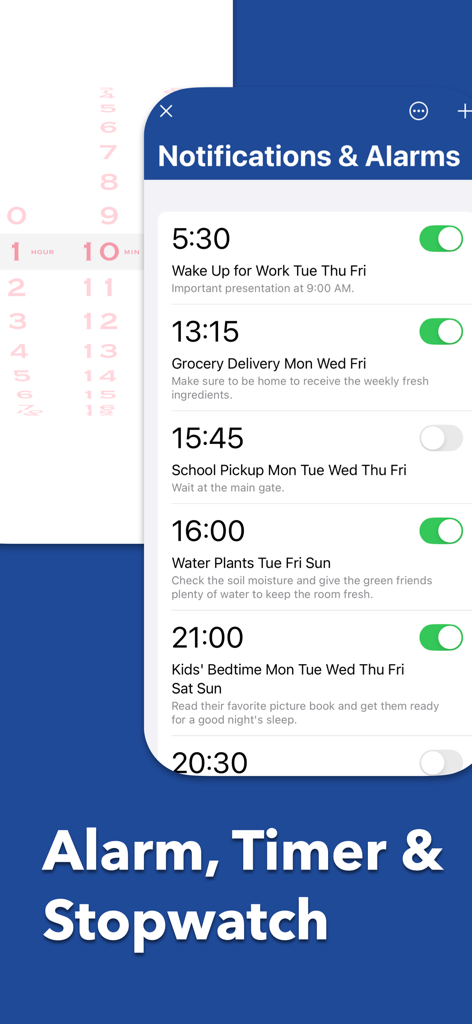
Mugen Clock app interface showing scheduled alarms and notification settings.
Description
Download
More Like This
Apps with similar features and user experience
DClock - Digital Flip Clock
少杰 施
Fullscreen Clock: Flip & Focus
Zhengzhou Sibo Intelligent Technology Co., Ltd.
Alarm Clock for Me - Wake Up!
Mosaic S.r.l.
Flip clock - no ads
Beijing Free Calculator Technology Co., Ltd.

The Clocks: Alarm, World Clock
Meanterm Inc.
Digital Clock - Bedside Alarm
俊杰 阮
Fliqlo
Yuji Adachi
Clocks - A fun standby mode
Daniel Destefanis

FlipClock-Digital Alarm Clock
JSPP(Shanghai)Co,Ltd.
This page is not an official page of the app or its developer, but an independent editorial publication created for informational and commentary purposes. Unless expressly stated otherwise, neither the app nor its developer is affiliated with, endorsed by, sponsored by, authorized by, or otherwise officially connected with MWM, Apple, Google Play, the app publisher, or the app's developer, and nothing on this page implies that the app was developed using MWM's services. Any trademarks, logos, screenshots, and other content remain the property of their respective owners.