
This page is not an official page of the app or its developer, but an independent editorial publication created for informational and commentary purposes. Unless expressly stated otherwise, neither the app nor its developer is affiliated with, endorsed by, sponsored by, authorized by, or otherwise officially connected with MWM, Apple, Google Play, the app publisher, or the app's developer, and nothing on this page implies that the app was developed using MWM's services. Any trademarks, logos, screenshots, and other content remain the property of their respective owners.

Fliqlo
Transform your iPhone or iPad into a minimalist piece of interior decor. Experience the timeless, vintage feel of mechanical clocks designed for deep work and curated desk setups.
Downloads
851K+User Rating
Total Ratings
12K+Publisher
Category
LifestyleLocales
23Latest Version
2.3Size
1.0 MBFirst Released
Jul 27, 2014Elevate Your Aesthetic Workspace
Transform your idle device into a timeless flip clock that blends iconic mechanical design with modern minimalism, perfect for deep work and curated spaces.
Iconic Interior Decor
More than just a utility, Fliqlo turns your device into a vintage-inspired piece of art that enhances any room or desk setup.
Distraction-Free Focus
Boost your productivity with a high-visibility, matte-black display designed to keep you on track without the clutter of notifications.
Frequently Asked Questions
Everything you need to know about Fliqlo
What is Fliqlo?
Fliqlo is a pioneering flip clock app that recreates the mechanical, vintage feel of traditional flip clocks with a simple, minimalist design for iOS and iPadOS devices. It features a highly visible font.
Can Fliqlo display time in 12-hour or 24-hour format?
Yes, Fliqlo allows users to switch between 12-hour and 24-hour time displays. This feature ensures flexibility for user preference.
Does the Fliqlo app support both portrait and landscape orientation?
Yes, the Fliqlo app supports both portrait and landscape modes. Users can switch between orientations to suit their device usage.
Can Fliqlo display seconds on the clock face?
Yes, Fliqlo offers an option to display seconds. Users can activate this by tapping the screen while the app is active.
Is Fliqlo available for macOS as a screensaver?
The macOS version of Fliqlo has been popular as a screensaver module since 2002. The iOS/iPadOS app features the exact same design.
Does Fliqlo prevent my device from auto-locking?
Yes, Fliqlo disables your device’s auto-lock setting while the app is active in the foreground. This ensures continuous display.
Can Fliqlo function as a replacement for my device's Lock Screen?
No, Fliqlo cannot replace your device’s Lock Screen or StandBy mode. It operates as an active foreground application.
Does the Fliqlo app include a Sleep Timer feature?
Yes, Fliqlo includes a Sleep Timer feature. This activates the device's auto-lock settings after a specified duration.
Can the visual flaps be hidden in the Fliqlo app?
Yes, Fliqlo allows users to display or hide the visual flaps of the flip clock. This customization option is available.
Can I reduce the display size of the Fliqlo clock?
Yes, the display size of the Fliqlo clock can be reduced. This feature provides flexibility for different viewing preferences.
The following screenshots and description are sourced directly from the app's official store listing and are the property of the app developer.
App Store
Screenshots
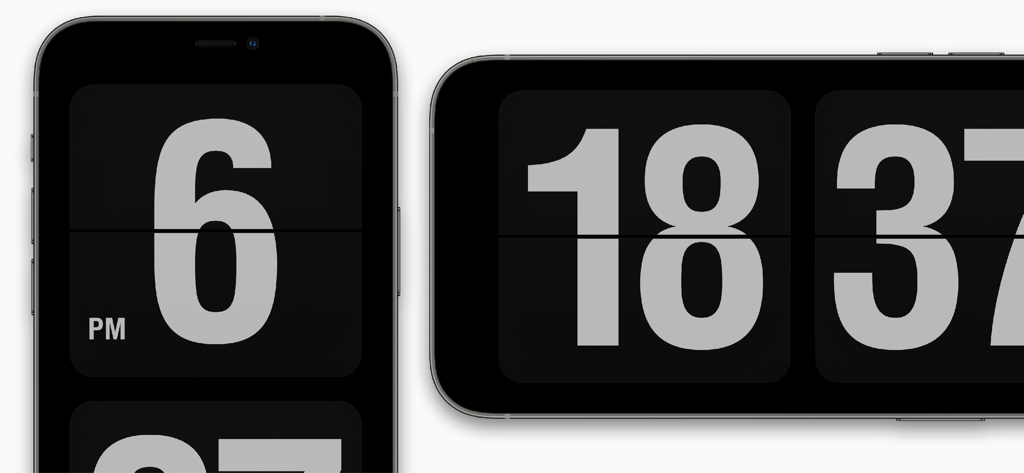
Minimalist Fliqlo flip clock interface on smartphone screens in portrait and landscape modes
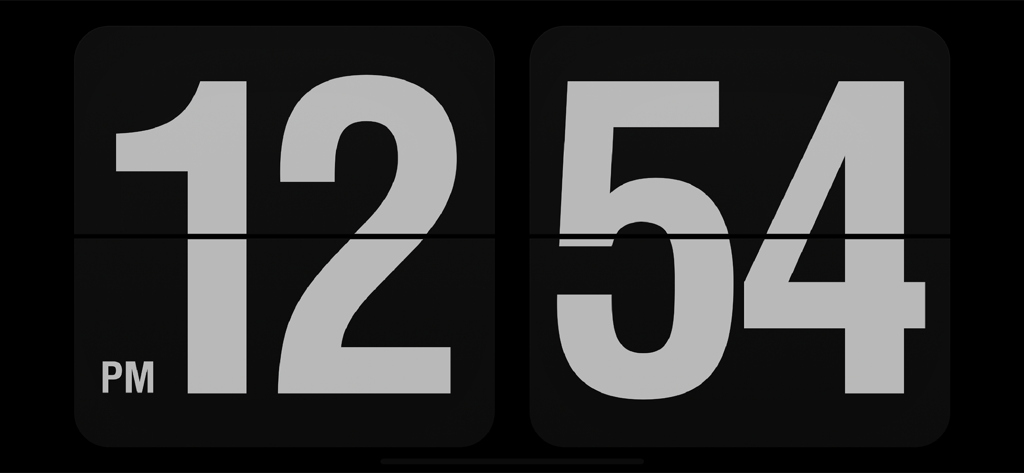
Minimalist digital flip clock interface from Fliqlo showing the time twelve fifty four PM in landscape mode
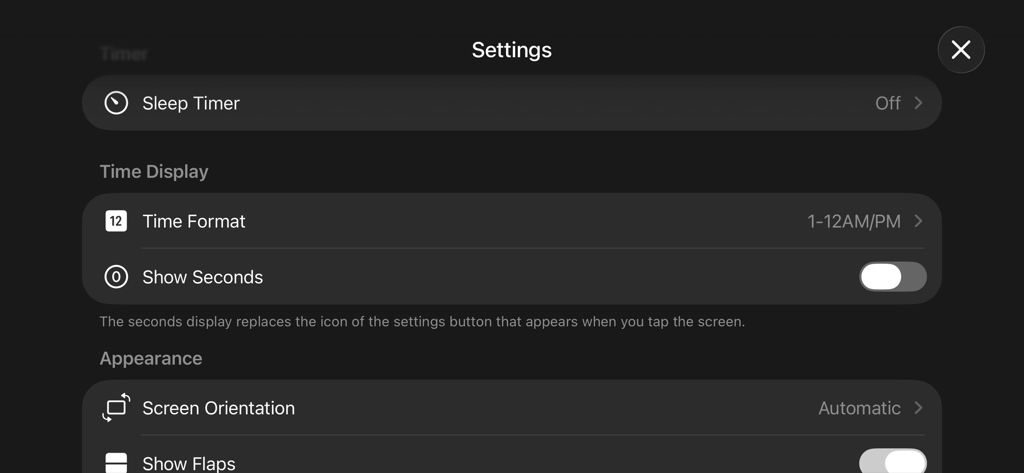
The settings interface of the Fliqlo flip clock app featuring time and appearance customization options.
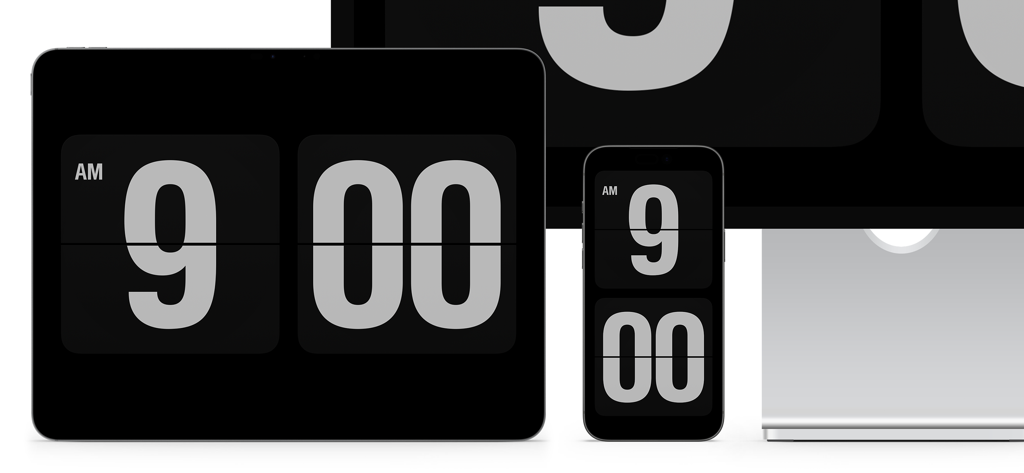
Fliqlo flip clock app displayed on an iPad, iPhone, and desktop monitor with a minimalist black and white design
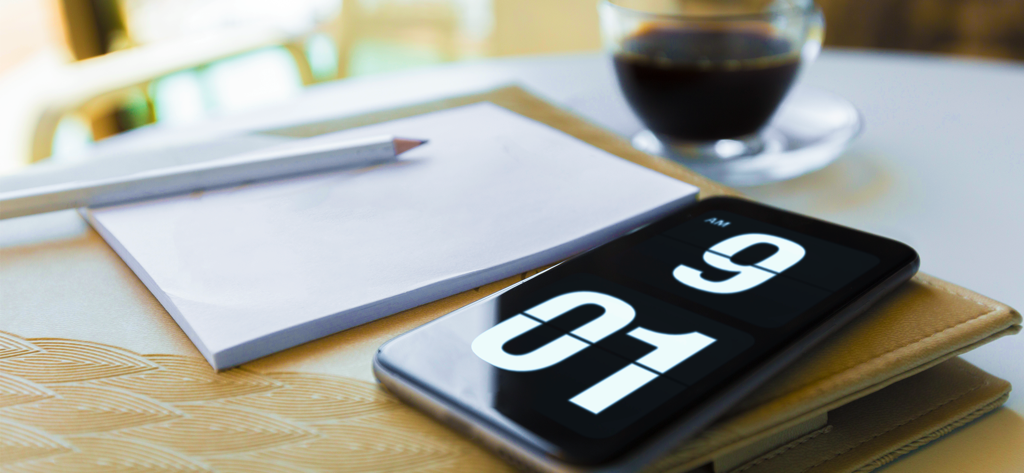
Fliqlo flip clock app on a smartphone screen in a minimalist desk setup
Description
Download
More Like This
Apps with similar features and user experience
DClock - Digital Flip Clock
少杰 施
Fullscreen Clock: Flip & Focus
Zhengzhou Sibo Intelligent Technology Co., Ltd.
Alarm Clock for Me - Wake Up!
Mosaic S.r.l.

Flip clock - no ads
Beijing Free Calculator Technology Co., Ltd.
Mugen Clock
Koichiro Kamada

The Clocks: Alarm, World Clock
Meanterm Inc.
Digital Clock - Bedside Alarm
俊杰 阮
Clocks - A fun standby mode
Daniel Destefanis

FlipClock-Digital Alarm Clock
JSPP(Shanghai)Co,Ltd.
This page is not an official page of the app or its developer, but an independent editorial publication created for informational and commentary purposes. Unless expressly stated otherwise, neither the app nor its developer is affiliated with, endorsed by, sponsored by, authorized by, or otherwise officially connected with MWM, Apple, Google Play, the app publisher, or the app's developer, and nothing on this page implies that the app was developed using MWM's services. Any trademarks, logos, screenshots, and other content remain the property of their respective owners.