
This page is not an official page of the app or its developer, but an independent editorial publication created for informational and commentary purposes. Unless expressly stated otherwise, neither the app nor its developer is affiliated with, endorsed by, sponsored by, authorized by, or otherwise officially connected with MWM, Apple, Google Play, the app publisher, or the app's developer, and nothing on this page implies that the app was developed using MWM's services. Any trademarks, logos, screenshots, and other content remain the property of their respective owners.


Animation Desk® Ultimate
The premier frame-by-frame animation suite for iPad and iPhone. Design viral rotoscoped videos, manage PSD layers, and export professional motion projects anywhere with Apple Pencil.
Downloads
374K+User Rating
Total Ratings
800Publisher
Category
EntertainmentLocales
12Latest Version
4.4.7Size
374.4 MBFirst Released
Oct 5, 2016Your Animation Studio, Anywhere
Professional-grade frame-by-frame tools designed for hobbyists and aspiring pros to create, edit, and share viral animations directly from your iPad.
Transform Reality with Rotoscoping
Turn any video into a masterpiece. Draw frame-by-frame over imported footage to create the stylized, viral content seen on TikTok and Reels.
Pro Tools for the Mobile Artist
Master your craft with advanced features like color-coded onion skinning, custom brushes, and seamless Apple Pencil pressure sensitivity.
The following screenshots and description are sourced directly from the app's official store listing and are the property of the app developer.
App Store
Screenshots
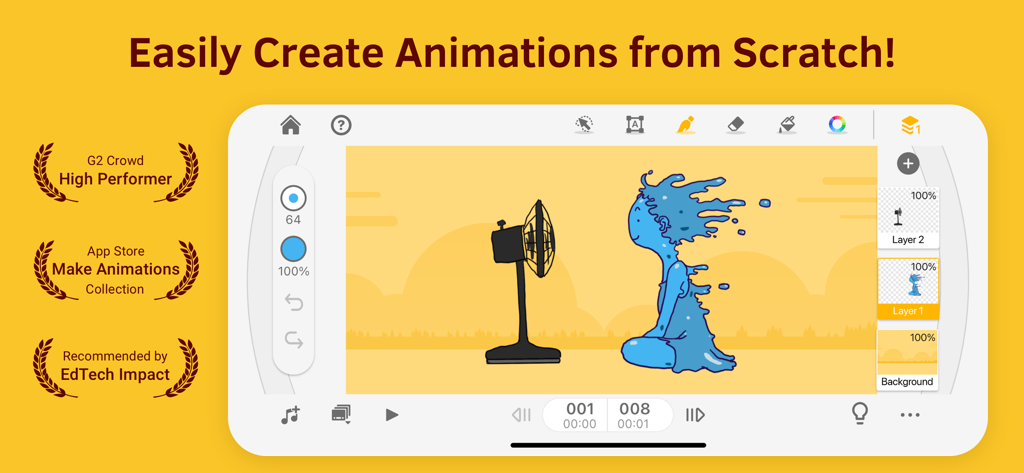
Interface of Animation Desk Ultimate app showing drawing layers and tools for frame by frame animation
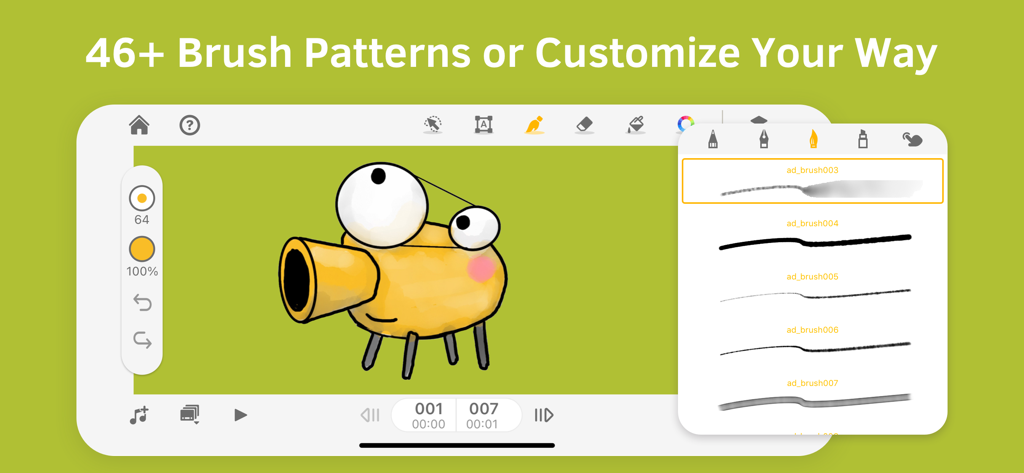
Animation Desk Ultimate interface showing a character drawing and a menu with various brush patterns
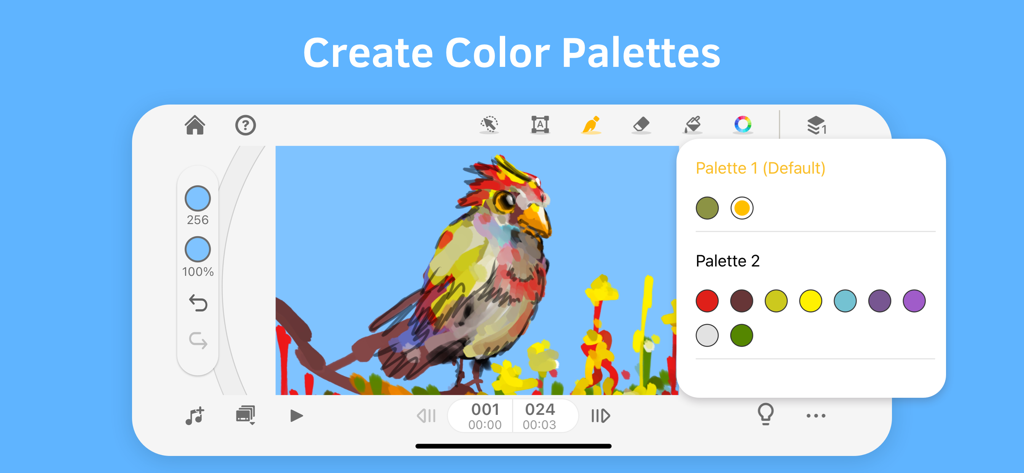
Interface of Animation Desk Ultimate showing the color palette tool with a bird drawing
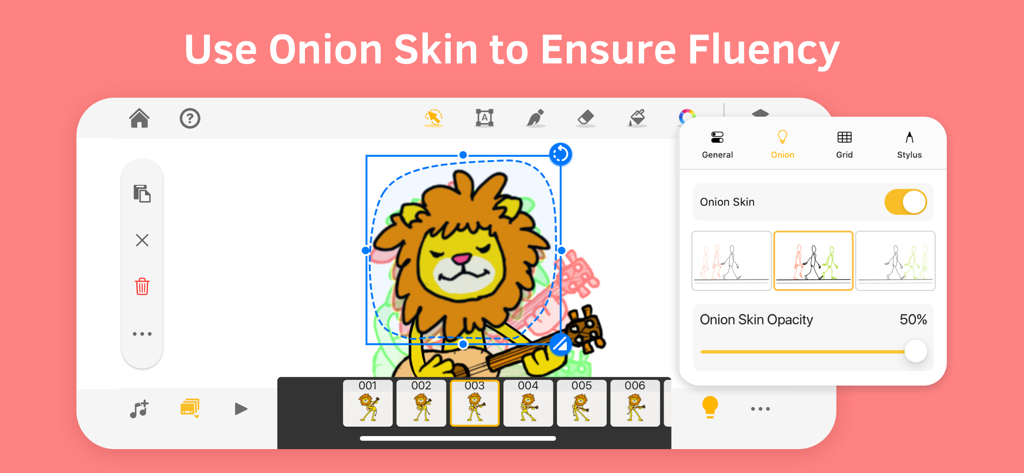
Onion skin feature in Animation Desk app for smooth character animation
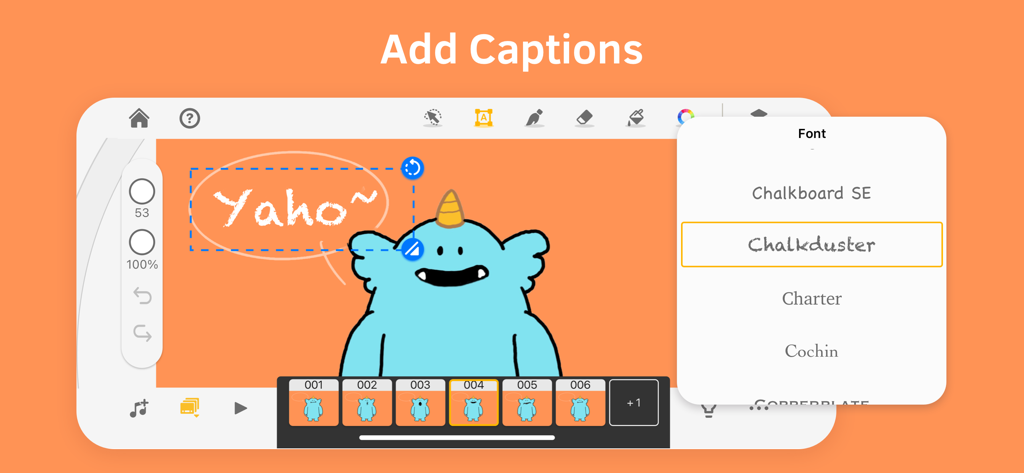
Animation Desk Ultimate interface showing a blue monster character with a speech bubble and font selection menu for adding captions
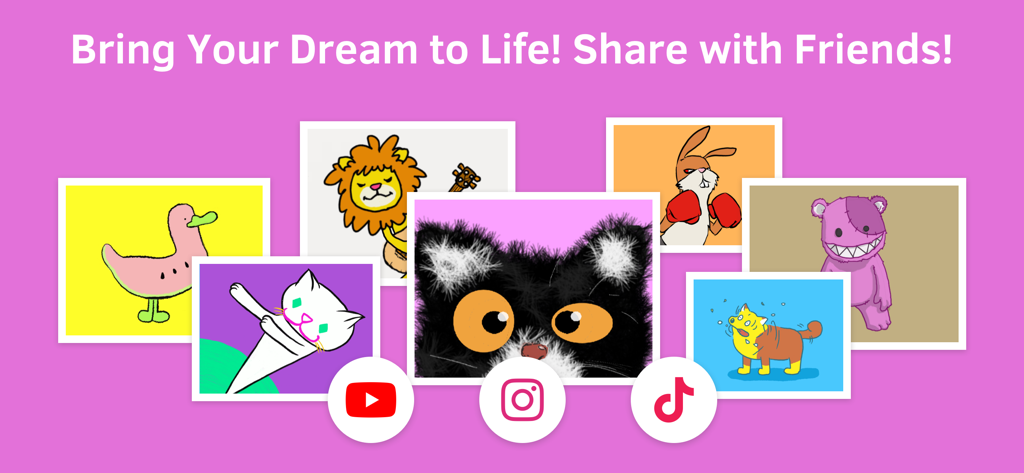
A collection of colorful hand-drawn character animations with social media icons for YouTube Instagram and TikTok
Description
Download
More Like This
Apps with similar features and user experience



This page is not an official page of the app or its developer, but an independent editorial publication created for informational and commentary purposes. Unless expressly stated otherwise, neither the app nor its developer is affiliated with, endorsed by, sponsored by, authorized by, or otherwise officially connected with MWM, Apple, Google Play, the app publisher, or the app's developer, and nothing on this page implies that the app was developed using MWM's services. Any trademarks, logos, screenshots, and other content remain the property of their respective owners.