
This page is not an official page of the app or its developer, but an independent editorial publication created for informational and commentary purposes. Unless expressly stated otherwise, neither the app nor its developer is affiliated with, endorsed by, sponsored by, authorized by, or otherwise officially connected with MWM, Apple, Google Play, the app publisher, or the app's developer, and nothing on this page implies that the app was developed using MWM's services. Any trademarks, logos, screenshots, and other content remain the property of their respective owners.

ToonSquid
Combine the charm of hand-drawn animation with powerful keyframing and bone rigging. From frame-by-frame sketches to complex character rigs, bring your vision to life in 4K with a desktop-class workflow designed for the iPad artist.
Downloads
265K+User Rating
Total Ratings
1K+Publisher
Category
Graphics & DesignLocales
2Latest Version
2.0.17Size
46.3 MBFirst Released
Aug 1, 2022The Desktop-Class Studio for Your iPad
Stop compromising on your mobile workflow. ToonSquid delivers high-end animation features like rigging and keyframing in one powerful, subscription-free environment.
Frame-by-Frame Meets Keyframes
The best of both worlds: hand-draw your animations or use professional easing curves to automate movement and layer properties instantly.
Advanced Rigging & Bones
Bring characters to life with inverse kinematics. Create sophisticated rigs that move naturally without the need to redraw every single frame.
Frequently Asked Questions
Everything you need to know about ToonSquid
What is ToonSquid?
ToonSquid is a powerful 2D art and animation studio for iPad. It combines hand-drawn traditional animation with keyframes, a flexible layer system, and a wide array of customizable artistic tools to bring visions to life.
Does ToonSquid support traditional frame-by-frame animation?
Yes, ToonSquid supports traditional hand-drawn frame-by-frame animations. Users can create individual drawings and control their display duration within the timeline for precise animation sequences.
Can users animate layer properties in ToonSquid using keyframes?
Yes, ToonSquid allows users to animate layer and effects properties over time using keyframes. It offers an extensive list of customizable easing curve presets to create smooth and organic motion between keyframes.
What types of brushes are available in ToonSquid?
ToonSquid provides a library of customizable pixel and vector brushes for sketching, inking, painting, and pixel art. Users can also import custom textures and their existing Adobe Photoshop brushes.
Does ToonSquid include vector shape tools?
Yes, ToonSquid includes vector shape tools. Users can create custom shapes with a path tool, add common vector shapes from a library, import SVG files, and fill/stroke them with gradients.
How does ToonSquid facilitate lip-syncing animations?
ToonSquid facilitates lip-syncing by allowing users to add audio clips to the timeline. It integrates an efficient symbol workflow with frame markers, speeding up the process of synchronizing character speech.
What export formats does ToonSquid support?
ToonSquid supports numerous export formats including MP4, MOV, GIF, PNG, JPEG, and PSD. Users can export their work as videos, images, or image sequences, and adjust resolution and FPS settings.
Can ToonSquid create character rigs with Inverse Kinematics?
Yes, ToonSquid allows users to create character rigs using bones and apply inverse kinematics (IK) constraints. It also supports custom meshes for deforming pixel layers when they are part of a bone rig.
What features are included in ToonSquid's layer system?
ToonSquid's layer system offers flexible timelines, layer grouping, camera layers for export control, layer masking, and 27 industry-standard blend modes for beautiful compositing effects.
What is the maximum drawing resolution supported by ToonSquid?
ToonSquid supports drawing in resolutions of up to 4K. This allows animators to create high-quality artwork and animations suitable for various professional and personal projects.
The following screenshots and description are sourced directly from the app's official store listing and are the property of the app developer.
App Store
Screenshots
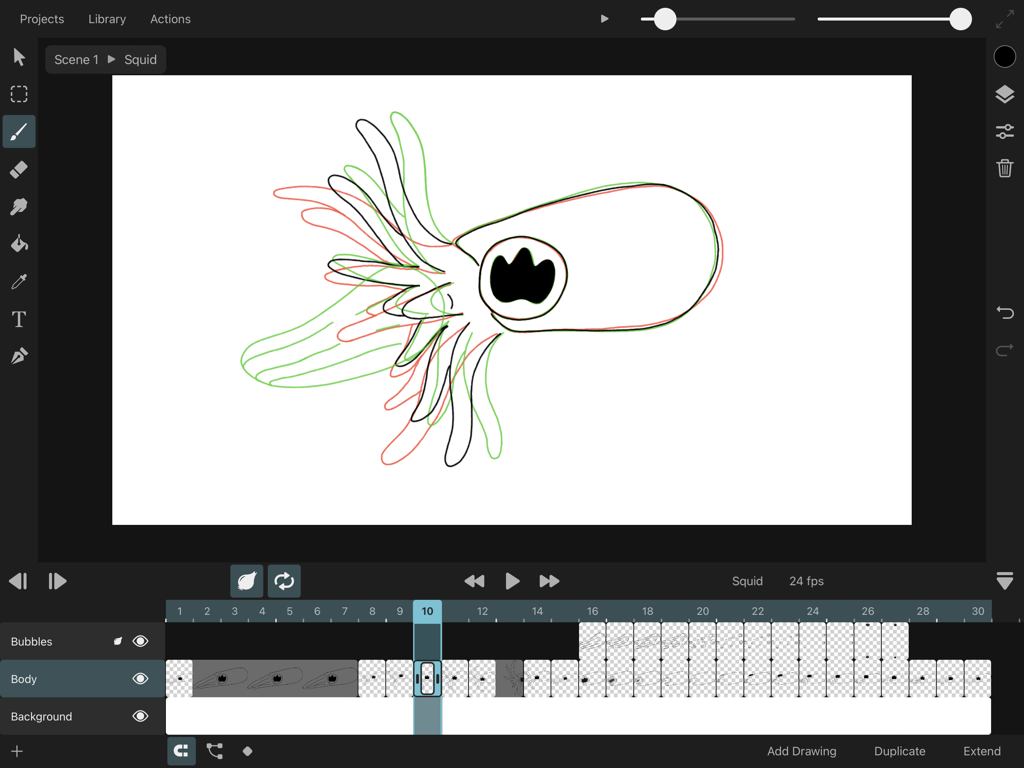
ToonSquid iPad animation interface showing onion skinning and frame by frame timeline
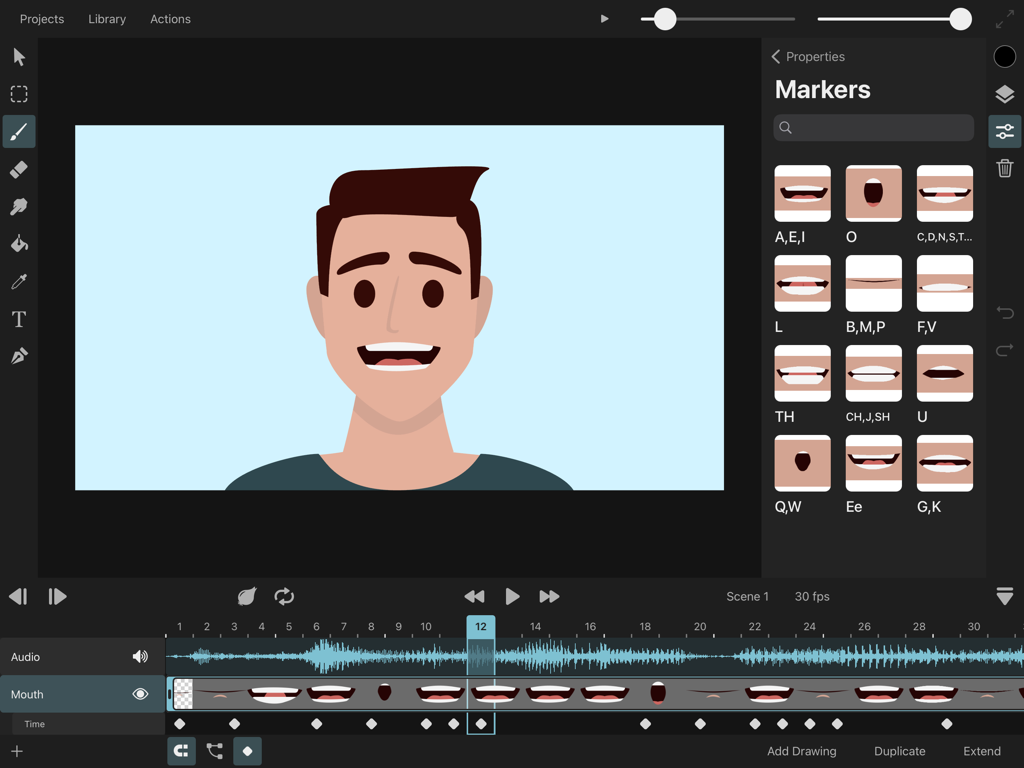
ToonSquid app interface showing a character animation with lip-syncing phoneme markers and audio waveform on an iPad
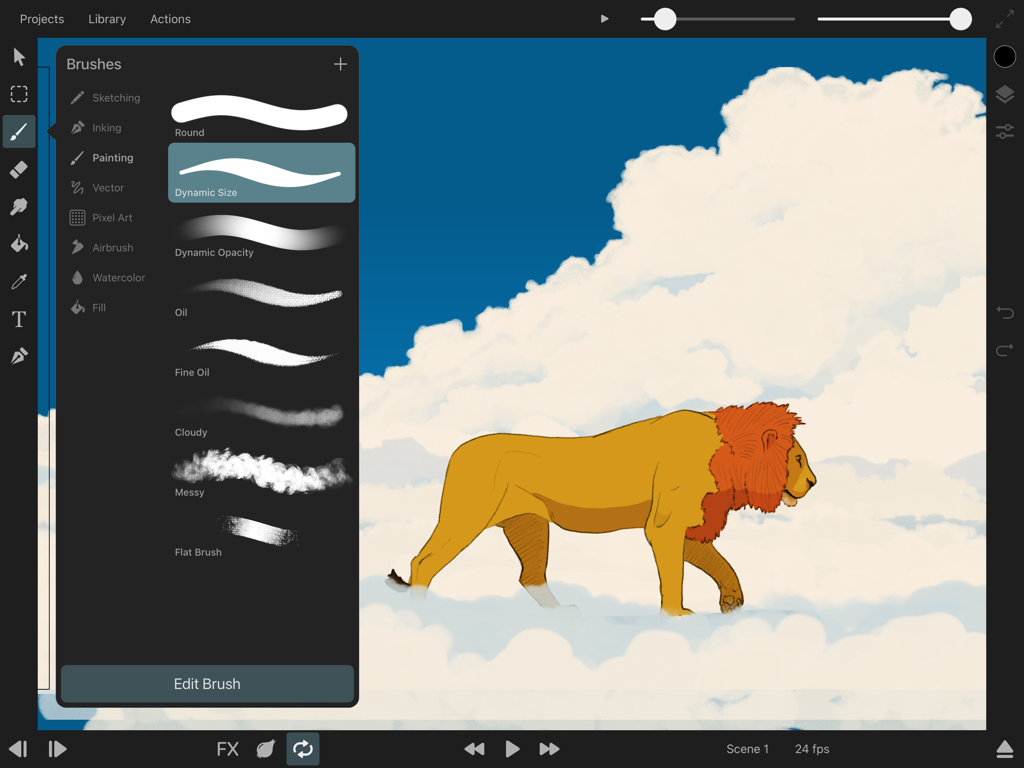
ToonSquid app interface showing brush selection menu and a lion illustration on clouds
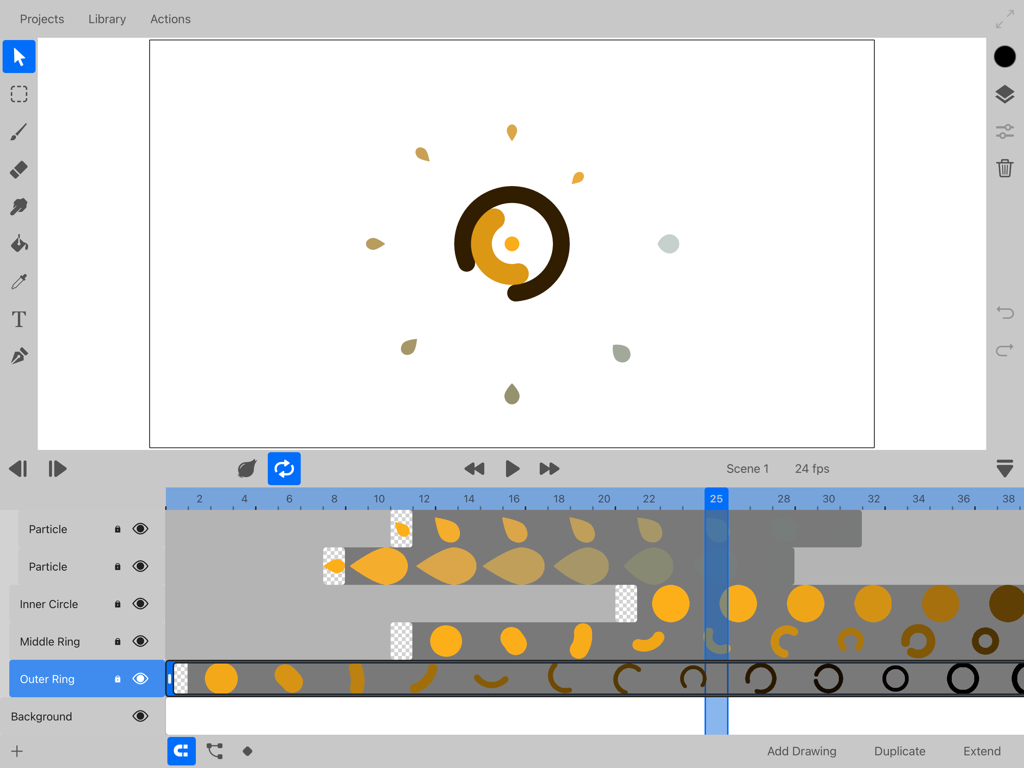
ToonSquid app interface showing the 2D animation timeline with layers and keyframes
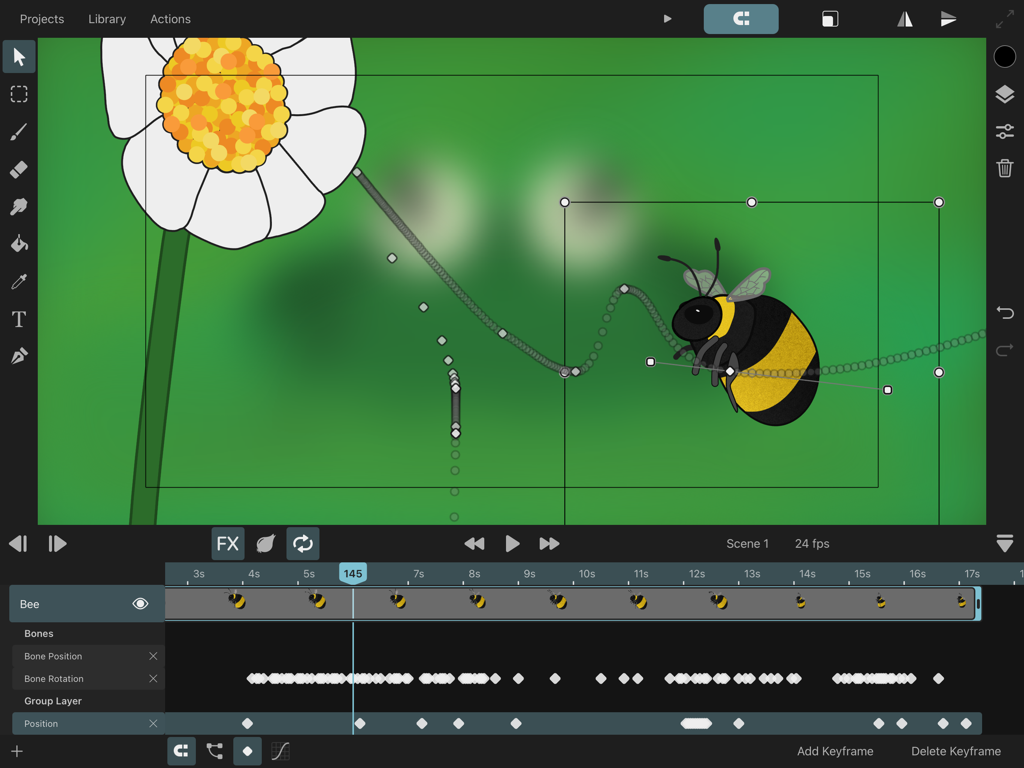
ToonSquid app interface showing a bee animation with a motion path and timeline keyframes
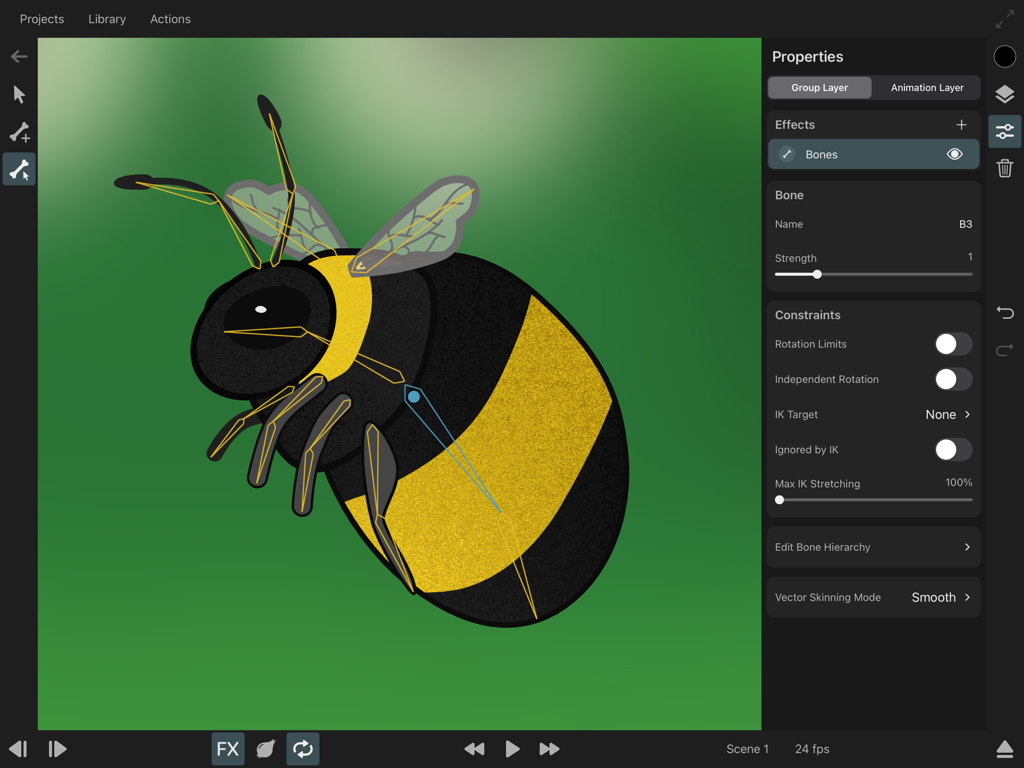
A bumblebee character being rigged with skeletal bones and inverse kinematics constraints in the ToonSquid animation app
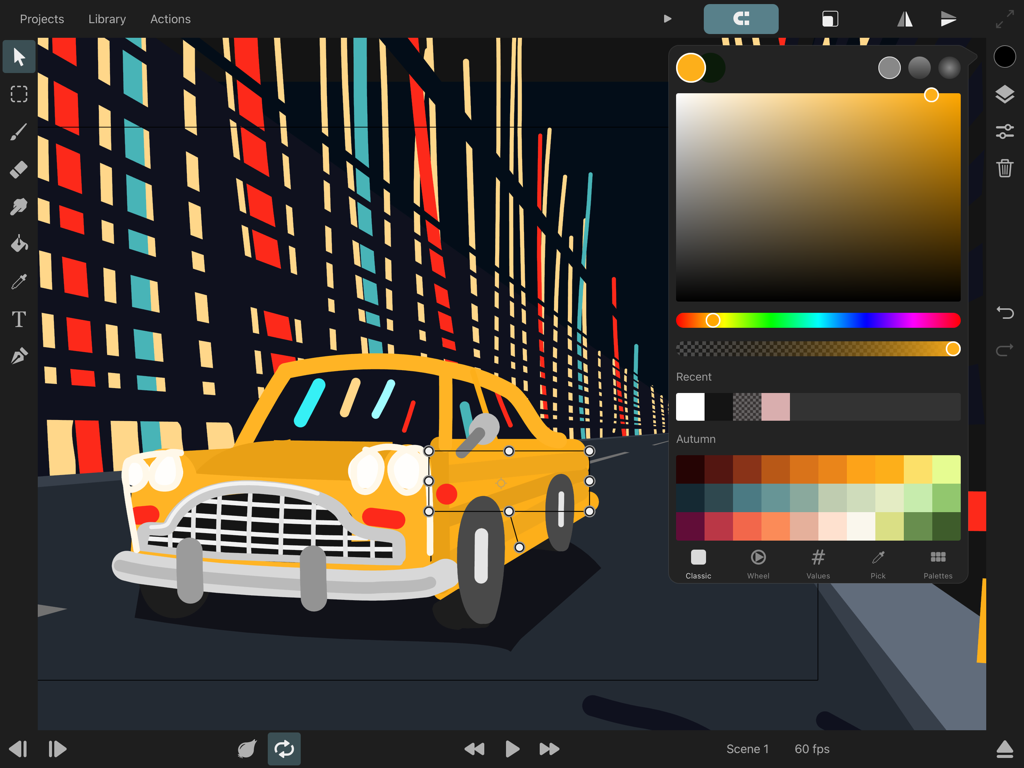
ToonSquid app interface showing a 2D animation of a yellow car with a color picker open on an iPad
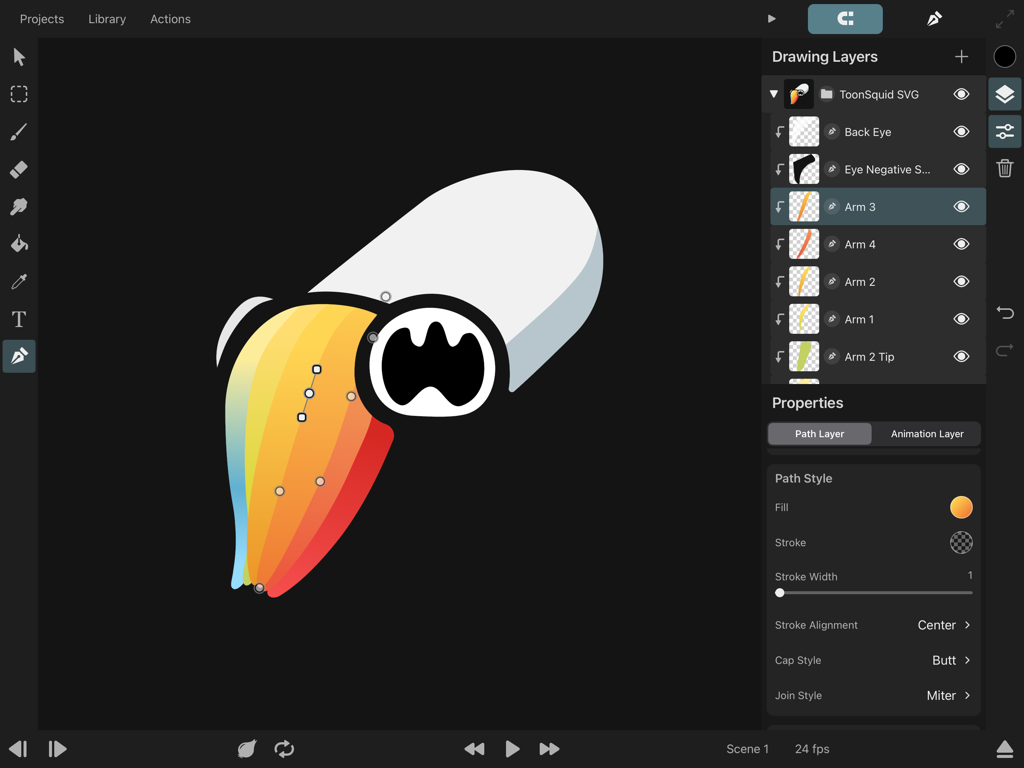
ToonSquid animation app interface on iPad showing drawing layers and vector path editing for a colorful character
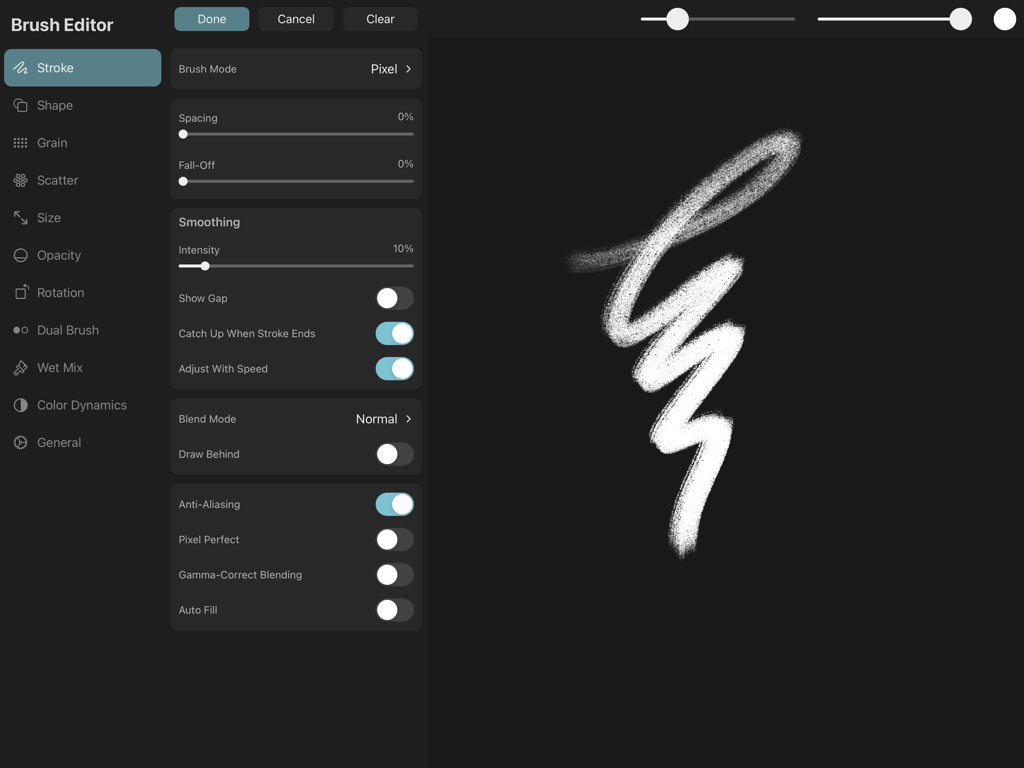
The brush editor interface in ToonSquid showing stroke settings and a textured brush preview.
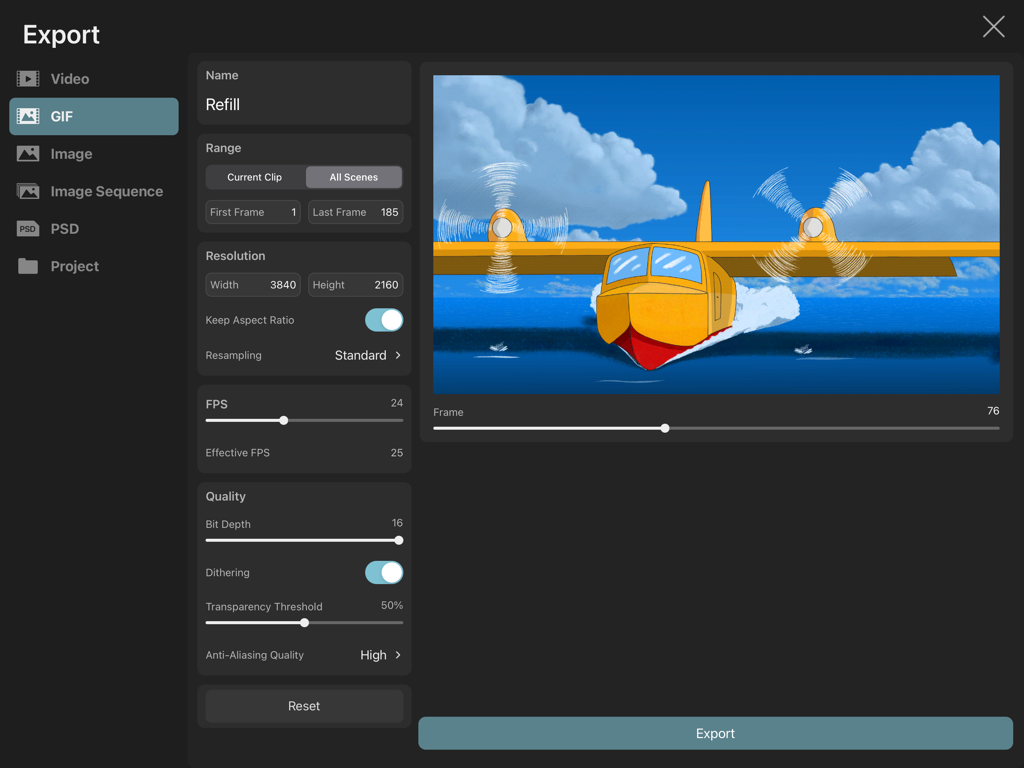
ToonSquid app interface showing export settings for a 4K animated GIF of a yellow seaplane.
Description
Download
More Like This
Apps with similar features and user experience




This page is not an official page of the app or its developer, but an independent editorial publication created for informational and commentary purposes. Unless expressly stated otherwise, neither the app nor its developer is affiliated with, endorsed by, sponsored by, authorized by, or otherwise officially connected with MWM, Apple, Google Play, the app publisher, or the app's developer, and nothing on this page implies that the app was developed using MWM's services. Any trademarks, logos, screenshots, and other content remain the property of their respective owners.