
This page is not an official page of the app or its developer, but an independent editorial publication created for informational and commentary purposes. Unless expressly stated otherwise, neither the app nor its developer is affiliated with, endorsed by, sponsored by, authorized by, or otherwise officially connected with MWM, Apple, Google Play, the app publisher, or the app's developer, and nothing on this page implies that the app was developed using MWM's services. Any trademarks, logos, screenshots, and other content remain the property of their respective owners.

Appoint - Smart Calendar
Stop wasting minutes on manual entry. Experience lightning-fast scheduling that learns your habits, looks exactly how you want, and keeps your data 100% private.
Downloads
50K+User Rating
Total Ratings
0Publisher
Category
ProductivityLocales
10Latest Version
3.0.0Size
9.5 MBFirst Released
Jul 30, 2013Engineered for Peak Performance
Stop fighting your calendar. Appoint is the high-performance scheduling tool designed for professionals who demand speed, privacy, and precision.
Frictionless Smart Input
Schedule in seconds. Natural language processing turns simple phrases like "Gym 7am 1h" into detailed events, learning your routine to predict your next move.
Total Data Sovereignty
Keep your schedule strictly confidential. With local processing and zero cloud tracking, your sensitive professional data stays exactly where it belongs: on your device.
The following screenshots and description are sourced directly from the app's official store listing and are the property of the app developer.
App Store
Screenshots
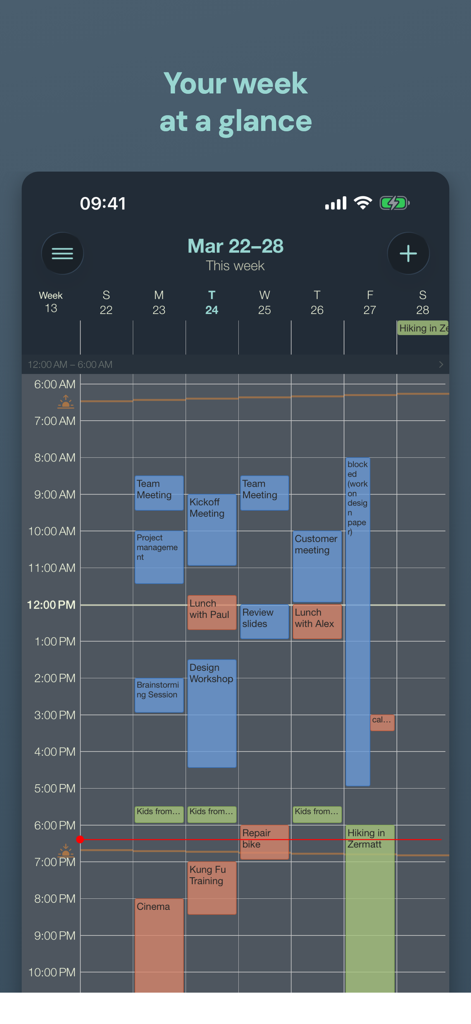
Appoint Smart Calendar app showing a weekly schedule at a glance in dark mode
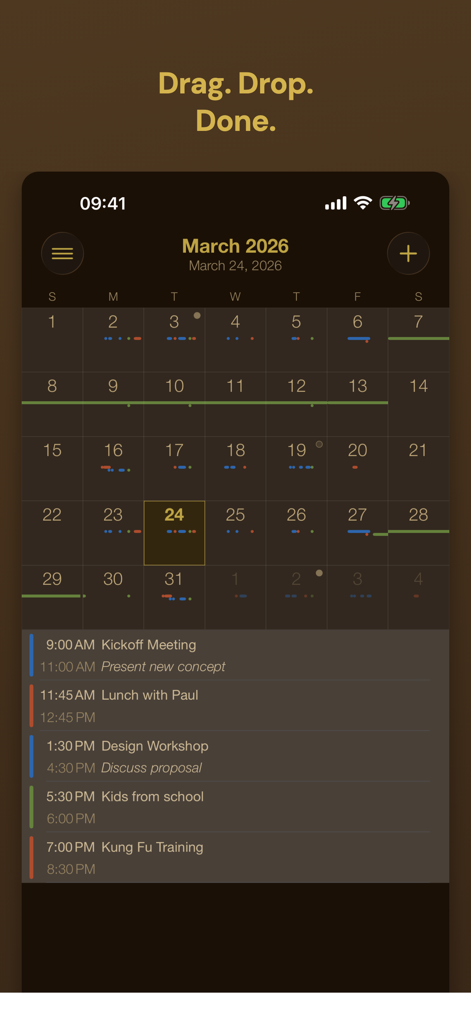
Appoint smart calendar month grid view with drag and drop feature in a dark minimalist theme
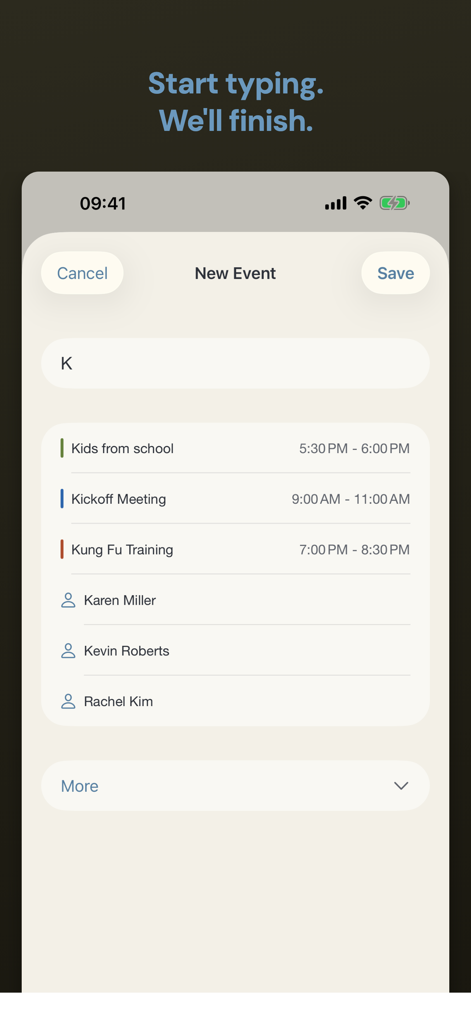
Appoint smart calendar interface showing predictive event and contact suggestions while typing
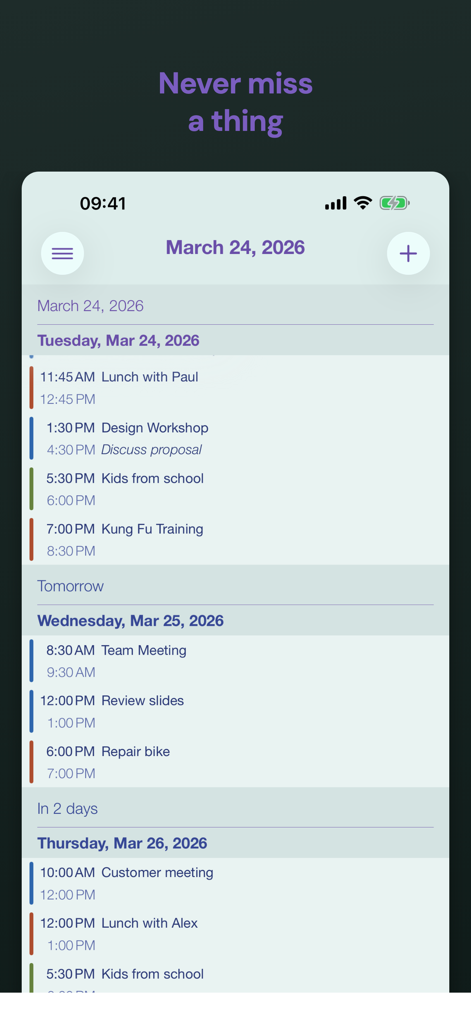
Appoint Smart Calendar app interface showing a list of daily events and relative dates like tomorrow and in 2 days.
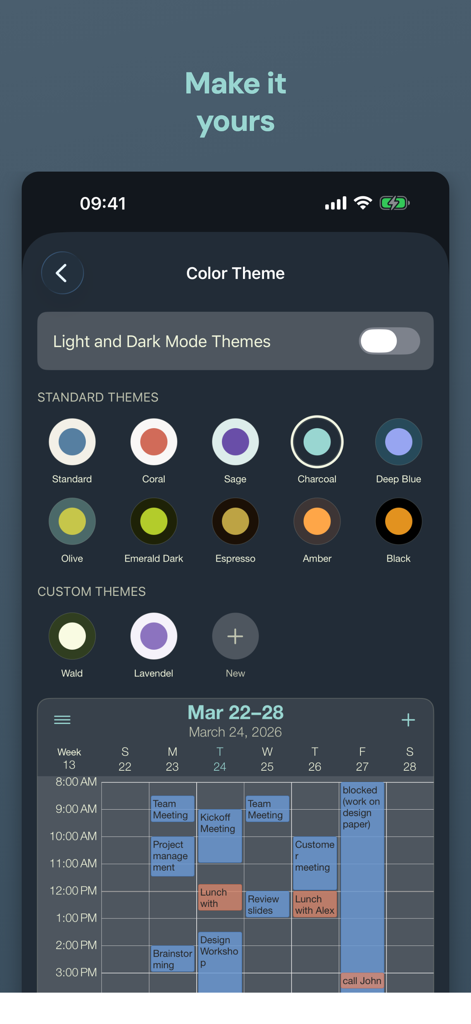
Interface showing color theme customization options and a calendar week view preview
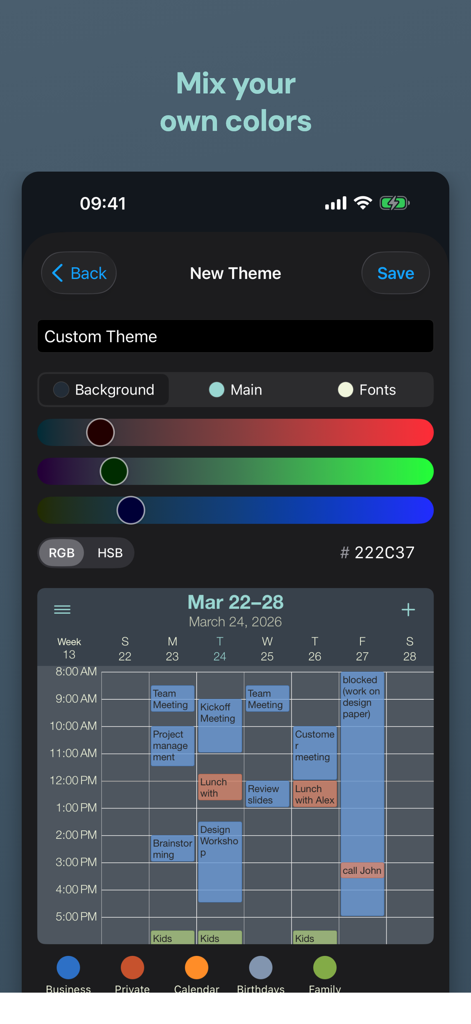
Interface for creating a custom color theme in the Appoint calendar app with RGB sliders and a weekly preview.
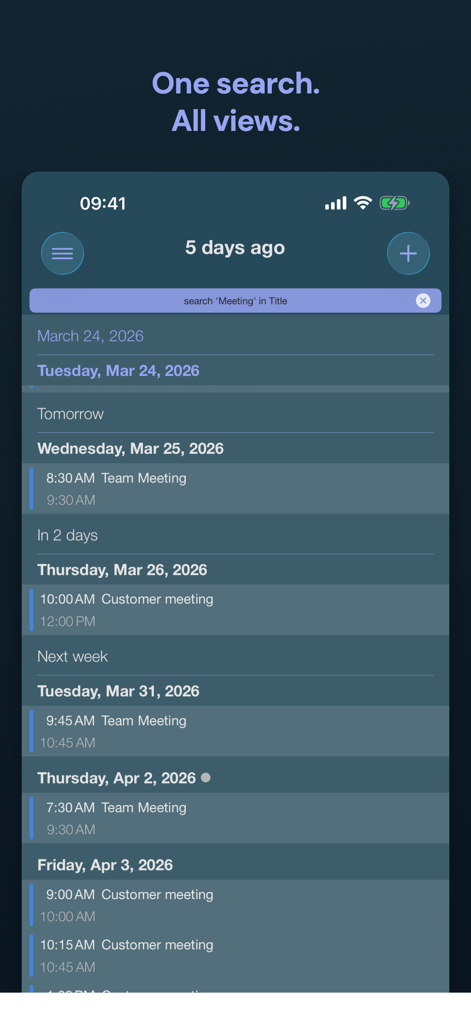
Appoint Smart Calendar app interface showing a list of search results for meetings with relative dates and a dark theme
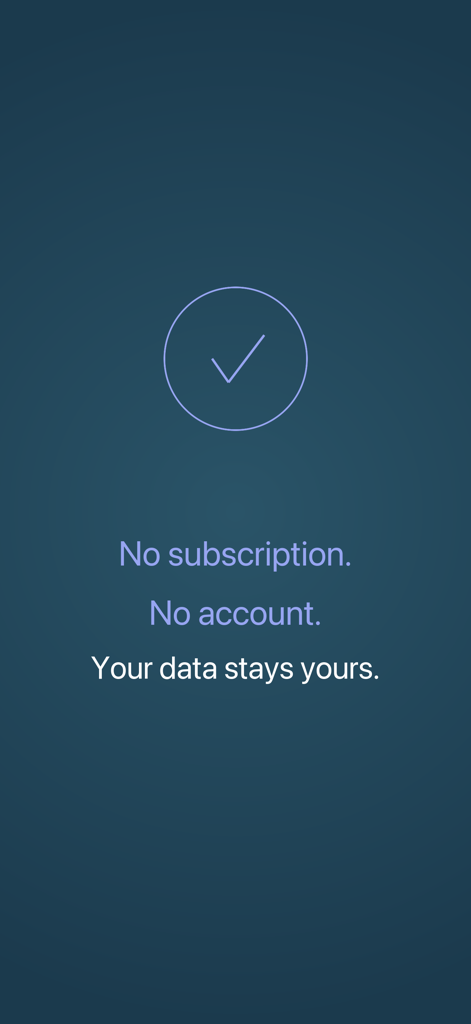
Screenshot of Appoint calendar highlighting no subscription, no account, and data privacy features.
Description
Download
More Like This
Top-ranked apps in the same category
Google Gemini
Google LLC
ChatGPT
OpenAI OpCo, LLC

Claude by Anthropic
Anthropic PBC

Gmail - Email by Google
Google LLC

千问 - 阿里最强大模型官方AI助手
Shanghai Zhixin Puhui Technology Co., Ltd.

Grok - AI Chat & Video
X.AI Corporation
Google Drive
Google LLC

Microsoft Authenticator
Microsoft Corporation
Google Sheets
Google LLC
This page is not an official page of the app or its developer, but an independent editorial publication created for informational and commentary purposes. Unless expressly stated otherwise, neither the app nor its developer is affiliated with, endorsed by, sponsored by, authorized by, or otherwise officially connected with MWM, Apple, Google Play, the app publisher, or the app's developer, and nothing on this page implies that the app was developed using MWM's services. Any trademarks, logos, screenshots, and other content remain the property of their respective owners.