
This page is not an official page of the app or its developer, but an independent editorial publication created for informational and commentary purposes. Unless expressly stated otherwise, neither the app nor its developer is affiliated with, endorsed by, sponsored by, authorized by, or otherwise officially connected with MWM, Apple, Google Play, the app publisher, or the app's developer, and nothing on this page implies that the app was developed using MWM's services. Any trademarks, logos, screenshots, and other content remain the property of their respective owners.
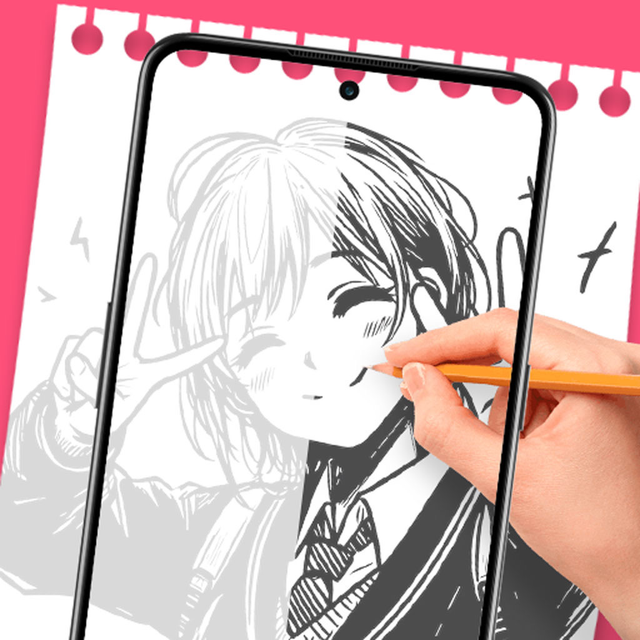
AR Drawing: Trace to Sketch
Transform your phone into a powerful AR projector. Trace any image directly onto paper, master your favorite anime characters, and create stunning DIY art with zero experience.
Downloads
500+User Rating
Total Ratings
0Publisher
Category
ProductivityLocales
11Latest Version
1.0.6Size
45.0 MBFirst Released
Jan 20, 2026Unlock Your Inner Artist Instantly
Turn your phone into a powerful AR projector. Whether you're a beginner or a DIY pro, our smart tracing tools make creating beautiful, hand-drawn art easier than ever.
Magic AR Overlay
Simply look through your camera to see your chosen image perfectly aligned on your paper for high-precision sketching without the stress.
Turn Photos into Outlines
Import your favorite anime, portraits, or logos and instantly convert them into clean tracing templates with smart transparency filters.
The following screenshots and description are sourced directly from the app's official store listing and are the property of the app developer.
App Store
Screenshots
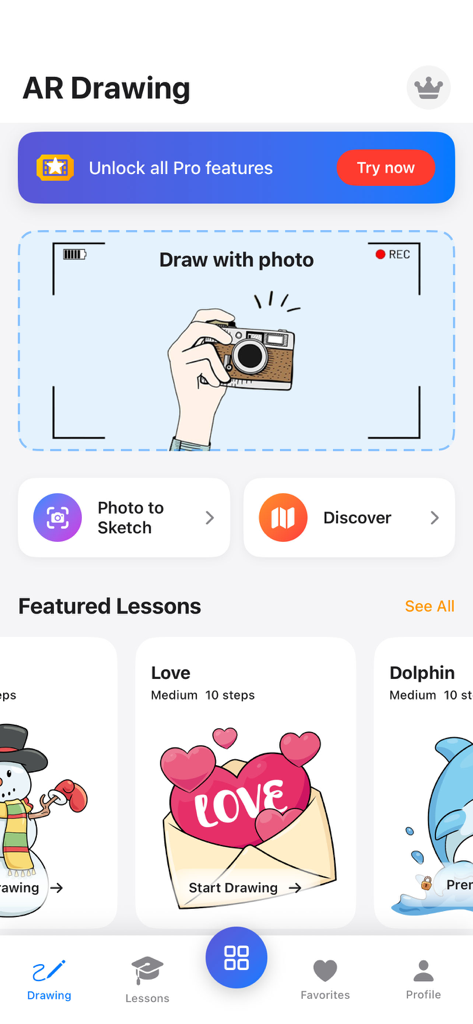
Home screen of the AR Drawing app showing featured drawing lessons and photo to sketch options.
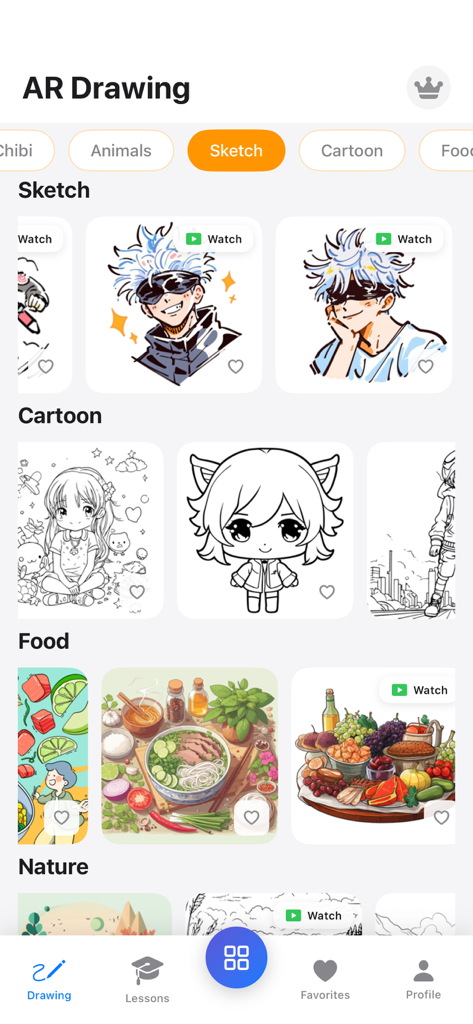
AR Drawing app interface displaying various sketch templates including anime and food categories
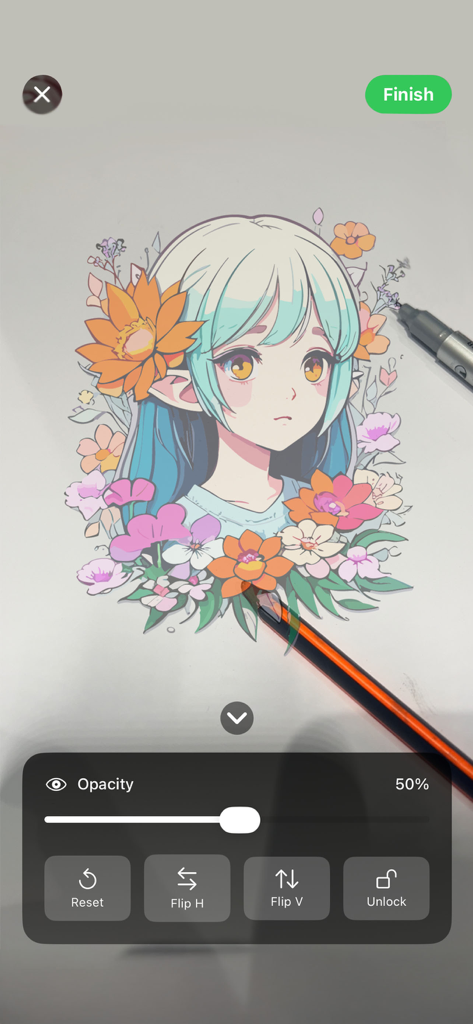
A person using the AR Drawing app to trace an anime girl illustration onto paper with a pencil
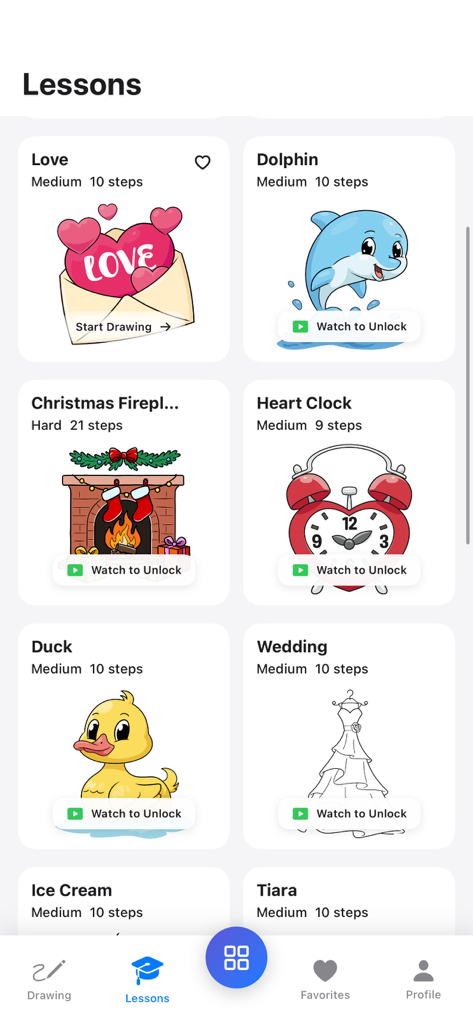
Interface of the AR Drawing app showing a list of drawing lessons with various templates like a dolphin and a heart clock
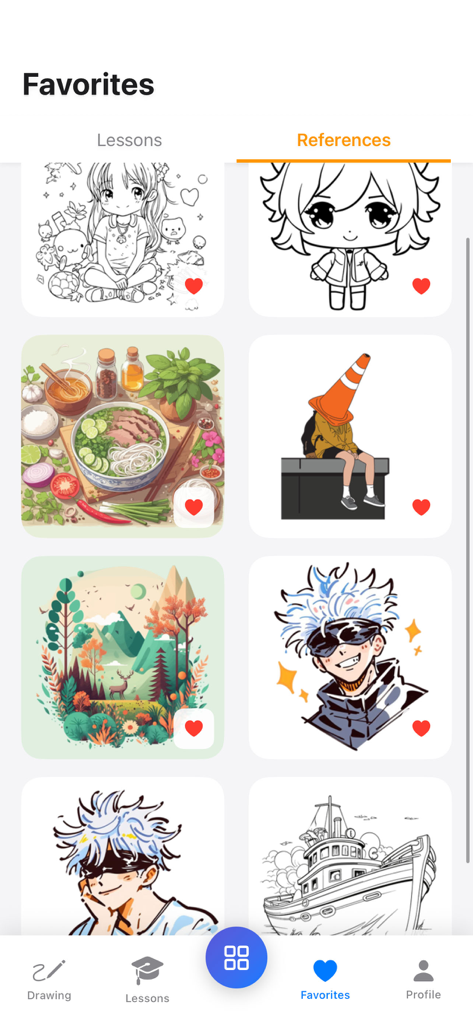
A gallery view of favorite drawing references including anime characters and illustrations within the AR Drawing app.
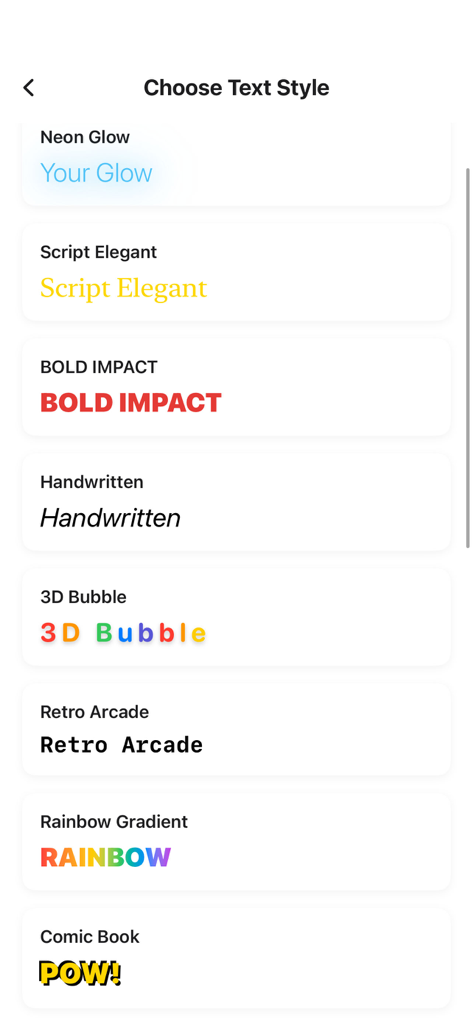
A menu interface showing various text style options for tracing including neon script and bold fonts
Description
Download
More Like This
Top-ranked apps in the same category

ChatGPT
OpenAI OpCo, LLC

Google Gemini
Google LLC

Claude by Anthropic
Anthropic PBC

Gmail - Email by Google
Google LLC

千问 - 阿里最强大模型官方AI助手
Shanghai Zhixin Puhui Technology Co., Ltd.

Grok - AI Chat & Video
X.AI Corporation

Google Drive
Google LLC

Microsoft Authenticator
Microsoft Corporation

Google Sheets
Google LLC
This page is not an official page of the app or its developer, but an independent editorial publication created for informational and commentary purposes. Unless expressly stated otherwise, neither the app nor its developer is affiliated with, endorsed by, sponsored by, authorized by, or otherwise officially connected with MWM, Apple, Google Play, the app publisher, or the app's developer, and nothing on this page implies that the app was developed using MWM's services. Any trademarks, logos, screenshots, and other content remain the property of their respective owners.