
This page is not an official page of the app or its developer, but an independent editorial publication created for informational and commentary purposes. Unless expressly stated otherwise, neither the app nor its developer is affiliated with, endorsed by, sponsored by, authorized by, or otherwise officially connected with MWM, Apple, Google Play, the app publisher, or the app's developer, and nothing on this page implies that the app was developed using MWM's services. Any trademarks, logos, screenshots, and other content remain the property of their respective owners.
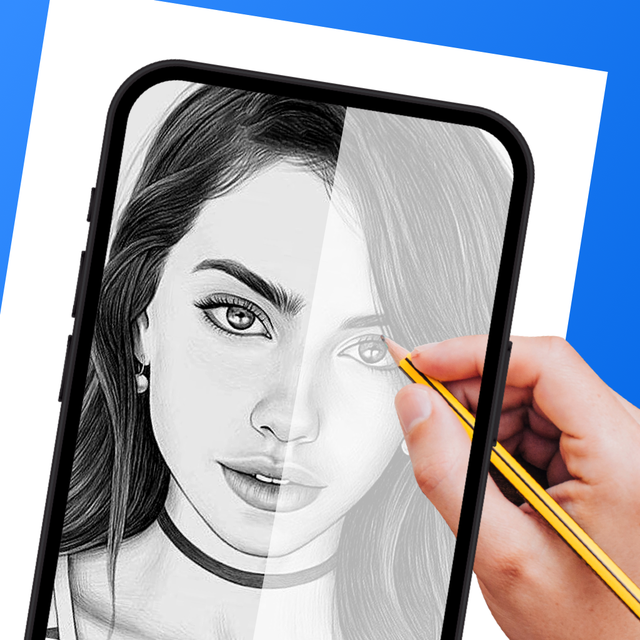

AR Drawing Tracing Projector
Master the art of drawing with augmented reality. Whether you are an anime fan or a beginner, use AI to generate ideas, trace onto any surface, and record your process for social media.
Downloads
235K+User Rating
Total Ratings
3K+Publisher
Category
Graphics & DesignLocales
1Latest Version
1.3.2Size
78.1 MBFirst Released
Aug 6, 2023Transform Your Skills into Professional Art
Unleash your inner artist with cutting-edge AR technology and AI-driven tools designed to make sketching easy, fun, and shareable for everyone.
Precision AR Tracing
Overlay any image onto your canvas to achieve perfect proportions effortlessly, making even complex sketches accessible to complete beginners.
Instant AI Inspiration
Say goodbye to creative blocks by generating unique, traceable sketches from simple text prompts using our integrated AI image generator.
Frequently Asked Questions
Everything you need to know about AR Drawing Tracing Projector
What is the AR Drawing Tracing Projector app?
The AR Drawing Tracing Projector app utilizes augmented reality (AR) technology to help users trace and draw on any surface. It projects images onto the real world using your device's camera for easy tracing.
How does the AR Drawing Tracing Projector app work for drawing?
Users select or upload an image, adjust its transparency and contrast, and then position their phone above a surface. The app projects the image, allowing users to trace it directly.
Can AR Drawing Tracing Projector record the drawing process?
Yes, the AR Drawing Tracing Projector app allows users to record their entire drawing process as a video. This feature documents the artistic creation from start to finish.
Does the AR Drawing Tracing Projector app include AI features?
Yes, the AR Drawing Tracing Projector app features "AI Sketch," which generates images based on user text prompts. Users can then use these generated images for tracing.
What types of images can I trace with the AR Drawing Tracing Projector?
The AR Drawing Tracing Projector app offers a wide variety of topics for tracing, including Anime, Animal, Nature, and Food. Users can also upload their own images.
Is a subscription required for the AR Drawing Tracing Projector app?
The AR Drawing Tracing Projector app operates on a subscription model. Subscriptions automatically renew unless cancelled at least 24 hours before the current period ends.
How do I manage or cancel my AR Drawing Tracing Projector subscription?
Users can manage their subscription and turn off auto-renewal through their iTunes Account Settings after purchase. Refunds are not provided for any unused portion of the term.
Can users save their artwork within the AR Drawing Tracing Projector app?
Yes, the AR Drawing Tracing Projector app includes a feature to save created artwork. Users can organize and revisit their artistic creations in a dedicated collection.
Who is the AR Drawing Tracing Projector app designed for?
The AR Drawing Tracing Projector app caters to both experienced artists perfecting their craft and beginners aiming to create evenly proportioned drawings. It suits all skill levels.
The following screenshots and description are sourced directly from the app's official store listing and are the property of the app developer.
App Store
Screenshots
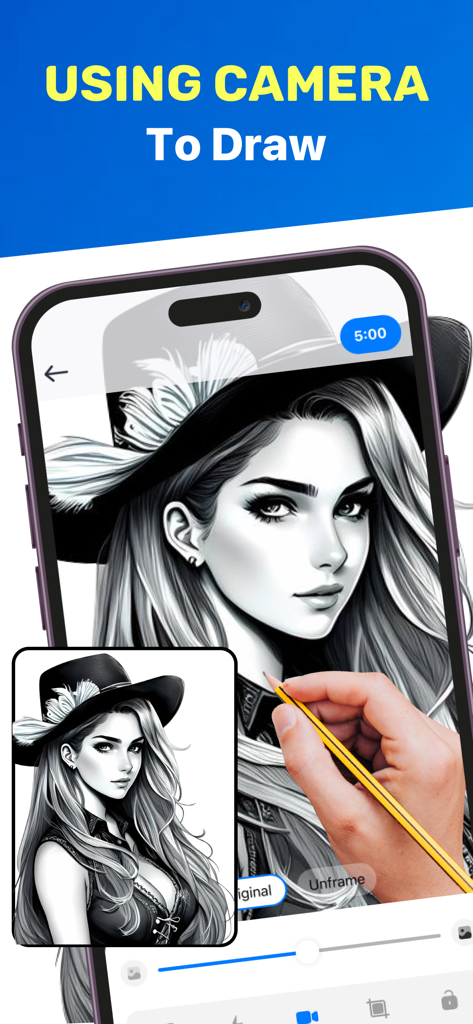
Hand tracing a portrait using the AR Drawing app camera interface
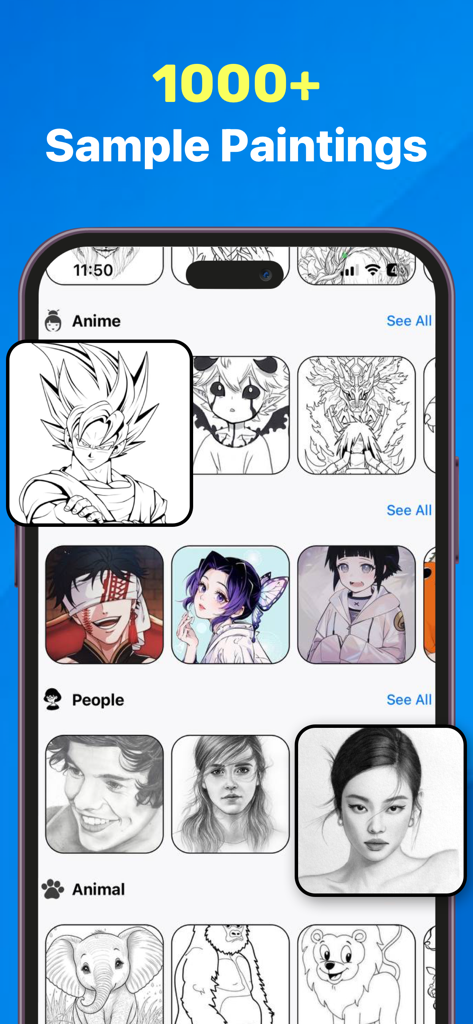
A library showing over 1000 sample painting templates for anime characters portraits and animals within the AR Drawing app
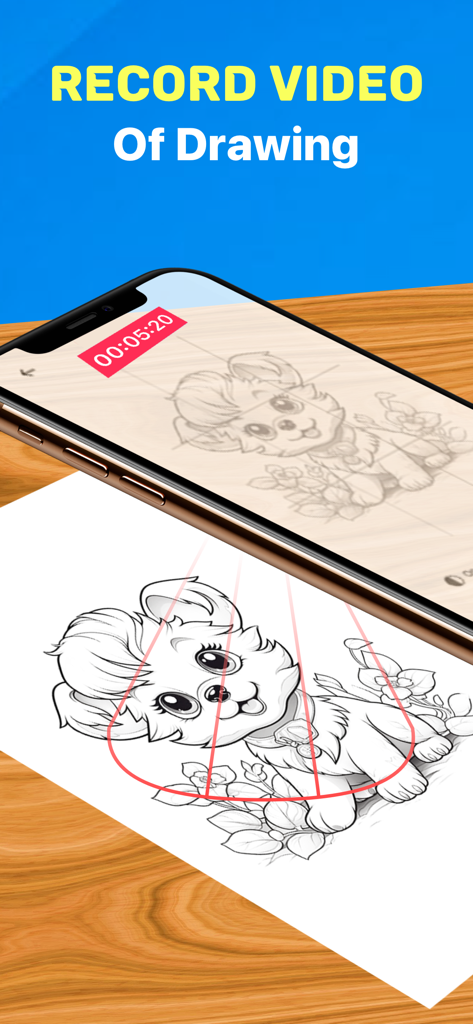
A smartphone recording a video of an AR drawing of a puppy being traced onto paper
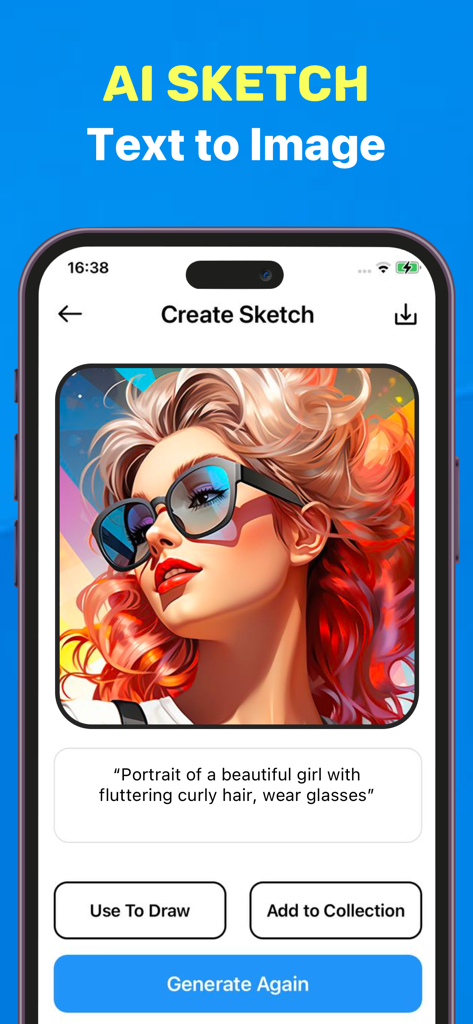
Interface of the AI Sketch feature showing a text to image generation of a girl with glasses and curly hair
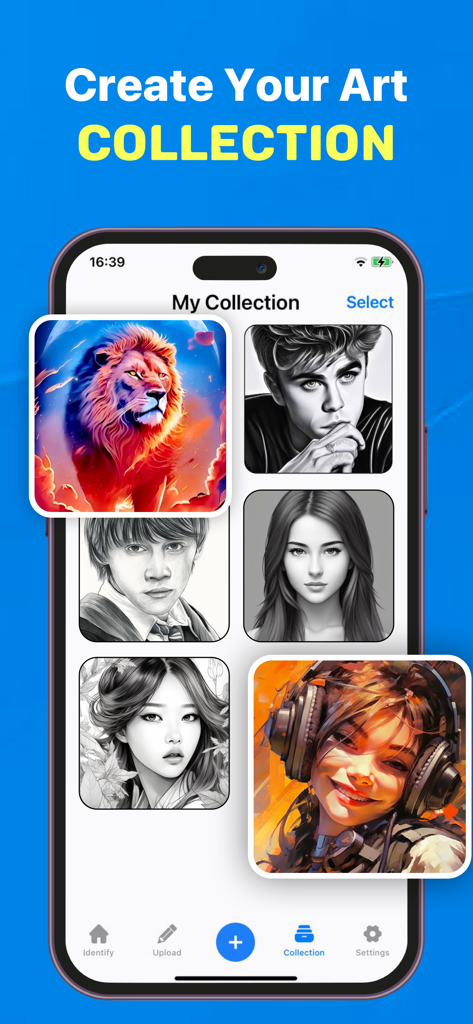
A smartphone display showing a gallery of digital drawings and sketches within the AR Drawing app collection screen
Description
Download
More Like This
Apps with similar features and user experience

AR Drawing Paint Sketch Trace
DROIDFUN LIMITED

Camera Lucida™: AR Drawing
Big Idea Design LLC

AR Drawing Sketch App: ArtEasy
SMDA GROUP SP Z O O SP KOMANDYTOWA

PicTrace: AR Drawing & Sketch
ANDROID VIETNAM TECHNOLOGY CORPORATION

AR Draw: Sketching & Painting
EIGEN SOFTWARE LIMITED

AR Drawing How to Draw Sketch
Magomed Dzhamalov

Da Vinci Eye: AR Trace & Draw
Da Vinci Eye LLC

AR Drawing - AR Sketch
Ketanbhai Khokhani

HEY CLAY®
HEY CLAY LTD
This page is not an official page of the app or its developer, but an independent editorial publication created for informational and commentary purposes. Unless expressly stated otherwise, neither the app nor its developer is affiliated with, endorsed by, sponsored by, authorized by, or otherwise officially connected with MWM, Apple, Google Play, the app publisher, or the app's developer, and nothing on this page implies that the app was developed using MWM's services. Any trademarks, logos, screenshots, and other content remain the property of their respective owners.