
This page is not an official page of the app or its developer, but an independent editorial publication created for informational and commentary purposes. Unless expressly stated otherwise, neither the app nor its developer is affiliated with, endorsed by, sponsored by, authorized by, or otherwise officially connected with MWM, Apple, Google Play, the app publisher, or the app's developer, and nothing on this page implies that the app was developed using MWM's services. Any trademarks, logos, screenshots, and other content remain the property of their respective owners.


Archipad ™
Save hours of office time by generating polished reports directly from your iPad. Capture observations on drawings, collect signatures, and finish your site minutes before you even head home.
Downloads
39K+User Rating
Total Ratings
2K+Publisher
Category
ProductivityLocales
5Latest Version
8.22.0Size
210.2 MBFirst Released
Jun 12, 2013Master Your Site Visits
The all-in-one toolkit designed for AEC professionals to manage observations, drawings, and reports without ever returning to the office.
Instant Field Reporting
Distribute professional PDF minutes and signed punch lists the moment your meeting ends. Reclaim your evenings by eliminating office-based data entry.
Blueprint-Integrated Tasks
Locate every observation exactly where it happens. Drop pins directly onto your digital plans to eliminate costly communication errors with contractors.
Frequently Asked Questions
Everything you need to know about Archipad ™
What is Archipad?
Archipad is a mobile application designed for construction professionals to manage on-site meetings, observations, and punch lists. It streamlines reporting by allowing users to create and send reports directly from the construction site.
Who is Archipad designed for?
Archipad is designed for construction professionals including architects, engineers, contractors, project managers, assistants, and developers. It supports various roles involved in construction projects.
How does Archipad improve efficiency in meetings?
Archipad optimizes time by enabling users to point observations directly on plans and drawings, create punch lists, and generate reports on-site. This eliminates the need for office-based document preparation, saving up to 70% of meeting time.
Does Archipad offer a subscription service?
Yes, Archipad has an optional subscription for reports and project sharing. Users can also upgrade to a Premium version through an in-app purchase to access enhanced features.
What are Archipad's reporting capabilities?
Archipad generates detailed reports including punch lists with drawings indicating observation locations. These reports can be per work package or drawing, function as meeting minutes, and allow attendees to sign a presence sheet.
How does Archipad assist with data entry for observations?
Archipad uses an auto-enhancing typing reducer that learns user vocabulary and sentences. It proposes auto-completion, significantly reducing typing effort when adding observations directly onto plans and drawings.
Can users view plans and drawings within Archipad?
Yes, Archipad allows users to have all their plans and drawings in one location. Users can point observations directly on these drawings for precise documentation during site visits.
The following screenshots and description are sourced directly from the app's official store listing and are the property of the app developer.
App Store
Screenshots
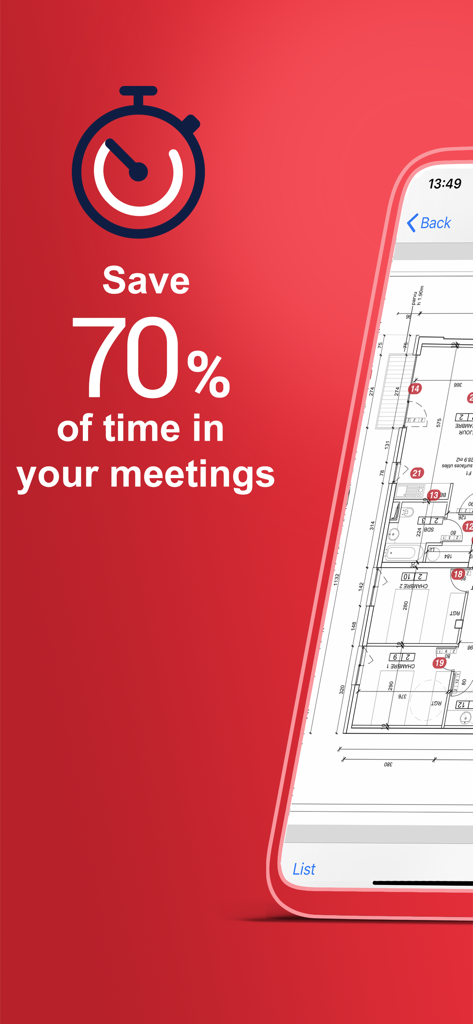
Archipad app promotional screen showing seventy percent time savings for construction meetings and a digital floor plan
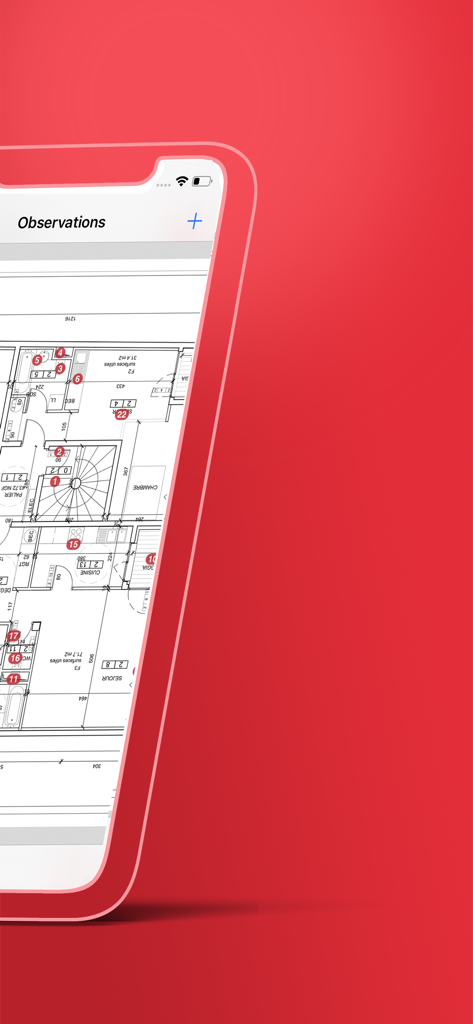
Archipad app interface showing numbered site observations on an architectural floor plan.
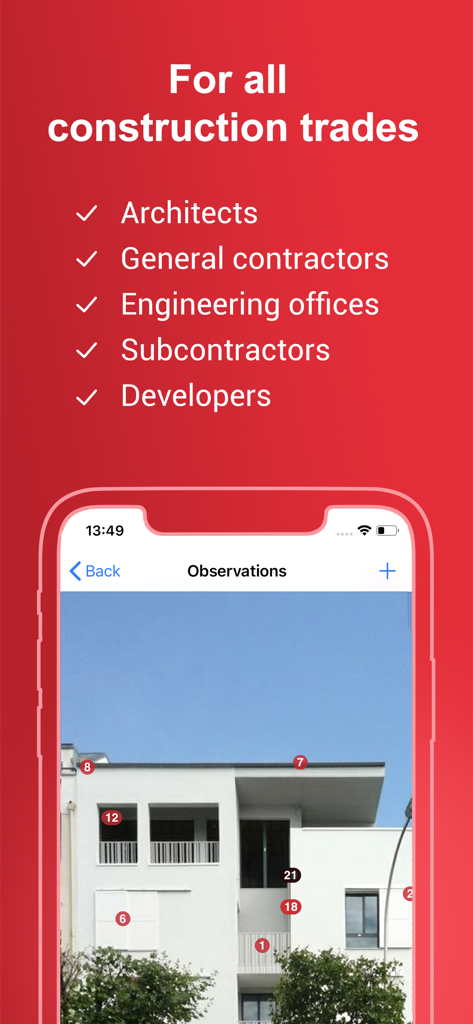
Archipad app showing site observations with numbered markers on a building photo for construction professionals
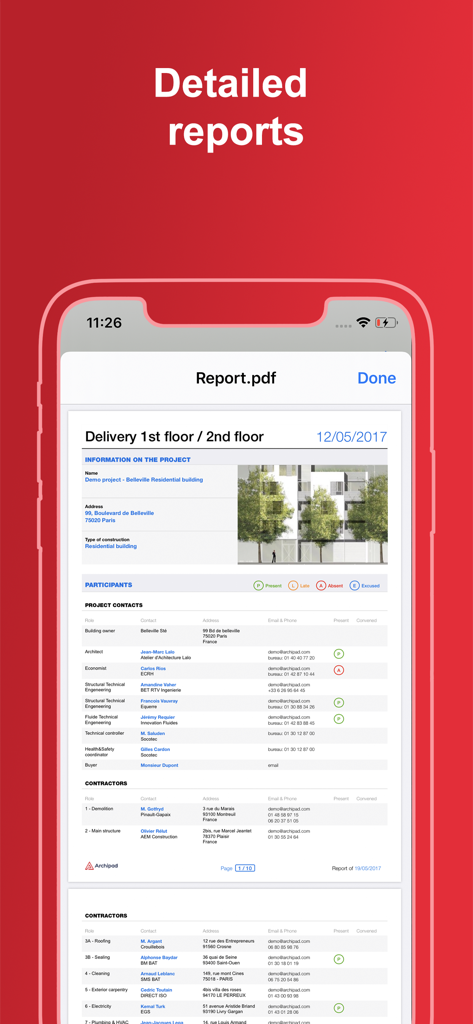
A detailed construction site report displaying project information and a list of participants on a mobile device
Description
Download
More Like This
Apps with similar features and user experience

Site Audit Pro
Veam Studios Ltd

Fieldwire - Construction App
Hilti Fieldwire, Inc.

magicplan
Technologies magicplan Inc.
SafetyCulture (iAuditor)
SafetyCulture Pty Ltd

BrightSafe On The Go
Peninsula Online Services Limited

Рососмотр
KALKUL.RU, OOO

Archireport
ArchiReport SAS
iCertifi
iCertifi

Punch List & Site Audit Report
Rojao Inc
This page is not an official page of the app or its developer, but an independent editorial publication created for informational and commentary purposes. Unless expressly stated otherwise, neither the app nor its developer is affiliated with, endorsed by, sponsored by, authorized by, or otherwise officially connected with MWM, Apple, Google Play, the app publisher, or the app's developer, and nothing on this page implies that the app was developed using MWM's services. Any trademarks, logos, screenshots, and other content remain the property of their respective owners.