
This page is not an official page of the app or its developer, but an independent editorial publication created for informational and commentary purposes. Unless expressly stated otherwise, neither the app nor its developer is affiliated with, endorsed by, sponsored by, authorized by, or otherwise officially connected with MWM, Apple, Google Play, the app publisher, or the app's developer, and nothing on this page implies that the app was developed using MWM's services. Any trademarks, logos, screenshots, and other content remain the property of their respective owners.

iCertifi
Stop wasting hours on office paperwork. Generate, calculate, and send compliant BS 7671 certificates on-site with the world's leading offline mobile toolkit for electrical professionals.
Downloads
10K+User Rating
Total Ratings
7K+Publisher
Category
ProductivityLocales
1Latest Version
12.12.30Size
56.6 MBFirst Released
Dec 21, 2011Complete Electrical Certification on the Move
Ditch the paperwork and eliminate admin fatigue. Generate professional, BS 7671-compliant certificates directly from your iPhone or iPad, even without an internet connection.
Work Anywhere, Completely Offline
Built for the reality of the construction site. Create, edit, and save certificates in basements or remote locations without ever needing a Wi-Fi connection.
Built-in Smart Calculations
Reduce liability and save time with automatic Max Zs calculations, temperature compensation, and real-time data validation that handles the complex math for you.
The following screenshots and description are sourced directly from the app's official store listing and are the property of the app developer.
App Store
Screenshots
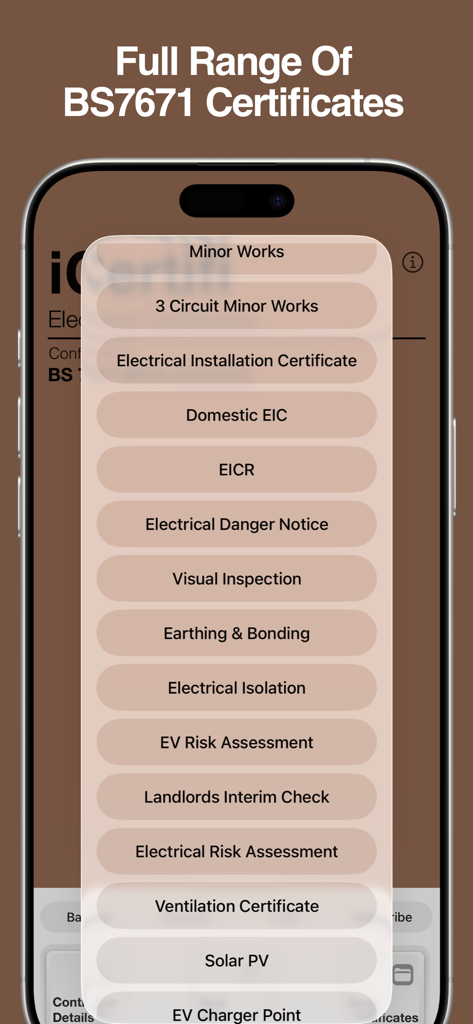
A menu of BS7671 electrical certificates in the iCertifi mobile app
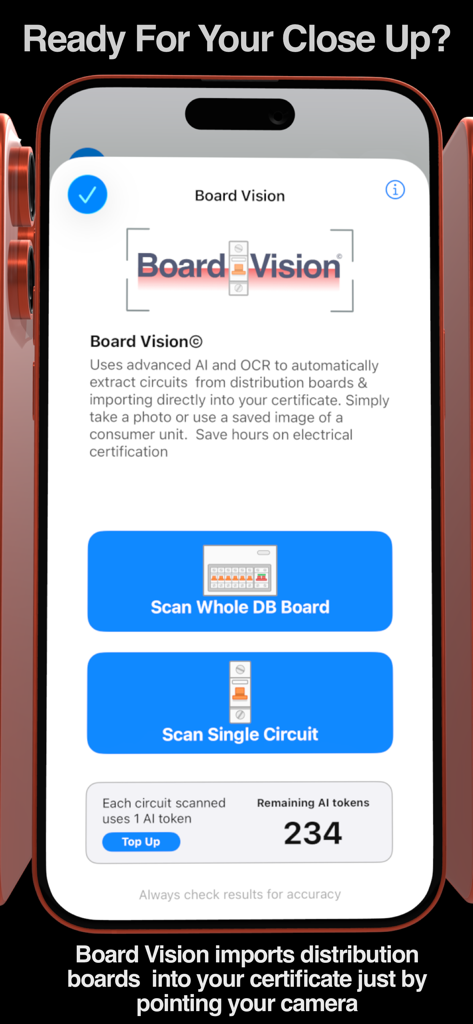
iCertifi app Board Vision screen showing AI powered circuit extraction from electrical distribution boards
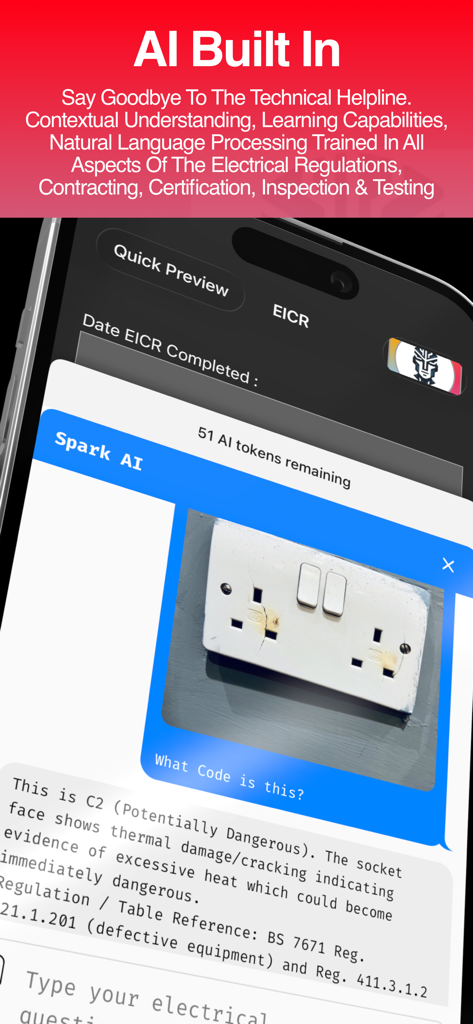
iCertifi Spark AI identifying a damaged electrical socket and providing BS 7671 regulations
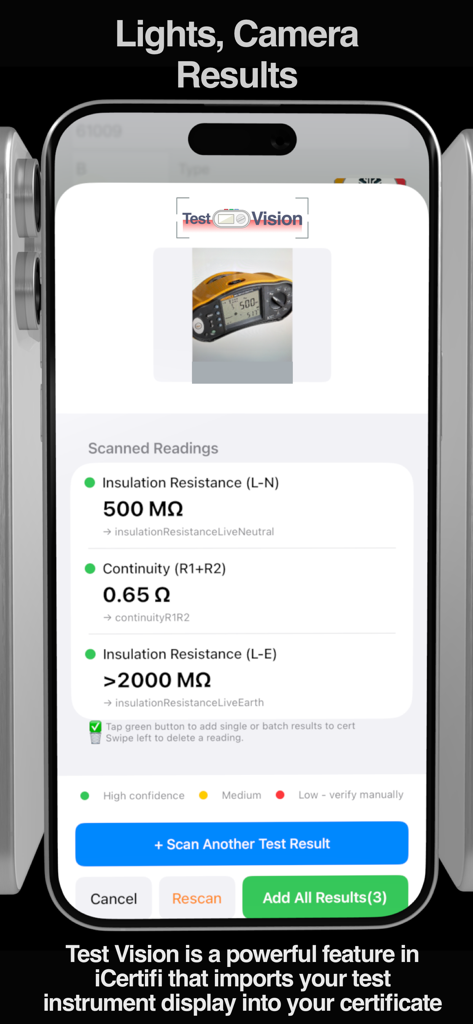
iCertifi app displaying the Test Vision feature to scan electrical instrument readings
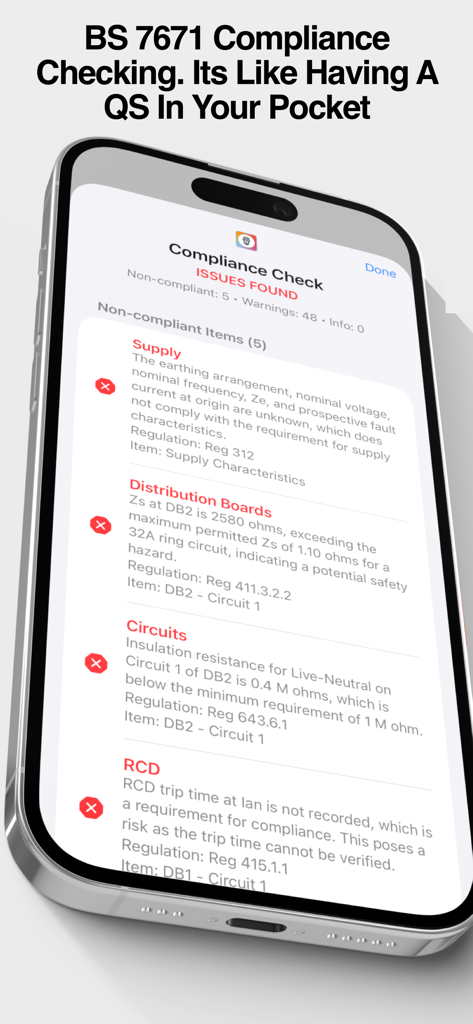
iCertifi app screen showing electrical compliance check issues for BS 7671 standards
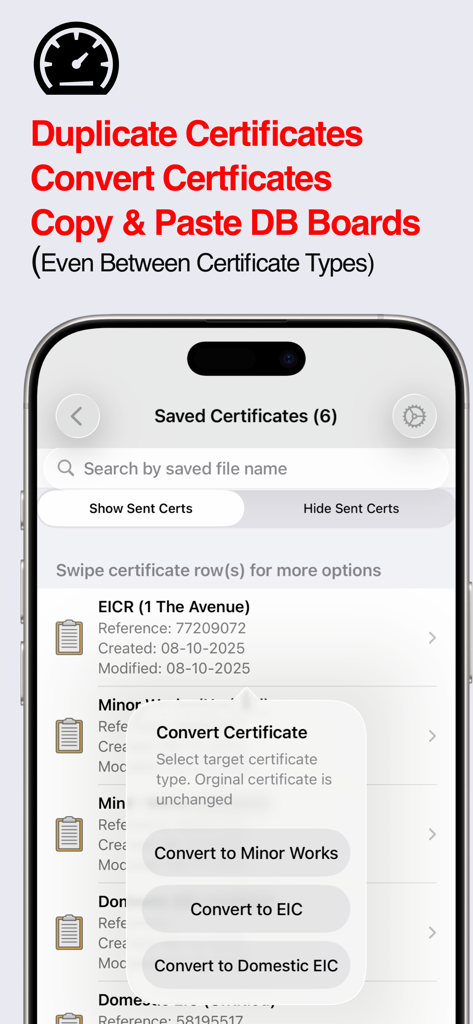
An iPhone displaying the iCertifi app menu for converting electrical certificates between different report types
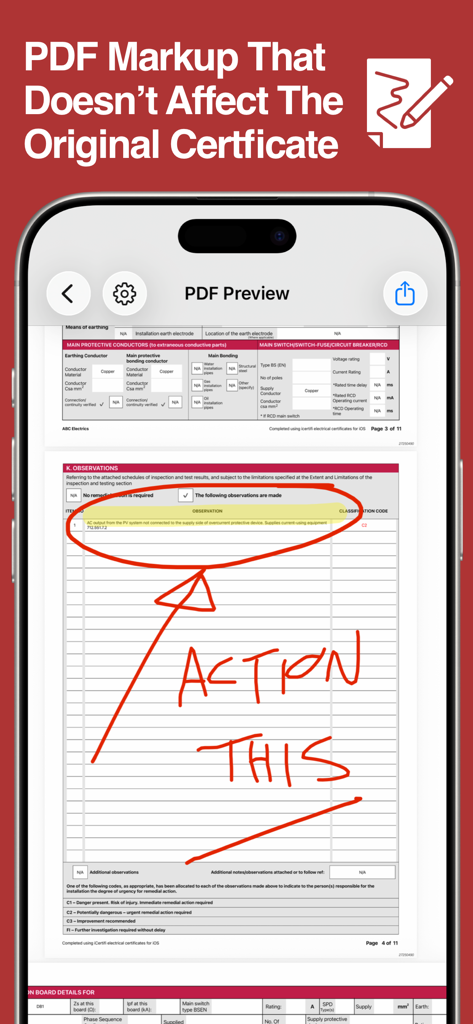
A preview of an electrical certificate in the iCertifi app showing red handwritten markup notes
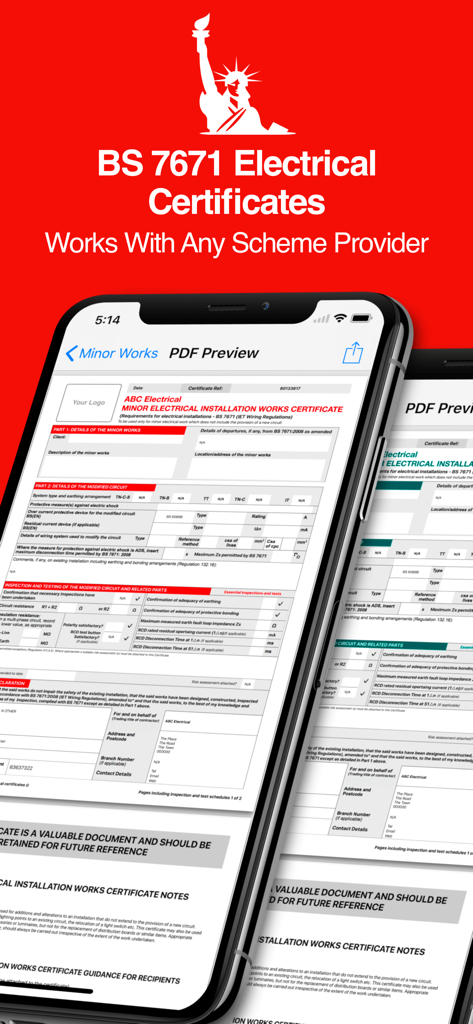
iCertifi app showing BS 7671 electrical certificate PDF preview on iPhone
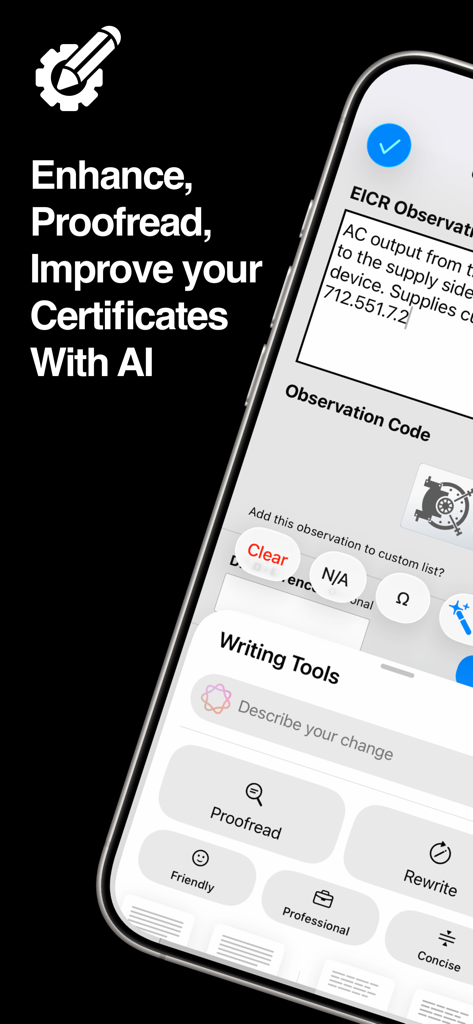
iCertifi mobile app showcasing AI writing tools for professional electrical certificate observations
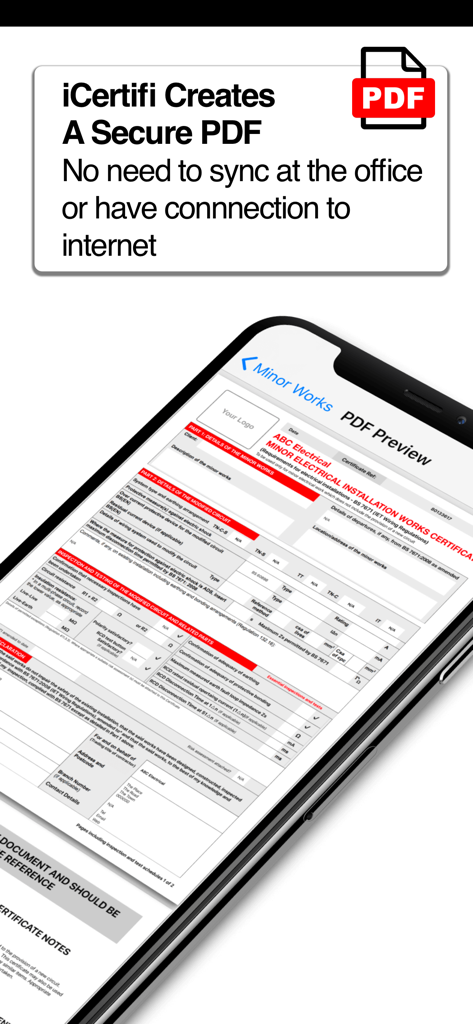
A preview of a secure electrical certificate PDF within the iCertifi mobile app
Description
Download
More Like This
Apps with similar features and user experience

Site Audit Pro
Veam Studios Ltd

Fieldwire - Construction App
Hilti Fieldwire, Inc.

magicplan
Technologies magicplan Inc.

SafetyCulture (iAuditor)
SafetyCulture Pty Ltd

BrightSafe On The Go
Peninsula Online Services Limited

Рососмотр
KALKUL.RU, OOO

Archipad ™
Bigsool

Archireport
ArchiReport SAS

Punch List & Site Audit Report
Rojao Inc
This page is not an official page of the app or its developer, but an independent editorial publication created for informational and commentary purposes. Unless expressly stated otherwise, neither the app nor its developer is affiliated with, endorsed by, sponsored by, authorized by, or otherwise officially connected with MWM, Apple, Google Play, the app publisher, or the app's developer, and nothing on this page implies that the app was developed using MWM's services. Any trademarks, logos, screenshots, and other content remain the property of their respective owners.