
This page is not an official page of the app or its developer, but an independent editorial publication created for informational and commentary purposes. Unless expressly stated otherwise, neither the app nor its developer is affiliated with, endorsed by, sponsored by, authorized by, or otherwise officially connected with MWM, Apple, Google Play, the app publisher, or the app's developer, and nothing on this page implies that the app was developed using MWM's services. Any trademarks, logos, screenshots, and other content remain the property of their respective owners.

Arduino IoT Cloud Remote
Turn your iPhone into a powerful command center. Access real-time data, manage smart sensors, and control automation projects with professional dashboards designed by you.
Downloads
24K+User Rating
Total Ratings
1K+Publisher
Category
UtilitiesLocales
1Latest Version
4.1.2Size
122.3 MBFirst Released
Jul 22, 2020Your Projects, Under Your Control
Transform your mobile device into a professional command center. Access, monitor, and control your custom IoT dashboards from anywhere in the world with ease.
Real-Time Remote Command
Toggle switches, adjust sliders, and trigger actions on your Arduino boards instantly, whether you're at your workbench or on the go.
Visual Data Insights
Turn raw sensor data into meaningful information with 20+ versatile widgets including Gauges, Charts, and Advanced Maps for precise monitoring.
The following screenshots and description are sourced directly from the app's official store listing and are the property of the app developer.
App Store
Screenshots
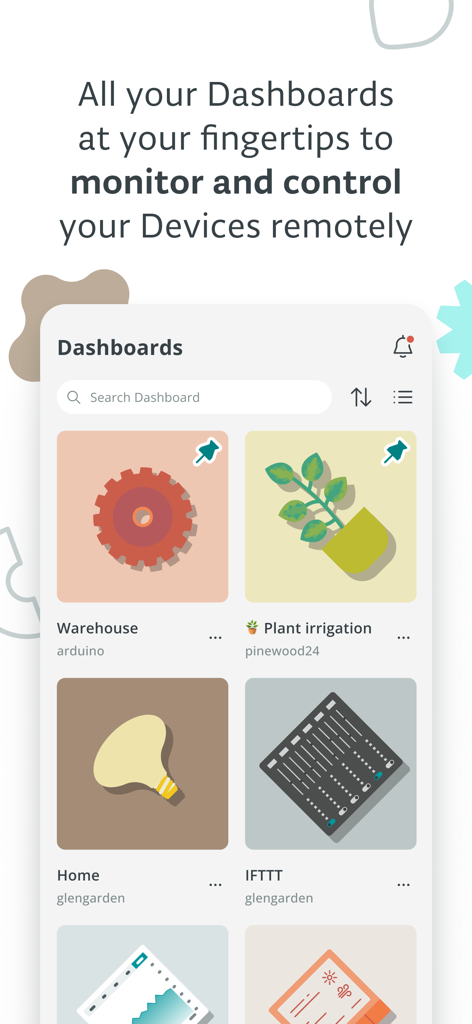
Arduino IoT Cloud Remote app showing custom dashboards for warehouse plant irrigation and home automation
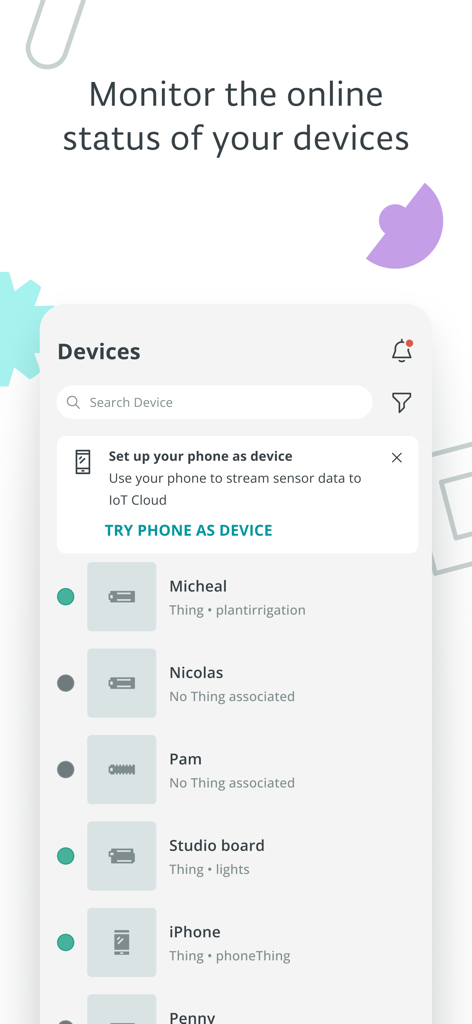
Arduino IoT Cloud Remote app displaying a list of connected devices and their online status
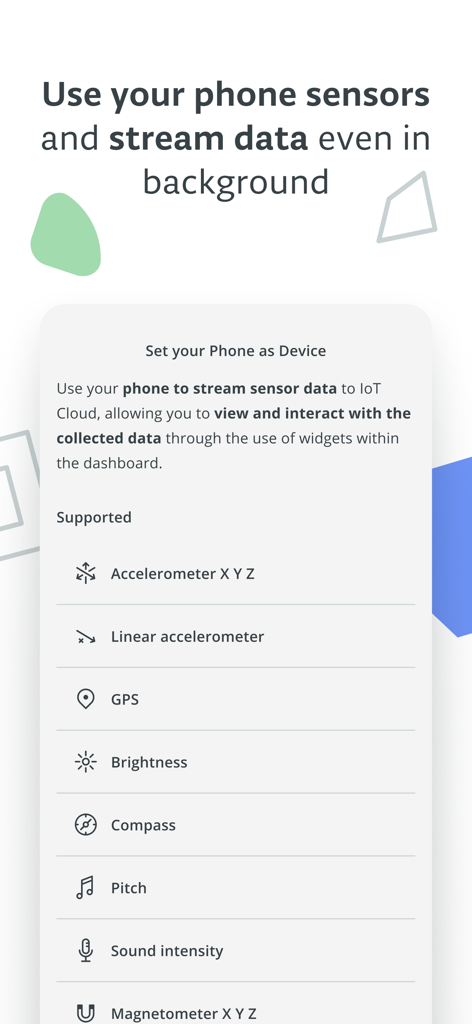
Interface of Arduino IoT Cloud Remote app showing a list of supported phone sensors for data streaming like GPS and accelerometer
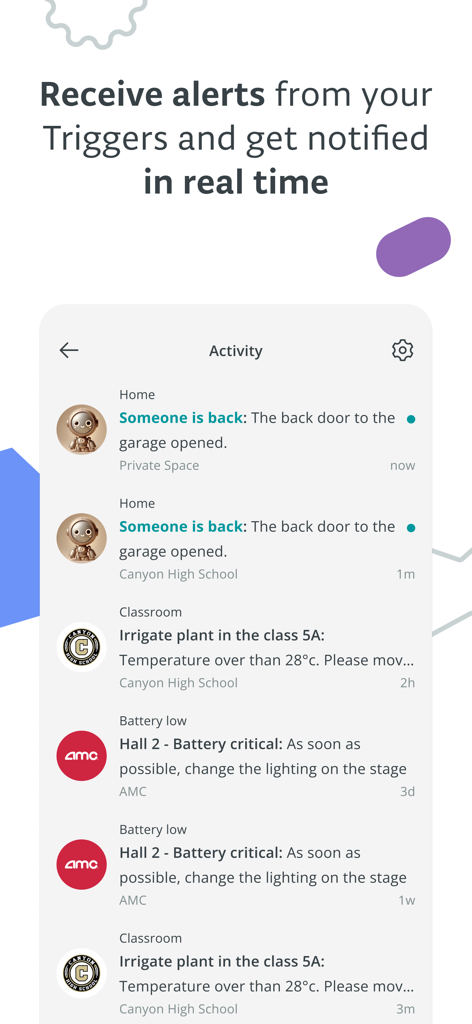
The activity feed of the Arduino IoT Cloud Remote app showing real time notifications for home security and industrial sensor triggers
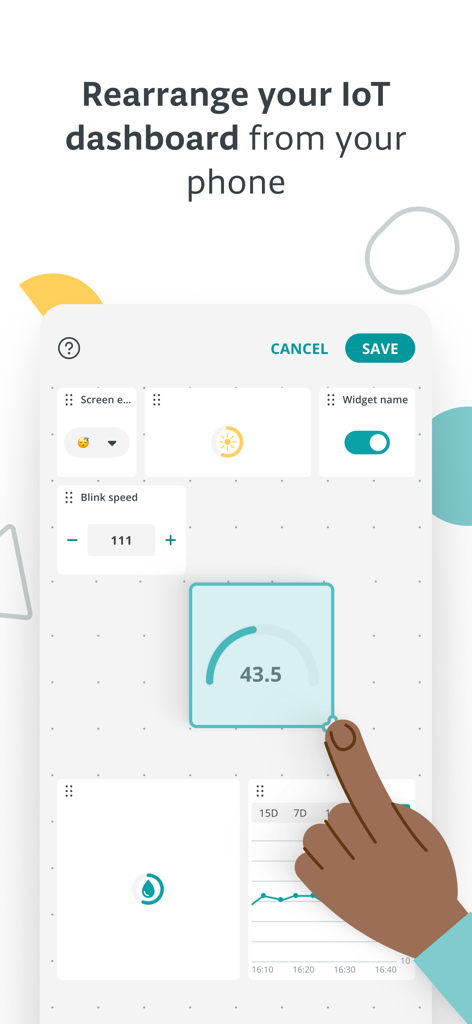
Interface for rearranging and customizing widgets on the Arduino IoT Cloud Remote dashboard
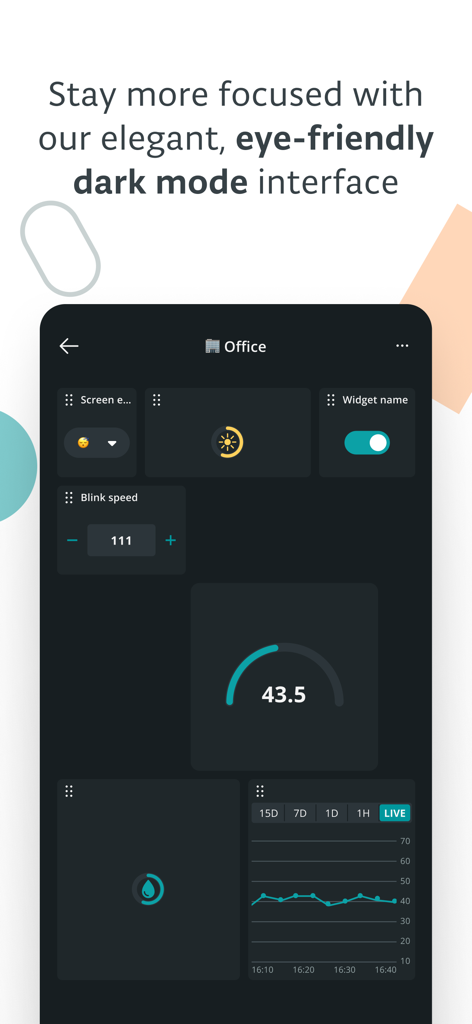
Arduino IoT Cloud Remote dashboard interface in dark mode featuring data widgets like charts and gauges
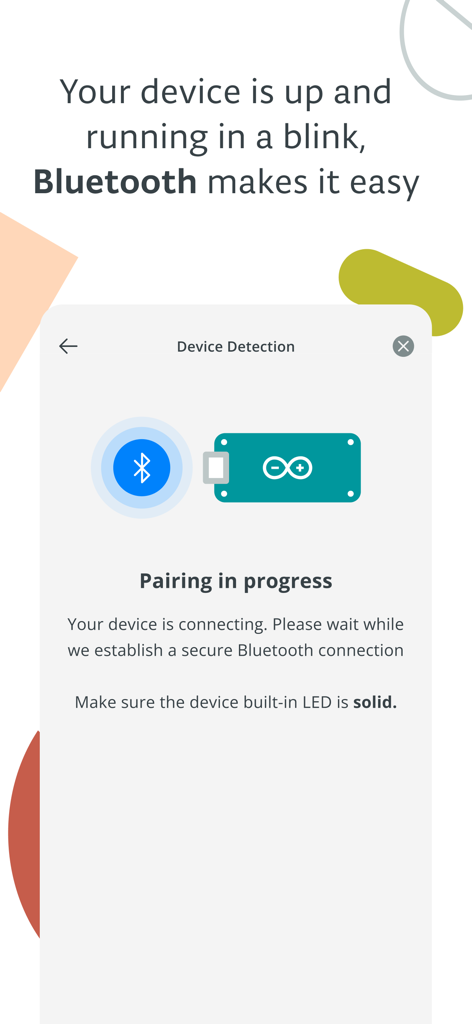
A screen showing the Bluetooth device pairing process within the Arduino IoT Cloud Remote app.
Description
Download
More Like This
Top-ranked apps in the same category

Google LLC

Google Chrome
Google LLC

中国移动(手机营业厅)
China Mobile Online Services Co., Ltd.

Google Authenticator
Google LLC

CNH do Brasil
Servicos e Informacoes do Brasil

Cleanup: Phone Storage Cleaner
DEEP FLOW SOFTWARE SERVICES - FZCO

gov.br
Servicos e Informacoes do Brasil

中国电信-全国统一官方服务平台
CHINA TELECOM Corporation Ltd.

Microsoft Edge: AI Browser
Microsoft Corporation
This page is not an official page of the app or its developer, but an independent editorial publication created for informational and commentary purposes. Unless expressly stated otherwise, neither the app nor its developer is affiliated with, endorsed by, sponsored by, authorized by, or otherwise officially connected with MWM, Apple, Google Play, the app publisher, or the app's developer, and nothing on this page implies that the app was developed using MWM's services. Any trademarks, logos, screenshots, and other content remain the property of their respective owners.