
This page is not an official page of the app or its developer, but an independent editorial publication created for informational and commentary purposes. Unless expressly stated otherwise, neither the app nor its developer is affiliated with, endorsed by, sponsored by, authorized by, or otherwise officially connected with MWM, Apple, Google Play, the app publisher, or the app's developer, and nothing on this page implies that the app was developed using MWM's services. Any trademarks, logos, screenshots, and other content remain the property of their respective owners.


ARLOOPA 3D Object Scanner
The ultimate tool for creators to capture objects and rooms with LiDAR precision. Effortlessly create, visualize, and export professional-grade digital twins for AR, design, and 3D printing.
Downloads
9K+User Rating
Total Ratings
0Publisher
Category
Developer ToolsLocales
1Latest Version
1.8Size
220.7 MBFirst Released
Mar 29, 2024Professional 3D Scanning Made Simple
Leverage your device's LiDAR sensor to bridge the gap between physical reality and digital creation with precision and ease.
Precision Object Scanning
Capture high-fidelity 3D models of physical items instantly for 3D printing, game assets, or digital archiving.
LiDAR-Powered Room Mapping
Generate accurate digital twins of any environment, perfect for interior design, site surveys, or spatial planning.
The following screenshots and description are sourced directly from the app's official store listing and are the property of the app developer.
App Store
Screenshots
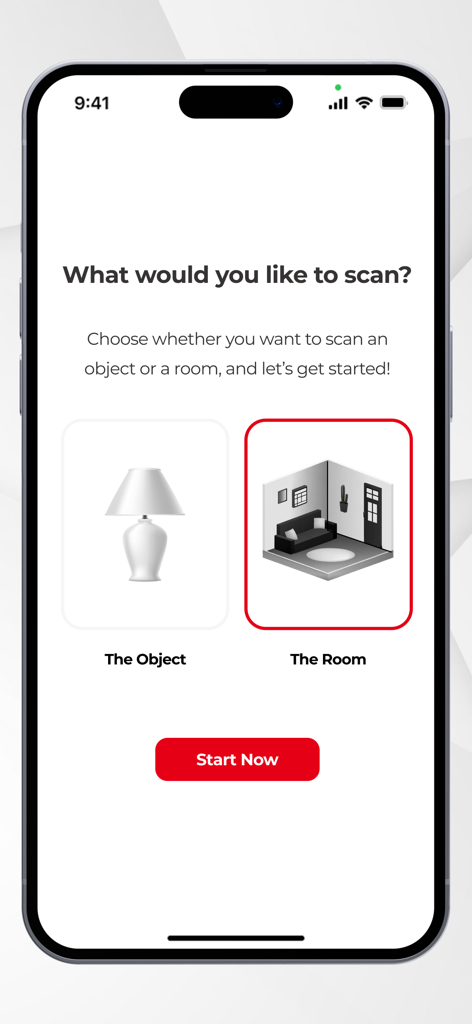
ARLOOPA 3D Object Scanner app interface showing options to choose between object scanning and room scanning
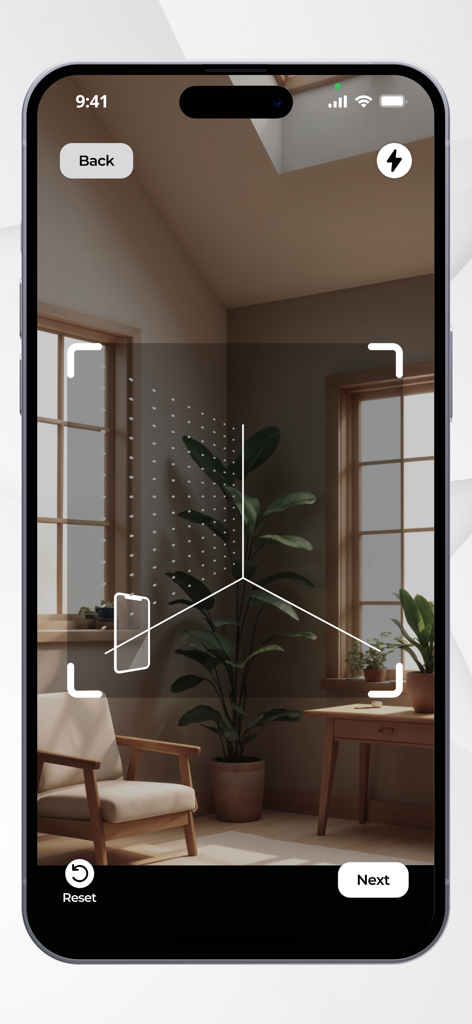
ARLOOPA 3D Object Scanner app interface showing a room being scanned on an iPhone
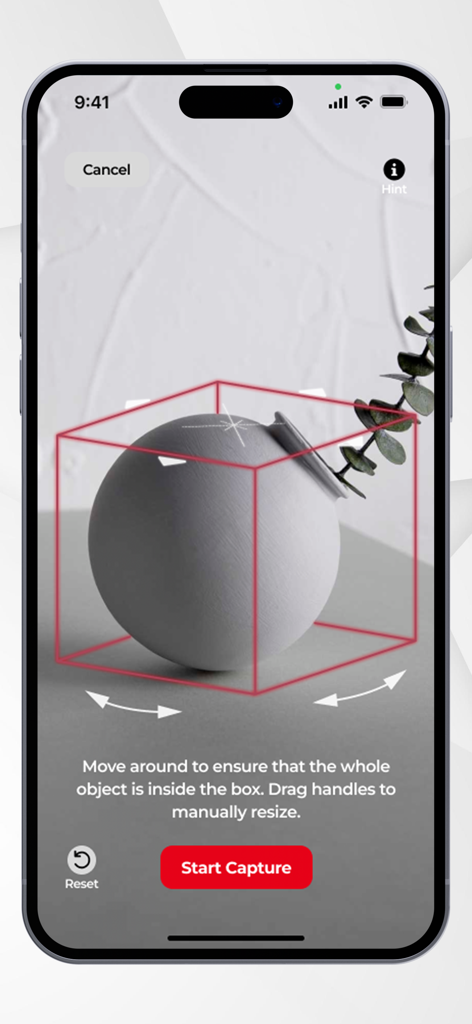
ARLOOPA app interface for 3D scanning an object with a red bounding box and start capture button.
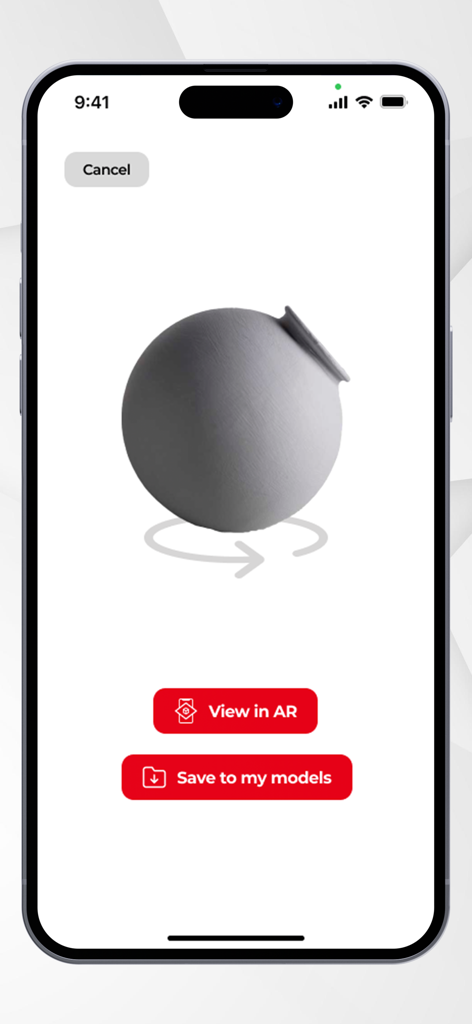
3D scanned vase in ARLOOPA app with AR and save options
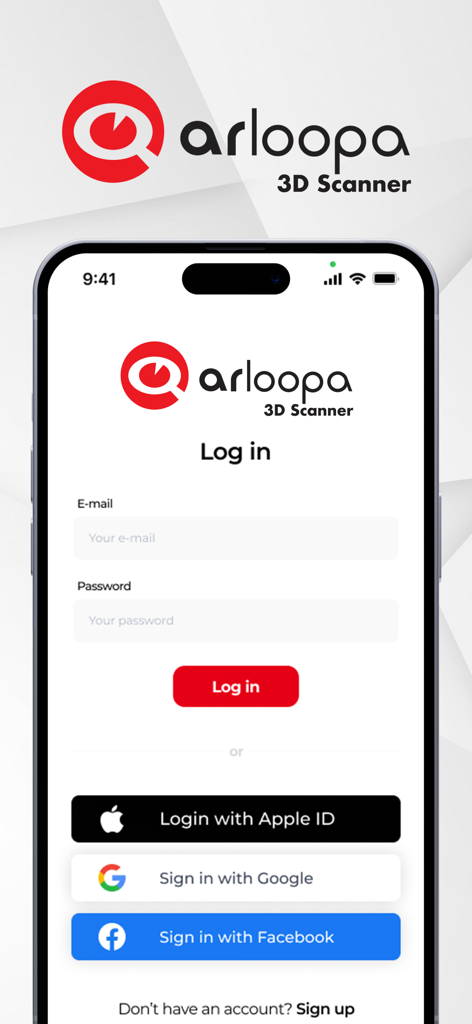
ARLOOPA 3D Scanner login screen with email password fields and social login options for Apple Google and Facebook
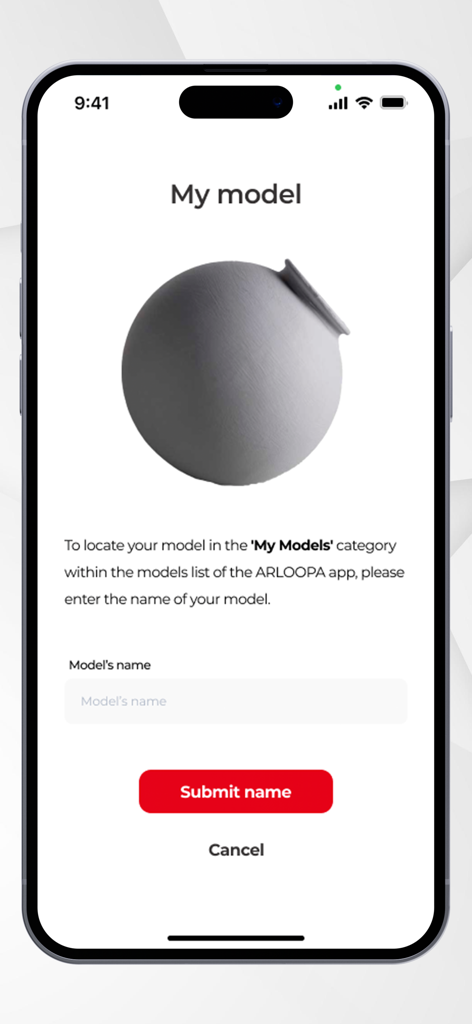
A mobile screen showing a 3D scanned gray pot with an input field to name and save the model in the ARLOOPA app.
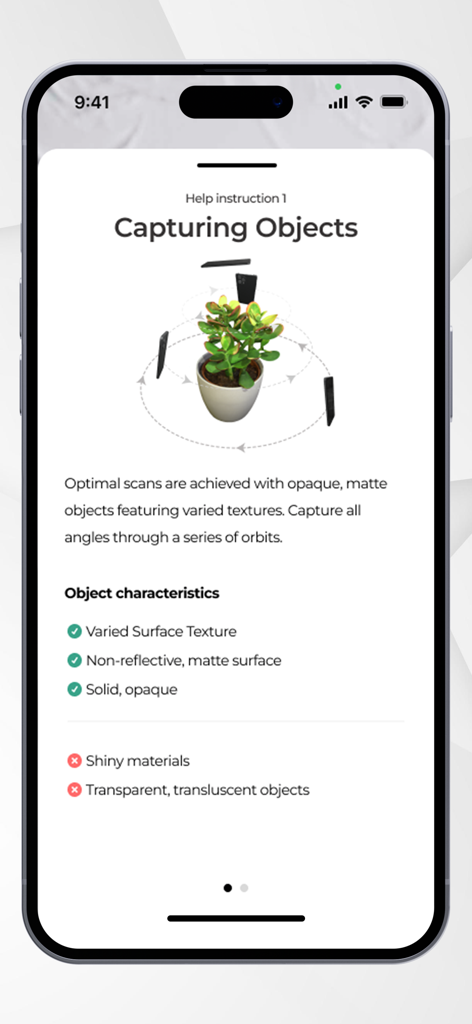
Help screen showing instructions for capturing objects with ARLOOPA 3D scanner
Description
Download
More Like This
Top-ranked apps in the same category

TestFlight
Apple Inc.

Replit: Vibe Code Apps
Replit, Inc

GitHub
GitHub

O-KAM Pro
Shenzhen VeePai IoT Intelligent Technology LLC

Apple Developer
Apple Inc.

Expo Go
650 Industries, Inc.

Scriptable
Simon Stovring

App Store Connect
Apple Inc.

Sekai: Create · Remix · Play
Versa AI, Inc.
This page is not an official page of the app or its developer, but an independent editorial publication created for informational and commentary purposes. Unless expressly stated otherwise, neither the app nor its developer is affiliated with, endorsed by, sponsored by, authorized by, or otherwise officially connected with MWM, Apple, Google Play, the app publisher, or the app's developer, and nothing on this page implies that the app was developed using MWM's services. Any trademarks, logos, screenshots, and other content remain the property of their respective owners.