
This page is not an official page of the app or its developer, but an independent editorial publication created for informational and commentary purposes. Unless expressly stated otherwise, neither the app nor its developer is affiliated with, endorsed by, sponsored by, authorized by, or otherwise officially connected with MWM, Apple, Google Play, the app publisher, or the app's developer, and nothing on this page implies that the app was developed using MWM's services. Any trademarks, logos, screenshots, and other content remain the property of their respective owners.

Art Tracer: Photo To Drawing
The ultimate shortcut for aspiring artists and Anime fans. Use your iPhone to project any image onto paper and trace like a pro—no 'natural talent' required. Join 122K+ creators turning photos into viral-ready sketches today.
Downloads
122K+User Rating
Total Ratings
2K+Publisher
Category
Graphics & DesignLocales
15Latest Version
1.0.13Size
167.5 MBFirst Released
Nov 18, 2024Master the Art of Drawing with AR
Skip the 'blank page' syndrome and start creating stunning artwork instantly. Our AR technology turns your phone into a personal art guide for sketches that look professional every time.
Smart AR Tracing
Project any image onto your paper through your camera. Simply follow the lines to create perfect sketches without needing years of practice.
500+ Aesthetic Templates
Instant access to a massive library of Anime, Kawaii, and trendy designs. Perfect for creating fan art or personalized gifts for friends.
Frequently Asked Questions
Everything you need to know about Art Tracer: Photo To Drawing
How does Art Tracer: Photo To Drawing facilitate drawing?
Art Tracer: Photo To Drawing uses augmented reality to overlay a virtual image on your screen. This guides your hand as you draw on paper, acting as an invisible art teacher to simplify creation.
What are the main features of Art Tracer: Photo To Drawing?
Art Tracer: Photo To Drawing offers an AR Camera, over 500 drawing templates, the ability to create art from personal photos, and advanced tools like pencil photo conversion and opacity adjustment.
Can I use my own photos for drawing in Art Tracer: Photo To Drawing?
Yes, Art Tracer: Photo To Drawing allows users to upload their favorite photos and images. The app then creates AR drawing lines, guiding the user to easily sketch their uploaded pictures.
Does Art Tracer: Photo To Drawing include pre-made drawing templates?
Yes, Art Tracer: Photo To Drawing provides over 500 drawing templates. These include categories such as Anime, Cute, and unique designs, offering a diverse selection for users.
Can I share my artwork created with Art Tracer: Photo To Drawing?
Yes, Art Tracer: Photo To Drawing enables users to share their creations. It connects them with a vibrant community of artists, allowing users to share their masterpieces and find inspiration.
What advanced drawing tools are available in Art Tracer: Photo To Drawing?
Art Tracer: Photo To Drawing includes advanced tools such as pencil photo conversion, video recording, and opacity adjustment. These features enhance the drawing process and final artwork.
Is Art Tracer: Photo To Drawing compatible with both iPhone and iPad?
Yes, Art Tracer: Photo To Drawing supports AR drawing on both iPhone and iPad devices. Users position their device between their eyes and canvas for guided AR drawing.
How many AR drawing modes does Art Tracer: Photo To Drawing offer?
Art Tracer: Photo To Drawing provides three distinct modes for AR drawing and sketching. These modes offer versatile options for tracing projected lines onto paper using the AR Camera.
The following screenshots and description are sourced directly from the app's official store listing and are the property of the app developer.
App Store
Screenshots
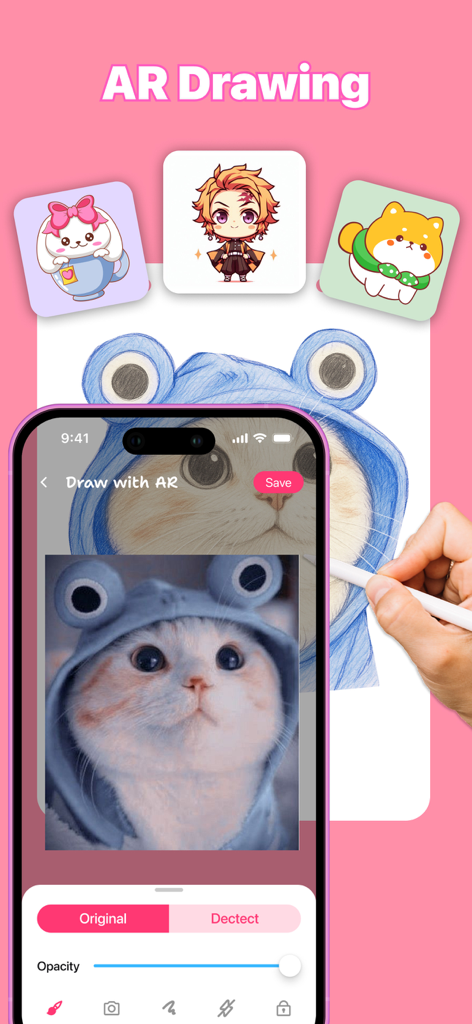
Smartphone displaying Art Tracer app interface while tracing a cat photo onto paper with a pencil
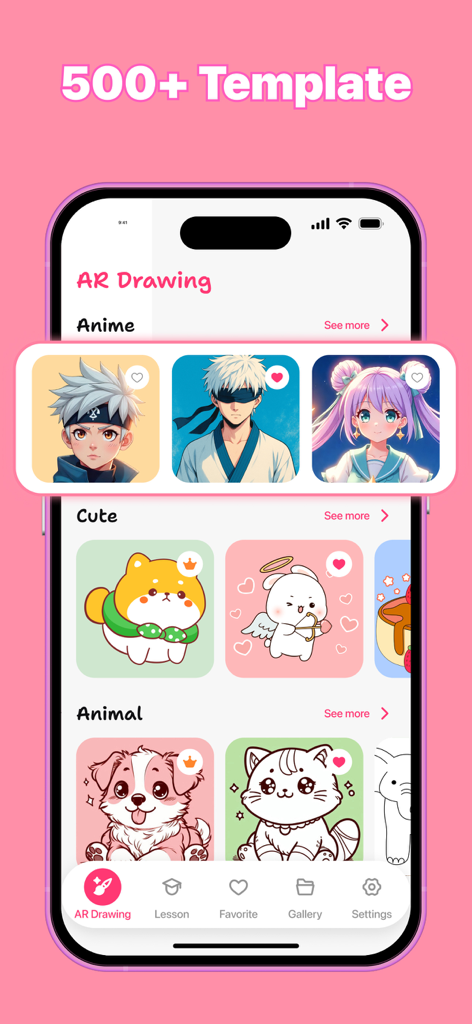
A mobile interface for Art Tracer displaying various anime and cute drawing templates.
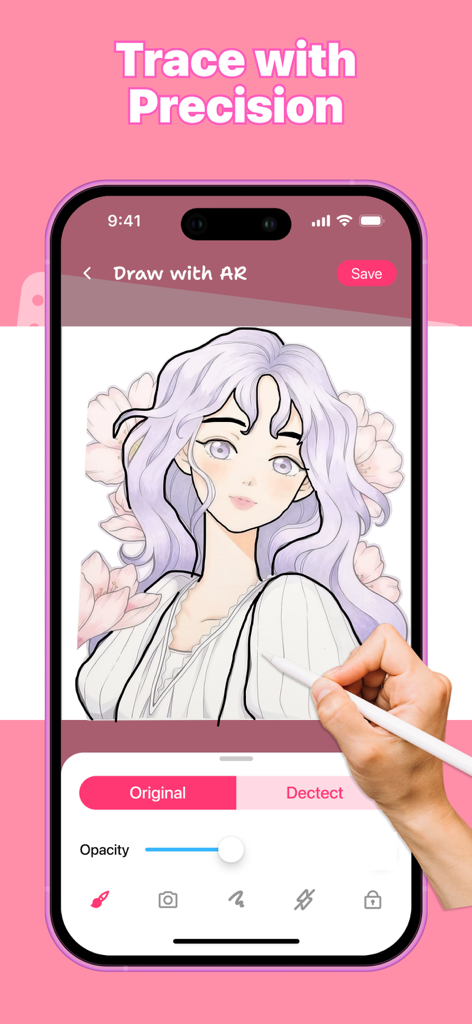
A person using an Apple Pencil to trace an anime character on a phone using the Art Tracer app
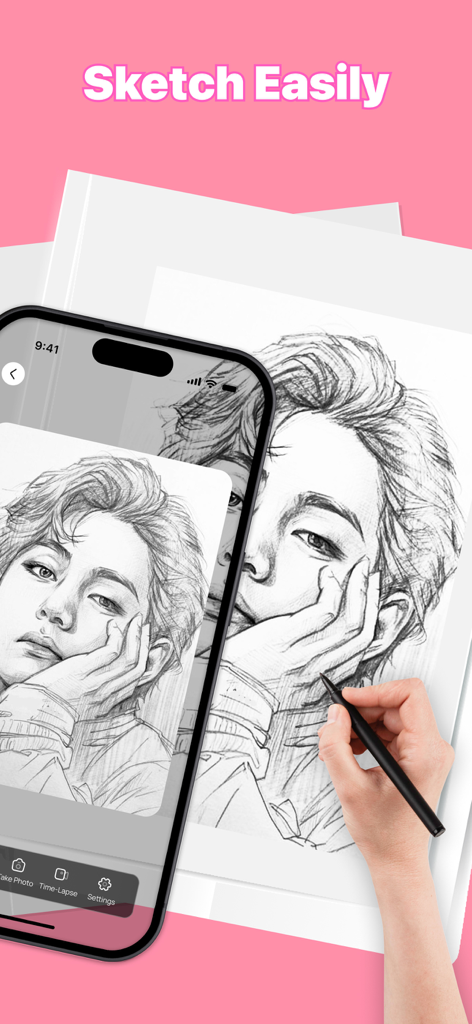
A hand sketching a portrait on paper while using a smartphone for AR tracing guidance.
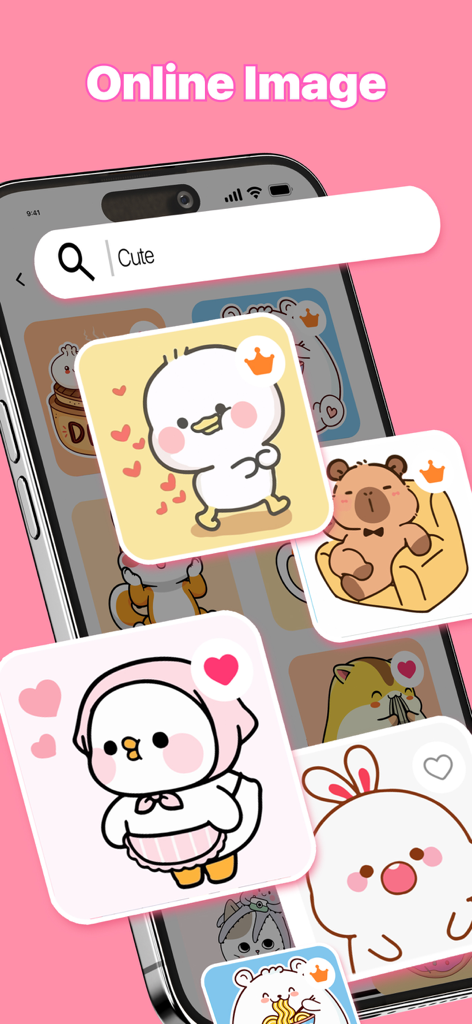
A search screen for cute cartoon drawing templates in the Art Tracer app.
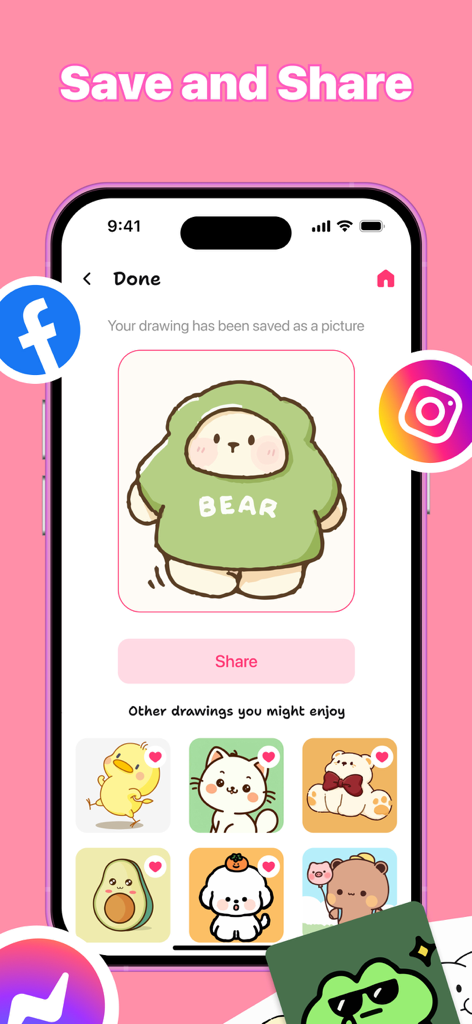
A mobile app screen showing a saved drawing of a cute green bear with options to share on social media platforms like Instagram and Facebook.
Description
Download
More Like This
Apps with similar features and user experience

AR Drawing Paint Sketch Trace
DROIDFUN LIMITED

Camera Lucida™: AR Drawing
Big Idea Design LLC

AR Drawing Sketch App: ArtEasy
SMDA GROUP SP Z O O SP KOMANDYTOWA

PicTrace: AR Drawing & Sketch
ANDROID VIETNAM TECHNOLOGY CORPORATION

AR Draw: Sketching & Painting
EIGEN SOFTWARE LIMITED

AR Drawing How to Draw Sketch
Magomed Dzhamalov

Da Vinci Eye: AR Trace & Draw
Da Vinci Eye LLC

AR Drawing - AR Sketch
Ketanbhai Khokhani

HEY CLAY®
HEY CLAY LTD
This page is not an official page of the app or its developer, but an independent editorial publication created for informational and commentary purposes. Unless expressly stated otherwise, neither the app nor its developer is affiliated with, endorsed by, sponsored by, authorized by, or otherwise officially connected with MWM, Apple, Google Play, the app publisher, or the app's developer, and nothing on this page implies that the app was developed using MWM's services. Any trademarks, logos, screenshots, and other content remain the property of their respective owners.