AskLink

AskLink

Download on App Store
Logo of AskLink

AskLink: High-Performance Remote Access for Your Hybrid Workspace

Experience lag-free, HD control across Mac, Windows, and mobile. Bridge your devices securely with a simple one-click connection—no complex setup, just pure productivity.

Download on App Store

Publisher

Shanghai Kongkong Technology Co., Ltd

Category

Productivity

Downloads

0

User Rating

4.0/5

Total Ratings

0

Locales

6

Control Without Limits

Discover the interface used by 0 users.
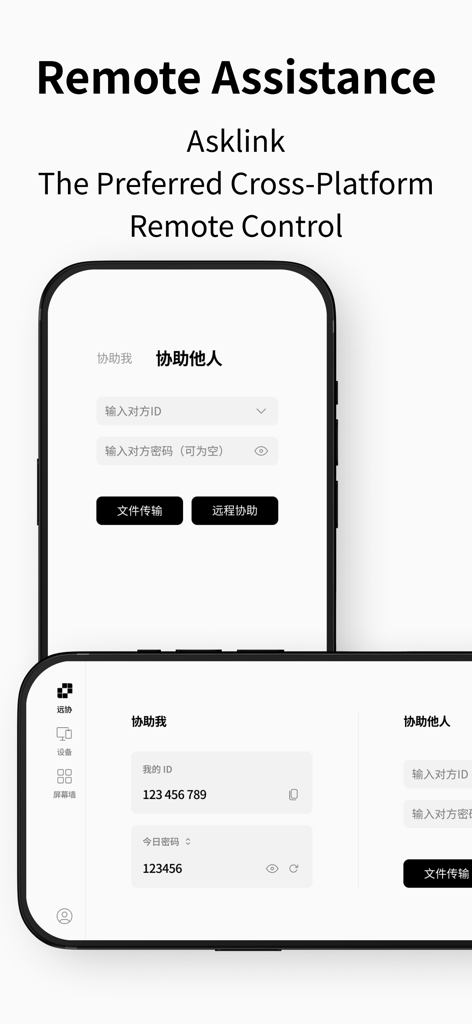
AskLink app interface on two smartphones showing remote desktop control and assistance features

AskLink app interface on two smartphones showing remote desktop control and assistance features

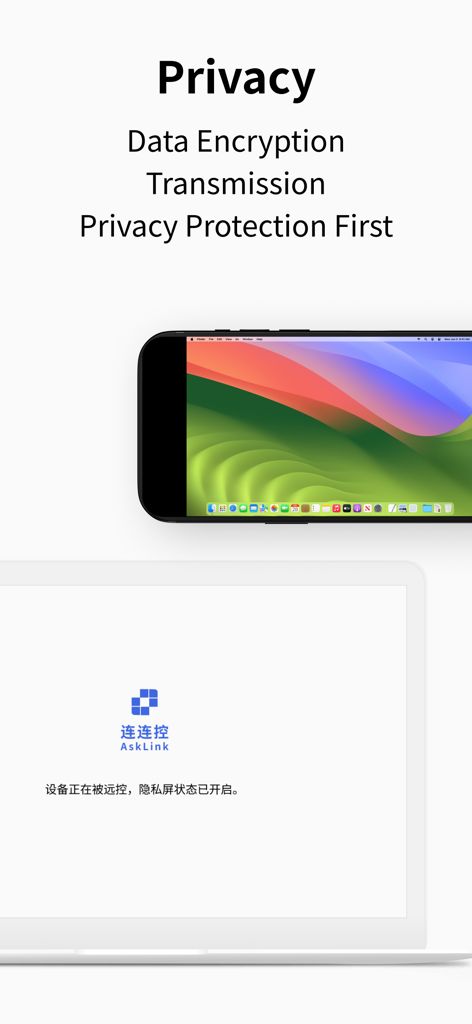
AskLink remote desktop interface showing privacy protection and data encryption features

AskLink remote desktop interface showing privacy protection and data encryption features

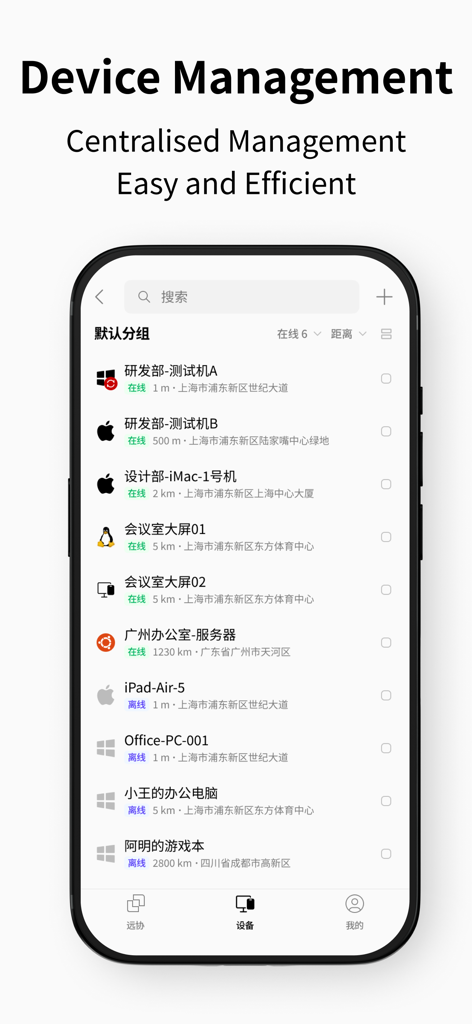
AskLink app interface showing a centralized list of managed remote devices across Windows, Mac, and Linux platforms

AskLink app interface showing a centralized list of managed remote devices across Windows, Mac, and Linux platforms

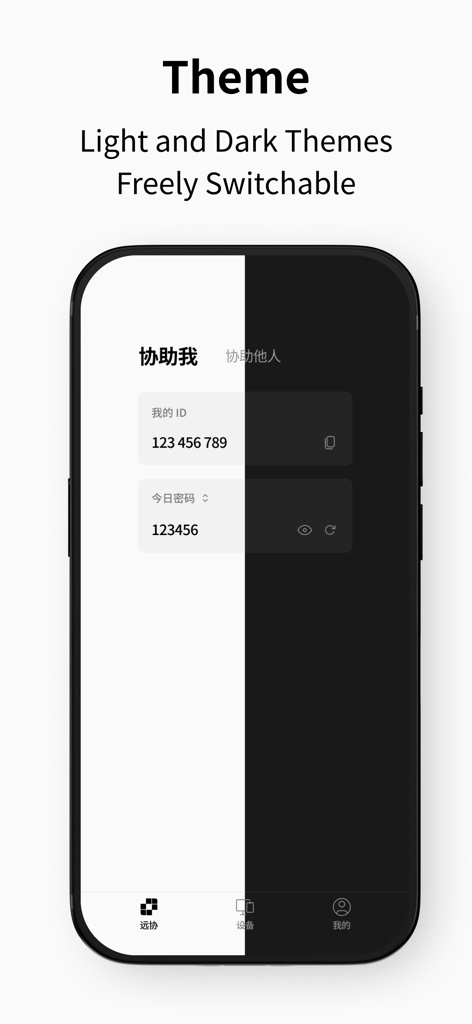
AskLink remote desktop interface showing light and dark mode switching

AskLink remote desktop interface showing light and dark mode switching

High-Performance Remote Access, Simplified

The tools that make this app stand out, trusted by 0 users.

Zero-Config Setup

Get started instantly with a one-click control code. No VPNs or technical expertise required to access your office files from anywhere.

🖥️

Pro-Grade HD Performance

Experience crystal-clear visuals and ultra-low latency. Handle demanding tasks and creative software from your iPad with a native feel.

🔄

Cross-Platform Freedom

Seamlessly control Windows from your MacBook or iOS device. The perfect bridge for users navigating the Apple and Windows ecosystems.

About the app

Everything you need to know about AskLink.

Description

1.Cross-Platform Support •Multiple devices: Control from Mac, Windows, iOS, and Android without being limited by system or platform. •Supported targets: Currently supports being controlled on Windows and macOS, with mobile devices coming soon. 2.Smooth and High Performance •HD and low latency: Smart network optimization ensures clear visuals and responsive controls. •Stable connection: Operate seamlessly across regions and countries for a superior remote experience. 3.Security and Simplicity Combined •Advanced encryption: Multiple layers of security to protect your data and privacy. •Easy to use: Generate a control code in one click and connect in just a few steps—no complex setup needed. 4.Wide Applications •Remote Work: Handle tasks anytime, anywhere, and collaborate in real time. •Remote Tech Support: Diagnose and fix device issues quickly from afar. •Training & Demo: Share screens and real-time operations for more engaging learning and presentations.

Latest Version

4.0.36.0

Size

40.3 MB

First Released

Apr 27, 2025

Access Your Desktop from Anywhere, Instantly

Bridge the gap between your Apple and Windows devices with HD performance and one-click setup. Join the hybrid workforce using the simplest tool for total productivity.

Download on App Store

App information, icons, screenshots, and descriptions displayed on this page are sourced from the Apple App Store and are the property of their respective developers. Download estimates and rankings are based on MWM's proprietary models and may not reflect actual figures. This page is provided for informational and analytical purposes only.

Believe this page infringes your intellectual property? File a dispute