
This page is not an official page of the app or its developer, but an independent editorial publication created for informational and commentary purposes. Unless expressly stated otherwise, neither the app nor its developer is affiliated with, endorsed by, sponsored by, authorized by, or otherwise officially connected with MWM, Apple, Google Play, the app publisher, or the app's developer, and nothing on this page implies that the app was developed using MWM's services. Any trademarks, logos, screenshots, and other content remain the property of their respective owners.


向日葵远程控制-Sunlogin remotecontrol
Proximity is obsolete. The app provides instant, total command over your digital devices, no matter the distance.
Downloads
12.5M+User Rating
Total Ratings
441.0KPublisher
Category
BusinessLocales
3Latest Version
15.5.1Size
152.9 MBFirst Released
Aug 28, 2012Key Features Analysis: Sunlogin Remote Control
An Evaluation for Tech-Savvy Professionals and Remote Users
Cross-Platform Compatibility
This tool supports seamless remote control across various operating systems and device types, including desktop and mobile, ensuring flexibility for diverse user environments.
Remote Desktop & Assistance
The app provides comprehensive remote desktop functionality, enabling users to control computers from mobile devices, offering remote assistance, and including screen recording for audit trails.
Advanced Command-Line Access (CMD/SSH)
The app offers direct command-line interface (CMD) and Secure Shell (SSH) access, empowering tech-savvy users with powerful tools for advanced system management and troubleshooting.
Remote File Management
It allows users to transfer files effortlessly between mobile phones, computers, and other connected devices, facilitating efficient data exchange anytime, anywhere.
Remote Mobile Device Control
This tool features the ability to remotely control and debug mobile phones, providing essential support for troubleshooting or managing handheld devices from a distance.
High-Performance Remote Experience
For demanding users, the app delivers a high-fidelity remote experience, supporting features like 4K HD image quality, 144 high frame rates, 3D mouse, and gamepad mapping for gaming and design.
Remote Power Management (Wake-on-LAN)
Leveraging smart plug integration, it allows users to remotely switch on and off computers, solving the critical challenge of accessing machines that are powered down.
Remote Gaming
The app enables users to play remote computer games from their mobile phones or other computers, offering the flexibility to enjoy gaming experiences anytime and anywhere.
Mobile Screen Projection
It allows users to project their mobile screen onto a computer or TV display, simplifying presentations, demonstrations, and content sharing.
Remote Camera Monitoring
This tool provides the capability to monitor remote locations by accessing webcams on connected computers or utilizing idle mobile phones as surveillance cameras.
Frequently Asked Questions
Everything you need to know about 向日葵远程控制-Sunlogin remotecontrol
What is Sunlogin remote control?
Sunlogin remote control is software for cross-system, cross-device remote control, offering features like remote desktop, file transfer, and mobile screen projection. It supports Windows, macOS, Linux, iOS, and Android for various remote scenarios.
What devices and operating systems does Sunlogin remote control support?
Sunlogin remote control supports various devices, including desktop computers and mobile devices, across operating systems like Windows, macOS, Linux, iOS, and Android for comprehensive remote access.
Can I control my computer remotely using my mobile phone with Sunlogin remote control?
Yes, Sunlogin remote control allows users to control their computer remotely using a mobile phone. This includes remote desktop connections and screen recording functions for audit purposes.
Does Sunlogin remote control offer file transfer capabilities?
Yes, Sunlogin remote control includes remote file management. Users can transfer files between mobile phones, computers, and other connected devices anytime and anywhere.
What is the price of Sunlogin remote control's Seed Membership?
The Sunlogin remote control Seed Membership costs RMB 25 for a monthly subscription, RMB 55 quarterly, and RMB 128 for an annual subscription. Prices are subject to iAP application information.
How do I cancel the automatic renewal for Sunlogin remote control membership?
To cancel automatic renewal for Sunlogin remote control membership, manually turn off auto-renewal in iTunes/Apple ID Settings Management at least 24 hours before the current subscription period expires.
Can Sunlogin remote control be used for remote gaming?
Yes, Sunlogin remote control supports remote gaming. Mobile phones or computers can control remote computer games, offering features like 4K HD image quality and 3D view for an enhanced experience.
Does Sunlogin remote control have a privacy screen feature?
Yes, Sunlogin remote control features a privacy screen function, identified as "隐私屏" (Privacy Screen), to enhance security and protect user privacy during remote sessions.
What benefits does Sunlogin remote control's Super Member offer?
Super Member benefits include all Seed Membership functions, 144 high-frame remote control, 3D mouse support, gamepad mapping, and 4K HD image quality for advanced remote control.
Can Sunlogin remote control turn on a computer remotely?
Yes, Sunlogin remote control offers a remote switch function. When paired with a Sunlogin remote smart plug, it can remotely power on a shut-down computer.
The following screenshots and description are sourced directly from the app's official store listing and are the property of the app developer.
App Store
Screenshots
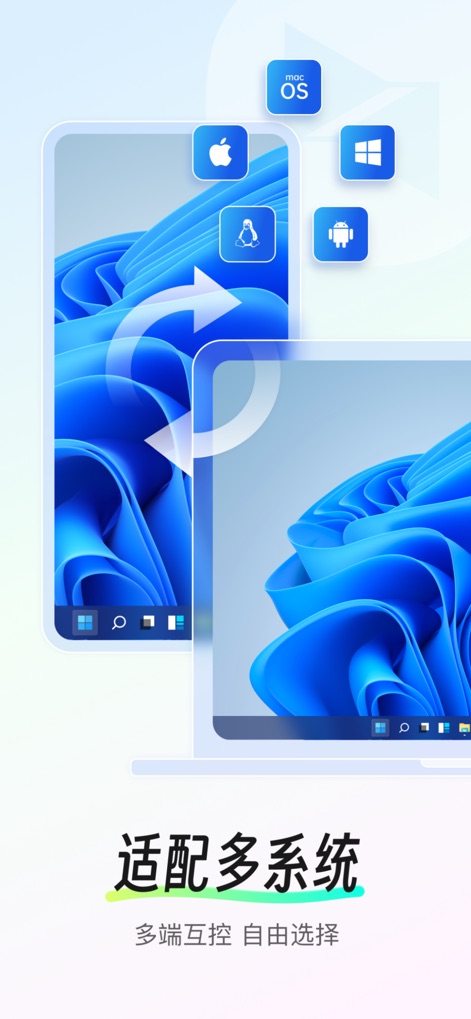
Universal Connectivity
Users can connect seamlessly across major operating systems like macOS and Android, enabling versatile device control and cross-platform access.
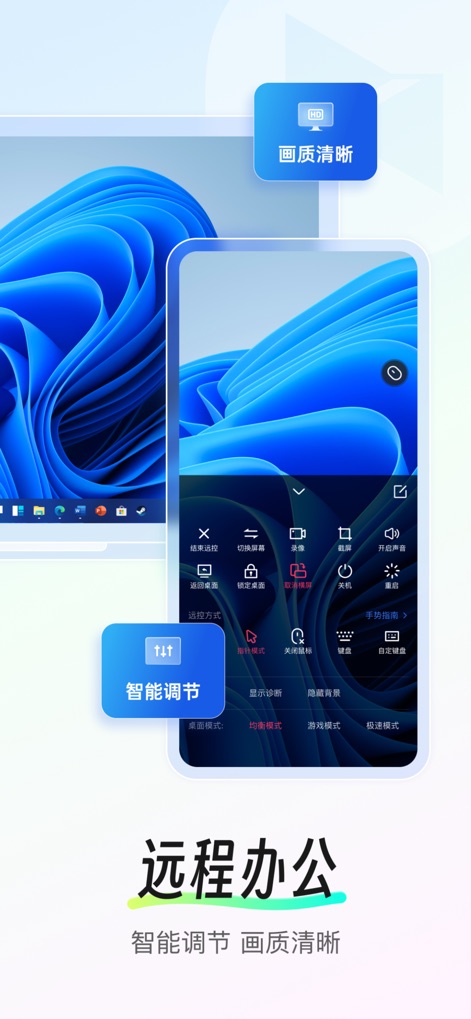
Dynamic Control Panel
This screenshot highlights the intuitive overlay control panel, offering features like screen recording and customizable display modes for optimal remote office productivity.
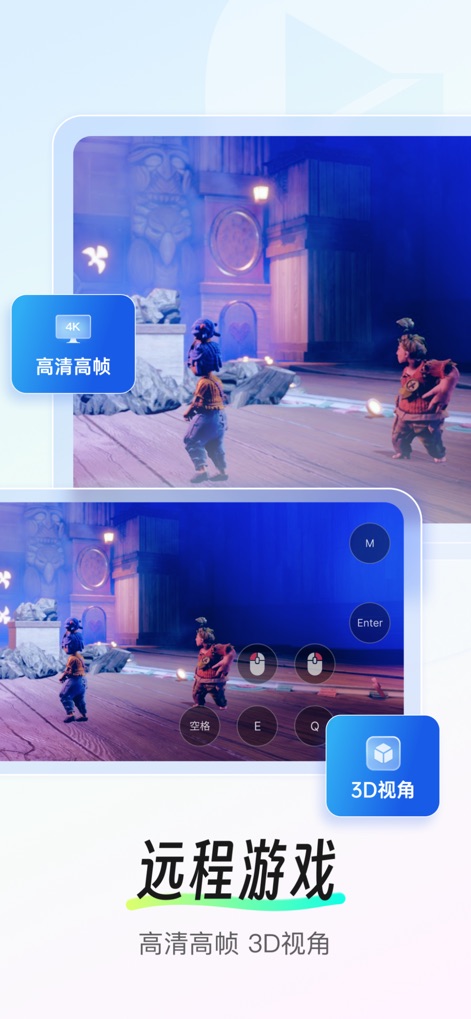
High-Performance Gaming
Experience stunning remote gaming with 4K high frame rate visuals and specialized 3D view controls, allowing for immersive gameplay from anywhere.
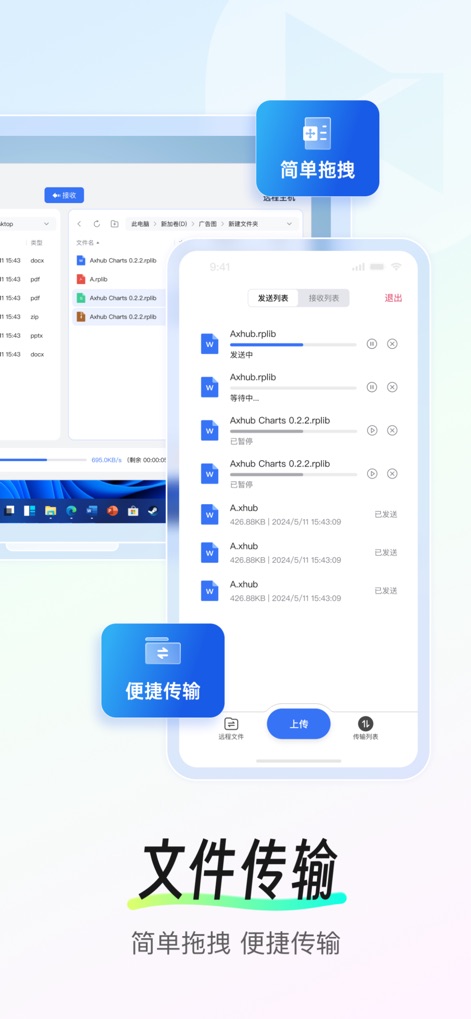
Effortless File Management
The app streamlines file management with convenient transfer lists on mobile and simple drag-and-drop functionality on the remote desktop, ensuring data accessibility.

Enhanced Privacy Shield
This feature demonstrates the app's commitment to security, offering an 'invisible screen' option and a clear privacy screen indicator to protect sensitive information during remote sessions.
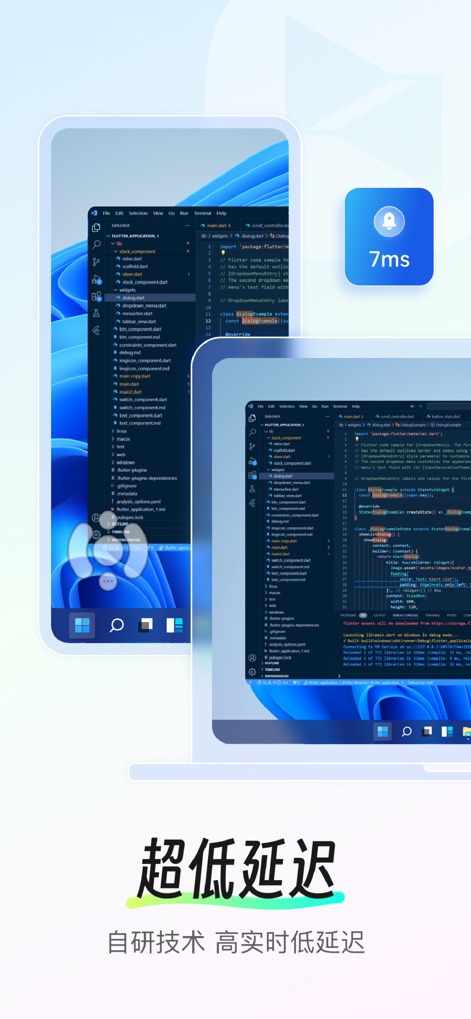
Ultra-Low Latency
Witness the app's lightning-fast responsiveness with an ultra-low 7ms latency and precise on-screen joystick control, ideal for demanding tasks like coding and design.
Description
Download
More Like This
Apps with similar features and user experience

UU远程-远程办公/游戏串流
Guangzhou NetEase Computer System Co.Ltd

AweSun Remote Desktop
AWERAY PTE. LTD.

AnyDesk Remote Desktop
AnyDesk Software GmbH

TeamViewer Remote Control
TeamViewer Germany GmbH

ToDesk远程控制
Hainan Youqu Technology Co., Ltd.

DeskIn Remote Desktop
ZULER TECHNOLOGY PTE. LTD.

Termius - Modern SSH Client
Termius Corporation

RealVNC Viewer: Remote Desktop
RealVNC Limited

LogMeIn Pro & Central
GoTo Group, Inc.
This page is not an official page of the app or its developer, but an independent editorial publication created for informational and commentary purposes. Unless expressly stated otherwise, neither the app nor its developer is affiliated with, endorsed by, sponsored by, authorized by, or otherwise officially connected with MWM, Apple, Google Play, the app publisher, or the app's developer, and nothing on this page implies that the app was developed using MWM's services. Any trademarks, logos, screenshots, and other content remain the property of their respective owners.