
This page is not an official page of the app or its developer, but an independent editorial publication created for informational and commentary purposes. Unless expressly stated otherwise, neither the app nor its developer is affiliated with, endorsed by, sponsored by, authorized by, or otherwise officially connected with MWM, Apple, Google Play, the app publisher, or the app's developer, and nothing on this page implies that the app was developed using MWM's services. Any trademarks, logos, screenshots, and other content remain the property of their respective owners.


LogMeIn Pro & Central
Securely access your PC or Mac from your iPad or iPhone. Run any desktop application, edit files, and manage your systems with professional-grade remote control and HD clarity.
Downloads
787K+User Rating
Total Ratings
34K+Publisher
Category
BusinessLocales
13Latest Version
4.1.9371Size
26.0 MBFirst Released
Dec 22, 2011Your Entire Desktop, Reimagined for Mobile
Bridge the gap between your workstation and your mobile lifestyle. Securely access, control, and manage your Mac or PC from anywhere with professional-grade reliability.
Full Desktop Productivity
Run your most demanding desktop software—from heavy media suites to specialized CRM tools—directly on your iPad or iPhone with zero lag.
Advanced File Management
Access, move, and copy files between devices effortlessly. Save critical documents to your mobile device for uninterrupted offline productivity.
The following screenshots and description are sourced directly from the app's official store listing and are the property of the app developer.
App Store
Screenshots
LogMeIn Pro mobile app login screen featuring remote access icons for desktop and mobile devices
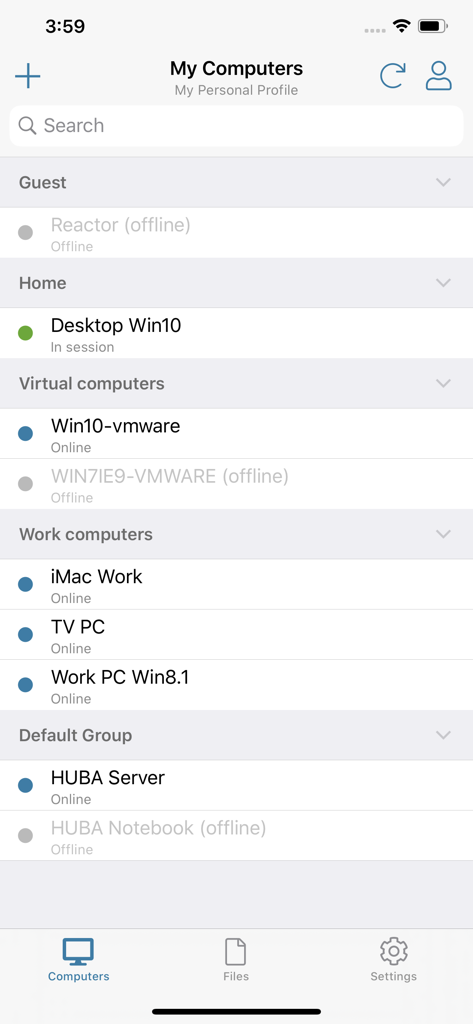
A list of remote computers categorized by groups like Home and Work showing their online or offline status in the LogMeIn Pro app.
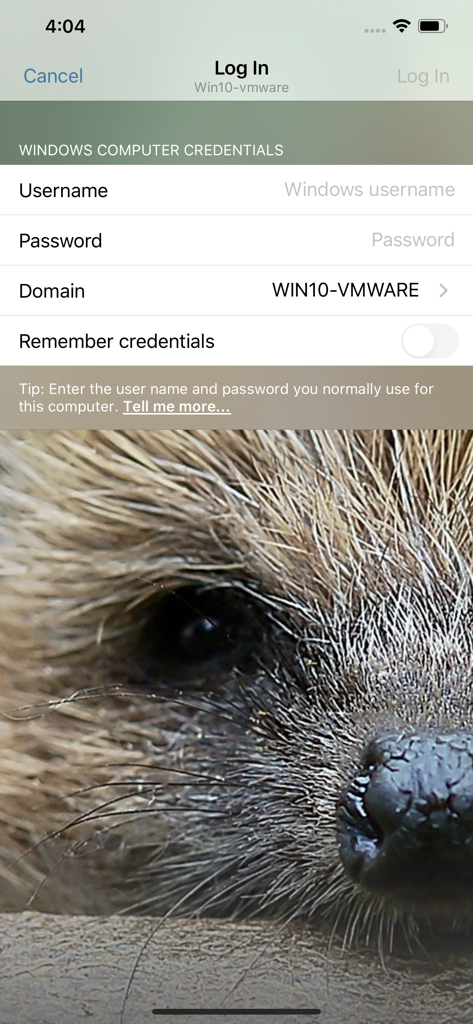
Login screen for remote desktop access showing windows computer credentials fields
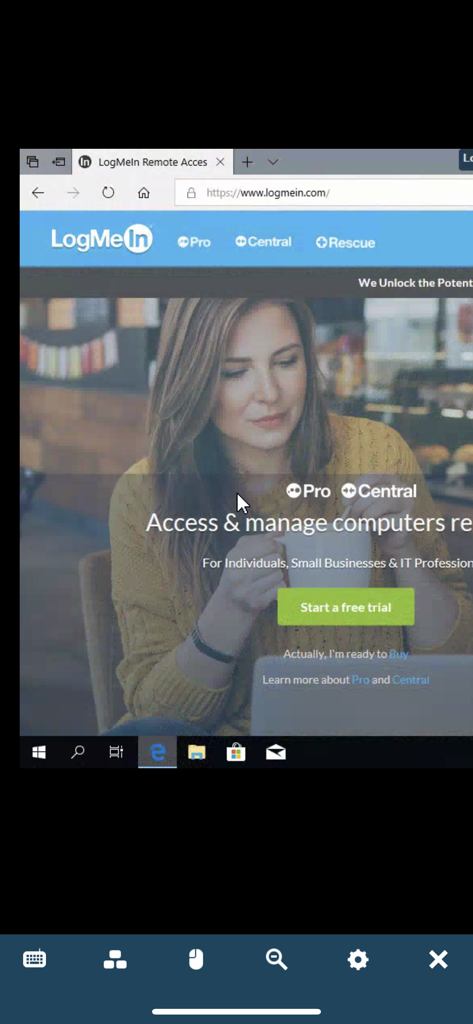
LogMeIn Pro app displaying a remote desktop session on a mobile screen
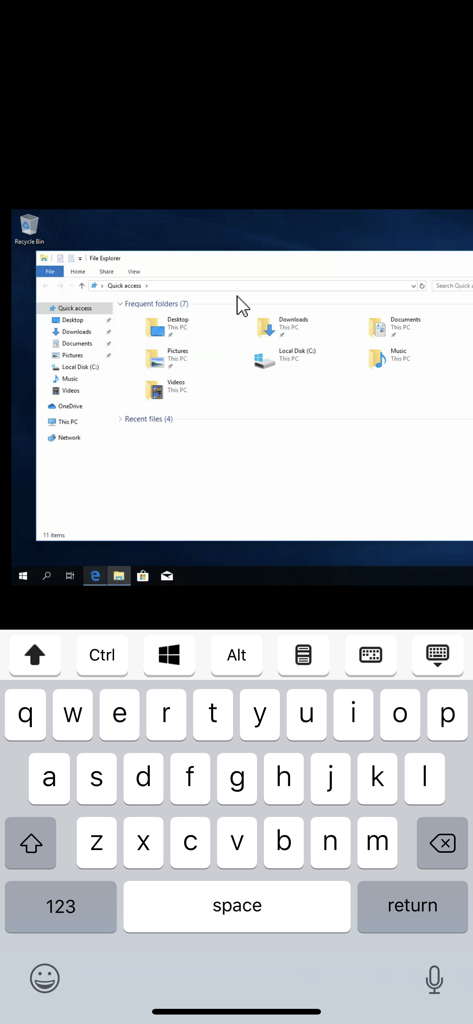
Remote Windows desktop access on an iPhone using the LogMeIn Pro app

LogMeIn app interface displaying a high definition video of a space shuttle launch via remote desktop connection.
Description
Download
More Like This
Apps with similar features and user experience

向日葵远程控制-Sunlogin remotecontrol
Shanghai best oray information s&t co.,ltd

UU远程-远程办公/游戏串流
Guangzhou NetEase Computer System Co.Ltd

AweSun Remote Desktop
AWERAY PTE. LTD.

AnyDesk Remote Desktop
AnyDesk Software GmbH

TeamViewer Remote Control
TeamViewer Germany GmbH

ToDesk远程控制
Hainan Youqu Technology Co., Ltd.

DeskIn Remote Desktop
ZULER TECHNOLOGY PTE. LTD.

Termius - Modern SSH Client
Termius Corporation

RealVNC Viewer: Remote Desktop
RealVNC Limited
This page is not an official page of the app or its developer, but an independent editorial publication created for informational and commentary purposes. Unless expressly stated otherwise, neither the app nor its developer is affiliated with, endorsed by, sponsored by, authorized by, or otherwise officially connected with MWM, Apple, Google Play, the app publisher, or the app's developer, and nothing on this page implies that the app was developed using MWM's services. Any trademarks, logos, screenshots, and other content remain the property of their respective owners.