
This page is not an official page of the app or its developer, but an independent editorial publication created for informational and commentary purposes. Unless expressly stated otherwise, neither the app nor its developer is affiliated with, endorsed by, sponsored by, authorized by, or otherwise officially connected with MWM, Apple, Google Play, the app publisher, or the app's developer, and nothing on this page implies that the app was developed using MWM's services. Any trademarks, logos, screenshots, and other content remain the property of their respective owners.


DeskIn Remote Desktop
Unlock 4K 144FPS streaming and 4:4:4 true-color design on your iPhone or iPad. Enjoy ultra-low latency for gaming and professional productivity with the most secure, free remote access tool available.
Downloads
393K+User Rating
Total Ratings
600Publisher
Category
ProductivityLocales
7Latest Version
3.3.33Size
113.2 MBFirst Released
Jul 5, 2022Desktop Performance, Mobile Freedom
Stop settling for laggy remote sessions. DeskIn delivers 4K high-speed access and bank-level security, turning your iPhone or iPad into a high-performance workstation or gaming rig anywhere in the world.
Pro-Grade Gaming & Design
Stream at 4K resolution and 144FPS with ultra-low 40ms latency. Includes 4:4:4 true-color support and Apple Pencil compatibility for seamless creative work and AAA gaming.
The Ultimate Mobile Office
Break free from your desk with seamless multi-session support and file transfers up to 12MB/s. Turn your iPad into a second screen or a full Windows/Mac desktop replacement.
Frequently Asked Questions
Everything you need to know about DeskIn Remote Desktop
What is DeskIn?
DeskIn is a free remote desktop app for personal use, providing fast, secure, and stable remote access. It allows control of one or multiple remote devices from an iPad or iPhone.
Is DeskIn free to use?
Yes, DeskIn is free for both personal and commercial use. An advanced Enterprise Edition is also available for additional features.
Is DeskIn secure for remote access?
Yes, DeskIn ensures secure remote access with bank-level E2E encryption and two-factor authentication. It also supports custom passwords for unattended connections.
What operating systems does DeskIn support for remote control?
DeskIn supports remote access across major operating systems including Windows, macOS, iOS, and iPadOS. It offers seamless linking to these devices.
Can DeskIn transfer files between devices?
Yes, DeskIn allows quick file transfer between phones and PCs. It supports documents, images, or videos without format or size limits.
Can I play games remotely using DeskIn?
Yes, DeskIn supports remote play for Steam or PC games on iPhone or iPad. It offers a low-latency experience with customizable keyboard/gamepad support.
Does DeskIn support unattended remote access?
Yes, DeskIn supports secure unattended access. Users can set passwords for unattended connections and activate privacy mode to hide remote screens.
Can DeskIn extend my device screen?
Yes, DeskIn offers screen extension functionality. It allows turning your device into a second monitor wirelessly, ideal for presentations or second-screen use.
Does DeskIn allow mobile devices to be controlled remotely?
Yes, DeskIn enables controlling mobile devices remotely via virtual phone or app remote functions. This feature is root-free and supports IT support.
How do I connect to a remote device using DeskIn?
To connect with DeskIn, install the app on both devices, sign in, and enter the remote device's ID and password. The connection then establishes.
The following screenshots and description are sourced directly from the app's official store listing and are the property of the app developer.
App Store
Screenshots
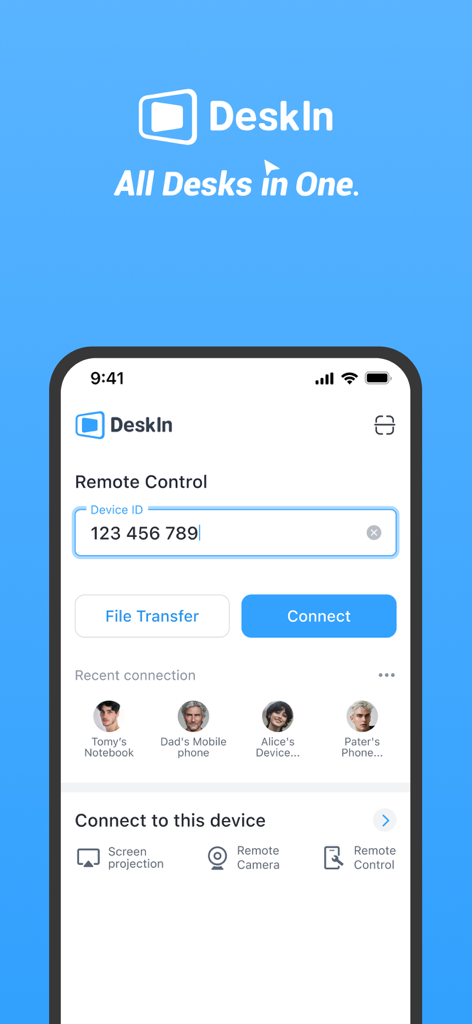
DeskIn app main screen on iPhone showing remote control device ID input and recent connections
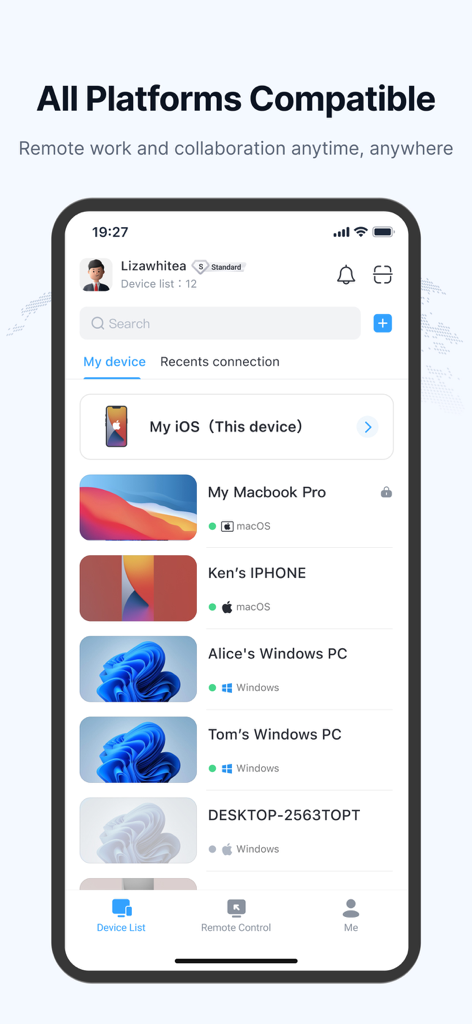
DeskIn mobile app interface showing a list of connected remote devices including Windows PCs and MacBooks
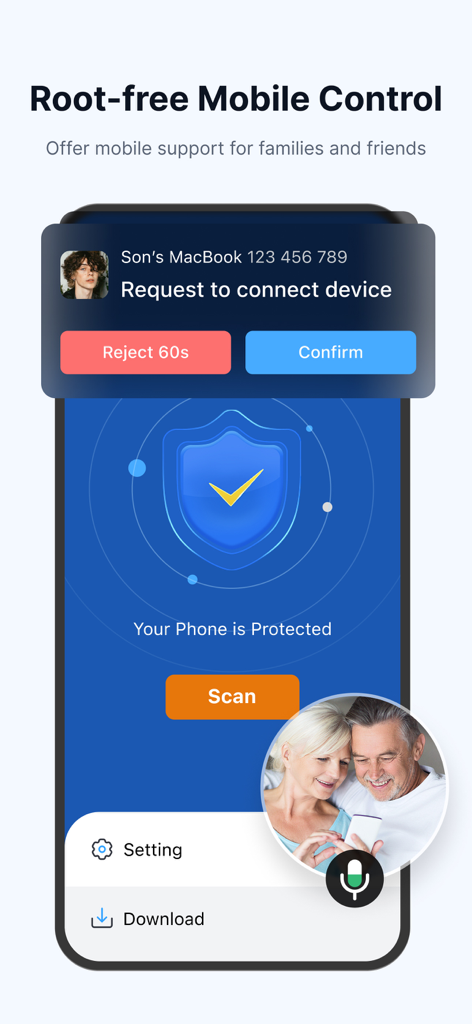
DeskIn app interface showing a remote mobile control request for providing tech support to family members
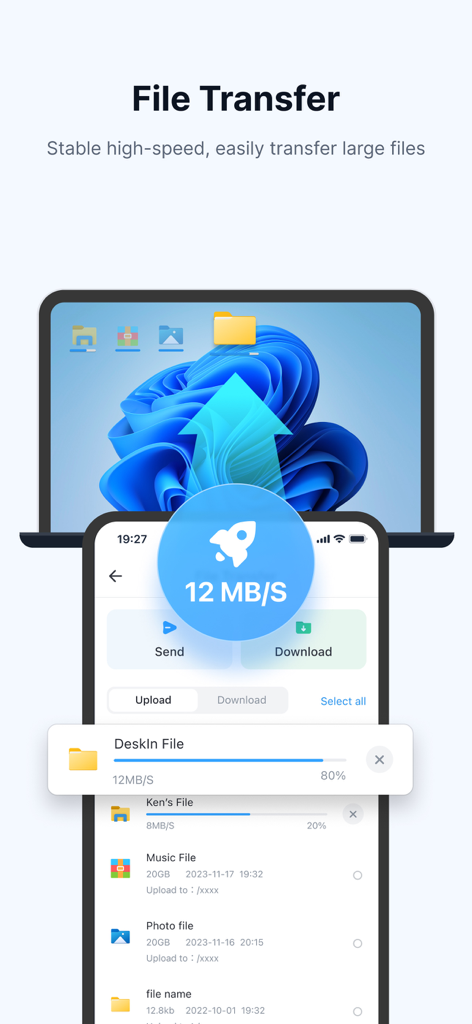
DeskIn Remote Desktop interface showing high speed 12MBs file transfer between a smartphone and a laptop
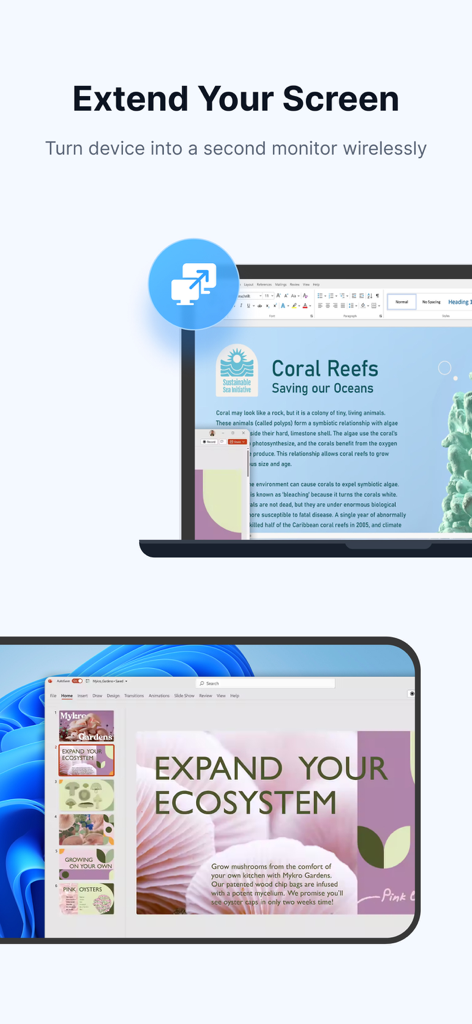
Wireless screen extension feature turning a mobile device into a second monitor for a laptop
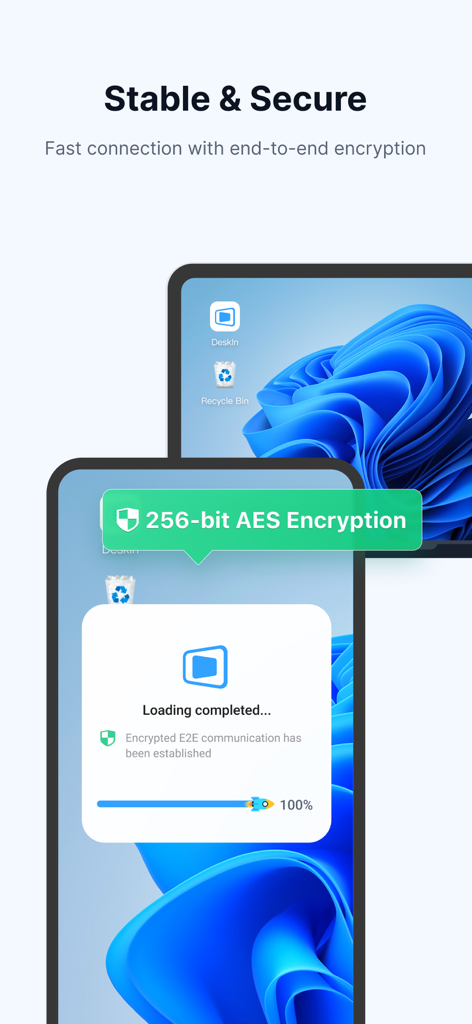
DeskIn app interface showing 256-bit AES end-to-end encryption for secure remote access on multiple devices
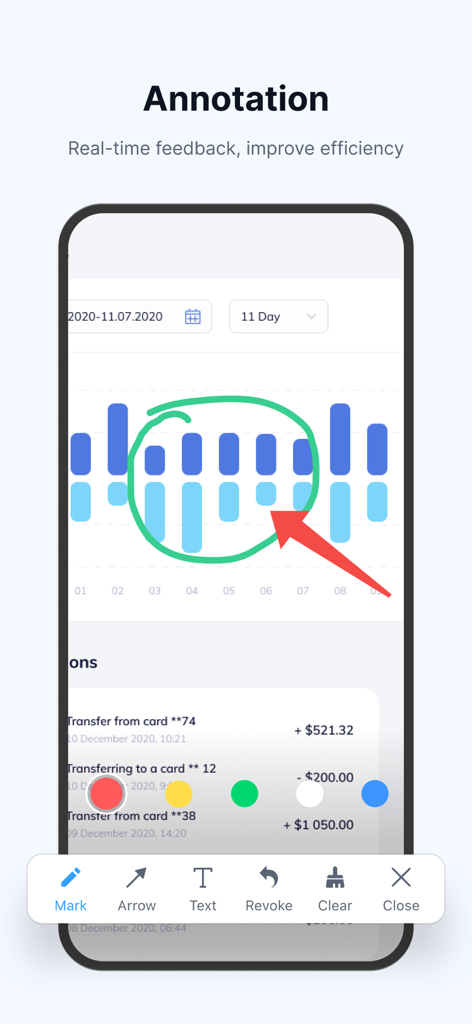
DeskIn app displaying real-time annotation tools on a remote screen chart
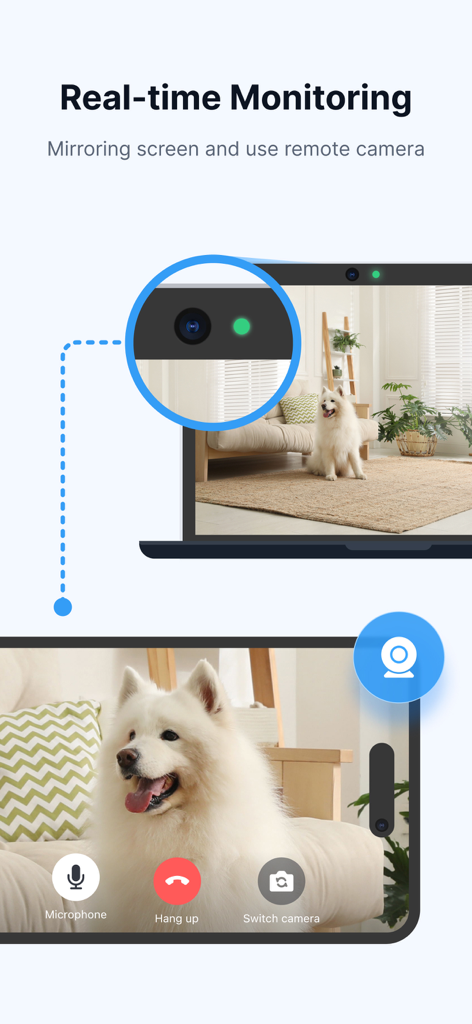
Real-time monitoring feature on DeskIn app showing remote camera access and screen mirroring from a laptop to a mobile phone.
Description
Download
More Like This
Apps with similar features and user experience

向日葵远程控制-Sunlogin remotecontrol
Shanghai best oray information s&t co.,ltd

UU远程-远程办公/游戏串流
Guangzhou NetEase Computer System Co.Ltd

AweSun Remote Desktop
AWERAY PTE. LTD.

AnyDesk Remote Desktop
AnyDesk Software GmbH

TeamViewer Remote Control
TeamViewer Germany GmbH

ToDesk远程控制
Hainan Youqu Technology Co., Ltd.

Termius - Modern SSH Client
Termius Corporation

RealVNC Viewer: Remote Desktop
RealVNC Limited

LogMeIn Pro & Central
GoTo Group, Inc.
This page is not an official page of the app or its developer, but an independent editorial publication created for informational and commentary purposes. Unless expressly stated otherwise, neither the app nor its developer is affiliated with, endorsed by, sponsored by, authorized by, or otherwise officially connected with MWM, Apple, Google Play, the app publisher, or the app's developer, and nothing on this page implies that the app was developed using MWM's services. Any trademarks, logos, screenshots, and other content remain the property of their respective owners.