Atomic Clock (Gorgy Timing)
Download on App Store

This page is not an official page of the app or its developer, but an independent editorial publication created for informational and commentary purposes. Unless expressly stated otherwise, neither the app nor its developer is affiliated with, endorsed by, sponsored by, authorized by, or otherwise officially connected with MWM, Apple, Google Play, the app publisher, or the app's developer, and nothing on this page implies that the app was developed using MWM's services. Any trademarks, logos, screenshots, and other content remain the property of their respective owners.

Logo of Atomic Clock (Gorgy Timing)
Download on App Store

Atomic Clock (Gorgy Timing)

Trusted by BBC studios and professionals worldwide. Bring the ultimate reference clock to your device with atomic server synchronization, UTC support, and the iconic industrial design used in high-end broadcast environments.

Key Figures

Downloads

318K+

User Rating

4.6/5

Total Ratings

10K+

Publisher

CompuLab

Category

Utilities

Locales

7

Latest Version

5.52

Size

12.3 MB

First Released

Nov 7, 2008
Features

Professional-Grade Precision

Trusted by BBC studios, astronomers, and pilots worldwide. Access the world's most accurate time source with the iconic Gorgy Timing interface and industrial-strength reliability.

Atomic-Level Synchronization

Bypass standard system clock drift by syncing directly with global cesium atomic servers via NTP protocol for the ultimate reference time.

Broadcast-Ready Features

Designed for live environments with UTC time modes, fractional second displays (1/60th res), and alarms set to the exact second.

The following screenshots and description are sourced directly from the app's official store listing and are the property of the app developer.

App Store

Screenshots
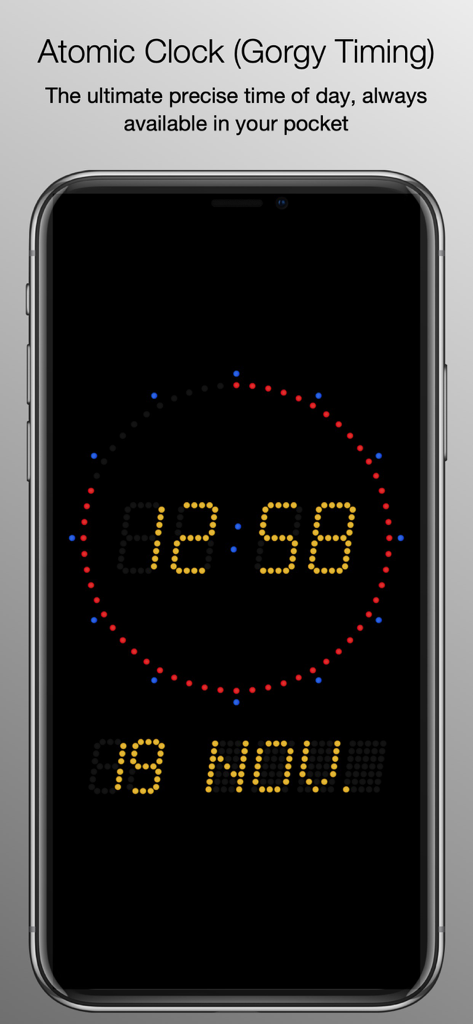
Atomic Clock (Gorgy Timing) - Screenshot of the Atomic Clock app showing a professional Gorgy Timing digital clock interface with yellow digits and a circular seconds counter
Screenshot of the Atomic Clock app showing a professional Gorgy Timing digital clock interface with yellow digits and a circular seconds counter

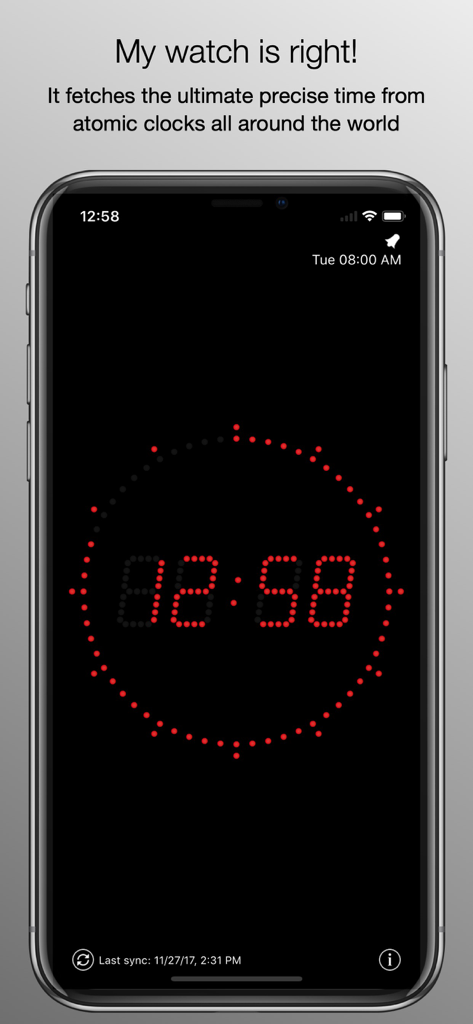
Atomic Clock (Gorgy Timing) - iPhone screen displaying the Atomic Clock Gorgy Timing interface with a red LED digital time and circular second indicator.
iPhone screen displaying the Atomic Clock Gorgy Timing interface with a red LED digital time and circular second indicator.

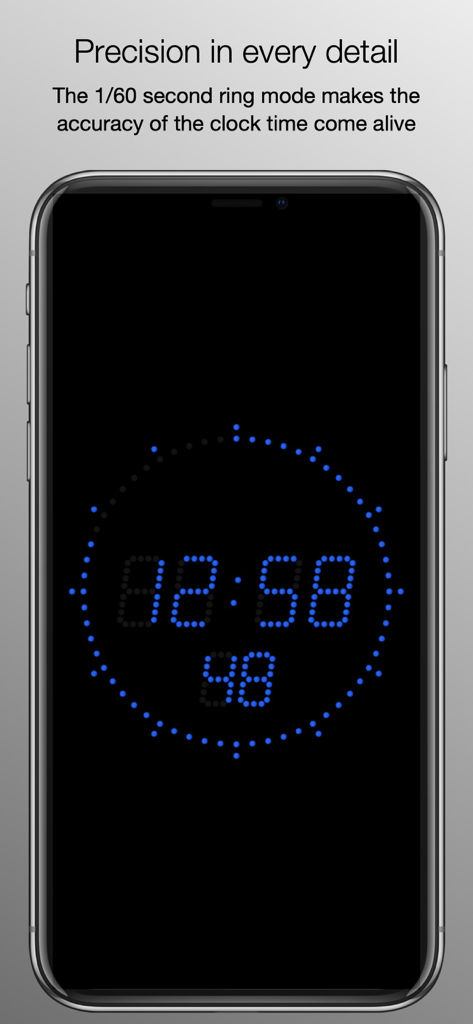
Atomic Clock (Gorgy Timing) - Precision digital clock display with a blue 1/60 second ring indicator on a black background
Precision digital clock display with a blue 1/60 second ring indicator on a black background

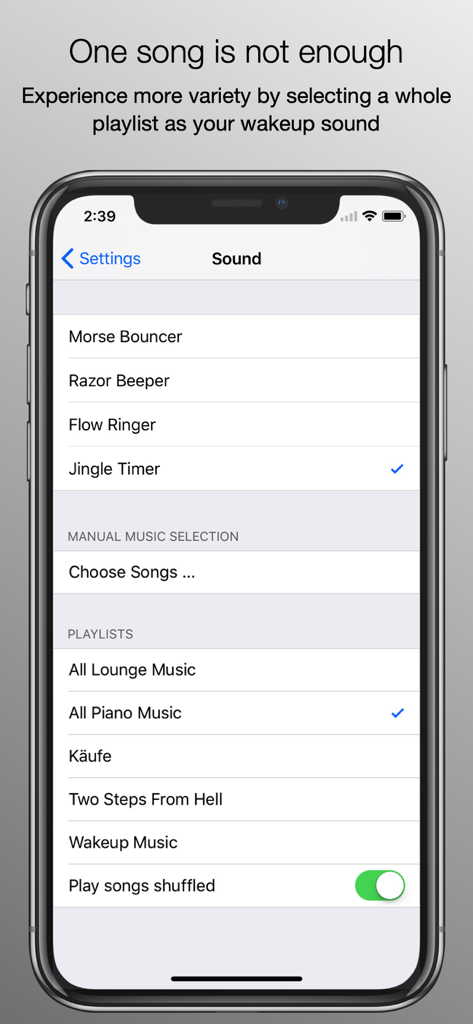
Atomic Clock (Gorgy Timing) - Alarm sound settings screen in the Atomic Clock app showing playlist selection and shuffle options

Alarm sound settings screen in the Atomic Clock app showing playlist selection and shuffle options
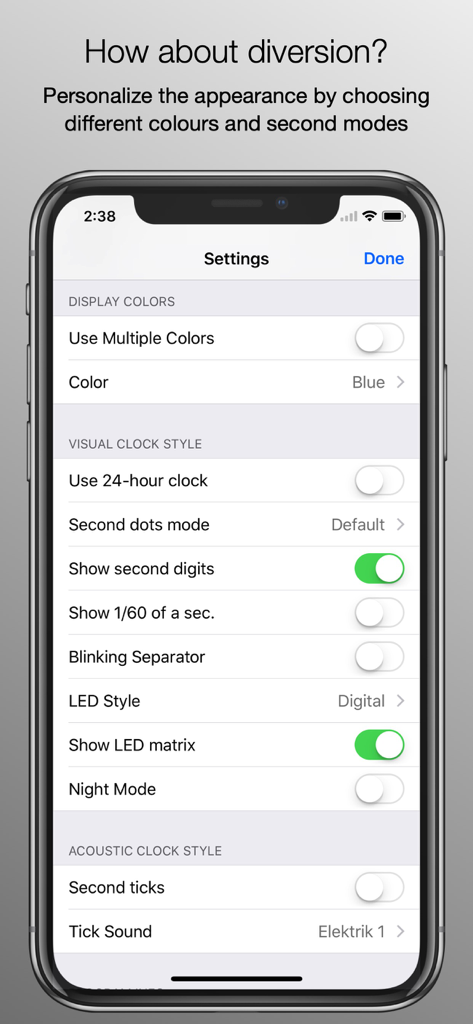
Atomic Clock (Gorgy Timing) - Settings interface of the Atomic Clock app showing various customization options for colors and visual clock styles

Settings interface of the Atomic Clock app showing various customization options for colors and visual clock styles

Description

This tool shows you the ultimate precise time of day. To achieve this, it uses a special internet time protocol to fetch the time from an atomic time server. We are proud to offer version 5 of the Gorgy Timing Atomic Clock. The program is one of the classic applications since the early days of the Apple App Store and has been continually improved based on user feedback. The Gorgy Timing Atomic Clock shows the precise time of day. To achieve this, it uses a special internet time protocol to fetch the ultimate precise time from cesium atomic clocks available on the internet, or any other time server you like. The graphical display mimics the clock display of the legendary Gorgy Timing clocks, which are used in professional radio and television studios, and we spent much effort to bring the original feeling of these wickedly expensive clocks to your iPhone. This app is used by BBC studios, astronomers, concert promoters, etc. Version 5 contains the following functions: * Universal support for all iPhone, iPad and iPod touch devices running iOS 12, iPadOS 12, watchOS 4 or higher * Optimized for the latest iOS, iPadOS and watchOS, full 64 bit support * Alarm function with snooze (touch anywhere on the screen), volume fade-in, based on weekdays * Alarm time based on seconds (not minutes) * Local time / UTC time mode * Alarm notification window instead of normal alarm sound, if app is not running or in the background * Use playlists or a manual picker selection from your own music library as alarm sounds * The alarm sound is also playing when the device is muted, or the display is switched off, and also works in AirPlay environments * Customizable time server sources * Colors: green, red, blue, yellow, white, dark green, violet, pink, orange, turquoise and hidden, with a separate color option for digits, seconds and segments * Alternative visual display of fractional seconds (1/60th sec. resolution) * 12/24 hours display * Optional second tick sound * Full landscape support (including settings dialog) * Touching the display lets the buttons and status bar fade out * Touching the display again will add the current date (in all orientations) * Disabled screen auto-lock * Options "sync at startup", "hourly", "daily", or a sync button for manual syncing * The last known time delta is used when started without sync * "Night mode", which dims the display using a slider, shows the seconds with only one dot (to prevent a hard brightness switch between second 59 and second 0), switches off the tick sound, and reduces screen updates to save battery * To minimize burn-in effects (especially on the iPhone X OLED display), the clock is doing micro movements when running longer than 5 minutes * VoiceOver support Answers to common questions: * An application can not set your device's system time, so a time sync between the atomic time and the device time is not possible. * If you want to wakeup with music, please do not exit the app before going to sleep (which would result in a local notification dialog without music in the morning), and do not lock your device. Be aware that running an application all the time, even without display, consumes battery, so please make sure that your iPhone is fully charged before you go to bed, connect it to your charger, or use the app's Night mode, which is much more energy-saving.

Download

Download on App Store

This page is not an official page of the app or its developer, but an independent editorial publication created for informational and commentary purposes. Unless expressly stated otherwise, neither the app nor its developer is affiliated with, endorsed by, sponsored by, authorized by, or otherwise officially connected with MWM, Apple, Google Play, the app publisher, or the app's developer, and nothing on this page implies that the app was developed using MWM's services. Any trademarks, logos, screenshots, and other content remain the property of their respective owners.








