
This page is not an official page of the app or its developer, but an independent editorial publication created for informational and commentary purposes. Unless expressly stated otherwise, neither the app nor its developer is affiliated with, endorsed by, sponsored by, authorized by, or otherwise officially connected with MWM, Apple, Google Play, the app publisher, or the app's developer, and nothing on this page implies that the app was developed using MWM's services. Any trademarks, logos, screenshots, and other content remain the property of their respective owners.


Authenticator App | 2FA Auth
Online security is a minefield. This app hands users the shield of unbreakable 2FA, making digital threats a distant concern.
Downloads
100k+User Rating
Total Ratings
331Publisher
Category
UtilitiesLocales
77Latest Version
2.3.0Size
84.3 MBFirst Released
Sep 13, 2024An evaluation for digitally-savvy users prioritizing robust online protection and seamless account management.
Authenticator App | 2FA Auth: Key Security Features Analysis
Robust TOTP 2FA
The app provides robust, industry-standard Time-Based One-Time Password (TOTP) protection, generating unique, time-sensitive codes to significantly enhance account security and guard against unauthorized access, even if primary passwords are compromised. It also offers stronger protection against SIM swap attacks compared to SMS-based 2FA.
Universal Service Compatibility
This tool features extensive compatibility across thousands of popular online services, ensuring that users can secure virtually all their digital accounts, from social media to financial platforms, with a single, reliable solution.
Encrypted Data Protection
It ensures that all account information and sensitive user credentials are securely stored and encrypted, providing a strong layer of data privacy to protect digital identity.
Offline Functionality
It allows users to maintain uninterrupted account protection and generate secure verification codes even when there is no active internet connection, ensuring continuous security on the go.
Integrated Password Management
The app offers secure storage and autofill functionality for passwords, streamlining the login process and eliminating the need to remember complex credentials for multiple accounts.
Simplified Account Management
Users can conveniently manage their 2FA accounts by quickly adding new ones via QR code scanning or private key entry, facilitating seamless setup and migration across devices.
Frequently Asked Questions
Everything you need to know about Authenticator App | 2FA Auth
What is the Authenticator App?
The Authenticator App is a two-factor authentication (2FA) solution that secures online accounts by generating unique Time-Based One-Time Passwords (TOTP). It ensures only authorized users can access accounts.
How does the Authenticator App enhance account security?
The Authenticator App uses Time-Based One-Time Passwords (TOTP) that change every 30 seconds. This adds an extra layer of security, significantly reducing unauthorized access risk even if your password is compromised.
Is the Authenticator App free to use?
Yes, the Authenticator App is completely free to download and use. This ensures that enhanced security features are accessible to everyone without any cost.
Can Authenticator App be used without an internet connection?
Yes, the Authenticator App includes an Offline Capability feature. It continues to protect your accounts even without an active internet connection, ensuring uninterrupted protection.
Does Authenticator App support password management?
Yes, Authenticator App offers password management. It securely stores and autofills your passwords for effortless and quick logins, eliminating the need to remember complex credentials.
How can users add accounts to the Authenticator App?
Users can easily add new accounts to the Authenticator App by scanning QR codes or entering private keys. This feature streamlines the process of managing 2FA accounts.
What online services are compatible with Authenticator App?
Authenticator App is compatible with thousands of popular online services, including Google, Instagram, Facebook, Twitter, LinkedIn, Dropbox, Snapchat, Github, Tesla, Coinbase, and Bitcoin wallets.
Does Authenticator App store user data on external servers?
No, the Authenticator App explicitly states 'NO Data JUST Security.' It secures all online accounts on your device, ensuring local storage and protection of user information through encryption.
Does Authenticator App offer account backup and sync features?
Yes, the Authenticator App provides seamless account sync and backup capabilities. This ensures your 2FA accounts are protected and available across all your devices.
How does Authenticator App protect access to the app itself?
Authenticator App protects access to the app itself using Face ID, Fingerprint, or PIN Lock. Users must authenticate to open the application, adding an extra layer of security.
The following screenshots and description are sourced directly from the app's official store listing and are the property of the app developer.
App Store
Screenshots
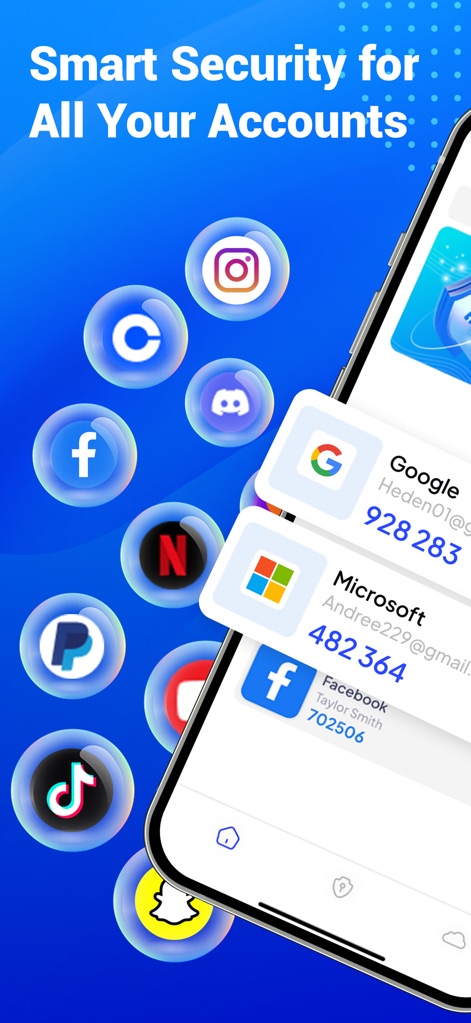
Observe how the app centralizes two-factor authentication for diverse accounts and visually organizes generated TOTP codes for quick access.
Account Dashboard Overview
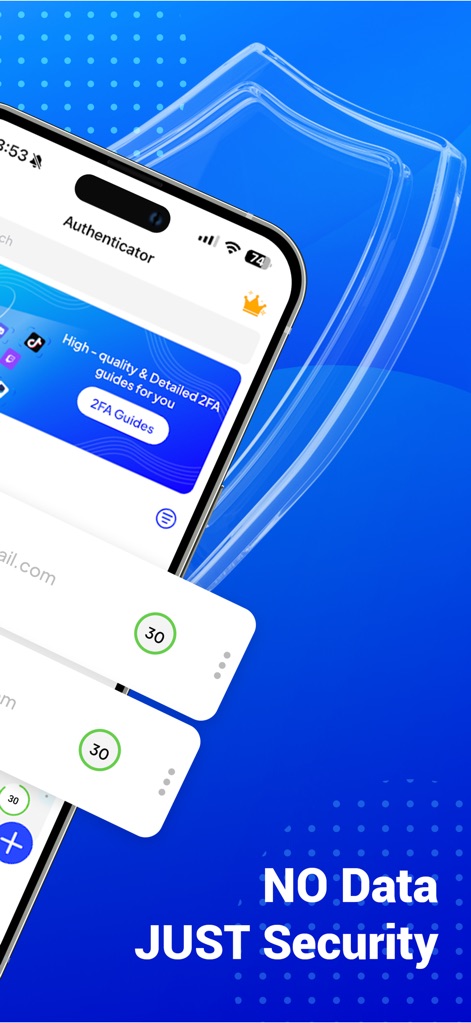
This tool emphasizes data privacy with its "NO Data JUST Security" philosophy and provides direct access to helpful "2FA Guides."
Security First Design
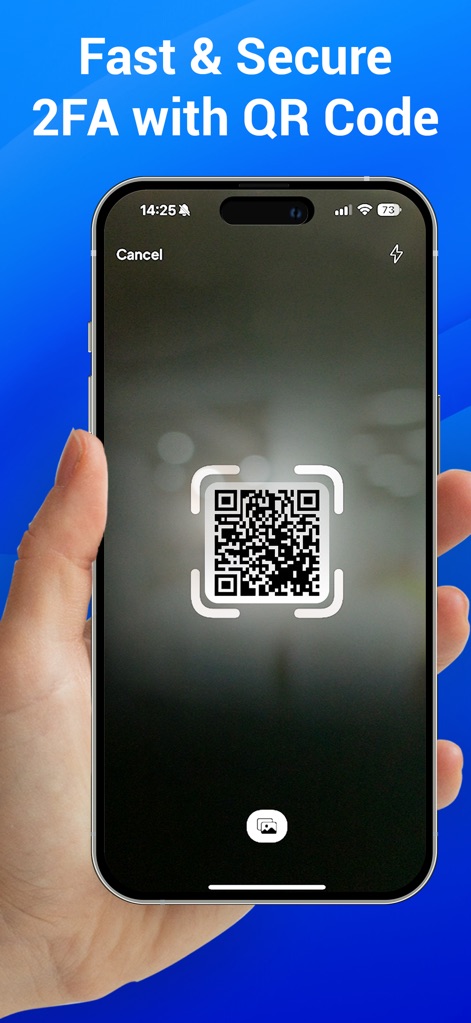
Users can quickly add new accounts by utilizing the integrated QR code scanner, streamlining the setup process for robust 2FA.
Effortless QR Setup
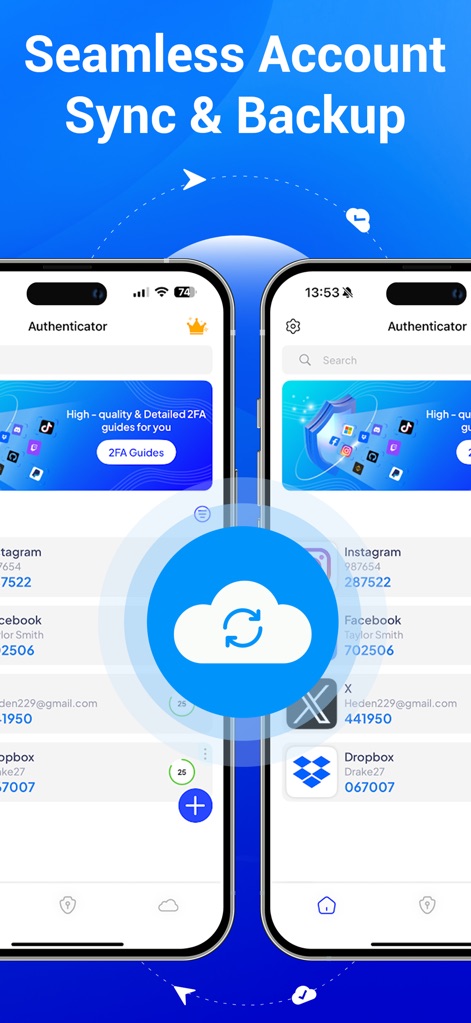
Experience seamless account synchronization across devices, depicted by the cloud icon, and secure backup for all listed 2FA accounts.
Cloud Sync & Backup
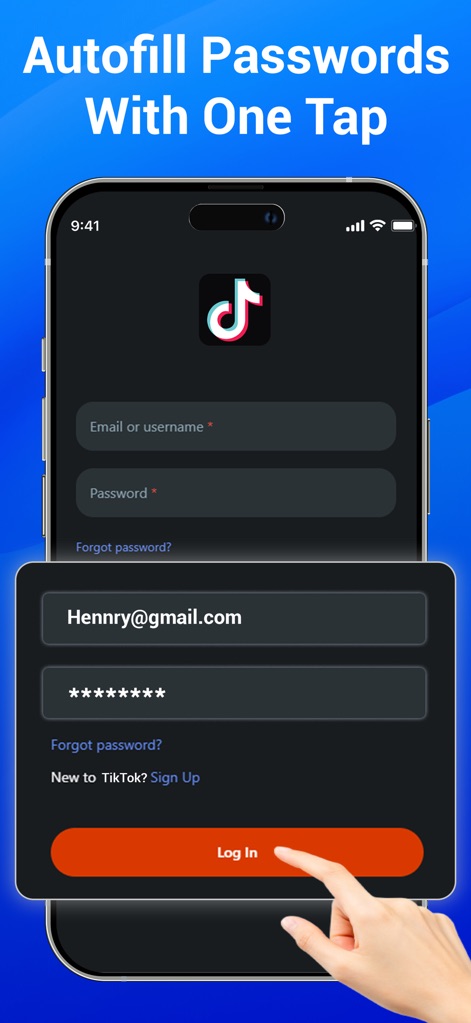
This feature demonstrates the app's capability to autofill login credentials for popular services, simplifying access to accounts like TikTok.
One-Tap Autofill
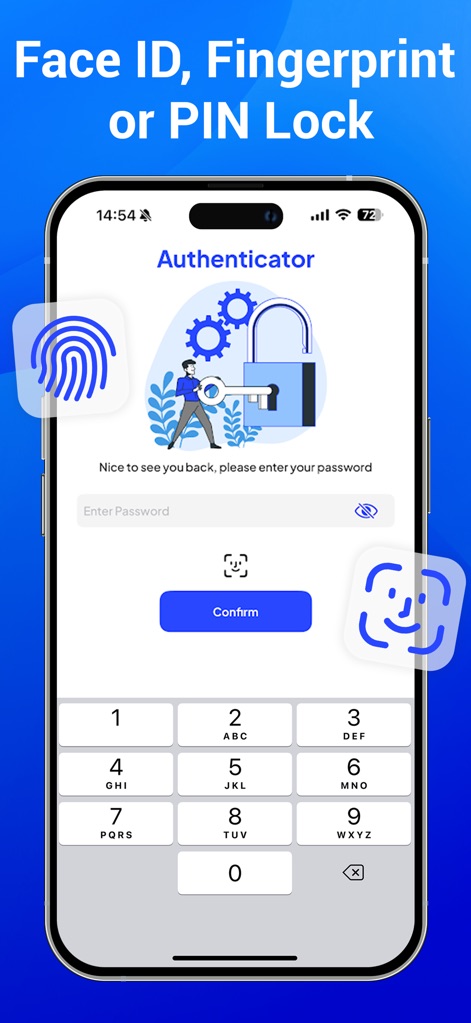
The app offers robust access protection, allowing users to secure their Authenticator entries with biometric options like Face ID and a secure PIN lock.
Enhanced App Security
Description
Download
More Like This
Apps with similar features and user experience

Google Authenticator
Google LLC

Duo Mobile
Duo Security LLC

Authenticator App - 2FA &. MFA
APPLY DIJITAL HIZMETLER TICARET LIMITED SIRKETI

authenticator . app
Mustafa Uz

SafeNet MobilePASS+
Thales DIS (Singapore) Pte Ltd

Čítačka
Tatra banka, a.s.

Authenticator App - SafeAuth
Brilliant App Limited

Authenticator App - 2FA Auth
UNIVERSE DIJITAL HIZMETLER LIMITED SIRKETI

Authenticator App : Scan & 2FA
XSOFT GLOBAL LIMITED
This page is not an official page of the app or its developer, but an independent editorial publication created for informational and commentary purposes. Unless expressly stated otherwise, neither the app nor its developer is affiliated with, endorsed by, sponsored by, authorized by, or otherwise officially connected with MWM, Apple, Google Play, the app publisher, or the app's developer, and nothing on this page implies that the app was developed using MWM's services. Any trademarks, logos, screenshots, and other content remain the property of their respective owners.