Authenticator App - 2FA
Download on App Store

This page is not an official page of the app or its developer, but an independent editorial publication created for informational and commentary purposes. Unless expressly stated otherwise, neither the app nor its developer is affiliated with, endorsed by, sponsored by, authorized by, or otherwise officially connected with MWM, Apple, Google Play, the app publisher, or the app's developer, and nothing on this page implies that the app was developed using MWM's services. Any trademarks, logos, screenshots, and other content remain the property of their respective owners.

Logo of Authenticator App - 2FA
Download on App Store

Authenticator App - 2FA

Never lose access to your digital life again with encrypted iCloud backups. Sync seamlessly across your iPhone, iPad, and Apple Watch for fast, offline protection of your Socials, Crypto, and Gaming accounts.

Key Figures

Downloads

0

User Rating

4.4/5

Total Ratings

0

Publisher

Tran Minh

Category

Productivity

Locales

9

Latest Version

1.3.1

Size

231.2 MB

First Released

Feb 14, 2023
Features

Fortify Your Digital World

A seamless, high-security vault for your 2FA tokens, designed to keep your accounts impenetrable while ensuring you never lose access.

Encrypted iCloud Sync

Never get locked out again. Automatically sync and back up your codes across all your Apple devices with industry-leading encryption.

Instant Biometric Access

Unlock your codes in a flash using Face ID, Touch ID, or your Apple Watch. Security that fits your fast-paced lifestyle.

The following screenshots and description are sourced directly from the app's official store listing and are the property of the app developer.

App Store

Screenshots
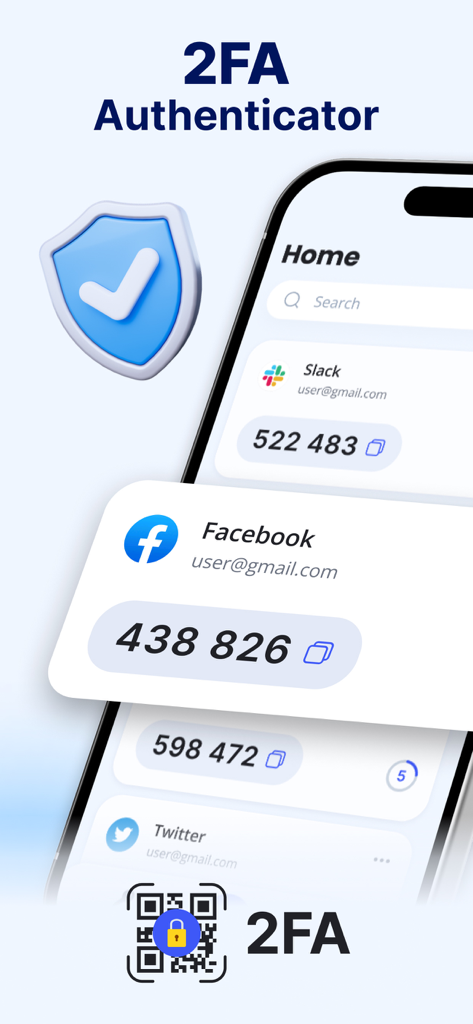
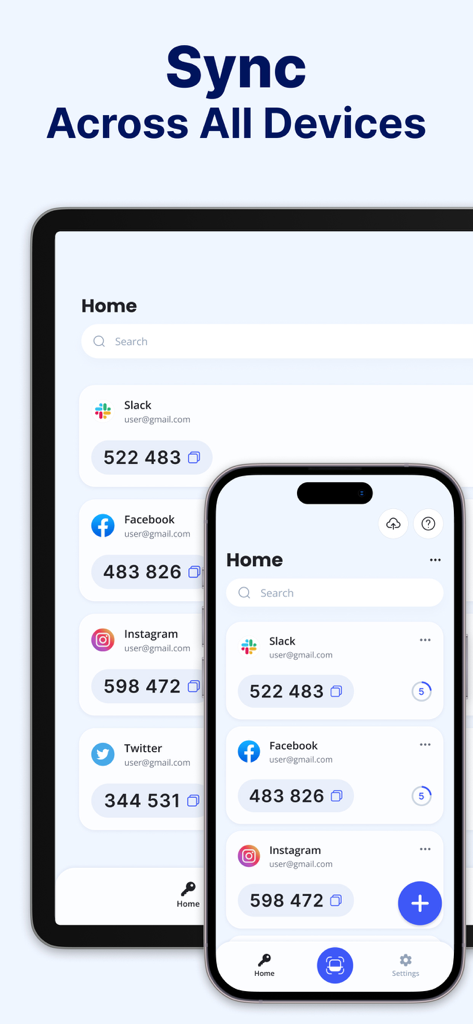
Authenticator App - 2FA - Interface of the Authenticator App showing two factor authentication codes for Slack Facebook and Twitter
Interface of the Authenticator App showing two factor authentication codes for Slack Facebook and Twitter

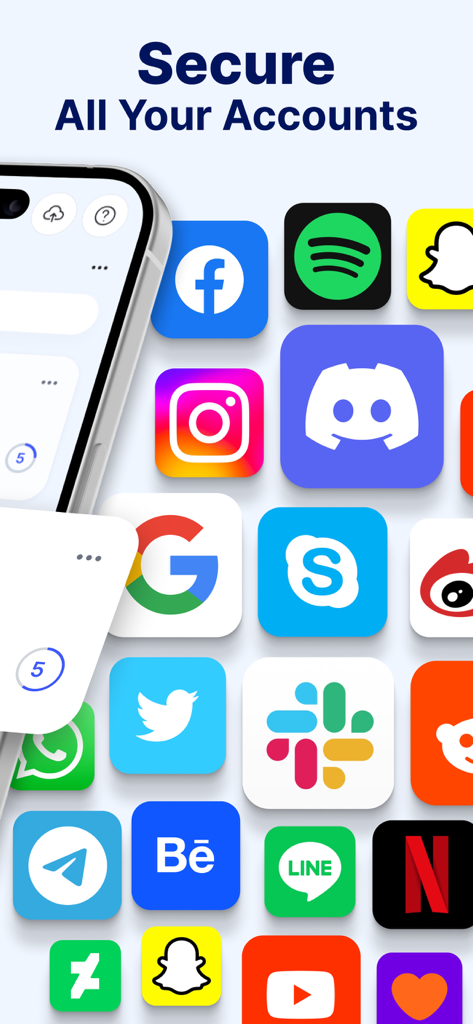
Authenticator App - 2FA - Secure all your accounts with the Authenticator App 2FA across social media and productivity platforms
Secure all your accounts with the Authenticator App 2FA across social media and productivity platforms

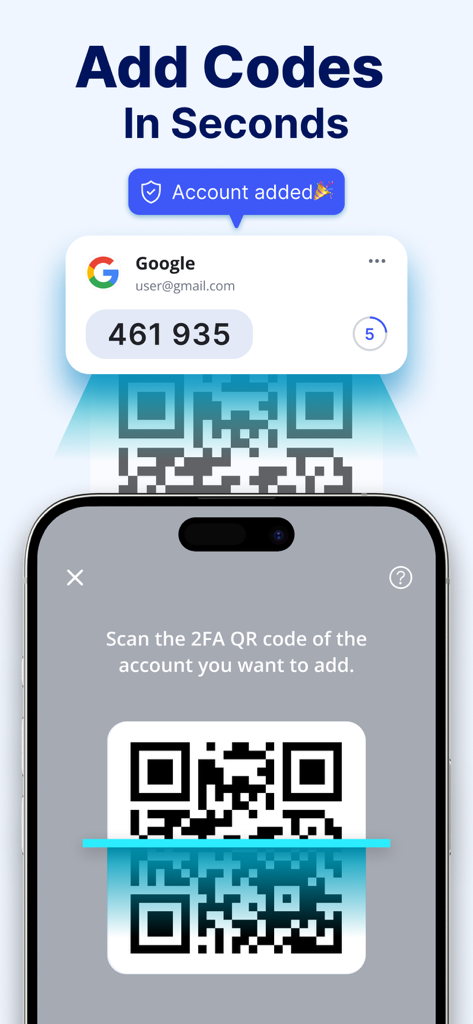
Authenticator App - 2FA - An iPhone scanning a QR code to quickly add a new two-factor authentication account.
An iPhone scanning a QR code to quickly add a new two-factor authentication account.

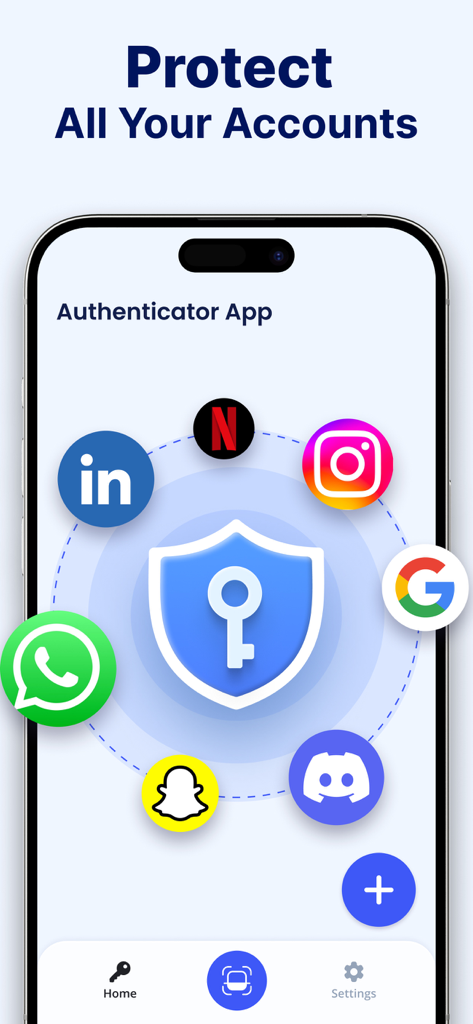
Authenticator App - 2FA - Authenticator App user interface showing a security shield icon surrounded by logos for popular services like Google Instagram and WhatsApp
Authenticator App user interface showing a security shield icon surrounded by logos for popular services like Google Instagram and WhatsApp

Authenticator App - 2FA - Authenticator App showing 2FA security codes synchronized across iPhone and iPad screens

Authenticator App showing 2FA security codes synchronized across iPhone and iPad screens

Description

Your device can create secure 2FA (two-factor authentication) tokens for your internet accounts using the Authenticator app. The Authenticator app is a straightforward and free tool for Authenticator that creates time-based one-time passwords (TOTP). The Authenticator app adds an extra layer of security to your account, assisting you in preventing hackers from accessing it. You may save all of your keys in the cloud and access them whenever you need to with the 2FA Backup solution. Installing the Authenticator app on your new device will grant you access to your Keys in the event that you lose or damage your phone. You have the option of manually entering your secret key or scanning a QR Code for convenience. FEATURES: - Secure your Accounts Scan QR code or enter manually to add accounts. - Protect your passwords Manage & Storage your account passwords. - Offline Authenticator generates secure codes even offline, this will allow you to authenticate securely even when your device is in airplane mode. - Encrypted Backup: Backup & Sync your 2FA accounts with iCloud. With a PREMIUM subscription get Full Features of the Authenticator app: - Secure & Private: To make sure that only you have access to your data, all information stored in Authenticator is always encrypted, even when it is kept on iCloud. - Encrypted Backup: If you lose your device or decide to switch to a new one, you can always create a safely encrypted backup in Authenticator. - Across All Devices Synchronization: With Authenticator, all of your tokens will sync automatically across all Apple devices. - Faster access with Apple Watch or Touch ID: For easier access, use Apple Watch or Touch ID to unlock Authenticator. - A two-factor authentication system: By requiring both a standard password and a Time-based One-time Password, 2FA increases the security of the account twofold (TOTP). On the user's device, the Authenticator App creates a TOTP. - Backup -2FAS We're working on a remote backup service feature that will let you store service keys in a safe Authenticator Backup based on the cloud and retrieve them in the event that your phone is lost. You will be able to create codes using this capability on many devices (cross-device sharing). - Use Touch ID or Face ID to authorize Create one-time tokens needed to log in to your online accounts by using Touch ID or Face ID to verify your identity with the application. - Sync across devices Once set up with an online account, the application functions well on a variety of mobile devices and enables simultaneous logins from several devices. - No password was saved. The program creates Time-based One-time Passwords (TOTP), which are then kept locally on the user's phone without access to the internet. With this technique, login security is significantly increased. - All Popular Accounts: In addition to thousands of other service providers, we support the most well-known ones including Facebook, Coinbase, Amazon, Gmail, Instagram, and Roblox. We also accept tokens with 8 digits. "Authenticator App helps you to secure all your online accounts. Payment will be charged to iTunes Account at confirmation of purchase. Subscription automatically renews unless auto-renew is turned off at least 24-hours before the end of the current period. Account will be charged for renewal within 24-hours prior to the end of the current period. You can turn off auto-renew up to 24 hours before your next subscription payment is due via your App Store settings page. Subscriptions may be managed by the user and auto-renewal may be turned off by going to the user's Account Settings after purchase. Term of Service: https://sites.google.com/view/terms-of-service-authenticator Privacy Policy: https://sites.google.com/view/privacy-policy-authenticator/home

Download

Download on App Store

This page is not an official page of the app or its developer, but an independent editorial publication created for informational and commentary purposes. Unless expressly stated otherwise, neither the app nor its developer is affiliated with, endorsed by, sponsored by, authorized by, or otherwise officially connected with MWM, Apple, Google Play, the app publisher, or the app's developer, and nothing on this page implies that the app was developed using MWM's services. Any trademarks, logos, screenshots, and other content remain the property of their respective owners.