
This page is not an official page of the app or its developer, but an independent editorial publication created for informational and commentary purposes. Unless expressly stated otherwise, neither the app nor its developer is affiliated with, endorsed by, sponsored by, authorized by, or otherwise officially connected with MWM, Apple, Google Play, the app publisher, or the app's developer, and nothing on this page implies that the app was developed using MWM's services. Any trademarks, logos, screenshots, and other content remain the property of their respective owners.


Authenticator App 2FA
The complete security vault for your iPhone. Effortlessly manage 2FA codes, store passwords, and enjoy total peace of mind with encrypted iCloud backups and instant Face ID access.
Downloads
54K+User Rating
Total Ratings
0Publisher
Category
ProductivityLocales
10Latest Version
3.1.4Size
77.3 MBFirst Released
Apr 6, 2023Your All-in-One Security Command Center
Protect your digital identity and streamline your daily logins with the most intuitive 2FA and password management suite designed for the Apple ecosystem.
Worry-Free iCloud Sync
Eliminate the fear of being locked out. Your data is automatically backed up and synced across your iPhone and iPad, ensuring you never lose access if you lose your device.
Face ID & Smart Autofill
Save time and stay secure. Access your vault instantly with Face ID and let the app automatically fill your passwords into websites and apps for a seamless login experience.
Frequently Asked Questions
Everything you need to know about Authenticator App 2FA
What is Authenticator App 2FA - Password Manager?
Authenticator App 2FA - Password Manager is a multifunctional security and account management application offering 2FA, password management, and secure data storage on Apple Store.
Does Authenticator App 2FA support QR code scanning for two-factor authentication?
Yes, Authenticator App 2FA - Password Manager supports QR code scanning for 2FA, making account logins easier and safer. This feature is visually confirmed with a Binance example.
Does Authenticator App 2FA offer iCloud backup for data?
Yes, Authenticator App 2FA - Password Manager includes iCloud Backup & Sync. This ensures data protection and allows seamless recovery or transfer across devices.
Can Authenticator App 2FA store and manage passwords?
Yes, Authenticator App 2FA - Password Manager features a Password Manager that securely stores and manages your passwords for various accounts, including Facebook and Spotify.
Does Authenticator App 2FA provide an autofill function for login information?
Yes, Authenticator App 2FA - Password Manager includes an Autofill feature. It automatically fills login information into websites, saving time and reducing entry errors.
How does Authenticator App 2FA protect the application from unauthorized access?
Authenticator App 2FA protects the app using a Master Password and Face ID. These features prevent unauthorized access from other users.
Can I import data from other authenticator apps into Authenticator App 2FA?
Yes, Authenticator App 2FA - Password Manager offers an Import feature. It supports importing data from various authenticator apps like Google Authenticator, providing user flexibility.
Does Authenticator App 2FA - Password Manager support Dark Mode?
Yes, Authenticator App 2FA - Password Manager supports Dark Mode. This allows for comfortable app usage in low-light environments, as shown in the interface.
Beyond passwords, what other sensitive information can Authenticator App 2FA store?
Beyond passwords, Authenticator App 2FA - Password Manager stores Credit Card Notes and Vital Identification. This helps users store sensitive information safely and conveniently.
Can I export my data from Authenticator App 2FA?
Yes, Authenticator App 2FA - Password Manager includes an Import and Export Data feature. This allows users to move data between devices easily and flexibly.
How does the subscription renewal work for Authenticator App 2FA?
Subscriptions for Authenticator App 2FA automatically renew unless auto-renew is turned off 24-hours before the current period ends. Account will be charged within 24-hours before renewal.
How can users manage their Authenticator App 2FA subscriptions?
Users manage Authenticator App 2FA subscriptions and turn off auto-renewal by accessing their Account Settings after purchase.
The following screenshots and description are sourced directly from the app's official store listing and are the property of the app developer.
App Store
Screenshots
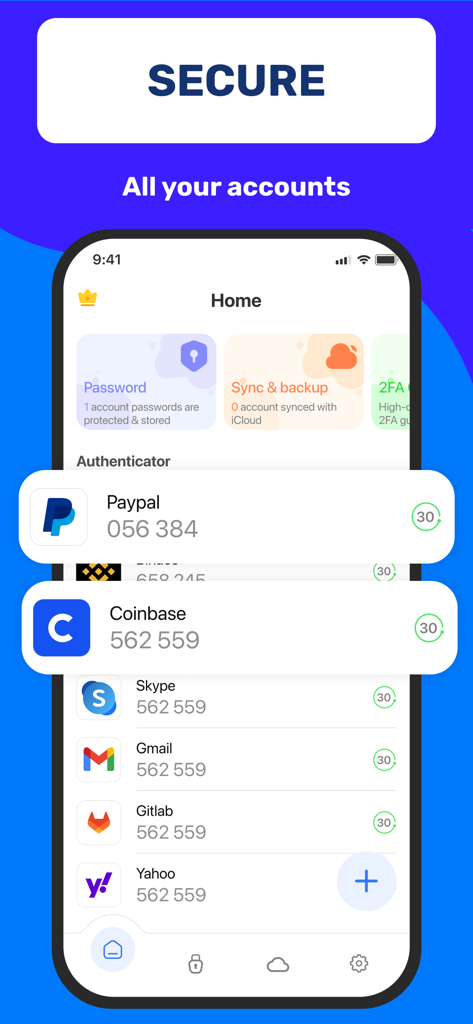
Interface of the Authenticator App showing 2FA codes for multiple digital accounts like Paypal and Coinbase
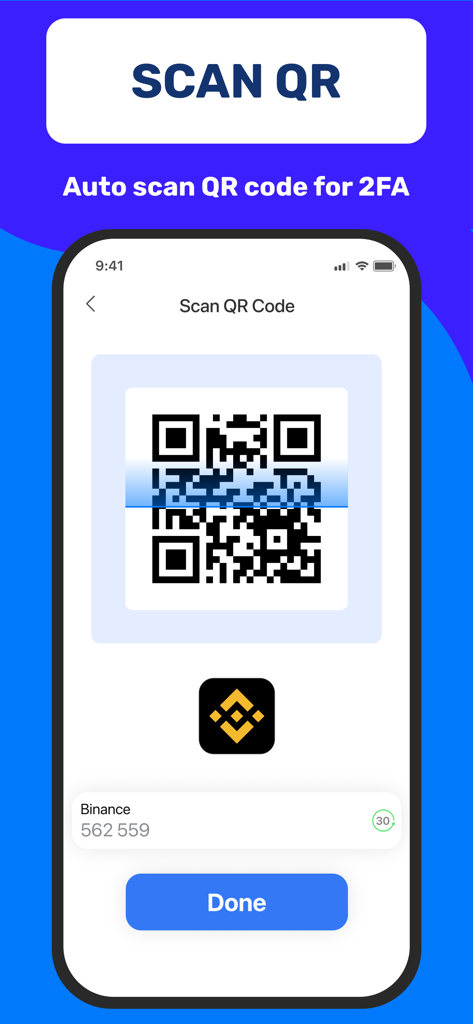
An iPhone displaying the QR code scanner for 2FA account setup.
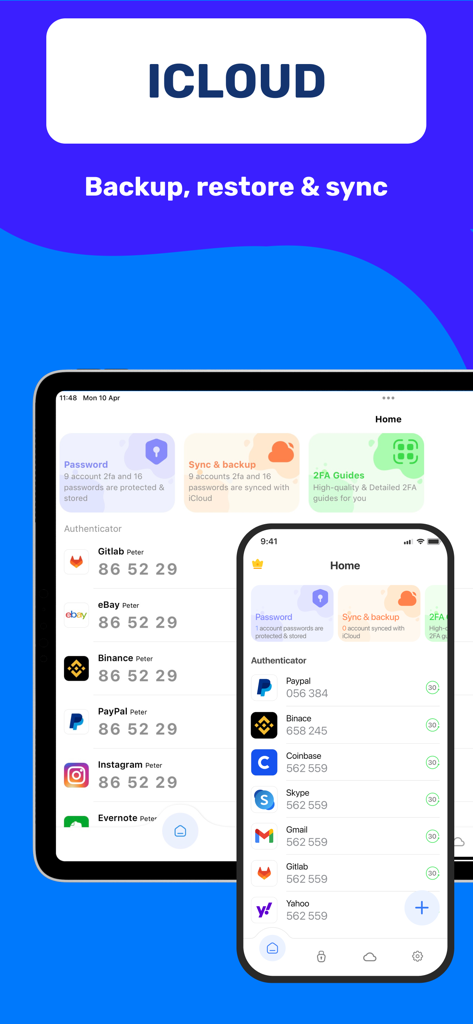
Authenticator app dashboard on iPhone and iPad featuring iCloud backup and sync
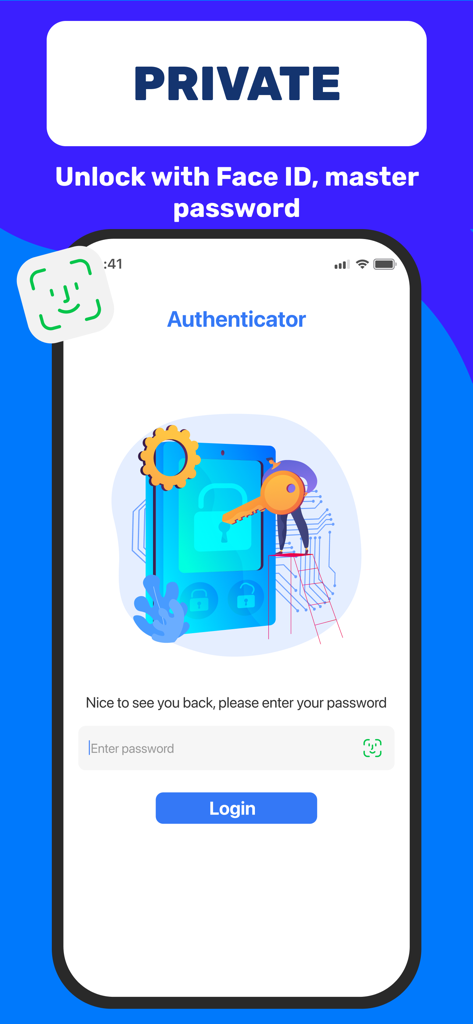
Authenticator app login screen showing options for Face ID and master password unlock
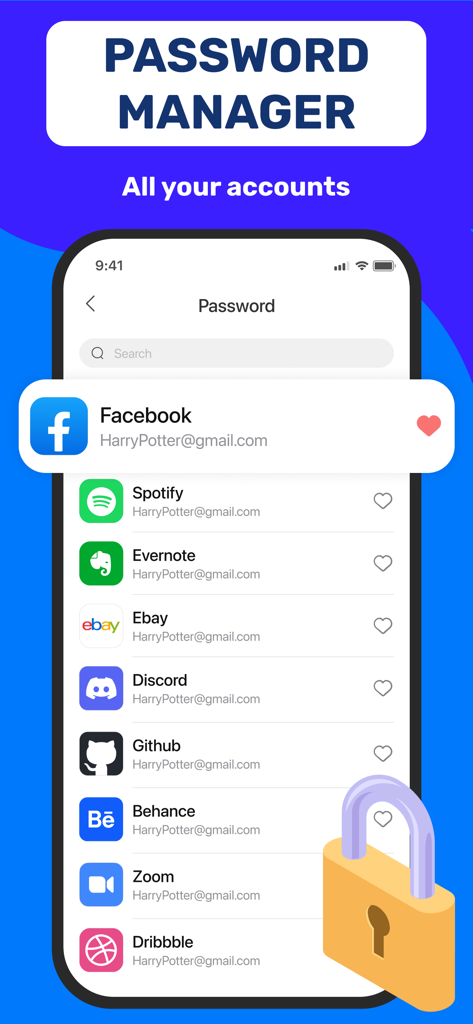
Smartphone display showing a list of managed accounts like Facebook and Spotify in the Password Manager section of the Authenticator app.
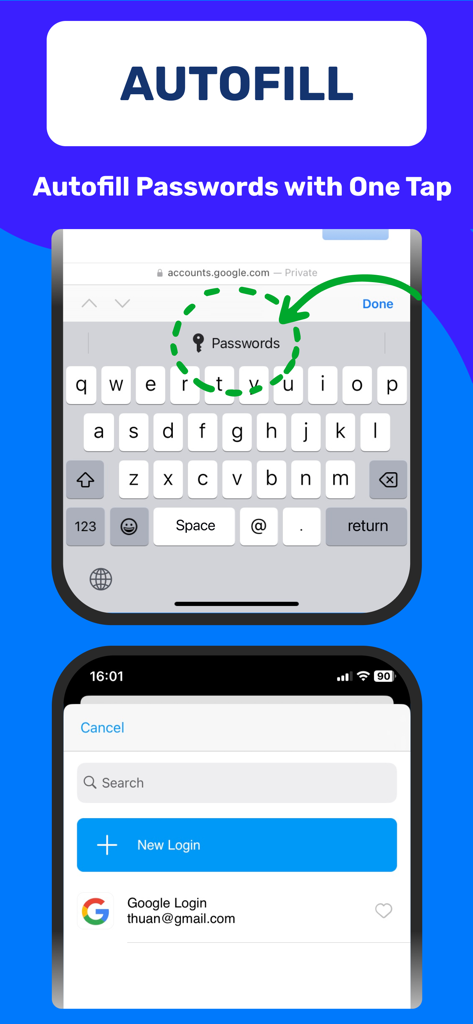
An iPhone screen demonstrating the one tap password autofill feature of the Authenticator App 2FA
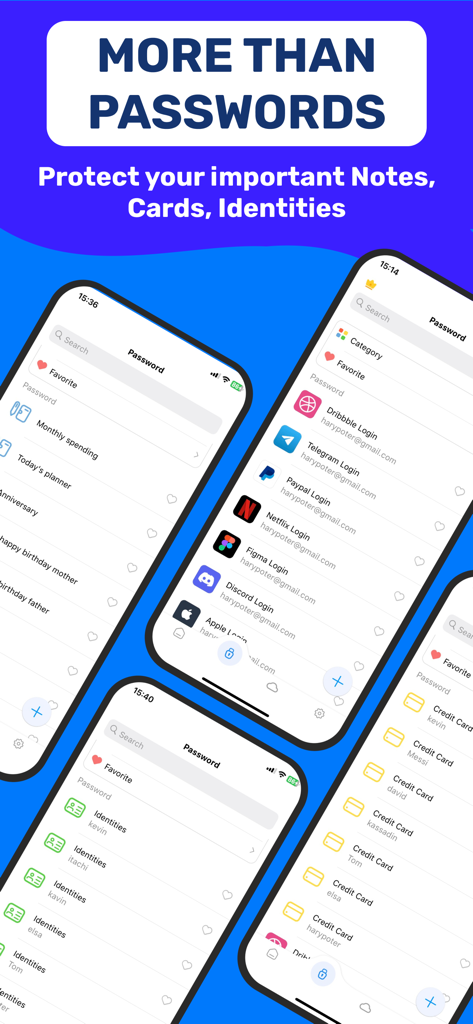
Authenticator app screens showcasing password manager, secure notes, identities, and credit card vault features.
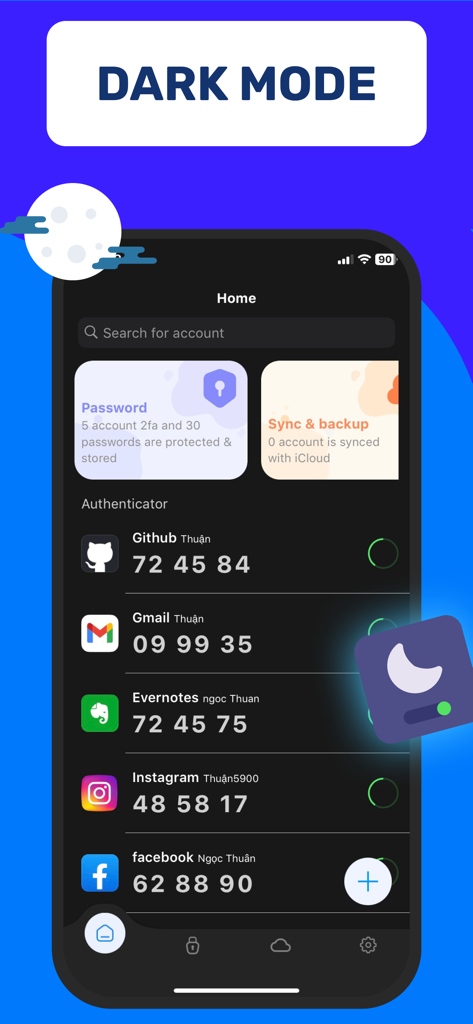
Authenticator App 2FA interface showing dark mode with security codes for various accounts like GitHub and Gmail
Description
Download
More Like This
Top-ranked apps in the same category

ChatGPT
OpenAI OpCo, LLC

Google Gemini
Google LLC

Grok
X.AI Corporation

Gmail - Email by Google
Google LLC

千问 - 阿里最强大模型官方AI助手
Shanghai Zhixin Puhui Technology Co., Ltd.

Google Drive
Google LLC

Microsoft Authenticator
Microsoft Corporation

Google Sheets
Google LLC

Google Docs
Google LLC
This page is not an official page of the app or its developer, but an independent editorial publication created for informational and commentary purposes. Unless expressly stated otherwise, neither the app nor its developer is affiliated with, endorsed by, sponsored by, authorized by, or otherwise officially connected with MWM, Apple, Google Play, the app publisher, or the app's developer, and nothing on this page implies that the app was developed using MWM's services. Any trademarks, logos, screenshots, and other content remain the property of their respective owners.