
This page is not an official page of the app or its developer, but an independent editorial publication created for informational and commentary purposes. Unless expressly stated otherwise, neither the app nor its developer is affiliated with, endorsed by, sponsored by, authorized by, or otherwise officially connected with MWM, Apple, Google Play, the app publisher, or the app's developer, and nothing on this page implies that the app was developed using MWM's services. Any trademarks, logos, screenshots, and other content remain the property of their respective owners.


Authenticator ® App
Online threats are relentless. This app arms you with impenetrable digital defenses, granting total control over your accounts and data.
Downloads
1M+User Rating
Total Ratings
8.9KPublisher
Category
ProductivityLocales
12Latest Version
3.0.1Size
130.6 MBFirst Released
Mar 31, 2024An evaluation of key functionalities for enhanced digital security and user convenience.
Authenticator ® App: Core Features Analysis
Comprehensive MFA Management
The app enables users to centrally manage and generate time-sensitive two-factor authentication (2FA) codes for a wide array of online accounts, significantly bolstering login security.
Secure Cloud Backup
This tool offers secure cloud backup capabilities, ensuring that all authentication data and passwords are safe and accessible, preventing loss of access due to device issues.
Integrated Password Manager
This tool provides a secure vault for storing and managing all user passwords, serving as a centralized and protected repository for login credentials.
Password Breach Monitoring
This tool features proactive monitoring that notifies users if their passwords have been compromised in data breaches, enhancing digital safety by identifying vulnerable credentials.
Biometric App Lock
It provides advanced security layers through Face ID and Touch ID integration, securing the authenticator app itself from unauthorized access on the device.
QR Code 2FA Setup
The app provides a streamlined setup process for two-factor authentication, enabling users to secure accounts quickly by scanning QR codes for instant, time-sensitive security codes.
Secure AutoFill for Logins
The app streamlines access to online accounts by securely auto-filling saved usernames and passwords, eliminating the need for manual entry and improving user convenience.
Wi-Fi Security Scanner
It assists users in identifying and avoiding insecure Wi-Fi networks, thereby safeguarding sensitive data from potential breaches when connecting to public hotspots.
Integrated VPN Protection
It allows users to maintain privacy and security across all networks by encrypting internet traffic and masking IP addresses, which is essential when using public Wi-Fi.
Account Organization with Folders
The app allows users to efficiently manage and organize their 2FA-secured accounts and applications using customizable folders, enhancing navigation and accessibility.
Frequently Asked Questions
Everything you need to know about Authenticator ® App
What is Authenticator App - FastOTP?
Authenticator App - FastOTP is an all-in-one security solution that manages two-factor authentication (2FA) codes and passwords. It adds an extra layer of security to over 1,000 online accounts.
How does Authenticator App - FastOTP set up two-factor authentication?
Authenticator App - FastOTP offers easy 2FA setup by scanning a QR code. This method provides instant, time-sensitive security codes, streamlining the process of securing your accounts.
Does Authenticator App - FastOTP protect many applications?
Yes, Authenticator App - FastOTP integrates with over 1,000 apps. It protects popular services like Gmail, Facebook, Instagram, and Twitter, securing all your accounts effortlessly.
Does Authenticator App - FastOTP include password leak detection?
Yes, Authenticator App - FastOTP features password leak detection. It notifies users if any of their passwords have been compromised online by checking for data breaches.
Can Authenticator App - FastOTP secure my online browsing?
Yes, Authenticator App - FastOTP provides VPN protection. This feature ensures privacy and security by encrypting your traffic and hiding your IP address on any network, including public Wi-Fi.
Does Authenticator App - FastOTP offer password autofill functionality?
Yes, Authenticator App - FastOTP includes Password & Account AutoFill. This smart system securely fills in saved usernames and passwords, enabling one-tap logins to websites and apps.
Is my data backed up with Authenticator App - FastOTP?
Yes, Authenticator App - FastOTP provides secure cloud backups. This feature ensures your data is safe and accessible, preventing loss of access to your accounts.
How can I secure access to the Authenticator App - FastOTP itself?
Authenticator App - FastOTP offers advanced security options like Face ID, Touch ID, or a strong password. This adds an extra layer of protection, preventing unauthorized access to the app.
Does Authenticator App - FastOTP offer private browsing?
Yes, Authenticator App - FastOTP includes private browsing features. It keeps your online activity safe from prying eyes by offering a fast browser without trackers or history logs.
How does Authenticator App - FastOTP handle subscriptions?
Payment for Authenticator App - FastOTP is charged to your iTunes account upon confirmation. Manage subscriptions and auto-renewal in Account Settings; auto-renewal occurs 24 hours before the period ends unless canceled.
Can Authenticator App - FastOTP scan Wi-Fi networks for security?
Yes, Authenticator App - FastOTP includes a Wi-Fi Security Scanner. This tool detects and helps avoid unsafe networks, protecting your data from potential breaches.
The following screenshots and description are sourced directly from the app's official store listing and are the property of the app developer.
App Store
Screenshots
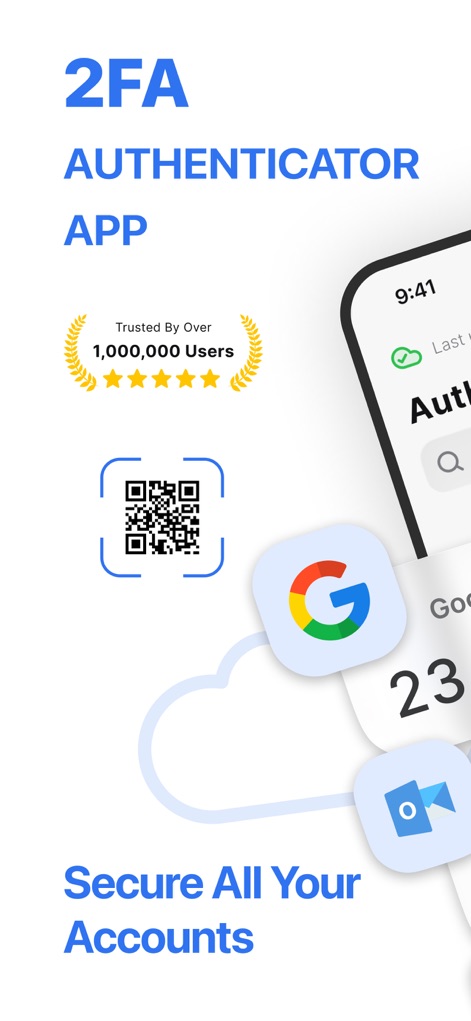
Explore how Authenticator ® App showcases its trusted user base with a "Trusted by Over 1,000,000 Users" badge and the easy QR code setup for account security.
Overview & Trust
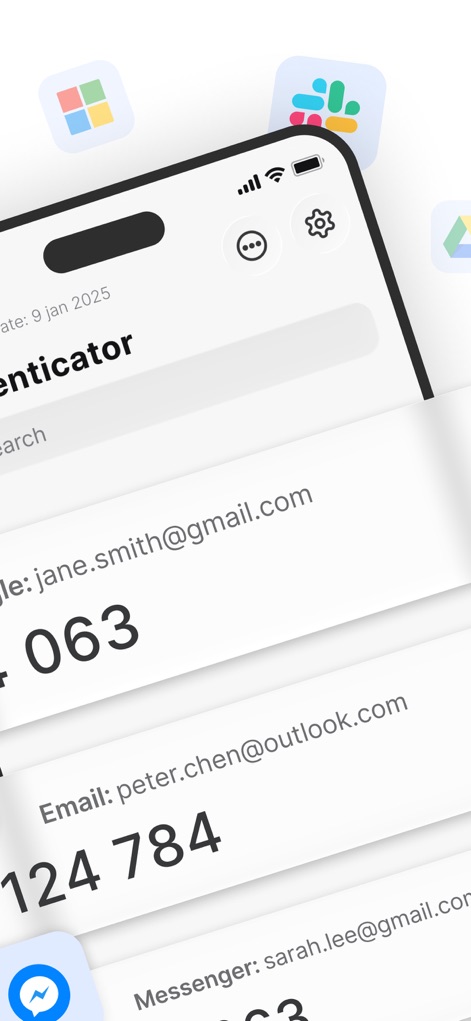
Discover how the app efficiently lists various accounts like Gmail and Outlook, displaying their respective time-sensitive 2FA codes for quick access.
Multi-Account Management
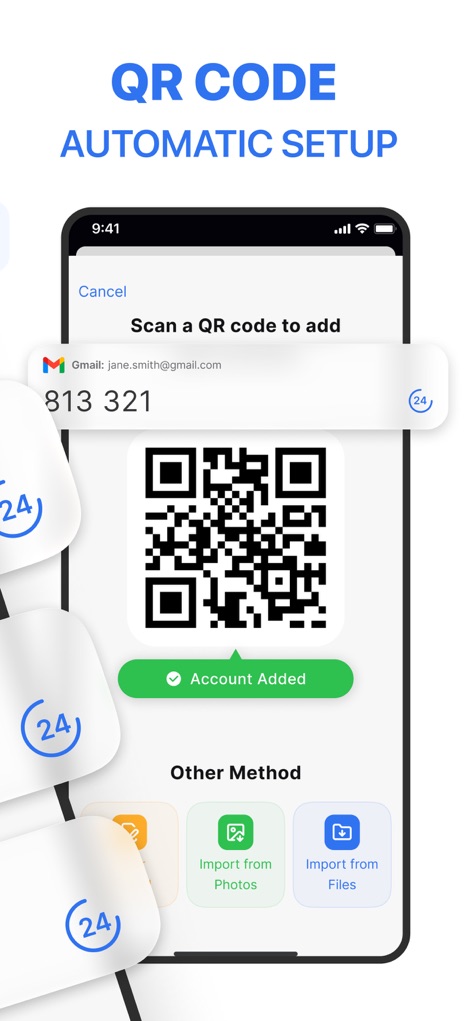
Observe the intuitive "Scan a QR code to add" feature and the clear "Account Added" confirmation, demonstrating effortless 2FA integration.
Seamless Setup Process

Witness the app's "Password Keeper" feature identifying security issues with an alert banner and listing various accounts to enhance user protection.
Proactive Password Security

See how the app streamlines logins with its "Password AutoFill" functionality, seamlessly providing saved credentials directly on the Facebook login screen.
Effortless Login Autofill
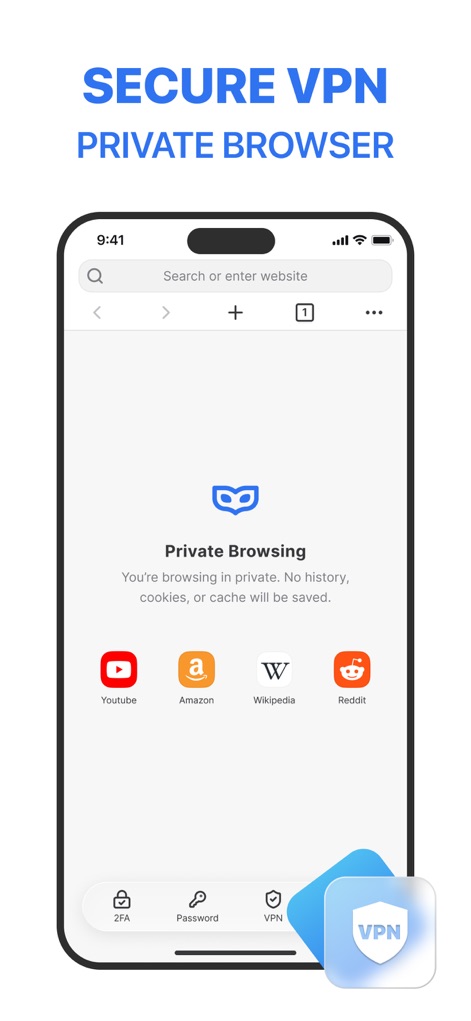
Examine the "Private Browsing" interface, showing popular app shortcuts and the integrated VPN icon, ensuring secure and anonymous online activity.
Private Browsing & VPN
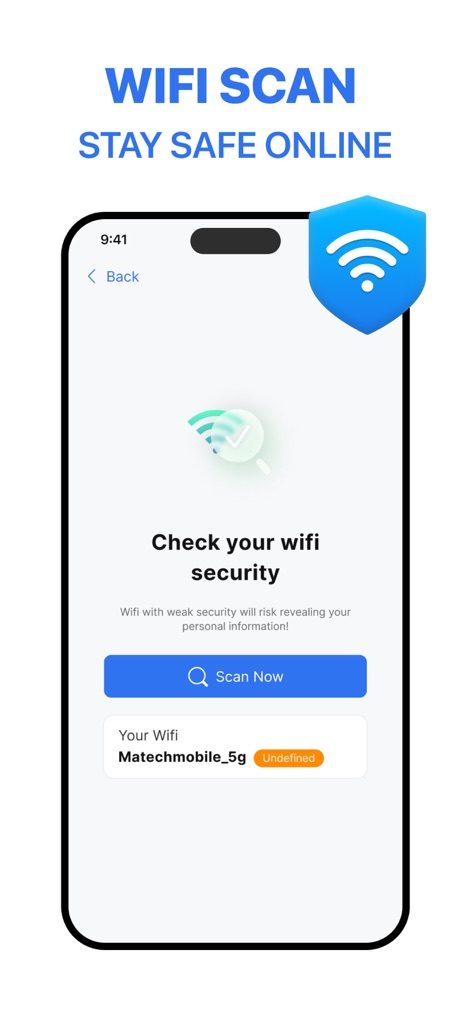
Highlight the app's "Check your wifi security" feature, displaying a scan button and identifying Wi-Fi network status like "Matechmobile_5g Undefined" for enhanced safety.
Wi-Fi Security Scan
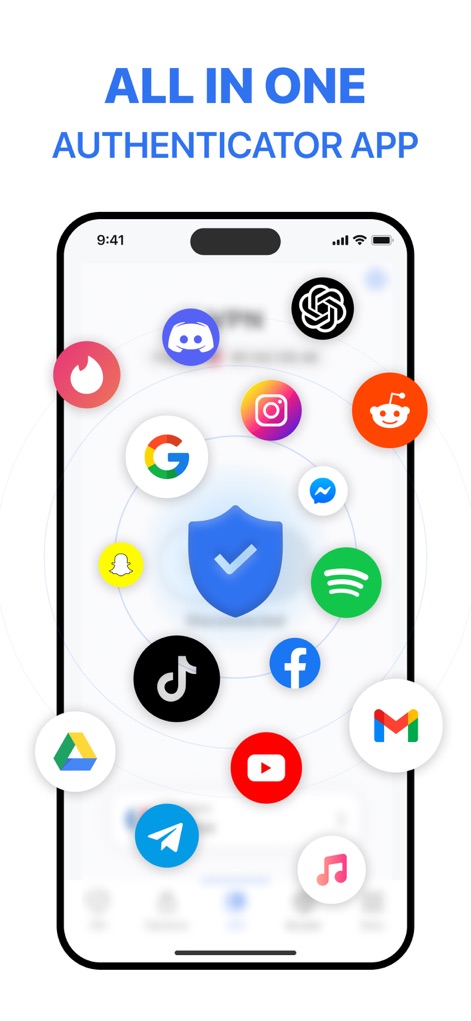
Illustrate how Authenticator ® App centralizes security, showcasing a wide array of secured app icons like Tinder and Discord around a protective shield, alongside bottom navigation for 2FA, Password, and VPN.
Comprehensive Security Hub
Description
Download
More Like This
Apps with similar features and user experience

Proton Pass - Password Manager
Proton AG

Dashlane Password Manager
Dashlane

Password Manager - mSecure
mSeven Software, LLC

Kepttor Password Manager
MACREL SRL SEMPLIFICATA

DataVault Manager - Encrypted
MIKHAIL SHERSHNEV

Authenticator ·
SMM service, s.r.o.

Bitwarden Password Manager
Bitwarden Inc

Authenticator App ⁸
AGILE CODE LIMITED

Authenticator App ℗
RHO DEVELOPERS LLC
This page is not an official page of the app or its developer, but an independent editorial publication created for informational and commentary purposes. Unless expressly stated otherwise, neither the app nor its developer is affiliated with, endorsed by, sponsored by, authorized by, or otherwise officially connected with MWM, Apple, Google Play, the app publisher, or the app's developer, and nothing on this page implies that the app was developed using MWM's services. Any trademarks, logos, screenshots, and other content remain the property of their respective owners.