
This page is not an official page of the app or its developer, but an independent editorial publication created for informational and commentary purposes. Unless expressly stated otherwise, neither the app nor its developer is affiliated with, endorsed by, sponsored by, authorized by, or otherwise officially connected with MWM, Apple, Google Play, the app publisher, or the app's developer, and nothing on this page implies that the app was developed using MWM's services. Any trademarks, logos, screenshots, and other content remain the property of their respective owners.


Authenticator App - OneAuth
Upgrade your security with the professional-grade 2FA trusted by over 1 million users. Experience seamless Apple ecosystem sync, custom account folders, and encrypted cloud backups—all in one secure, free-forever app.
Downloads
679K+User Rating
Total Ratings
108K+Publisher
Category
UtilitiesLocales
31Latest Version
4.2.0Size
198.9 MBFirst Released
Sep 28, 2016Master Your Digital Security
OneAuth brings business-grade protection and effortless organization to your 2FA accounts across the entire Apple ecosystem.
Stay Organized with Folders
Stop scrolling through endless lists. Group your work and personal accounts into custom folders for instant, categorized access.
Seamless Apple Continuity
Access your OTPs instantly from your iPhone, Mac, or Apple Watch with secure cloud sync and time-sensitive widgets.
Frequently Asked Questions
Everything you need to know about Authenticator App - OneAuth
What is Zoho OneAuth?
OneAuth is an authenticator app developed by Zoho. It enables Two-Factor Authentication (TFA) and Multi-Factor Authentication (MFA) to secure various online accounts and Zoho services, protecting them with an additional layer of security beyond just a password.
Which online accounts does OneAuth support for two-factor authentication?
OneAuth supports Two-Factor Authentication for over 1000 online accounts, including popular platforms like Twitter, Facebook, LinkedIn, Google, Instagram, and Amazon, as well as all Zoho accounts.
Can I access Time-based OTPs from OneAuth offline?
Yes, OneAuth provides Time-based One-Time Passwords (OTPs) that are accessible even when you are offline. This ensures continuous access to your accounts regardless of internet connectivity.
Does OneAuth offer backup and recovery for authentication accounts?
Yes, OneAuth provides encrypted backup for all online accounts. These backups are securely recoverable using a unique Passphrase known only to the user, aiding in recovery if a device is lost or broken.
Does OneAuth sync OTP secrets across multiple devices?
Yes, OneAuth syncs your OTP secrets across all your devices. This feature allows users to access their One-Time Passwords easily from any of their authenticated devices.
What platforms is the OneAuth authenticator app available on?
OneAuth is available on all major Apple platforms. It supports iOS, iPadOS, macOS, and watchOS devices, offering secure authentication across the Apple ecosystem.
Can I organize my two-factor authentication accounts within OneAuth?
Yes, OneAuth allows users to create folders to organize their TFA accounts. Users can create and reorder personal and work folders, and move accounts between them for easy access.
Can I use OneAuth without creating an account?
Yes, guest users can explore OneAuth's full potential without creating an account. The app provides export and import options for guest users when switching to a new device.
Can I migrate my accounts from Google Authenticator to OneAuth?
Yes, users can easily migrate their existing online accounts from Google Authenticator to OneAuth. The app provides clear instructions for this migration process.
Does OneAuth support passwordless sign-in for Zoho accounts?
Yes, OneAuth supports passwordless sign-in for all Zoho accounts. Users can choose from multiple options like push notifications, QR codes, or Time-based OTPs for secure authentication.
Does OneAuth offer biometric authentication for account security?
Yes, OneAuth enhances account security by allowing users to enable biometric authentication, such as Face ID or Touch ID. This ensures only authorized users can access their accounts.
Is the OneAuth authenticator app free to use?
Yes, the OneAuth authenticator app is free forever. Zoho emphasizes data privacy and security as core to its business and believes in secure internet access for everyone.
Can OneAuth provide multi-factor authentication for Zoho accounts?
Yes, OneAuth specifically enables Multi-Factor Authentication (MFA) for all Zoho accounts. This adds extra layers of security beyond standard passwords to safeguard Zoho services.
Does OneAuth offer widgets for quick access to OTPs?
Yes, OneAuth supports widgets for iOS devices. These widgets provide quick access to your One-Time Passwords directly from your home screen or Apple Watch, streamlining the login process.
The following screenshots and description are sourced directly from the app's official store listing and are the property of the app developer.
App Store
Screenshots
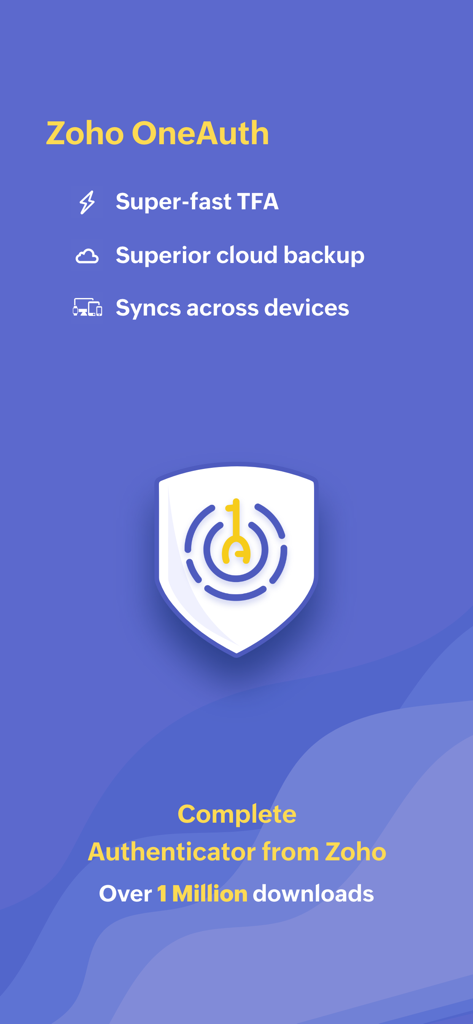
Zoho OneAuth authenticator app screen showing TFA cloud backup and cross device sync features.
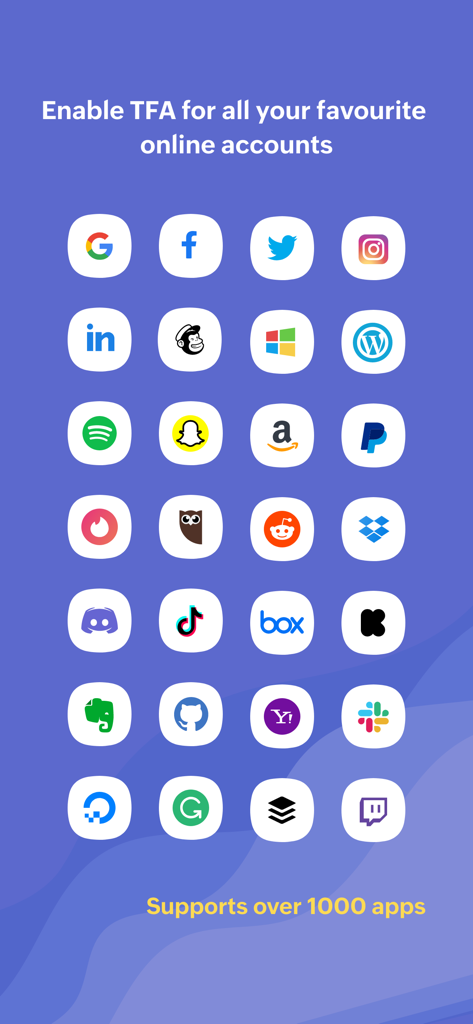
A grid of popular online service logos supported by OneAuth for two factor authentication including Google Facebook and Twitter
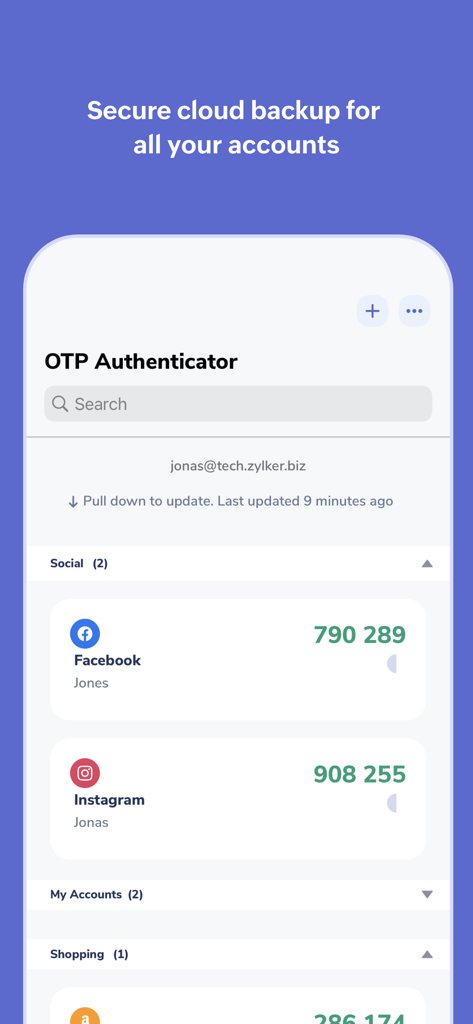
OneAuth app interface showing OTP codes for Facebook and Instagram accounts organized into folders
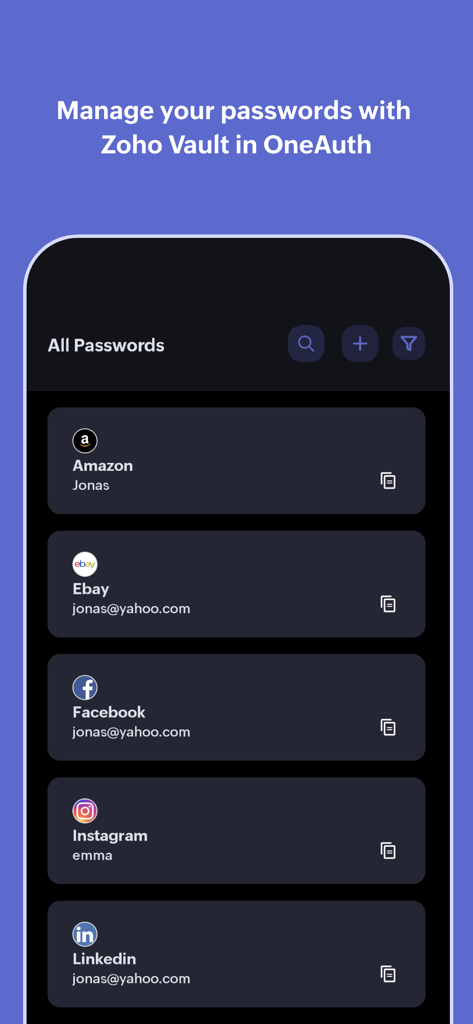
OneAuth by Zoho app interface showing a list of managed passwords with brand logos for Amazon eBay and Facebook
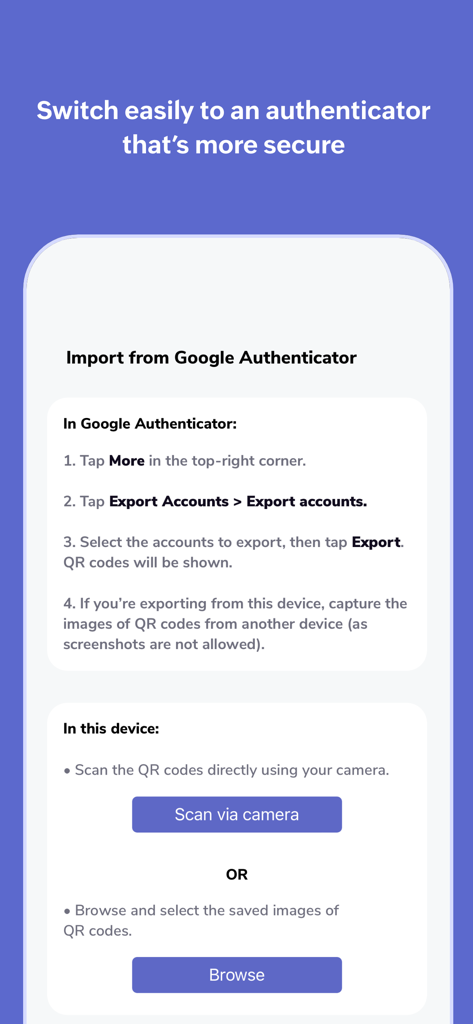
Instructions for importing accounts from Google Authenticator into Zoho OneAuth
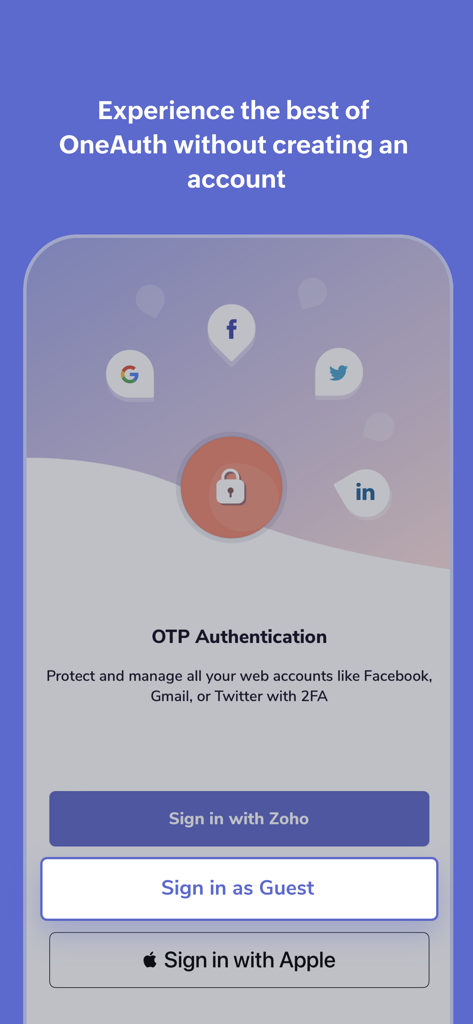
OneAuth app screen showing sign-in options for Zoho, Apple, and Guest mode for OTP authentication
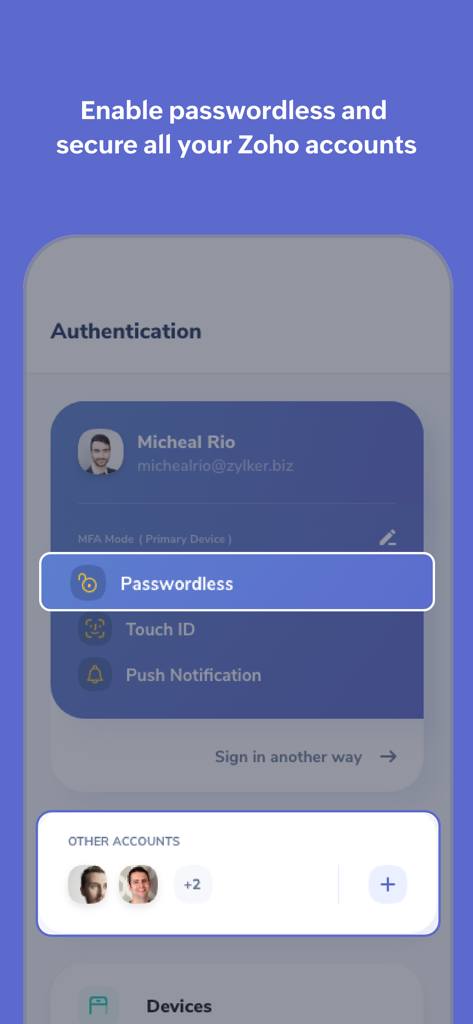
OneAuth app interface showing passwordless sign in and account management
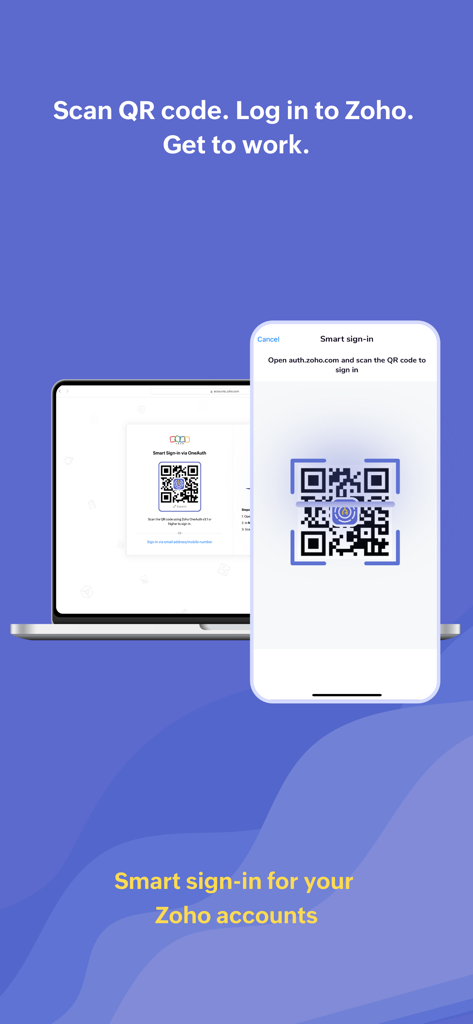
iPhone scanning a QR code on a laptop screen for smart sign-in to Zoho accounts using OneAuth
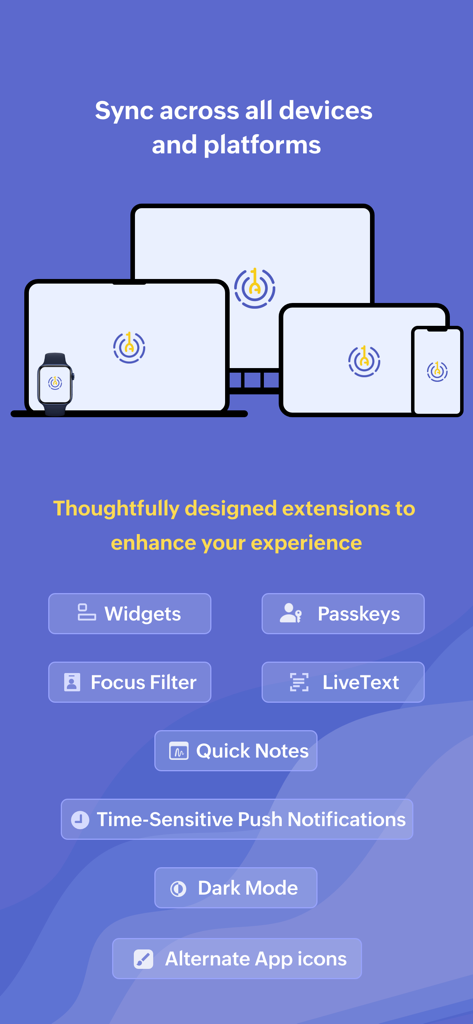
Graphic showing OneAuth synchronizing across a laptop, desktop, tablet, phone, and watch with a list of iOS extensions like Widgets and Passkeys
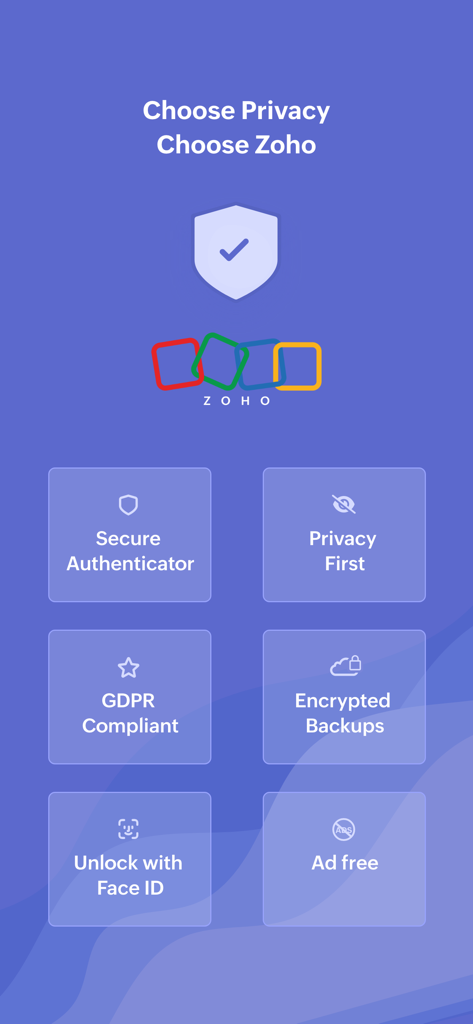
OneAuth by Zoho app screen showing security features like secure authenticator, privacy first, GDPR compliance, encrypted backups, Face ID unlock, and ad-free experience
Description
Download
More Like This
Apps with similar features and user experience

Google Authenticator
Google LLC

Duo Mobile
Duo Security LLC

Authenticator App - 2FA &. MFA
APPLY DIJITAL HIZMETLER TICARET LIMITED SIRKETI

authenticator . app
Mustafa Uz

SafeNet MobilePASS+
Thales DIS (Singapore) Pte Ltd

Čítačka
Tatra banka, a.s.

Authenticator App - SafeAuth
Brilliant App Limited

Authenticator App - 2FA Auth
UNIVERSE DIJITAL HIZMETLER LIMITED SIRKETI

Authenticator App : Scan & 2FA
XSOFT GLOBAL LIMITED
This page is not an official page of the app or its developer, but an independent editorial publication created for informational and commentary purposes. Unless expressly stated otherwise, neither the app nor its developer is affiliated with, endorsed by, sponsored by, authorized by, or otherwise officially connected with MWM, Apple, Google Play, the app publisher, or the app's developer, and nothing on this page implies that the app was developed using MWM's services. Any trademarks, logos, screenshots, and other content remain the property of their respective owners.