
This page is not an official page of the app or its developer, but an independent editorial publication created for informational and commentary purposes. Unless expressly stated otherwise, neither the app nor its developer is affiliated with, endorsed by, sponsored by, authorized by, or otherwise officially connected with MWM, Apple, Google Play, the app publisher, or the app's developer, and nothing on this page implies that the app was developed using MWM's services. Any trademarks, logos, screenshots, and other content remain the property of their respective owners.


Auto Blur Face: Redact Privacy
Effortlessly hide faces, addresses, and sensitive data in one tap. With secure on-device processing, your private information stays protected before you share to social media or send to colleagues.
Downloads
0User Rating
Total Ratings
0Publisher
Category
ProductivityLocales
1Latest Version
1.1Size
17.1 MBFirst Released
Feb 11, 2025Safeguard Every Share with AI
Automated privacy tools designed for the modern digital native. Protect your identity and sensitive data with powerful, on-device AI that ensures your private info stays private.
100% On-Device Privacy
Your photos never leave your iPhone. All redaction happens locally using CoreML, ensuring total data security without cloud uploads.
One-Tap Smart Detection
Instantly hide faces, addresses, and QR codes. Our AI automatically identifies sensitive details so you can redact in seconds, not minutes.
The following screenshots and description are sourced directly from the app's official store listing and are the property of the app developer.
App Store
Screenshots
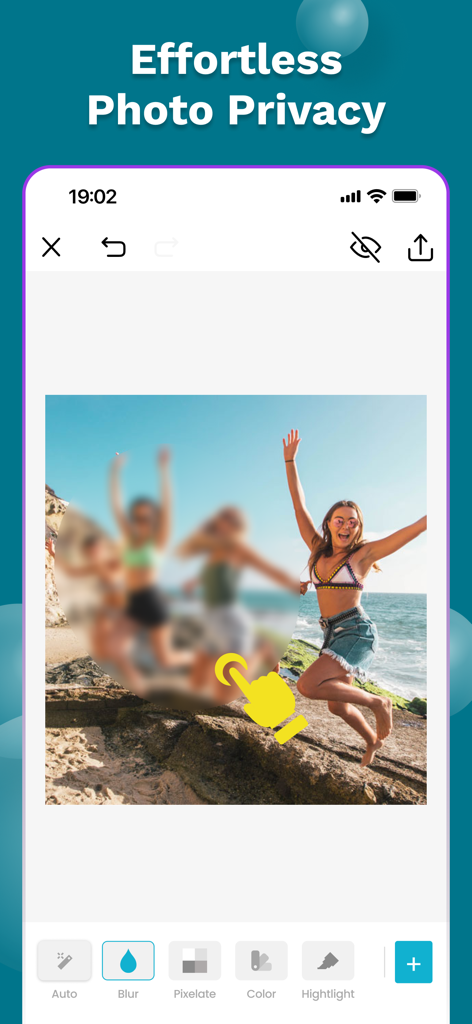
iPhone app interface showing a user blurring faces in a beach photo with the Auto Blur Face tool for privacy redaction.
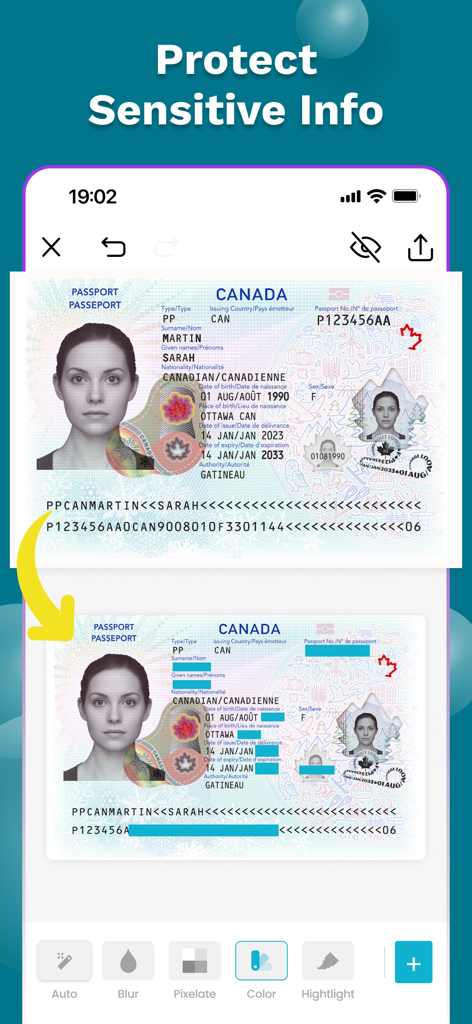
Mobile app interface showing a Canadian passport with private details redacted using color blocks
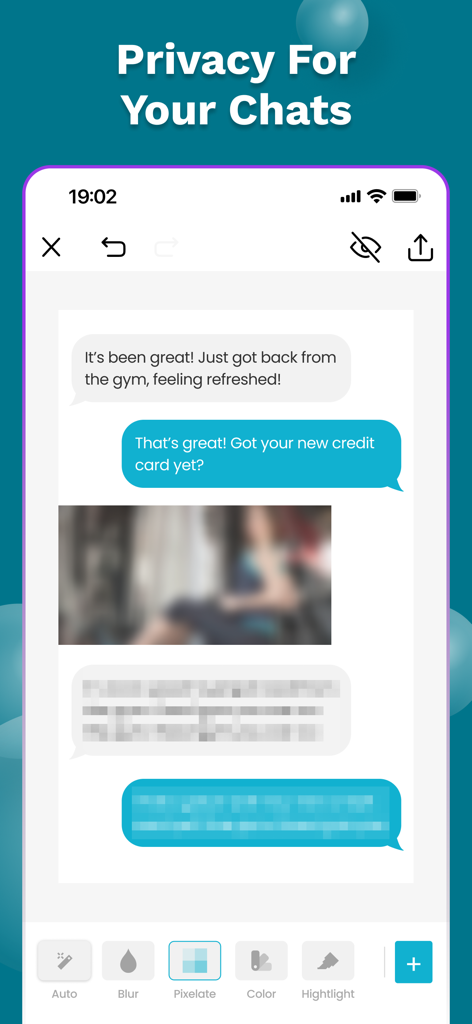
A mobile app interface showing chat messages and an image being redacted with pixelation and blur tools for privacy
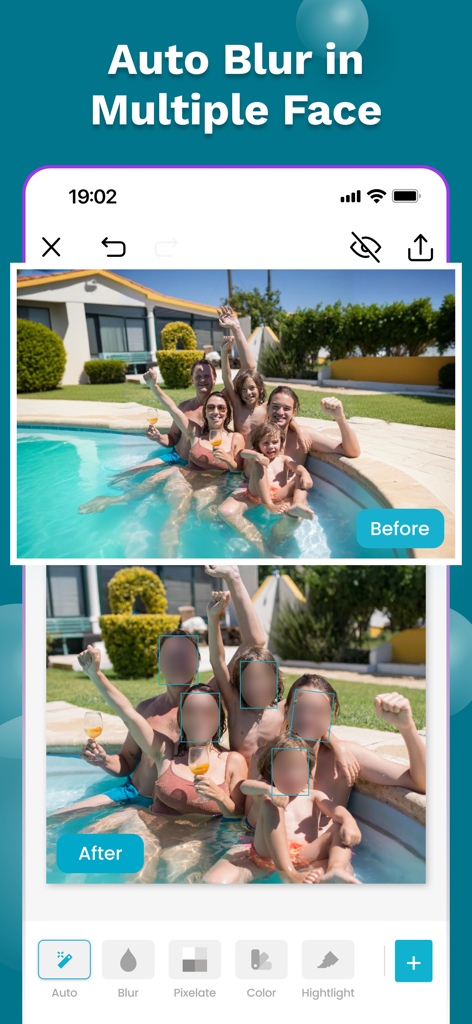
Before and after comparison of the auto blur feature redacting multiple faces in a family photo
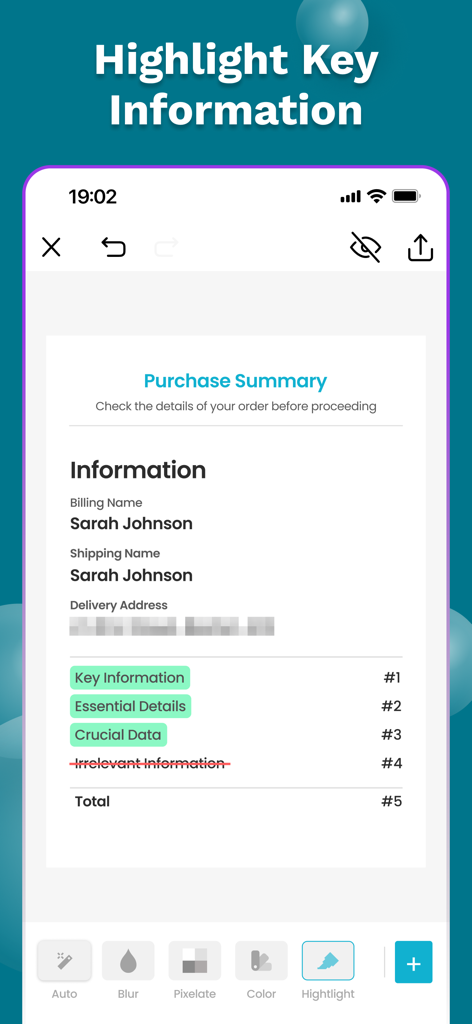
The Auto Blur Face app interface showing a purchase summary with a pixelated address and highlighted key text.
Description
Download
More Like This
Top-ranked apps in the same category

ChatGPT
OpenAI OpCo, LLC
Google Gemini
Google LLC

Gmail - Email by Google
Google LLC

Claude by Anthropic
Anthropic PBC

千问 - 阿里最强大模型官方AI助手
Shanghai Zhixin Puhui Technology Co., Ltd.

Grok
X.AI Corporation
Google Drive
Google LLC

Microsoft Authenticator
Microsoft Corporation

Google Sheets
Google LLC
This page is not an official page of the app or its developer, but an independent editorial publication created for informational and commentary purposes. Unless expressly stated otherwise, neither the app nor its developer is affiliated with, endorsed by, sponsored by, authorized by, or otherwise officially connected with MWM, Apple, Google Play, the app publisher, or the app's developer, and nothing on this page implies that the app was developed using MWM's services. Any trademarks, logos, screenshots, and other content remain the property of their respective owners.