
This page is not an official page of the app or its developer, but an independent editorial publication created for informational and commentary purposes. Unless expressly stated otherwise, neither the app nor its developer is affiliated with, endorsed by, sponsored by, authorized by, or otherwise officially connected with MWM, Apple, Google Play, the app publisher, or the app's developer, and nothing on this page implies that the app was developed using MWM's services. Any trademarks, logos, screenshots, and other content remain the property of their respective owners.


Auto Clicker: Automatic tap+
Eliminate the grind and automate repetitive tasks within our secure integrated browser. Perfect for gaming, testing, and productivity workflows—set your timing, place your points, and let the app do the work for you.
Downloads
302K+User Rating
Total Ratings
6K+Publisher
Category
ProductivityLocales
2Latest Version
1.0.1Size
32.8 MBFirst Released
Dec 8, 2025Automate the Grind, Reclaim Your Time
Whether you're dominating browser-based games or streamlining repetitive side-hustle tasks, our tool provides the precision and speed you need to stay ahead on iOS.
Pixel-Perfect Precision
Position your tap points with surgical accuracy and customize intervals down to the millisecond to match your exact gaming or workflow requirements.
Optimized Integrated Browser
Unlock powerful automation safely within our built-in browser, bypassing iOS restrictions to ensure consistent performance for all your web-based tasks.
Frequently Asked Questions
Everything you need to know about Auto Clicker: Automatic tap+
What is Auto Clicker: Automatic tap+?
Auto Clicker: Automatic tap+ automates repetitive tapping tasks through simple controls. It provides precise timing and reliable performance, operating exclusively within its integrated browser for safe and consistent automation.
Does Auto Clicker: Automatic tap+ modify system behavior?
No, Auto Clicker: Automatic tap+ does not modify system behavior. The app ensures safe and consistent automation by operating solely within its integrated browser. This design prevents any system-wide changes.
Where do auto-clicking functions operate in Auto Clicker: Automatic tap+?
Auto-clicking functions in Auto Clicker: Automatic tap+ operate exclusively inside its integrated browser. This built-in browser is where users perform all supported repetitive actions without needing to switch between apps.
Can I adjust tap intervals in Auto Clicker: Automatic tap+?
Yes, Auto Clicker: Automatic tap+ provides flexible interval settings. Users can adjust tap intervals with accurate timing control to create ideal automation patterns for any supported task within the app.
What additional features does an Auto Clicker: Automatic tap+ subscription offer?
An Auto Clicker: Automatic tap+ subscription unlocks unlimited automation sessions, offers ad-free usage, and provides extra customization options. All processing associated with these features remains local.
Does Auto Clicker: Automatic tap+ use server data for processing?
No, Auto Clicker: Automatic tap+ runs all automation features locally. The app does not use server data or external processing, ensuring user privacy and consistent performance without external dependencies.
How can users set a precise tap location in Auto Clicker: Automatic tap+?
Users can set a precise tap location in Auto Clicker: Automatic tap+ by using a floating control button. This allows exact placement of the tap point anywhere within the integrated browser before automation starts.
What are the best use cases for Auto Clicker: Automatic tap+?
Auto Clicker: Automatic tap+ is best used for supported browser-based gaming tasks, app testing simulations within its integrated browser, repetitive action workflows, and tracking tap speed improvement.
The following screenshots and description are sourced directly from the app's official store listing and are the property of the app developer.
App Store
Screenshots
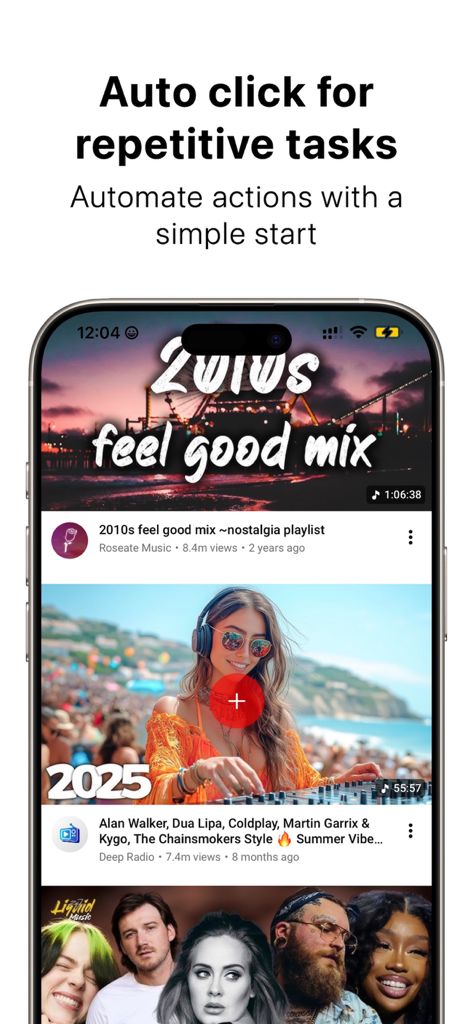
Smartphone screen showing the Auto Clicker app automating repetitive tasks within an integrated browser.
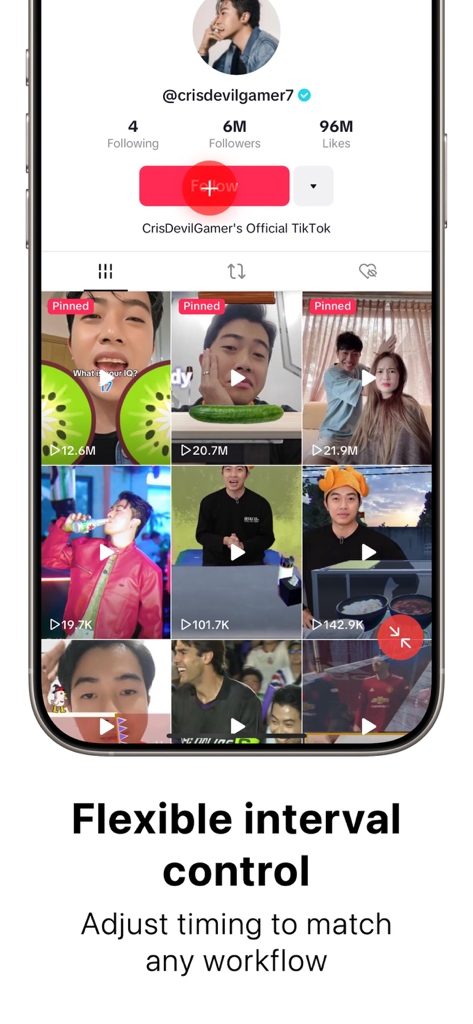
An iPhone screen displaying an auto-clicker targeting a follow button on a TikTok profile with text highlighting flexible interval control.
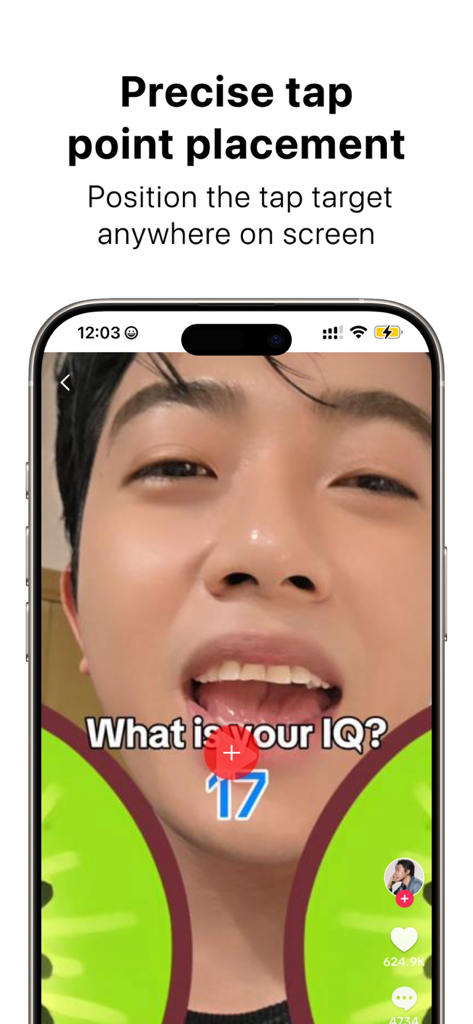
Precise tap point placement on a mobile screen using the Auto Clicker app
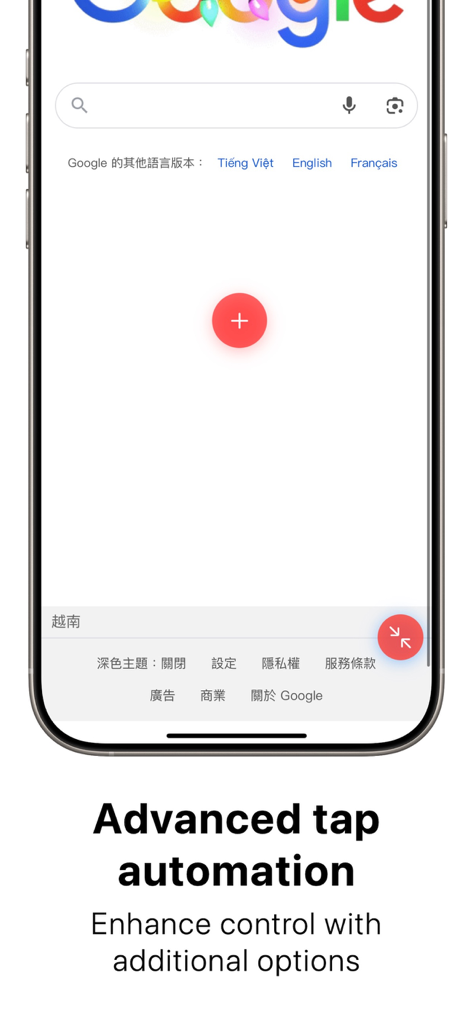
Smartphone screen showing a movable red tap automation button over a browser page
Description
Download
More Like This
Top-ranked apps in the same category

ChatGPT
OpenAI OpCo, LLC

Google Gemini
Google LLC

Grok
X.AI Corporation

Gmail - Email by Google
Google LLC

千问 - 阿里最强大模型官方AI助手
Shanghai Zhixin Puhui Technology Co., Ltd.

Google Drive
Google LLC

Microsoft Authenticator
Microsoft Corporation

Google Sheets
Google LLC

Google Docs
Google LLC
This page is not an official page of the app or its developer, but an independent editorial publication created for informational and commentary purposes. Unless expressly stated otherwise, neither the app nor its developer is affiliated with, endorsed by, sponsored by, authorized by, or otherwise officially connected with MWM, Apple, Google Play, the app publisher, or the app's developer, and nothing on this page implies that the app was developed using MWM's services. Any trademarks, logos, screenshots, and other content remain the property of their respective owners.