
This page is not an official page of the app or its developer, but an independent editorial publication created for informational and commentary purposes. Unless expressly stated otherwise, neither the app nor its developer is affiliated with, endorsed by, sponsored by, authorized by, or otherwise officially connected with MWM, Apple, Google Play, the app publisher, or the app's developer, and nothing on this page implies that the app was developed using MWM's services. Any trademarks, logos, screenshots, and other content remain the property of their respective owners.


AutoClicker: Click Assistant⁺
Reclaim your time and master your favorite web games with the most advanced automation tool. Precision multi-touch control designed for ultimate mobile efficiency.
Downloads
3K+User Rating
Total Ratings
0Publisher
Category
UtilitiesLocales
11Latest Version
1.6Size
47.6 MBFirst Released
Nov 27, 2024Automate Every Interaction
Take back your time with the most advanced click assistant for iOS, designed to handle the grind so you don't have to.
Turbocharge Your Gameplay
Dominate web-based RPGs and idle games by automating repetitive taps and resource farming effortlessly.
Smart Multi-Touch Gestures
Go beyond simple clicks with custom swipes, pinches, and zooms for seamless web navigation and control.
Frequently Asked Questions
Everything you need to know about AutoClicker: Click Assistant⁺
What is AutoClicker: Click Assistant used for?
AutoClicker: Click Assistant automates click, swipe, and pinch gestures on websites and web games. It enables users to perform repetitive tasks, such as browsing or gaming, without manual intervention, saving time and effort.
What types of gestures does AutoClicker: Click Assistant support?
AutoClicker: Click Assistant supports automatic taps on designated points, multi-touch gestures like swiping, pinching, and two-finger zoom. Users can stop, pause, or resume these automated tasks flexibly.
Can I customize the automatic gestures in AutoClicker: Click Assistant?
Yes, AutoClicker: Click Assistant allows users to customize automatic gestures. Users can adjust parameters including delay, tap duration, and repetition count. This optimizes tasks to meet specific individual needs effectively.
Does AutoClicker: Click Assistant work for games?
Yes, AutoClicker: Click Assistant provides powerful automation for games. It automates clicks, swipes, and pinches on web games, enhancing the gaming experience by handling repetitive in-game actions.
Does AutoClicker: Click Assistant work for social media?
Yes, AutoClicker: Click Assistant offers auto-tapping capabilities for social networks. It supports repetitive actions required on social media platforms, as visually demonstrated in the app's interface.
Can AutoClicker: Click Assistant help with reading online content?
Yes, AutoClicker: Click Assistant offers helpful scroll features for reading. It automates scrolling on web pages, which is beneficial for browsing news and other online content without manual input.
Is AutoClicker: Click Assistant available as a Safari Extension?
Yes, AutoClicker: Click Assistant functions as a powerful Safari Extension. It integrates features such as auto-refresh and auto-scroll directly within the Safari browser environment, as shown in the app interface.
Is a subscription required to use AutoClicker: Click Assistant?
Yes, all features of AutoClicker: Click Assistant require an active subscription. Payment for the subscription is processed and charged to your iTunes Account upon confirmation of purchase.
How much does AutoClicker: Click Assistant PRO cost?
AutoClicker: Click Assistant PRO costs $4.99 for a 7-day period or $49.99 for a 1-year subscription. The 7-day plan includes a complimentary 3-day free trial.
Does AutoClicker: Click Assistant offer a free trial period?
Yes, AutoClicker: Click Assistant offers a free 3-day trial period. This trial is included with the 7-day PRO subscription plan, allowing full access to all app features.
How can I manage or disable auto-renewal for AutoClicker: Click Assistant?
Users can manage or disable the auto-renewal for AutoClicker: Click Assistant subscriptions. This is done through the Account Settings within your iTunes Account after the initial purchase.
Where can I find the privacy policy for AutoClicker: Click Assistant?
The privacy policy for AutoClicker: Click Assistant is accessible online. It is located at the URL: https://halohub.io/privacy-policy, providing detailed information on data handling.
Where can I find the terms of use for AutoClicker: Click Assistant?
The terms of use for AutoClicker: Click Assistant are available online. Users can access them at https://www.apple.com/legal/internet-services/itunes/dev/stdeula/, which outlines the app's usage policies.
The following screenshots and description are sourced directly from the app's official store listing and are the property of the app developer.
App Store
Screenshots
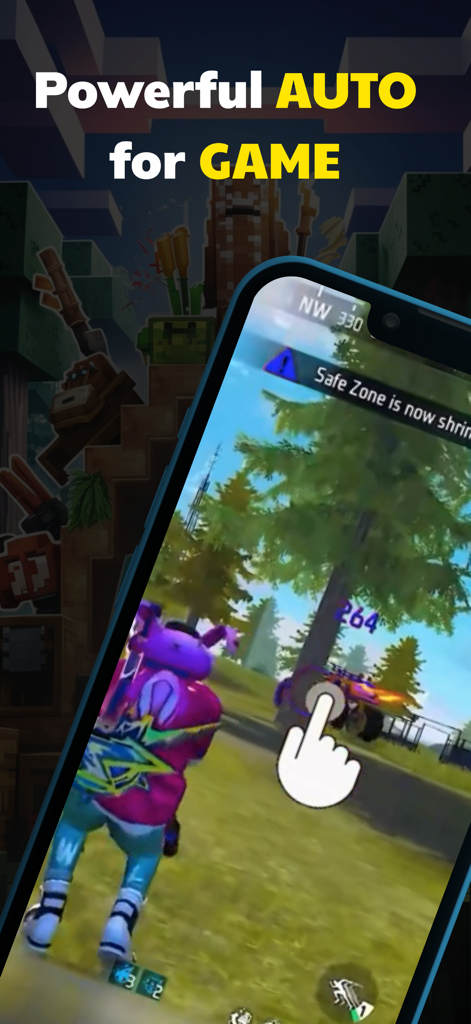
Mobile phone displaying AutoClicker assistant automating taps in a video game
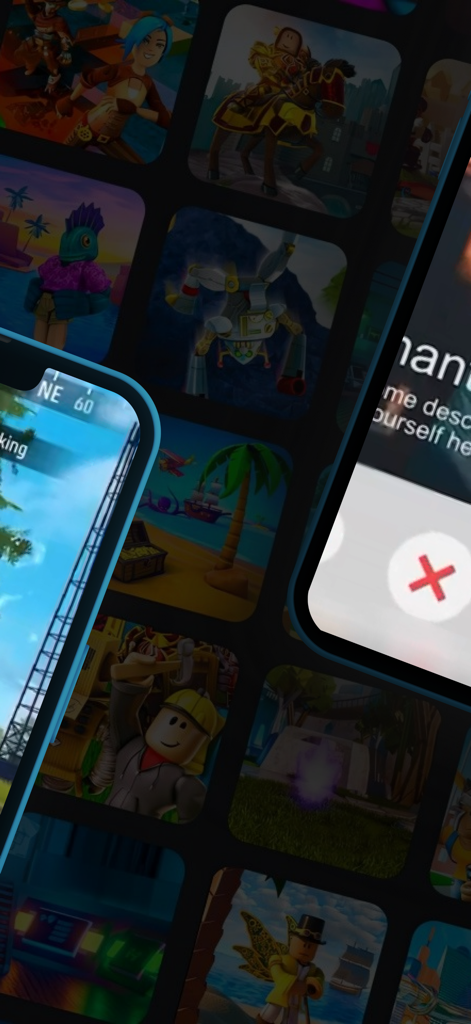
AutoClicker Click Assistant app interface shown over a grid of mobile games

A mobile screen showing AutoClicker automating likes on a social media profile
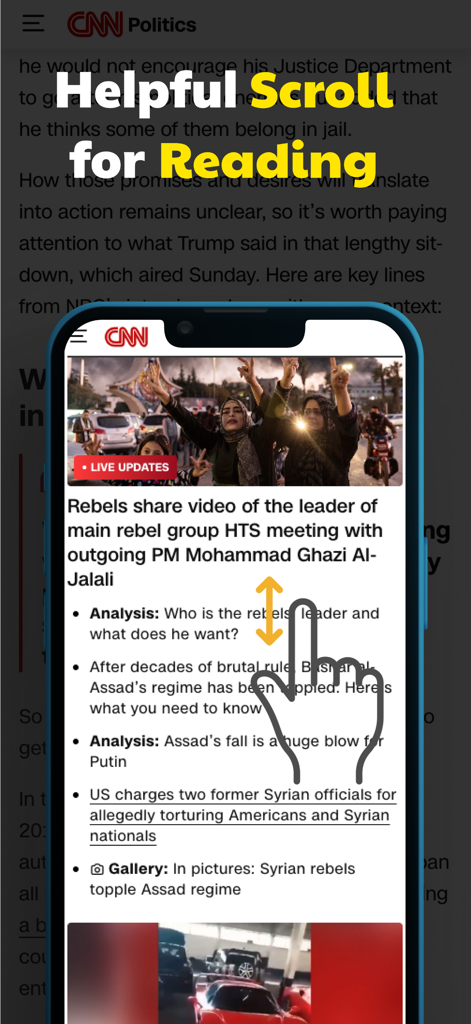
Smartphone showing auto scroll gesture for reading news articles
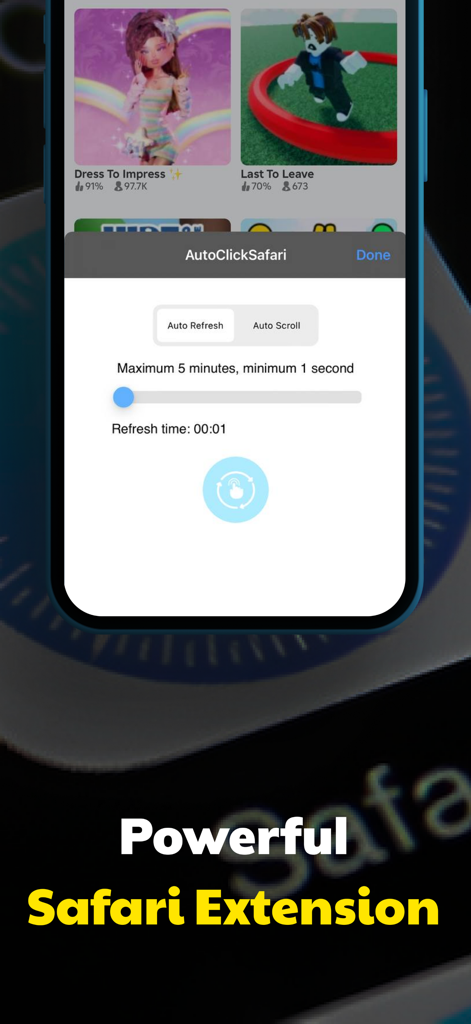
Interface of the AutoClicker Safari extension featuring auto refresh and auto scroll controls
Description
Download
More Like This
Top-ranked apps in the same category

Google LLC

Google Chrome
Google LLC

中国移动(手机营业厅)
China Mobile Online Services Co., Ltd.

Google Authenticator
Google LLC

CNH do Brasil
Servicos e Informacoes do Brasil

Cleanup: Phone Storage Cleaner
DEEP FLOW SOFTWARE SERVICES - FZCO

gov.br
Servicos e Informacoes do Brasil

中国电信-全国统一官方服务平台
CHINA TELECOM Corporation Ltd.

Microsoft Edge: AI Browser
Microsoft Corporation
This page is not an official page of the app or its developer, but an independent editorial publication created for informational and commentary purposes. Unless expressly stated otherwise, neither the app nor its developer is affiliated with, endorsed by, sponsored by, authorized by, or otherwise officially connected with MWM, Apple, Google Play, the app publisher, or the app's developer, and nothing on this page implies that the app was developed using MWM's services. Any trademarks, logos, screenshots, and other content remain the property of their respective owners.