
This page is not an official page of the app or its developer, but an independent editorial publication created for informational and commentary purposes. Unless expressly stated otherwise, neither the app nor its developer is affiliated with, endorsed by, sponsored by, authorized by, or otherwise officially connected with MWM, Apple, Google Play, the app publisher, or the app's developer, and nothing on this page implies that the app was developed using MWM's services. Any trademarks, logos, screenshots, and other content remain the property of their respective owners.


AWS Console
Monitor resource health, manage costs, and respond to incidents instantly with real-time push notifications and biometric security—designed for the modern on-call engineer.
Downloads
559K+User Rating
Total Ratings
7K+Publisher
Category
BusinessLocales
1Latest Version
3.14.2Size
151.0 MBFirst Released
Feb 26, 2013Your Infrastructure, Always Within Reach
The AWS Console Mobile App empowers DevOps professionals to maintain 99.999% uptime with real-time monitoring and instant incident response, straight from your pocket.
Real-Time Incident Response
Get instant push notifications for CloudWatch alarms and AWS Health events, allowing you to diagnose and resolve issues before they escalate.
Secure Biometric Access
Leverage FaceID or TouchID for frictionless, secure entry into multiple AWS accounts without the hassle of manual 2FA on the move.
Frequently Asked Questions
Everything you need to know about AWS Console
What is the AWS Console Mobile Application?
The AWS Console Mobile Application, provided by Amazon Web Services, allows users to view and manage select AWS resources. It delivers push notifications, monitors resources via a dedicated dashboard, and displays metrics and alarms.
What key features does the AWS Console Mobile Application offer?
The AWS Console Mobile Application offers resource monitoring, push notifications, real-time data from CloudWatch and AWS Health, and billing management. Users also view detailed resource screens and perform select actions.
Does the AWS Console Mobile Application provide push notifications?
Yes, the AWS Console Mobile Application provides push notifications for AWS services. It allows users to configure and receive alerts to stay informed about their AWS resources.
Can I monitor my AWS spending with the Console Mobile Application?
Yes, the AWS Console Mobile Application monitors AWS spending. The Dashboard includes real-time data from AWS Billing and Cost Management, allowing users to track month-to-date and forecasted costs.
What AWS services are supported by the Console Mobile Application?
The Console Mobile Application supports many AWS services including Amazon EC2, Amazon S3, AWS Lambda, Amazon CloudWatch, and AWS Billing and Cost Management. It also includes AWS CloudShell and Amazon Q.
Does the AWS Console Mobile Application require an existing AWS account?
Yes, the Console Mobile Application requires an existing AWS account for initial setup and usage. Users can stay signed in to multiple identities simultaneously after setup.
Can I use biometric authentication with the AWS Console Mobile Application?
Yes, the Console Mobile Application leverages biometric authentication on supported devices. This provides simple and quick access to AWS resources for enhanced security and convenience.
Can I access AWS CloudShell using the AWS Console Mobile Application?
Yes, the Console Mobile Application allows users to access AWS CloudShell directly. This enables management and debugging of AWS resources from a mobile device, offering terminal access on the go.
How does the AWS Console Mobile Application help with debugging?
The AWS Console Mobile Application helps with debugging by allowing users to access Logs Insights. This enables running queries to analyze log groups and troubleshoot issues directly from the app.
Does the AWS Console app offer AI-powered assistance?
Yes, the AWS Console app offers AI-powered assistance through Amazon Q. This generative AI assistant helps users with resource discussions, cost optimization, and troubleshooting investigations.
Which AWS regions does the Console Mobile Application support?
The Console Mobile Application supports numerous AWS regions globally, including US East (N. Virginia), Europe (Ireland), Asia Pacific (Tokyo), and South America (São Paulo) among many others.
Can I perform actions on AWS resources through the Console Mobile Application?
Yes, the Console Mobile Application allows users to perform select actions on AWS resources. Examples include starting, stopping, rebooting, or terminating EC2 instances directly from the app.
The following screenshots and description are sourced directly from the app's official store listing and are the property of the app developer.
App Store
Screenshots
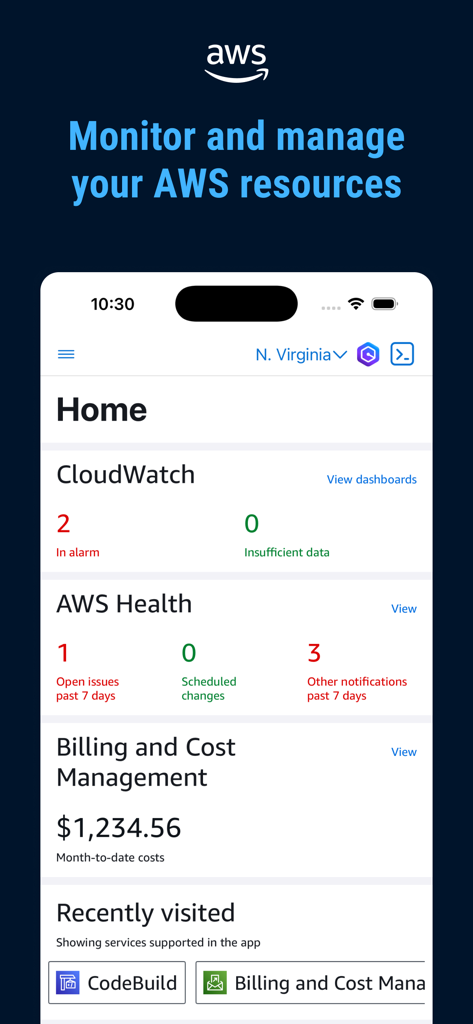
AWS Console mobile app dashboard display with CloudWatch and billing status
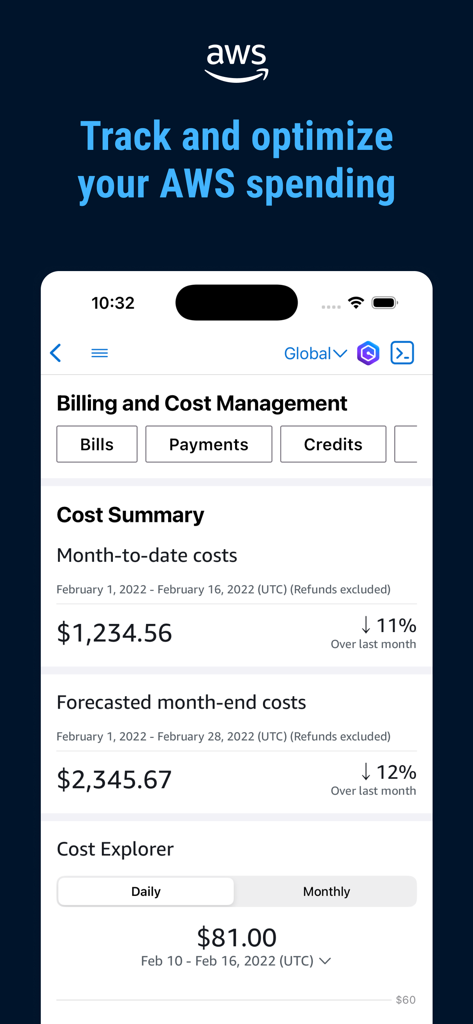
AWS Console mobile app dashboard for billing and cost management showing spending summaries and forecasts
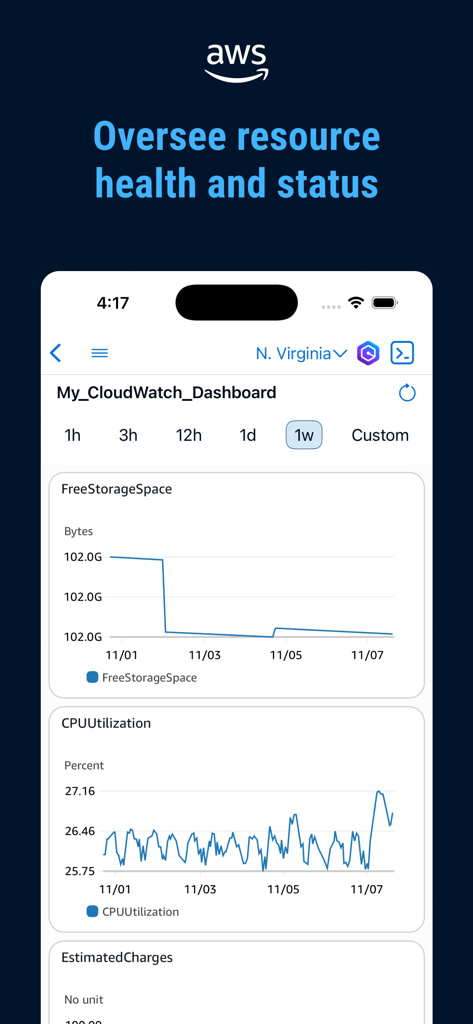
AWS Console mobile app displaying CloudWatch dashboard with CPU and storage metrics
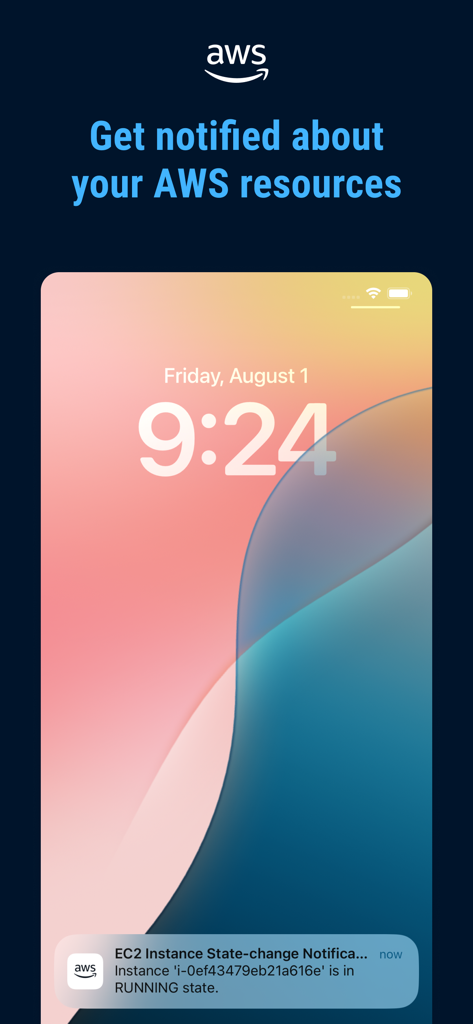
iPhone lock screen showing a push notification from the AWS Console app for an EC2 instance state change
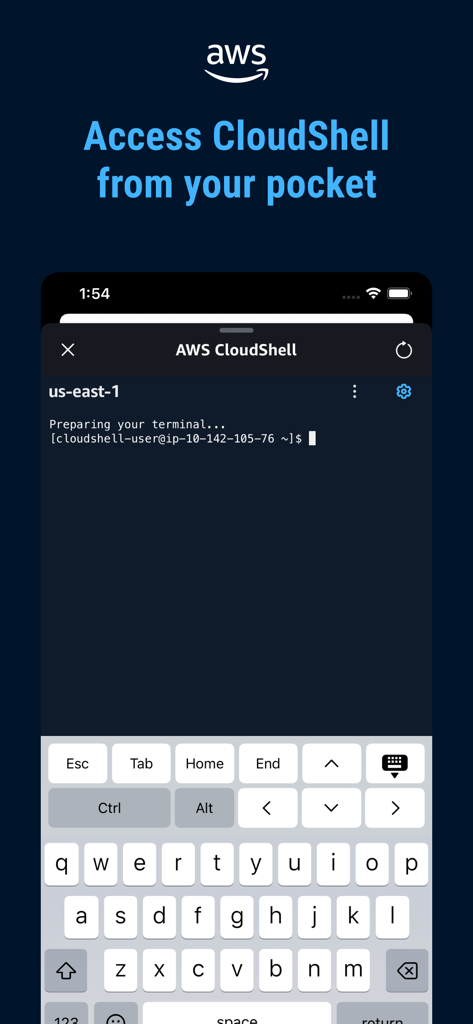
AWS Console Mobile App displaying CloudShell terminal interface on a smartphone with a keyboard for remote command-line access
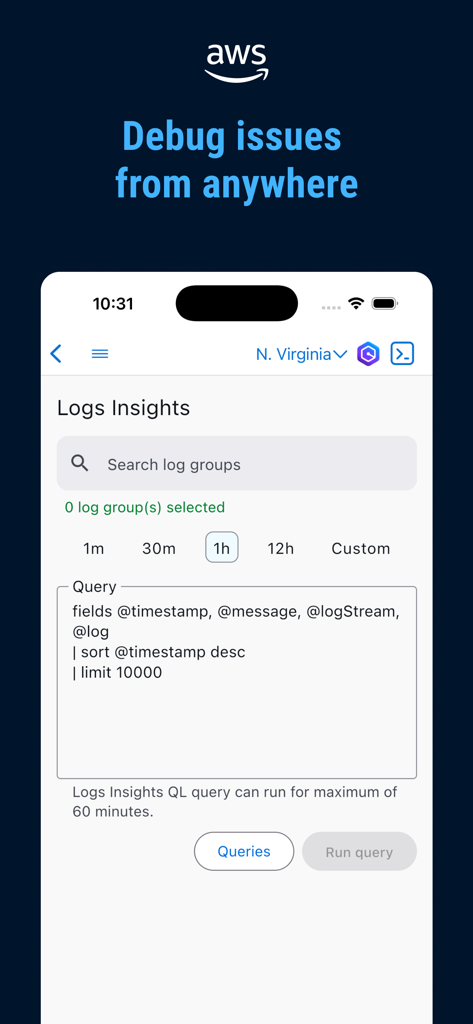
AWS Console mobile app interface showing the Logs Insights query editor for debugging cloud issues on the go
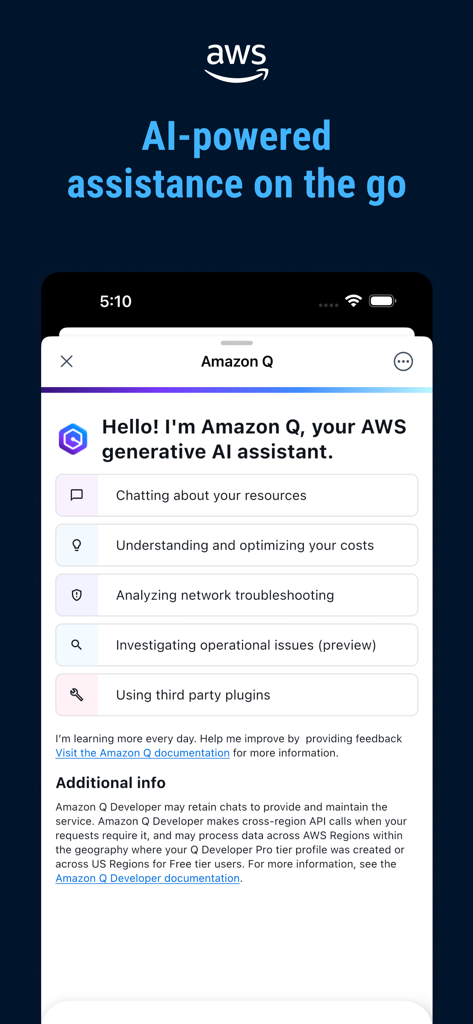
AWS Console Mobile App interface for Amazon Q generative AI assistant
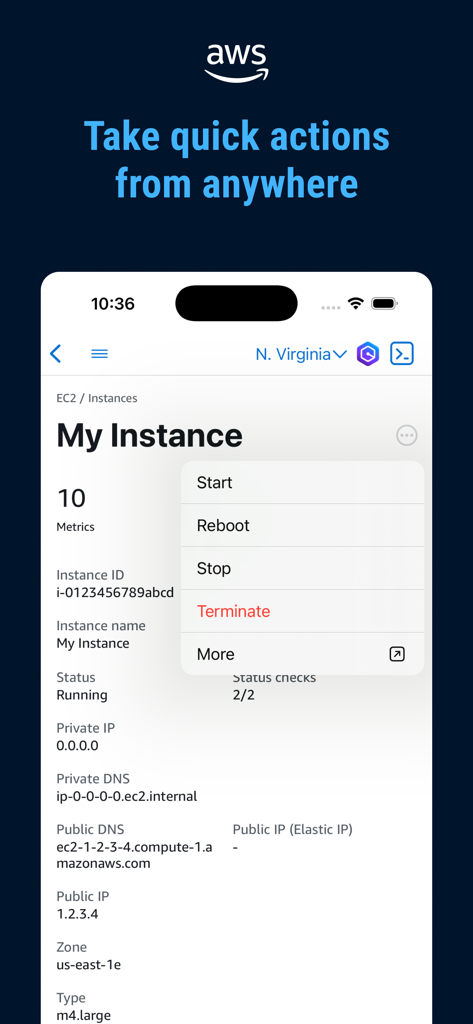
AWS Console mobile app interface showing a quick action menu for managing an EC2 instance with options like reboot and stop
Description
Download
More Like This
Apps with similar features and user experience

Toast Now
Toast, Inc.

Microsoft Azure
Microsoft Corporation

Tabby Business
Tabby Technology LTD

Scan-IT to Office
TEC-IT Datenverarbeitung GmbH

Salesforce
salesforce.com

Microsoft 365 Admin
Microsoft Corporation

MISA AMIS
MISA JSC

Power Automate
Microsoft Corporation

文华随身行
Webstock Information Systems Co., Ltd.
This page is not an official page of the app or its developer, but an independent editorial publication created for informational and commentary purposes. Unless expressly stated otherwise, neither the app nor its developer is affiliated with, endorsed by, sponsored by, authorized by, or otherwise officially connected with MWM, Apple, Google Play, the app publisher, or the app's developer, and nothing on this page implies that the app was developed using MWM's services. Any trademarks, logos, screenshots, and other content remain the property of their respective owners.