
This page is not an official page of the app or its developer, but an independent editorial publication created for informational and commentary purposes. Unless expressly stated otherwise, neither the app nor its developer is affiliated with, endorsed by, sponsored by, authorized by, or otherwise officially connected with MWM, Apple, Google Play, the app publisher, or the app's developer, and nothing on this page implies that the app was developed using MWM's services. Any trademarks, logos, screenshots, and other content remain the property of their respective owners.


Salesforce
Empower your mobile workforce with real-time data, personalized dashboards, and secure access to your business tools, wherever you are.
Downloads
8M+User Rating
Total Ratings
674K+Publisher
Category
BusinessLocales
26Latest Version
258.030Size
351.0 MBFirst Released
Nov 22, 2010Drive Growth from the Palm of Your Hand
Maximize your productivity and lead your team with the power of the world’s #1 CRM, optimized for your mobile lifestyle and the fast-paced US business market.
Actionable Insights Instantly
Kickstart your day with a personalized dashboard that surfaces your high-priority tasks, events, and key performance metrics the moment you open the app.
Unrestricted Data Access
Access and update your entire CRM database securely from anywhere, turning transit time into closing time with mobile-optimized Lightning components.
Frequently Asked Questions
Everything you need to know about Salesforce
What is the Salesforce mobile app used for?
The Salesforce mobile app allows businesses to run their operations from an iPhone or iPad. It provides access to the world’s #1 CRM platform, enabling real-time data management and mobile-tailored Lightning apps.
Is the Salesforce mobile app compatible with both iPhone and iPad?
Yes, the Salesforce mobile app is compatible with both iPhone and iPad. This allows users to run their business and access CRM functionalities across different iOS devices.
How does Mobile Home function in the Salesforce app?
Mobile Home in the Salesforce app acts as a personalized dashboard. It surfaces favorite reports, lists, tasks, and events instantly, helping users kickstart their day with relevant business information.
Can users access and update business data remotely with the Salesforce app?
Yes, users access and update critical business data from anywhere using the Salesforce mobile app. It utilizes mobile-optimized Lightning components and apps for remote data management.
What security features does the Salesforce mobile app offer?
The Salesforce mobile app offers built-in, enterprise-grade security. It protects data in transit and on devices. Users benefit from Enhanced Mobile App Security and Compliance for robust data protection.
Does the Salesforce app support custom push notifications?
Yes, the Salesforce app supports custom push notifications tailored to specific workflows. Powered by Notification Builder, these notifications deliver real-time updates about business data directly to the user.
Can I manage CRM opportunities using the Salesforce mobile app?
Yes, you can manage CRM opportunities using the Salesforce mobile app. The app allows users to access and update opportunity records, including details like account name, close date, amount, and stage.
What other Salesforce applications are accessible via the mobile app?
The Salesforce mobile app provides access to an App Launcher for other Salesforce applications. These include Lightning Sales, Service, Salesforce Chatter, Analytics Studio, and Marketing, integrating various CRM functions.
Is there a home screen widget available for the Salesforce app?
Yes, the Salesforce app provides a home screen widget. This widget offers quick access to essential features like Mobile Home, Facilities, Contacts, and Inspections directly from the device's home screen.
The following screenshots and description are sourced directly from the app's official store listing and are the property of the app developer.
App Store
Screenshots
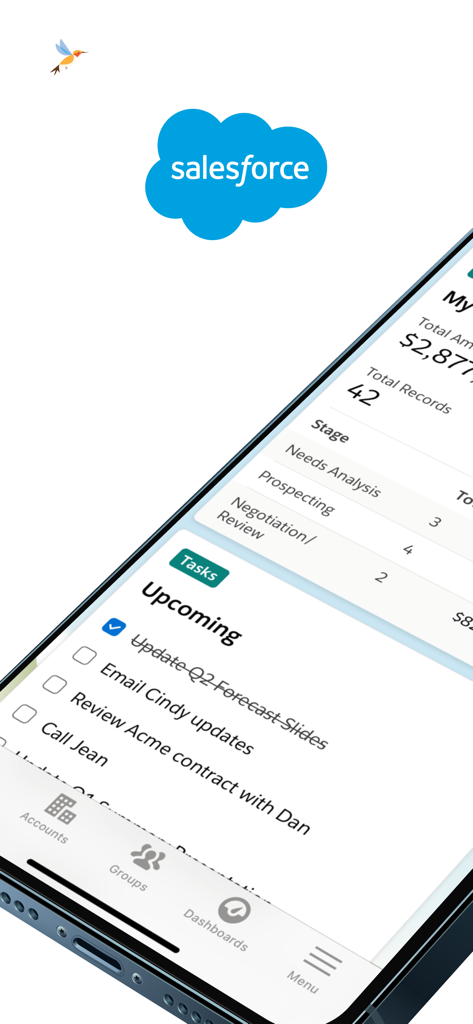
Salesforce mobile app interface on an iPhone showing upcoming tasks and sales pipeline data
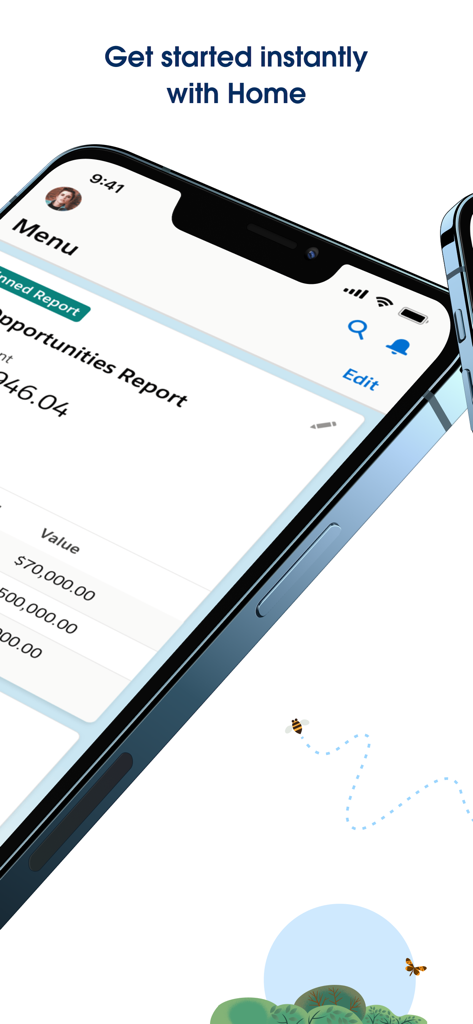
Salesforce mobile app home screen displaying a sales opportunities report on an iPhone
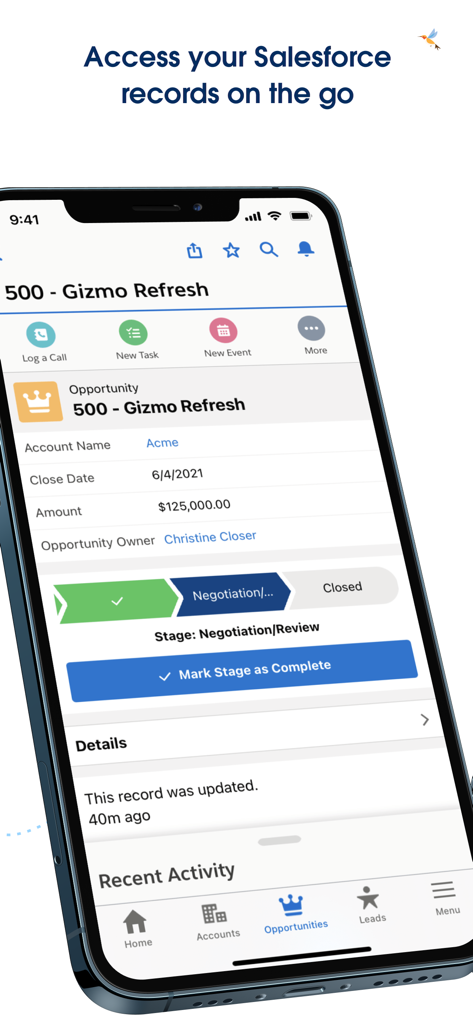
Salesforce mobile app displaying a sales opportunity record on an iPhone
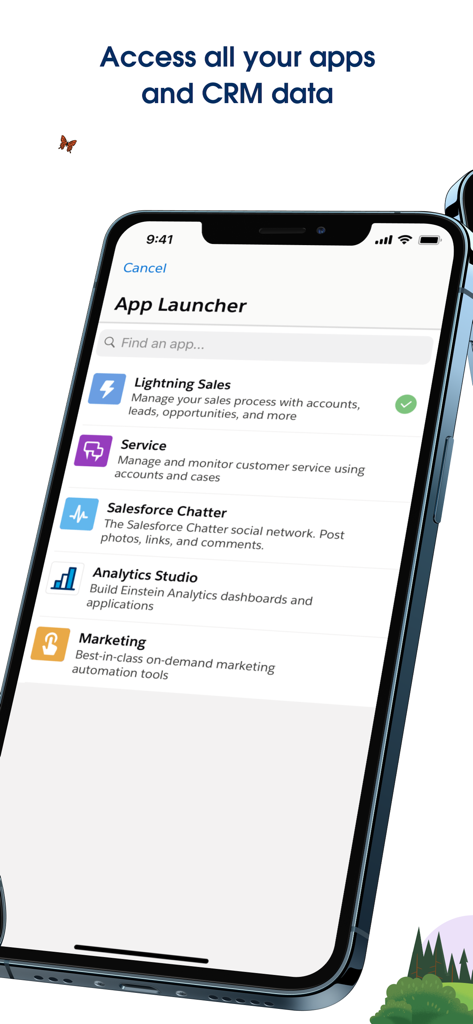
Salesforce App Launcher showing business modules for Sales Service Chatter Analytics and Marketing on an iPhone
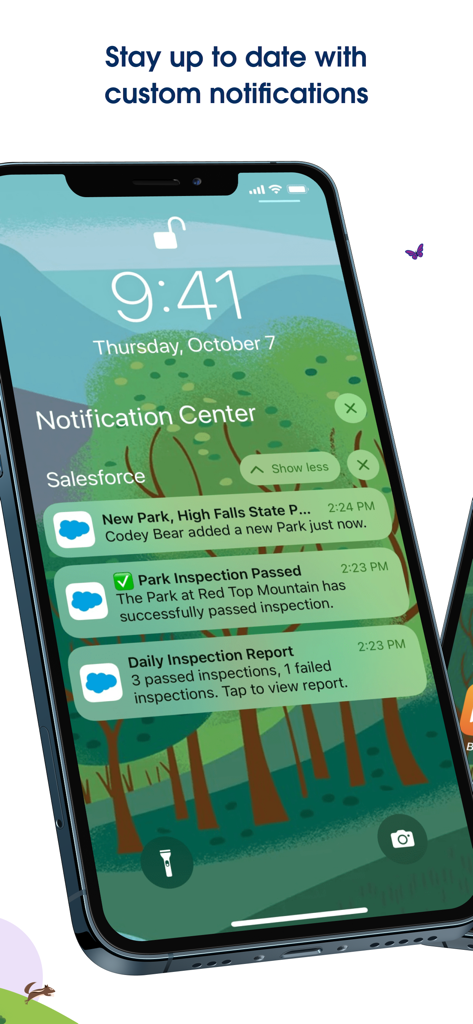
Salesforce mobile app custom push notifications on an iPhone lock screen showing real-time business updates
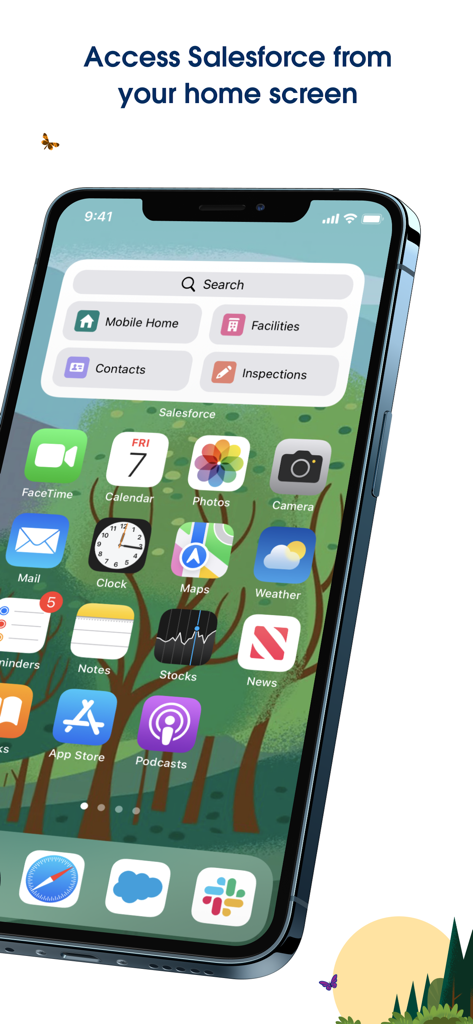
Salesforce app widget on an iPhone home screen showing quick access shortcuts for business tasks
Description
Download
More Like This
Apps with similar features and user experience

Toast Now
Toast, Inc.

Microsoft Azure
Microsoft Corporation

Tabby Business
Tabby Technology LTD

Scan-IT to Office
TEC-IT Datenverarbeitung GmbH

Microsoft 365 Admin
Microsoft Corporation

MISA AMIS
MISA JSC

AWS Console
AMZN Mobile LLC

Power Automate
Microsoft Corporation

文华随身行
Webstock Information Systems Co., Ltd.
This page is not an official page of the app or its developer, but an independent editorial publication created for informational and commentary purposes. Unless expressly stated otherwise, neither the app nor its developer is affiliated with, endorsed by, sponsored by, authorized by, or otherwise officially connected with MWM, Apple, Google Play, the app publisher, or the app's developer, and nothing on this page implies that the app was developed using MWM's services. Any trademarks, logos, screenshots, and other content remain the property of their respective owners.