
This page is not an official page of the app or its developer, but an independent editorial publication created for informational and commentary purposes. Unless expressly stated otherwise, neither the app nor its developer is affiliated with, endorsed by, sponsored by, authorized by, or otherwise officially connected with MWM, Apple, Google Play, the app publisher, or the app's developer, and nothing on this page implies that the app was developed using MWM's services. Any trademarks, logos, screenshots, and other content remain the property of their respective owners.


Microsoft 365 Admin
The essential mobile toolkit for IT professionals to manage users, reset passwords, and monitor service health instantly—no laptop required.
Downloads
1M+User Rating
Total Ratings
9K+Publisher
Category
ProductivityLocales
7Latest Version
5.7.2Size
211.2 MBFirst Released
Dec 12, 2013Command Your Infrastructure from Anywhere
The ultimate toolkit for IT administrators to manage users, monitor service health, and maintain business continuity while on the move.
Rapid User & Access Control
Reset passwords, add users, or block access instantly from your mobile device to resolve urgent tickets in seconds without opening a laptop.
Proactive Service Monitoring
Stay ahead of downtime with real-time push notifications for service incidents and health updates, allowing you to react before your users notice.
Frequently Asked Questions
Everything you need to know about Microsoft 365 Admin
Who should use the Microsoft 365 Admin app?
The Microsoft 365 Admin app is for individuals with an admin role to a Microsoft 365 or Office 365 enterprise or business subscription.
What features does the Microsoft 365 Admin app offer for user management?
The Microsoft 365 Admin app provides features to add, edit, block, or delete users, reset passwords, assign roles, and manage user aliases and devices.
How do I check the health of Microsoft 365 services using the Admin app?
The Microsoft 365 Admin app allows monitoring the health of all services and viewing active incidents directly through the Service Health section.
Can I manage billing and licenses within the Microsoft 365 Admin app?
Yes, the Microsoft 365 Admin app enables viewing billing alerts, managing licenses, and accessing invoices directly from the application.
Does the Microsoft 365 Admin app support multiple accounts or tenants?
Yes, the Microsoft 365 Admin app allows users to sign in to multiple tenants and quickly switch between them, supporting administrators managing several organizations.
What types of notifications does the Microsoft 365 Admin app send?
The Microsoft 365 Admin app sends push notifications for critical information related to service health, message center updates, and billing events to keep admins informed.
Can I customize the app's appearance with a dark theme in Microsoft 365 Admin?
Yes, the Microsoft 365 Admin app supports a dark theme, which administrators can enable in the app settings to customize the visual interface.
The following screenshots and description are sourced directly from the app's official store listing and are the property of the app developer.
App Store
Screenshots
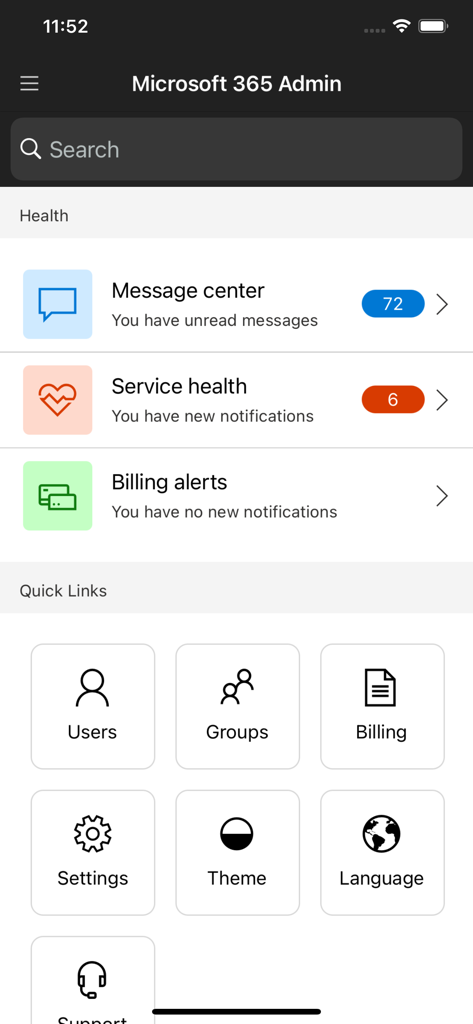
Microsoft 365 Admin home screen showing service health notifications and quick links for user and group management
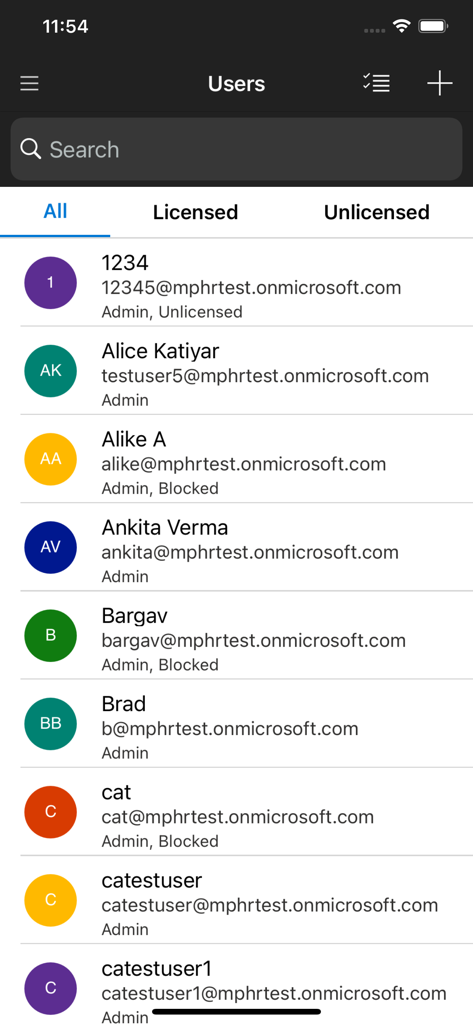
User management screen in the Microsoft 365 Admin app showing a list of organization users with their emails and account status.
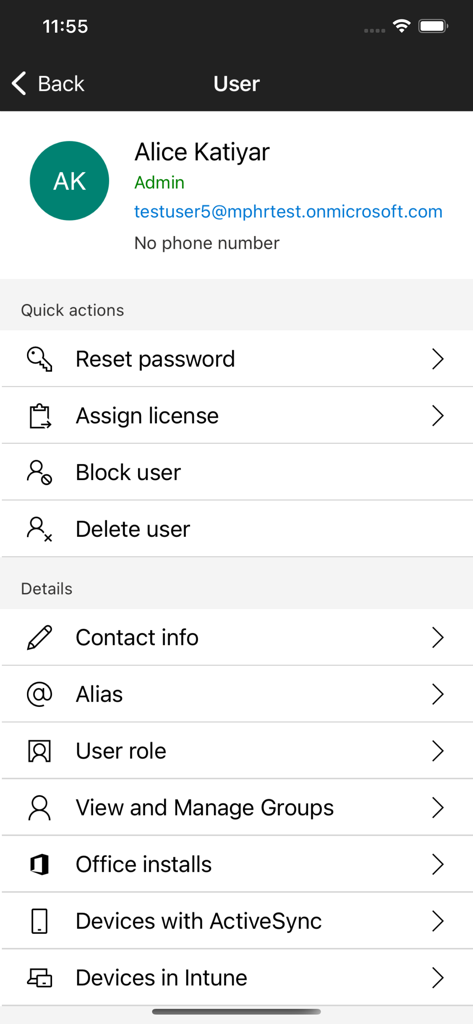
Microsoft 365 Admin app user profile screen with options to reset password and block user
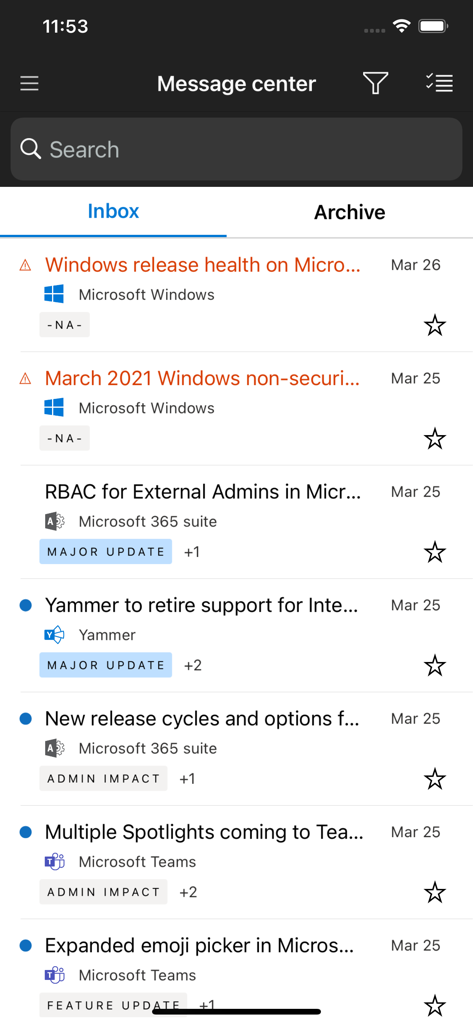
Message Center interface in the Microsoft 365 Admin app displaying a list of service updates and notifications for IT administrators.
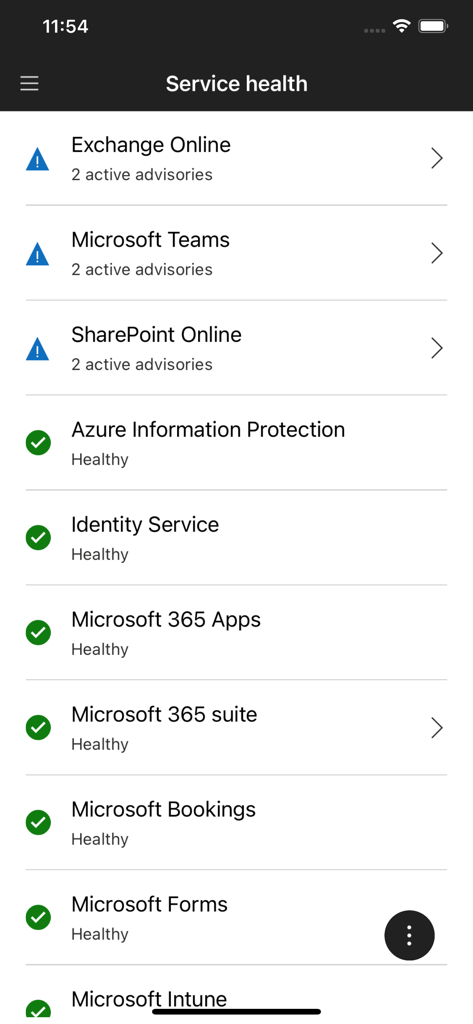
Service health dashboard in the Microsoft 365 Admin app showing status indicators and active advisories for various enterprise services
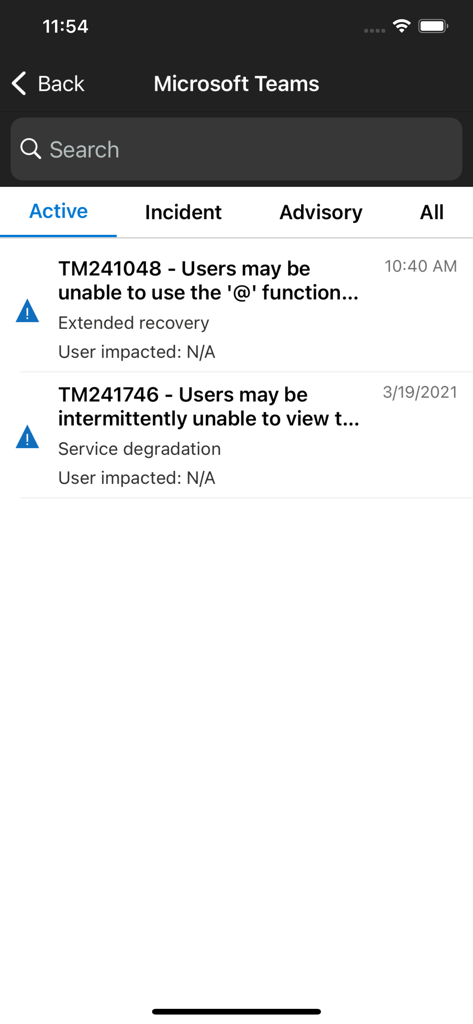
Microsoft 365 Admin app service health screen for Microsoft Teams showing active incidents and advisories
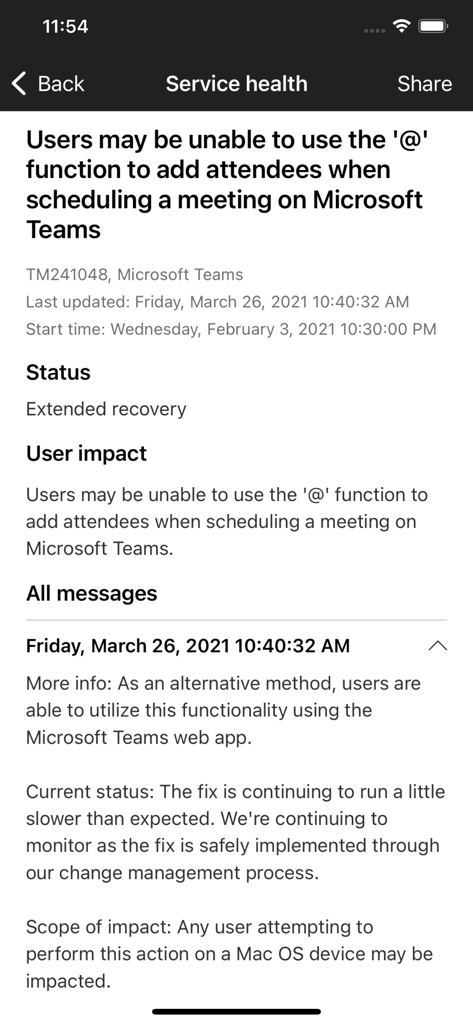
The service health screen in the Microsoft 365 Admin app showing a status report for a Microsoft Teams scheduling issue
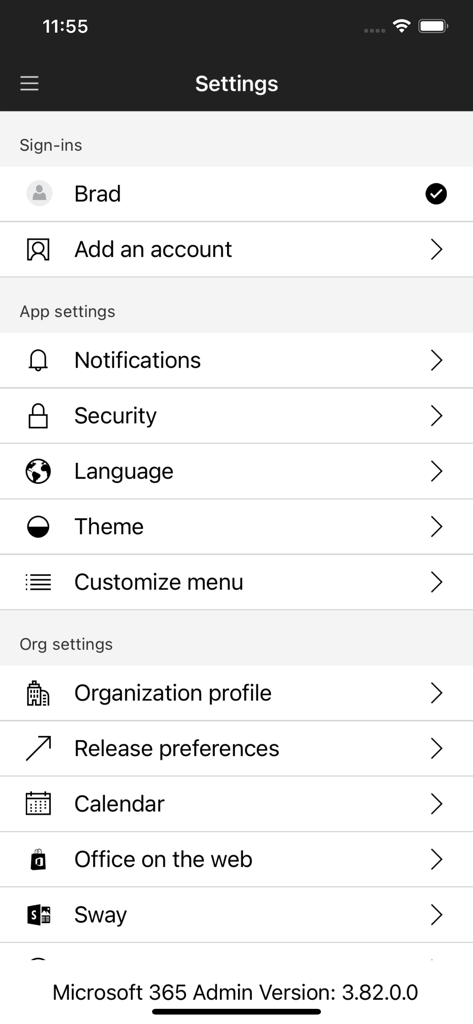
Settings menu of the Microsoft 365 Admin app showing account sign-ins, notification settings, and organization profile options
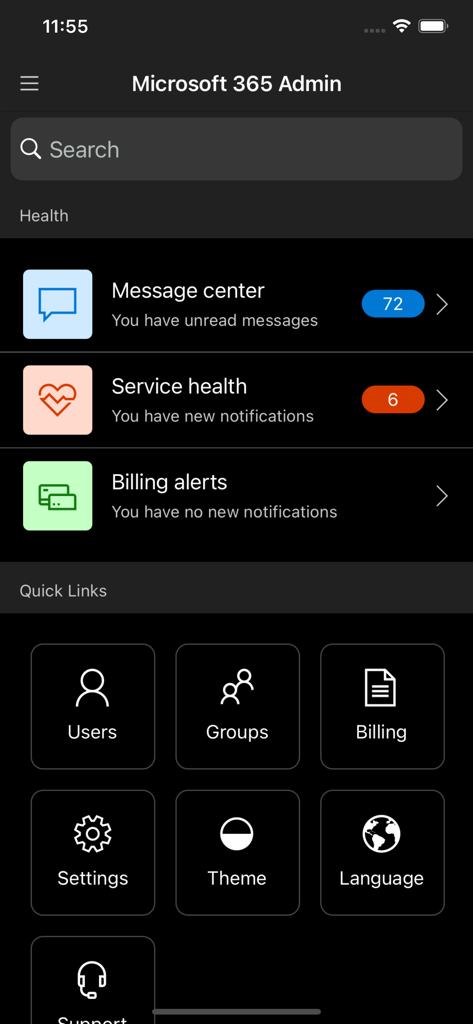
Microsoft 365 Admin mobile app home screen showing service health notifications and navigation tiles for users and billing
Description
Download
More Like This
Apps with similar features and user experience

Toast Now
Toast, Inc.

Microsoft Azure
Microsoft Corporation

Tabby Business
Tabby Technology LTD

Scan-IT to Office
TEC-IT Datenverarbeitung GmbH

Salesforce
salesforce.com

MISA AMIS
MISA JSC

AWS Console
AMZN Mobile LLC

Power Automate
Microsoft Corporation

文华随身行
Webstock Information Systems Co., Ltd.
This page is not an official page of the app or its developer, but an independent editorial publication created for informational and commentary purposes. Unless expressly stated otherwise, neither the app nor its developer is affiliated with, endorsed by, sponsored by, authorized by, or otherwise officially connected with MWM, Apple, Google Play, the app publisher, or the app's developer, and nothing on this page implies that the app was developed using MWM's services. Any trademarks, logos, screenshots, and other content remain the property of their respective owners.