
This page is not an official page of the app or its developer, but an independent editorial publication created for informational and commentary purposes. Unless expressly stated otherwise, neither the app nor its developer is affiliated with, endorsed by, sponsored by, authorized by, or otherwise officially connected with MWM, Apple, Google Play, the app publisher, or the app's developer, and nothing on this page implies that the app was developed using MWM's services. Any trademarks, logos, screenshots, and other content remain the property of their respective owners.


Az DevOps
Take full control of your development lifecycle. Approve pull requests, track sprints, and monitor pipeline logs with a fast, native interface designed for engineers on the move.
Downloads
59K+User Rating
Total Ratings
100Publisher
Category
Developer ToolsLocales
1Latest Version
3.9.0Size
61.8 MBFirst Released
Mar 1, 2023Unleash Your DevOps Productivity
A premium native experience to manage your projects, pipelines, and pull requests without being tethered to your desk.
Pipeline & Build Control
Monitor logs, rerun failed builds, and manage deployments instantly. Resolve deployment bottlenecks the moment they happen.
Seamless Pull Requests
Review code changes with integrated file diffs. Approve, reject, or comment on PRs to keep your team's velocity high.
The following screenshots and description are sourced directly from the app's official store listing and are the property of the app developer.
App Store
Screenshots
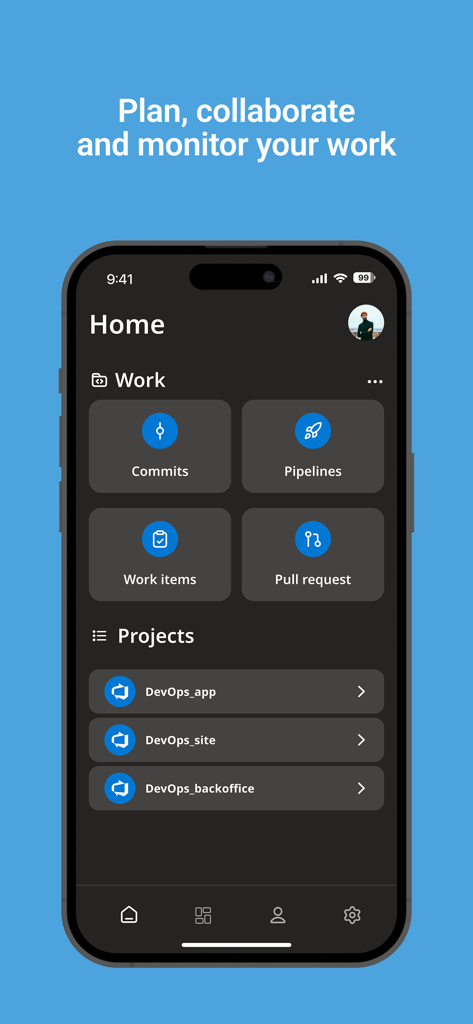
Home screen of the Az DevOps mobile app on an iPhone showing work items pipelines and project sections
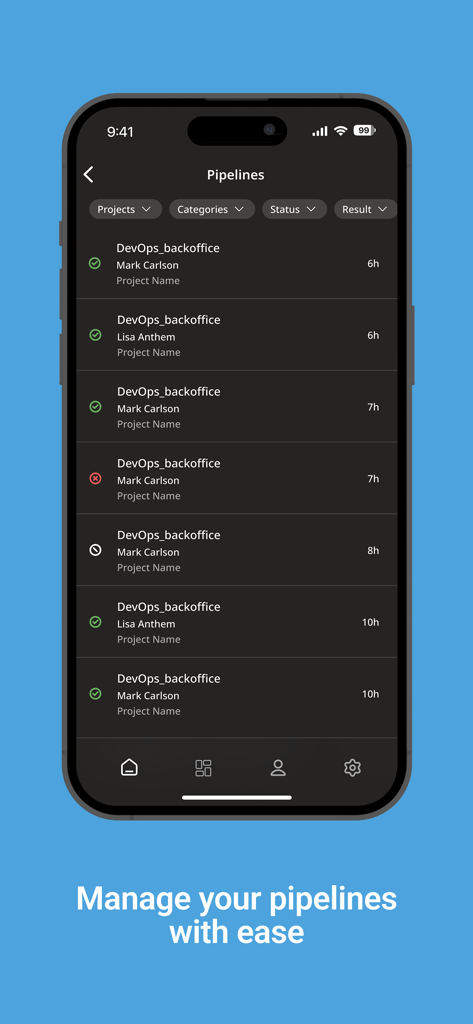
iPhone screen showing a list of software pipelines and build statuses in the Az DevOps mobile app
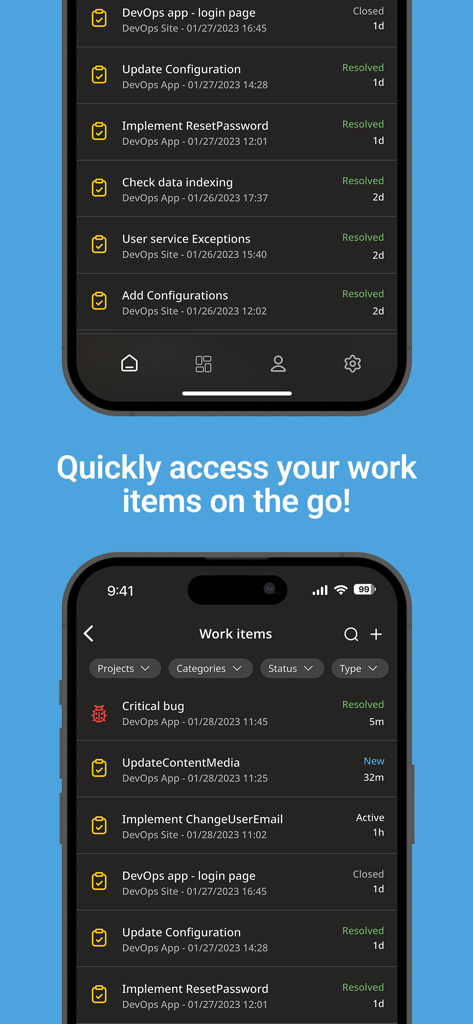
Az DevOps mobile app interface showing a list of work items and task statuses on a smartphone screen
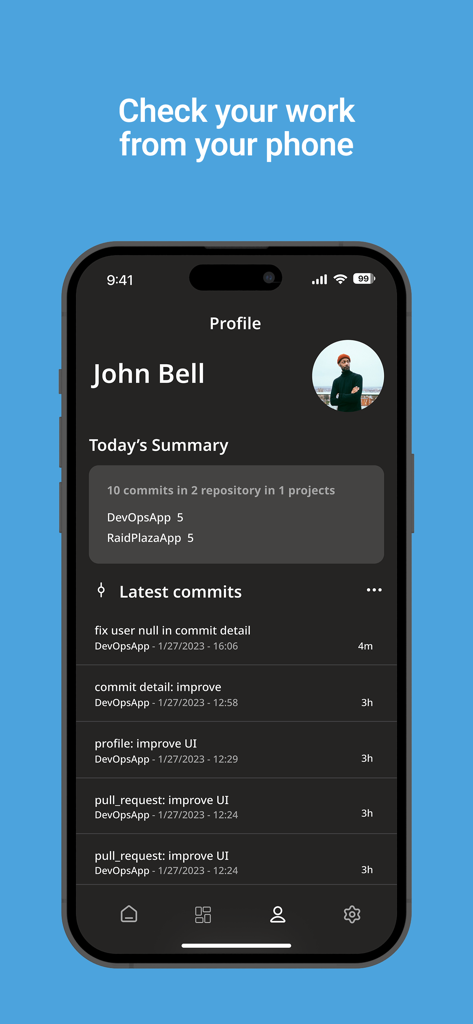
Az DevOps mobile app profile page displaying a daily summary of commits and repositories.
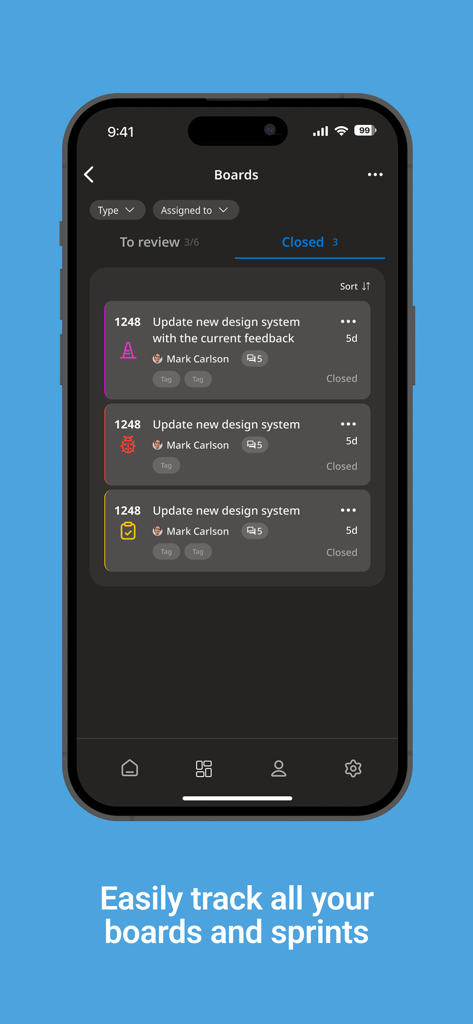
A mobile interface of the Az DevOps app displaying a list of closed work items on a project board.
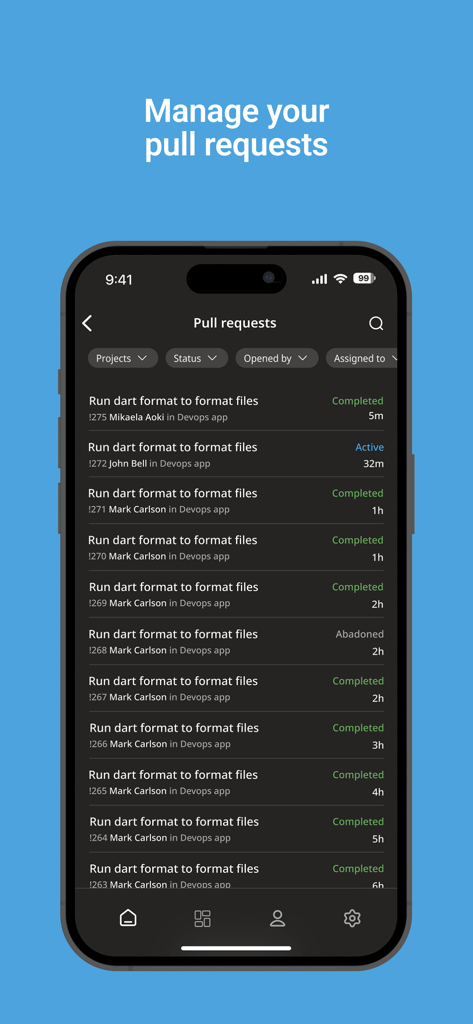
Mobile app interface of Az DevOps showing a list of pull requests with status and author details on an iPhone.
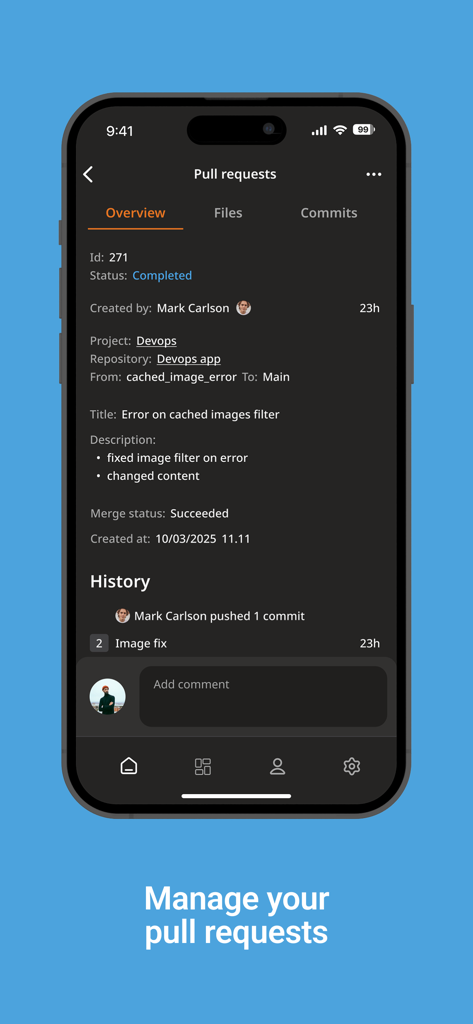
Az DevOps mobile app interface showing pull request details and history on an iPhone.
Description
Download
More Like This
Top-ranked apps in the same category

TestFlight
Apple Inc.

Replit: Vibe Code Apps
Replit, Inc

GitHub
GitHub

O-KAM Pro
Shenzhen VeePai IoT Intelligent Technology LLC

Apple Developer
Apple Inc.

Expo Go
650 Industries, Inc.

Scriptable
Simon Stovring

App Store Connect
Apple Inc.

Sekai: Create · Remix · Play
Versa AI, Inc.
This page is not an official page of the app or its developer, but an independent editorial publication created for informational and commentary purposes. Unless expressly stated otherwise, neither the app nor its developer is affiliated with, endorsed by, sponsored by, authorized by, or otherwise officially connected with MWM, Apple, Google Play, the app publisher, or the app's developer, and nothing on this page implies that the app was developed using MWM's services. Any trademarks, logos, screenshots, and other content remain the property of their respective owners.