
This page is not an official page of the app or its developer, but an independent editorial publication created for informational and commentary purposes. Unless expressly stated otherwise, neither the app nor its developer is affiliated with, endorsed by, sponsored by, authorized by, or otherwise officially connected with MWM, Apple, Google Play, the app publisher, or the app's developer, and nothing on this page implies that the app was developed using MWM's services. Any trademarks, logos, screenshots, and other content remain the property of their respective owners.

Be Focused Pro - Focus Timer
The ultimate Pomodoro-based tool designed for the Apple ecosystem. Beat digital distractions, sync seamlessly across your devices, and turn focus into a habit with data-driven insights.
Downloads
402K+User Rating
Total Ratings
10K+Publisher
Category
ProductivityLocales
1Latest Version
2.5Size
41.7 MBFirst Released
Jan 27, 2015Master Your Workflow with Precision
Stop fighting distractions and start achieving. Be Focused Pro combines the proven Pomodoro technique with seamless Apple integration to help you conquer your to-do list.
Hyper-Focus Intervals
Break daunting projects into manageable sprints. Customize work sessions and breaks to match your natural rhythm and maintain peak mental energy all day.
Seamless Apple Continuity
Your focus follows you. Sync instantly across Mac, iPhone, and Apple Watch, with support for Dynamic Island, Live Activities, and the Action Button.
The following screenshots and description are sourced directly from the app's official store listing and are the property of the app developer.
App Store
Screenshots
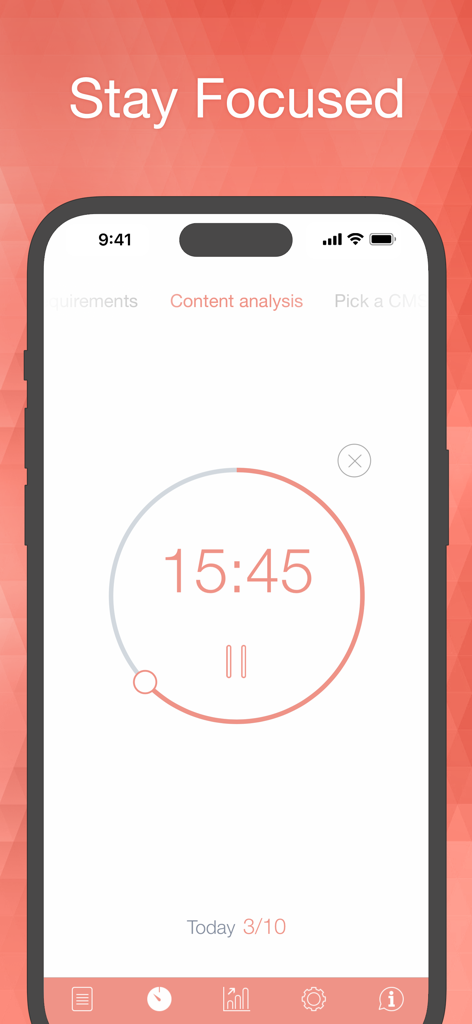
iPhone screen showing the Be Focused Pro focus timer with a 15 minute countdown for a content analysis task
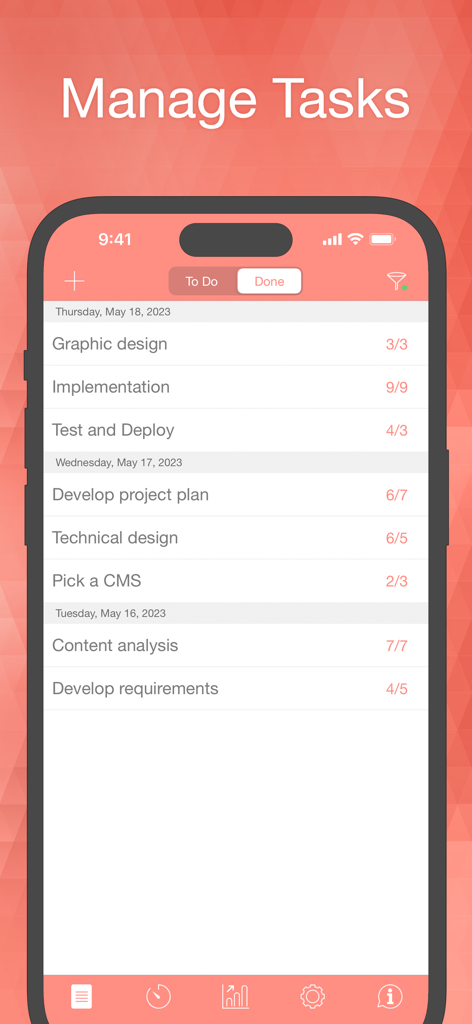
iPhone screen displaying the Be Focused Pro app interface with a list of completed tasks and focus intervals organized by date.
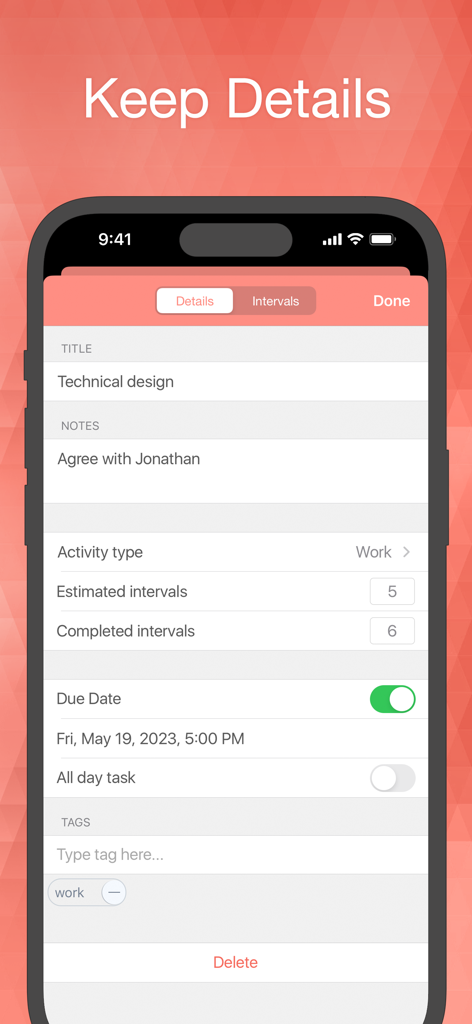
Be Focused Pro app screen showing detailed task settings including title notes estimated intervals and due date
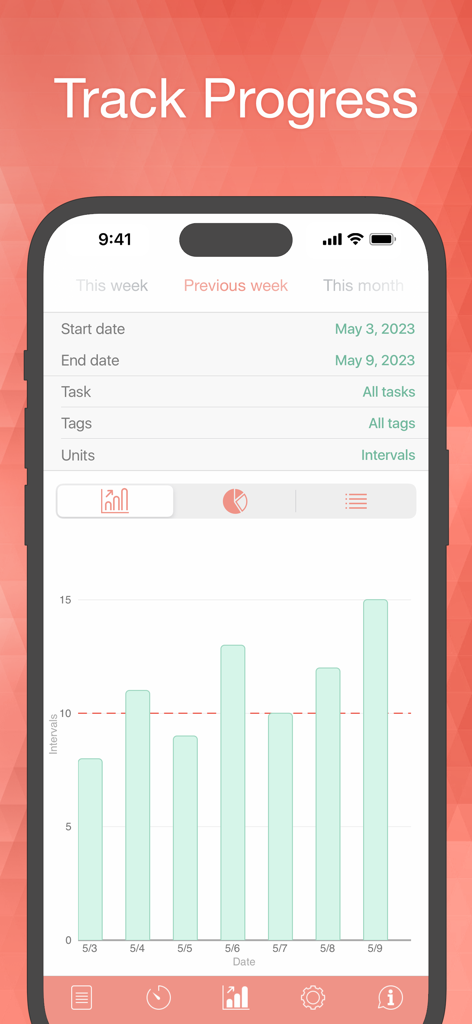
Weekly productivity report screen in Be Focused Pro showing work intervals on a bar chart
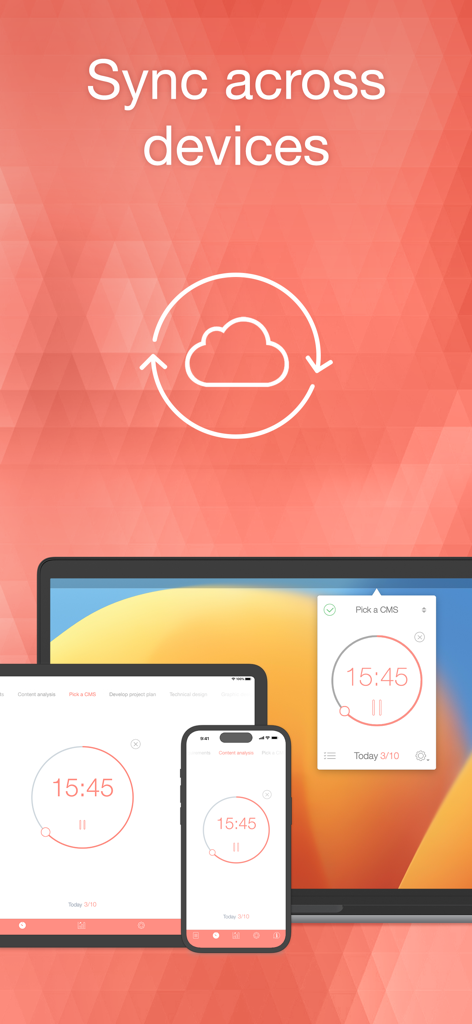
Be Focused Pro app showing synchronized timers across iPhone iPad and Mac devices
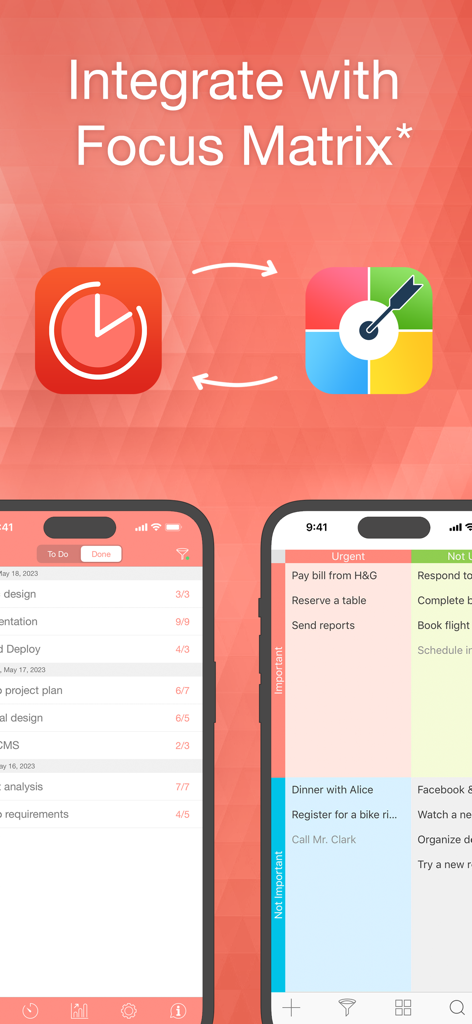
Integration of Be Focused Pro focus timer and Focus Matrix Eisenhower matrix on iPhone
Description
Download
More Like This
Apps with similar features and user experience

番茄ToDo-极简高效自律番茄钟
Shanghai Paitui Technology Co., Ltd.

Focus To-Do: Focus Timer&Tasks
Shenzhen Tomato Software Technology Co., Ltd.

TimePlanner :专注番茄钟自习室学习课程表
Beijing Fingertip Fusion Technology Co., LTD

Focus: Pomodoro Study Timer
bondavi Inc.
Focus Keeper - Pomodoro Timer
PIXO Incorporation

Ultimate Focus - Visual Timer
StonicSolution
Focus timer - time keeper
翠玲 施
Flow: Focus & Pomodoro Timer
Yugen GmbH
Study Timer: Focus & Pomodoro
Thomson Inc.
This page is not an official page of the app or its developer, but an independent editorial publication created for informational and commentary purposes. Unless expressly stated otherwise, neither the app nor its developer is affiliated with, endorsed by, sponsored by, authorized by, or otherwise officially connected with MWM, Apple, Google Play, the app publisher, or the app's developer, and nothing on this page implies that the app was developed using MWM's services. Any trademarks, logos, screenshots, and other content remain the property of their respective owners.