
This page is not an official page of the app or its developer, but an independent editorial publication created for informational and commentary purposes. Unless expressly stated otherwise, neither the app nor its developer is affiliated with, endorsed by, sponsored by, authorized by, or otherwise officially connected with MWM, Apple, Google Play, the app publisher, or the app's developer, and nothing on this page implies that the app was developed using MWM's services. Any trademarks, logos, screenshots, and other content remain the property of their respective owners.


Ultimate Focus - Visual Timer
Elevate your productivity with an intuitive visual timer designed for mindful work. Personalize your focus with 70+ elegant themes, conquer time blindness with visual tracking, and sync your progress across the entire Apple ecosystem.
Downloads
155K+User Rating
Total Ratings
8K+Publisher
Category
ProductivityLocales
6Latest Version
3.9.1Size
90.1 MBFirst Released
Jan 26, 2023Transform Your Productivity into an Art Form
Ultimate Focus combines the science of the Pomodoro Technique with a stunning, customizable interface designed to help you reach your flow state and stay there.
Visualize Your Flow
Combat time blindness with an intuitive pie-chart display that makes your remaining time feel tangible, spatial, and stress-free.
Reflect and Refine
Close the productivity loop with post-session retrospects, allowing you to journal your progress and optimize your future work habits.
Frequently Asked Questions
Everything you need to know about Ultimate Focus - Visual Timer
What is Ultimate Focus - Visual Timer?
Ultimate Focus is a sophisticated session-based timer application designed to optimize time management and productivity. It encourages users to reflect after each focus session to refine future focus management.
Does Ultimate Focus - Visual Timer support the Pomodoro Technique?
Yes, Ultimate Focus - Visual Timer integrates the Pomodoro Technique. This feature helps users achieve an optimal balance between focused work and relaxation periods for sustained productivity.
Can I customize the appearance of Ultimate Focus - Visual Timer?
Yes, Ultimate Focus - Visual Timer offers extensive customization. Users can choose from over 70 distinct color themes and customize the app icon to match their personal taste.
Does Ultimate Focus - Visual Timer offer iCloud synchronization?
Yes, Ultimate Focus - Visual Timer provides iCloud synchronization. This premium feature enables users to access, manage, and synchronize their focus records seamlessly across multiple devices, ensuring continuity anywhere, anytime.
How does Ultimate Focus - Visual Timer help reflect on sessions?
Ultimate Focus - Visual Timer includes a retrospect function. After each focus session, users can jot down task details for future reference, with these notes being easily accessible, modifiable, and deletable.
Can Ultimate Focus - Visual Timer block distractions during a session?
Yes, Ultimate Focus - Visual Timer can block distractions. The app explicitly states, "This app is blocked while you're in a focus session," ensuring users remain focused until the session concludes.
Does Ultimate Focus - Visual Timer provide widgets for the Home screen?
Yes, Ultimate Focus - Visual Timer provides various widgets. Users can utilize these widgets to monitor their focus statistics and records directly from their Home screen, offering immediate overview.
What premium features does Ultimate Focus - Visual Timer offer?
Premium features in Ultimate Focus - Visual Timer include selecting alarm sounds from a diverse library, choosing background music from an expansive collection, and iCloud synchronization for multi-device continuity.
The following screenshots and description are sourced directly from the app's official store listing and are the property of the app developer.
App Store
Screenshots
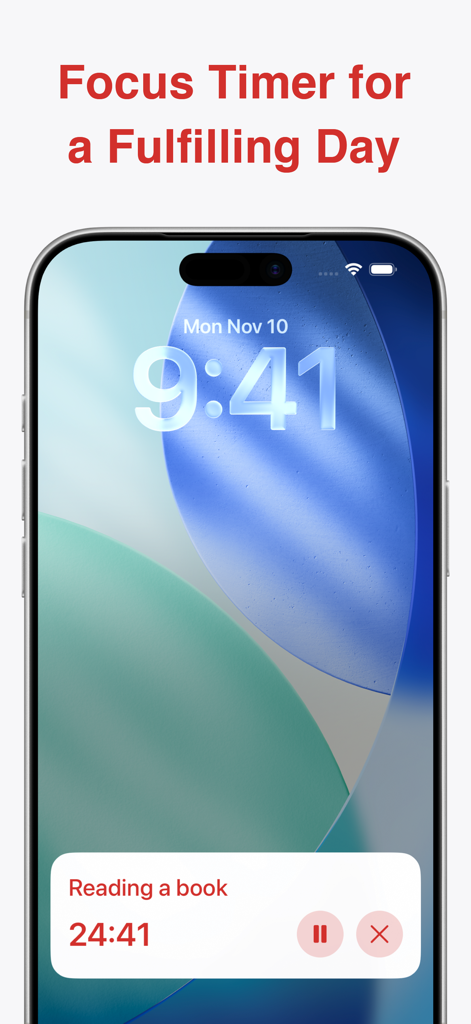
A smartphone lock screen showing a visual focus timer for a reading session
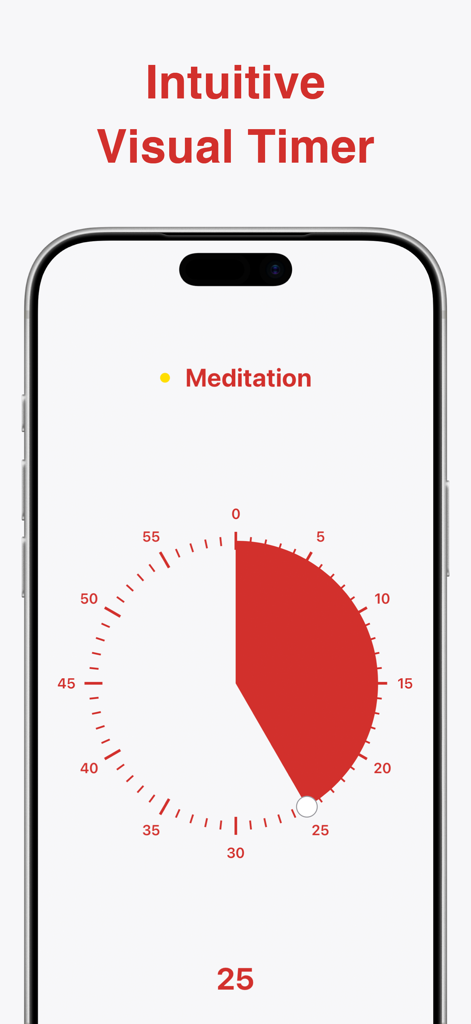
An iPhone displaying the Ultimate Focus app with a red visual pie chart timer set for a 25 minute meditation session
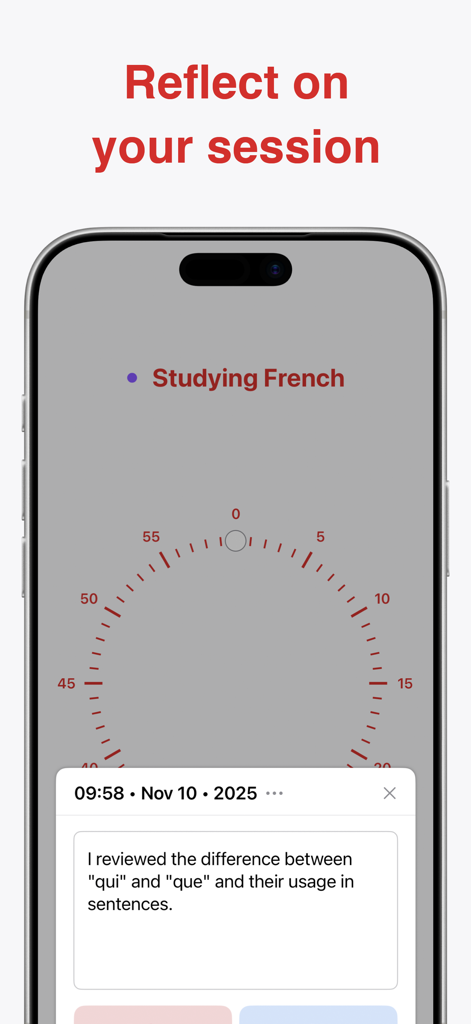
Screenshot of Ultimate Focus app showing a session reflection note for studying French
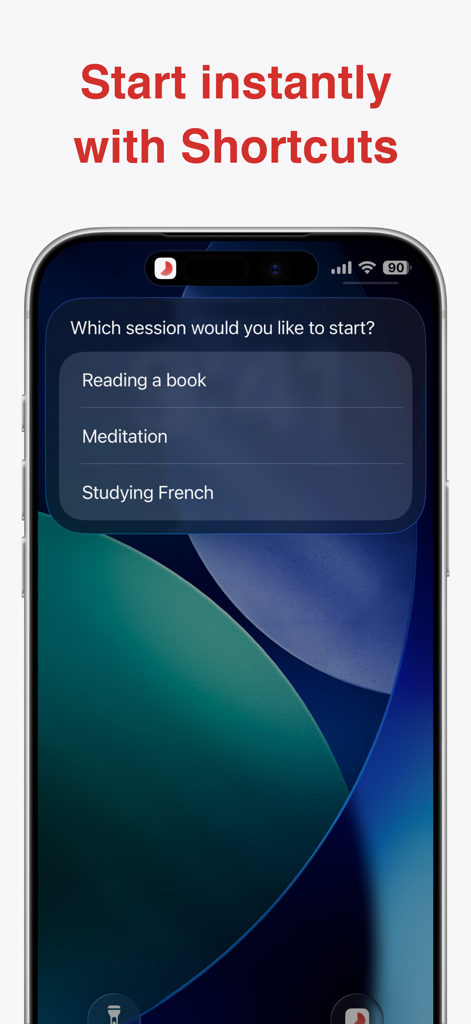
An iPhone screen displaying the Ultimate Focus app shortcuts menu with options to start sessions for reading, meditation, and studying
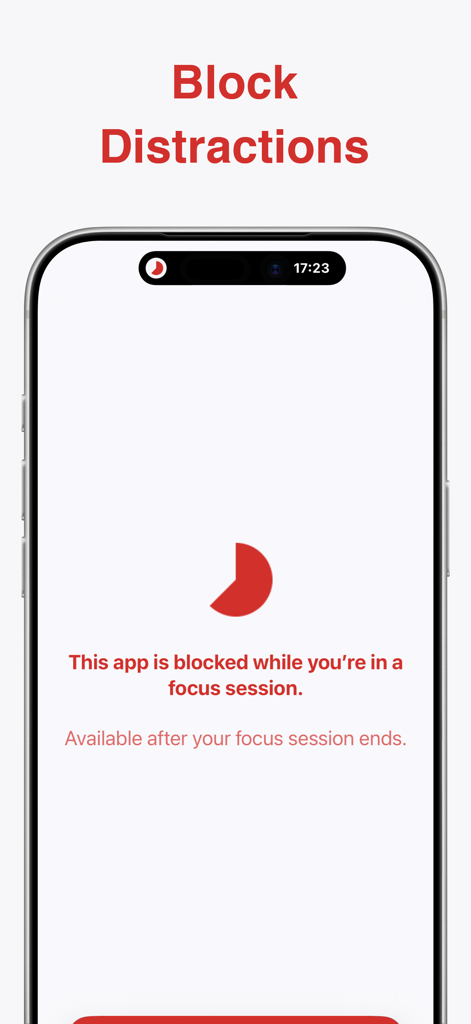
Screenshot of the Ultimate Focus app showing a screen that blocks distractions during a focus session with a red moon icon
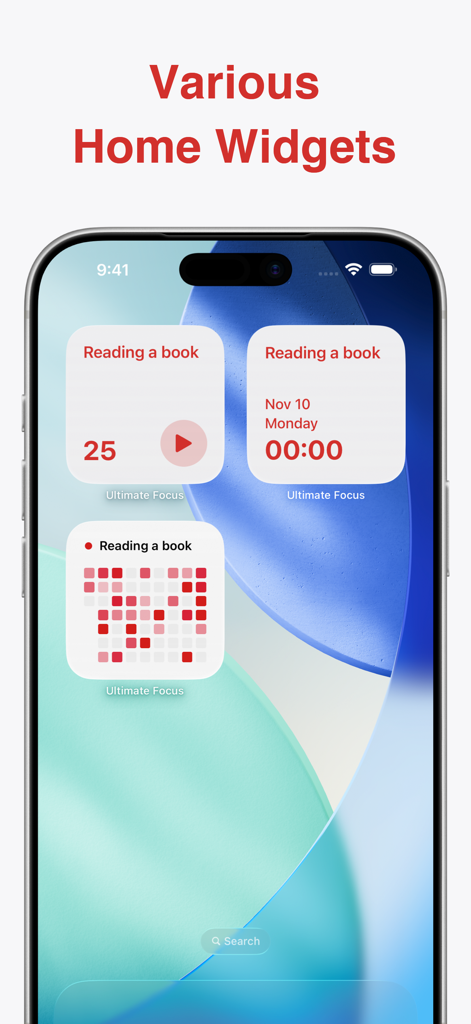
A collection of various Ultimate Focus app widgets on an iPhone home screen including timers and focus statistics.
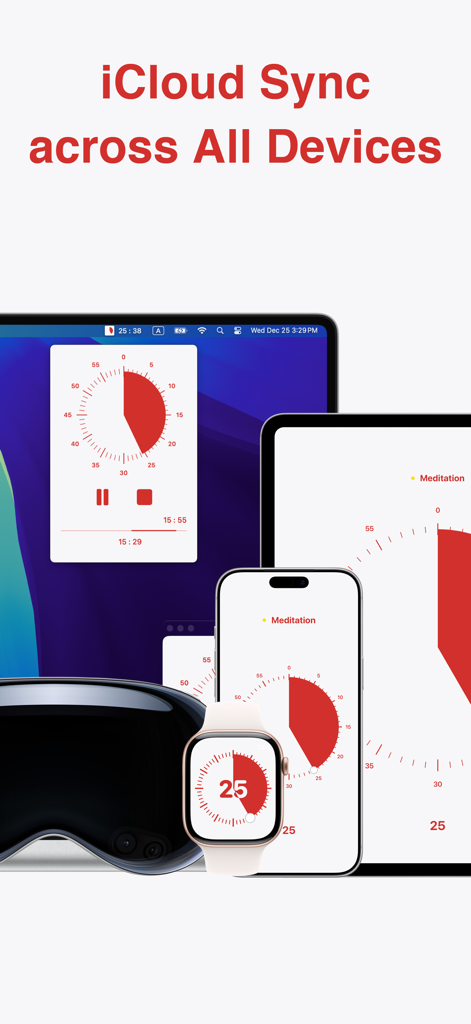
Ultimate Focus visual timer app synchronized across Mac, iPad, iPhone, and Apple Watch via iCloud
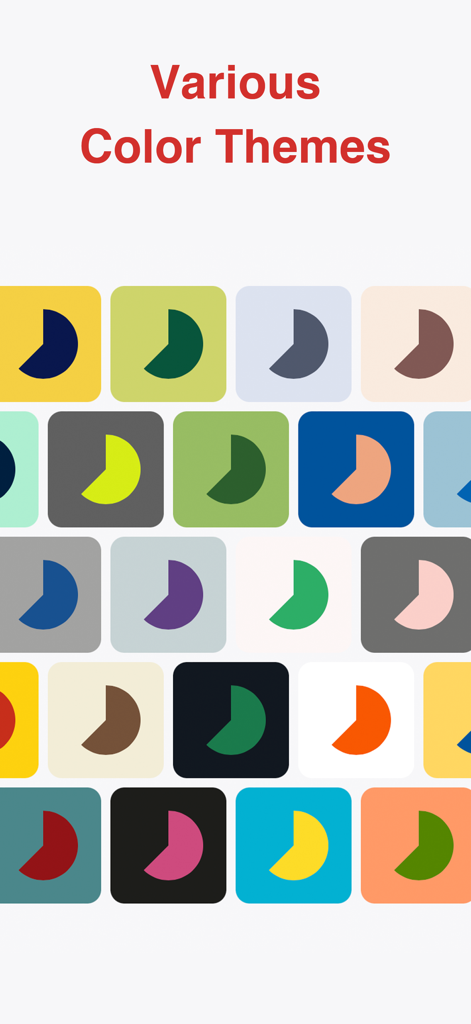
A grid of various colorful app icons and themes for the Ultimate Focus visual timer app.
Description
Download
More Like This
Apps with similar features and user experience

番茄ToDo-极简高效自律番茄钟
Shanghai Paitui Technology Co., Ltd.
Focus To-Do: Focus Timer&Tasks
Shenzhen Tomato Software Technology Co., Ltd.

TimePlanner :专注番茄钟自习室学习课程表
Beijing Fingertip Fusion Technology Co., LTD

Focus: Pomodoro Study Timer
bondavi Inc.
Focus Keeper - Pomodoro Timer
PIXO Incorporation
Focus timer - time keeper
翠玲 施
Flow: Focus & Pomodoro Timer
Yugen GmbH
Study Timer: Focus & Pomodoro
Thomson Inc.
Be Focused Pro - Focus Timer
Denys Ievenko
This page is not an official page of the app or its developer, but an independent editorial publication created for informational and commentary purposes. Unless expressly stated otherwise, neither the app nor its developer is affiliated with, endorsed by, sponsored by, authorized by, or otherwise officially connected with MWM, Apple, Google Play, the app publisher, or the app's developer, and nothing on this page implies that the app was developed using MWM's services. Any trademarks, logos, screenshots, and other content remain the property of their respective owners.