
This page is not an official page of the app or its developer, but an independent editorial publication created for informational and commentary purposes. Unless expressly stated otherwise, neither the app nor its developer is affiliated with, endorsed by, sponsored by, authorized by, or otherwise officially connected with MWM, Apple, Google Play, the app publisher, or the app's developer, and nothing on this page implies that the app was developed using MWM's services. Any trademarks, logos, screenshots, and other content remain the property of their respective owners.


BerryFilm - Korean Style Cam
Elevate your feed with the effortless, airy glow of Seoul. Designed by creator @berryveryloveyou, BerryFilm brings minimalist tones and soft-focus magic to your photos and videos in just one tap.
Downloads
87K+User Rating
Total Ratings
1K+Publisher
Category
Photo & VideoLocales
5Latest Version
1.3.9Size
63.8 MBFirst Released
Feb 27, 2025Master the Art of the Soft Edit
Achieve the viral 'Seoul Look' effortlessly with hand-crafted filters designed to enhance your natural atmosphere without over-editing.
Signature Korean Tones
From airy milk to warm vintage moods, bring a dreamy, high-end glow to your photos and videos with one tap.
Silent & Simple Capture
Shoot discreetly in cafes or galleries with a silent shutter and a minimalist interface designed for quiet creation.
Frequently Asked Questions
Everything you need to know about BerryFilm - Korean Style Cam
What is BerryFilm - Korean Style Cam?
BerryFilm is a photo and video filter app created by Berry, an Instagram filter creator. It offers soft, subtle Korean-style filters to apply with one tap.
Who created the BerryFilm app?
The BerryFilm app was created by Berry, a filter creator from South Korea known on Instagram as @berryveryloveyou.
What kind of filters does BerryFilm - Korean Style Cam offer?
BerryFilm offers soft and subtle Korean-style filters, including airy milk, cool, warm, vintage, iPhone 7, butter, and blossom moods, optimized for photos and videos.
Does BerryFilm - Korean Style Cam support both photos and videos?
Yes, BerryFilm allows users to apply its filters to both photos and videos, transforming their gallery into an aesthetic feed.
How often are new filters added to the BerryFilm app?
New filters are added to BerryFilm every month, designed to match the season or a specific mood.
Can I apply filters with a single tap in BerryFilm - Korean Style Cam?
Yes, BerryFilm is designed for ease of use, allowing users to apply filters with one tap.
Does BerryFilm - Korean Style Cam include a silent shutter feature?
Yes, BerryFilm features a silent shutter, allowing users to shoot photos anytime, anywhere without sound.
How many filters are currently available in BerryFilm - Korean Style Cam?
BerryFilm currently features over 40 carefully designed filters, with more additions planned for the future.
How can I contact the creators of BerryFilm - Korean Style Cam for feedback?
Users can contact the BerryFilm creators for feedback by emailing seesunapp@gmail.com or by direct messaging @berryfilm.app on Instagram.
Is BerryFilm - Korean Style Cam suitable for subtle photo edits?
Yes, BerryFilm is recommended for users who love subtle selfies without heavy edits, providing gentle color correction and a minimalist touch.
The following screenshots and description are sourced directly from the app's official store listing and are the property of the app developer.
App Store
Screenshots
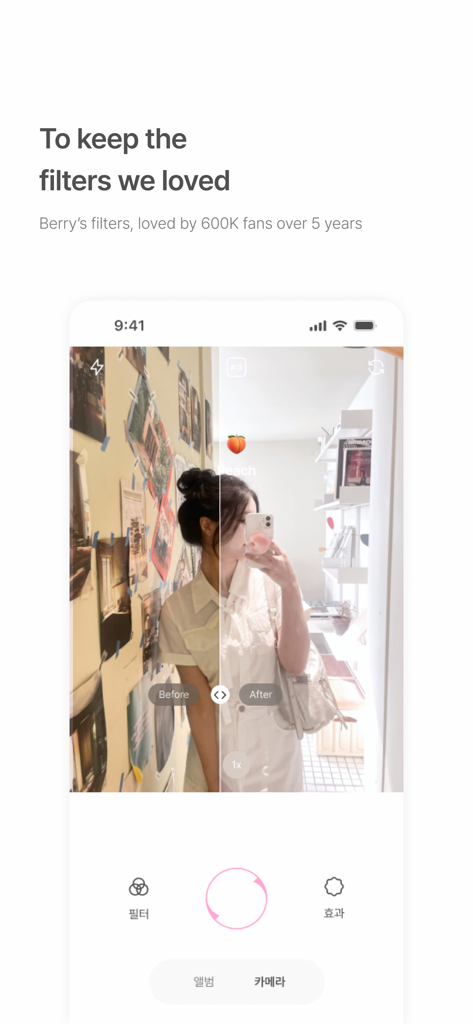
A side-by-side comparison of a selfie before and after applying a soft Korean style filter.
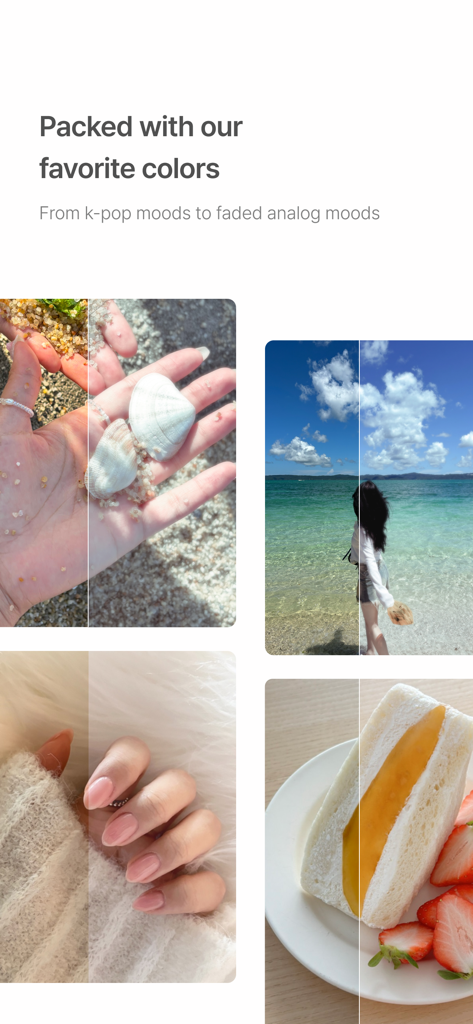
Before and after comparison of soft Korean style photo filters for lifestyle and food.
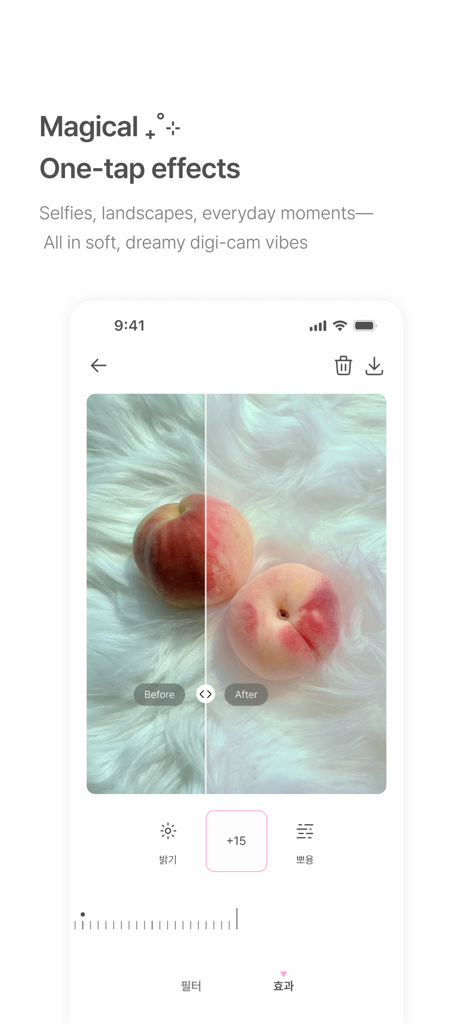
BerryFilm app interface showing a before and after comparison of a soft dreamy photo effect on a peach
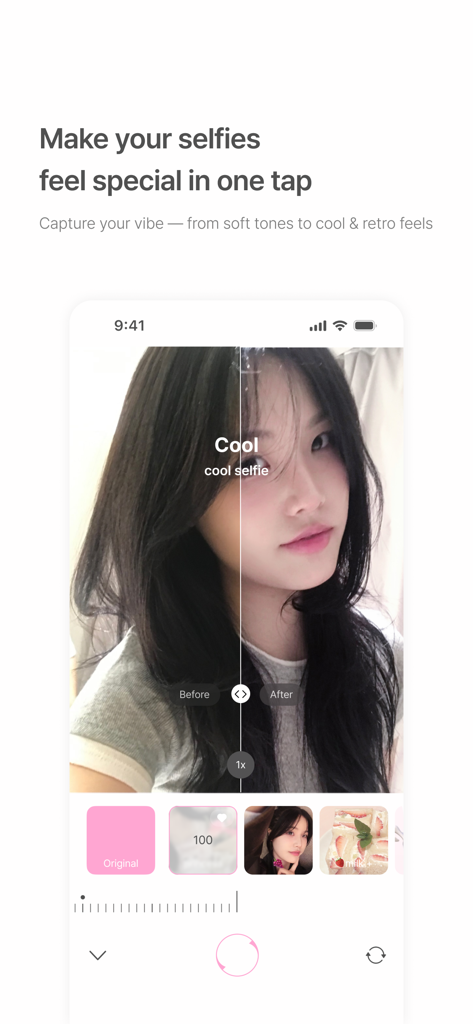
A smartphone screen showing a before and after comparison of a soft cool aesthetic filter applied to a woman's selfie
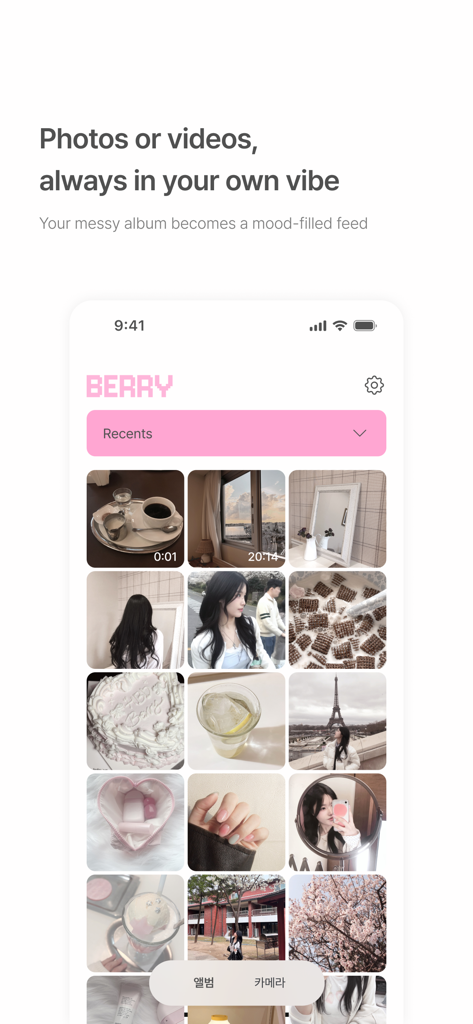
A screenshot of the BerryFilm app interface displaying a curated grid of aesthetic photos and videos with soft Korean style filters
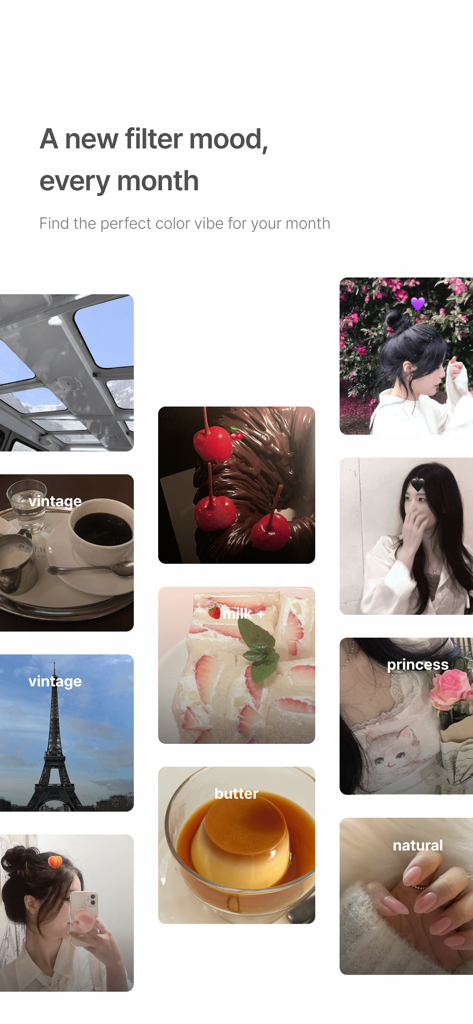
A collage of soft aesthetic photos showcasing various Korean style filters including vintage, milk, and butter tones.
Description
Download
More Like This
Apps with similar features and user experience

Lightroom: AI Photo Editor
Adobe Inc.

MIX-Photo Editor & Filters
灏 徐

Presets for Lightroom - FLTR
Onelight Apps CY Ltd

Colorby: AI Photo Color Editor
Zhanghan Ke

PRESETS: Filters for Pictures
Gustas Brazaitis

Edith: Presets for Lightroom
MWM

Soft Focus Lite 〜beauty selfie
handyCloset Inc.

Presets for Lightroom: Filters
Alenrom sp. z o.o.

Video Filters Photo Editor TON
Onelight Apps CY Ltd
This page is not an official page of the app or its developer, but an independent editorial publication created for informational and commentary purposes. Unless expressly stated otherwise, neither the app nor its developer is affiliated with, endorsed by, sponsored by, authorized by, or otherwise officially connected with MWM, Apple, Google Play, the app publisher, or the app's developer, and nothing on this page implies that the app was developed using MWM's services. Any trademarks, logos, screenshots, and other content remain the property of their respective owners.