
This page is not an official page of the app or its developer, but an independent editorial publication created for informational and commentary purposes. Unless expressly stated otherwise, neither the app nor its developer is affiliated with, endorsed by, sponsored by, authorized by, or otherwise officially connected with MWM, Apple, Google Play, the app publisher, or the app's developer, and nothing on this page implies that the app was developed using MWM's services. Any trademarks, logos, screenshots, and other content remain the property of their respective owners.


Presets for Lightroom: Filters
Turn your photos into professional masterpieces with curated, one-tap presets. Designed for creators who want a cohesive and stunning feed without the effort.
Downloads
715K+User Rating
Total Ratings
9K+Publisher
Category
Graphics & DesignLocales
21Latest Version
1.0.29Size
116.7 MBFirst Released
May 3, 2022Elevate Your Aesthetic Effortlessly
Achieve professional-grade photo edits in seconds with our curated Lightroom presets. Designed for creators who want a stunning, cohesive feed without the learning curve.
Instant Professional Results
Skip the complex editing tools. Apply high-quality filters in a single tap to make your photos look like they were edited by a pro.
Trending Aesthetic Styles
From 'Light & Airy' to 'Moody Vintage,' find the perfect curated look to match your personal brand across Instagram and TikTok.
Frequently Asked Questions
Everything you need to know about Presets for Lightroom: Filters
What is Presets for Lightroom: Filters?
"Presets for Lightroom: Filters" is an app that provides a curated collection of high-quality presets for Lightroom. It helps users enhance photos and create unique styles for various content, including portraits, landscapes, and social media posts.
Does Presets for Lightroom: Filters offer presets for both photos and videos?
Yes, "Presets for Lightroom: Filters" offers filters for both photos and videos. The app allows users to apply these enhancements to various media types.
Can beginners use Presets for Lightroom: Filters without prior editing experience?
Yes, beginners can use "Presets for Lightroom: Filters" effectively. The app includes step-by-step instructions to help users achieve great results without requiring prior editing experience.
What types of subscription plans does Presets for Lightroom: Filters offer?
"Presets for Lightroom: Filters" offers three subscription plans: a weekly plan with a 3-day trial period, a monthly plan, and an annual plan.
How does the free trial work for Presets for Lightroom: Filters?
The app offers a 3-day trial period specifically for the weekly subscription. The subscription automatically renews after the trial unless canceled at least 24 hours before it ends.
Can users organize their favorite presets in Presets for Lightroom: Filters?
Yes, users can organize their favorite presets in "Presets for Lightroom: Filters." The app provides a dedicated "My presets" section where users can save and manage their preferred collections.
Are the presets in Presets for Lightroom: Filters organized into categories?
Yes, all presets in "Presets for Lightroom: Filters" are neatly organized into categories. This structure facilitates easy browsing and selection of the appropriate aesthetic.
Does Presets for Lightroom: Filters offer daily updates for new presets?
Yes, "Presets for Lightroom: Filters" provides daily updates for new presets. Users can find new collections in sections labeled "Today" and "Yesterday" within the app.
How many presets are available in Presets for Lightroom: Filters?
"Presets for Lightroom: Filters" provides access to over 300 presets. These are available across various categories and premium collections within the application.
Can I cancel my subscription to Presets for Lightroom: Filters?
Yes, you can manage your subscription to "Presets for Lightroom: Filters" and turn off auto-renewal after purchase. This management is performed through your Apple ID account settings.
The following screenshots and description are sourced directly from the app's official store listing and are the property of the app developer.
App Store
Screenshots
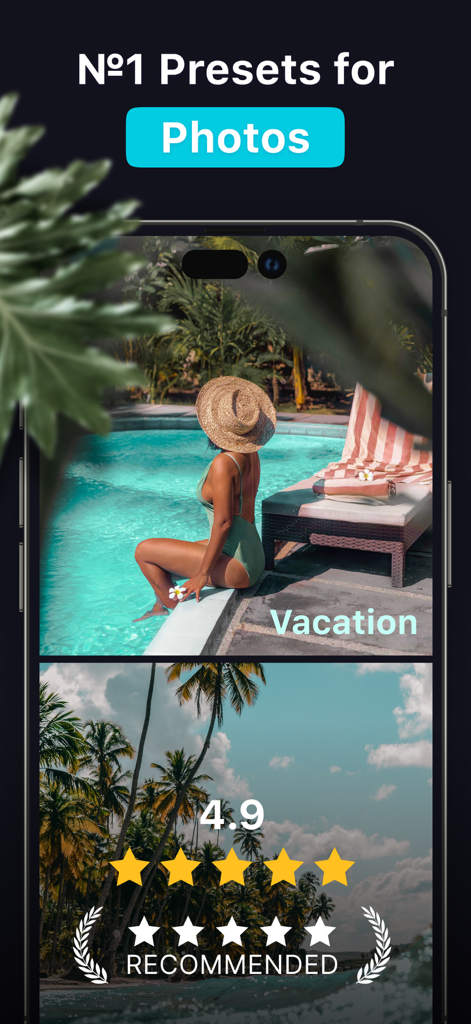
Lightroom presets for photos featuring a vacation aesthetic and high user ratings
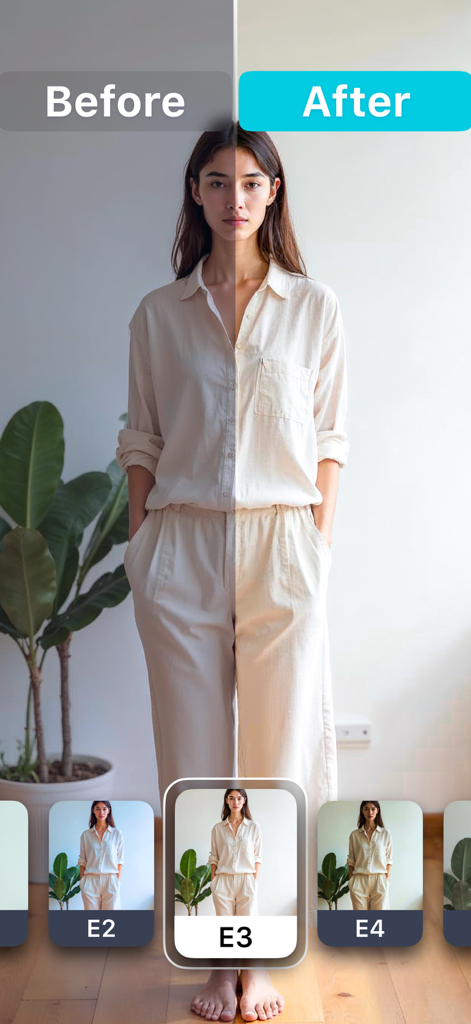
Comparison of a portrait photo before and after applying a Lightroom preset filter
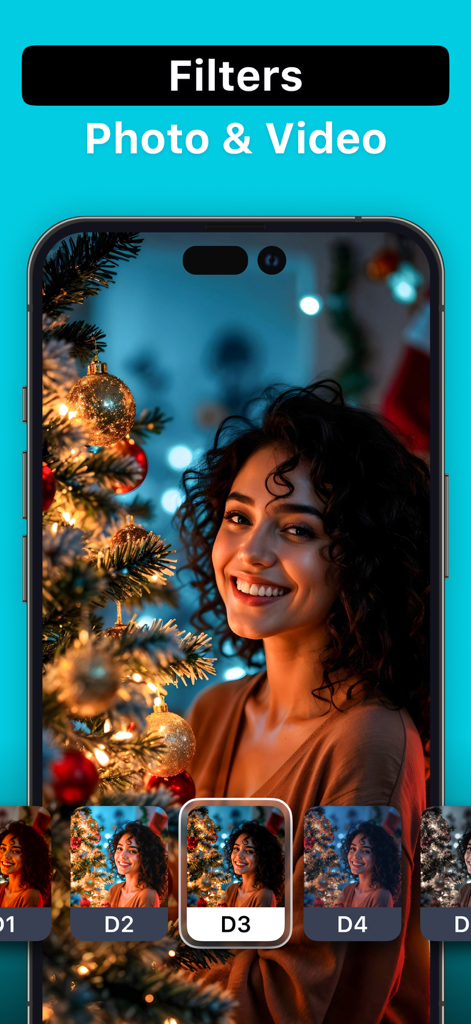
iPhone app interface showing various photo and video filters being applied to a portrait of a smiling woman by a Christmas tree
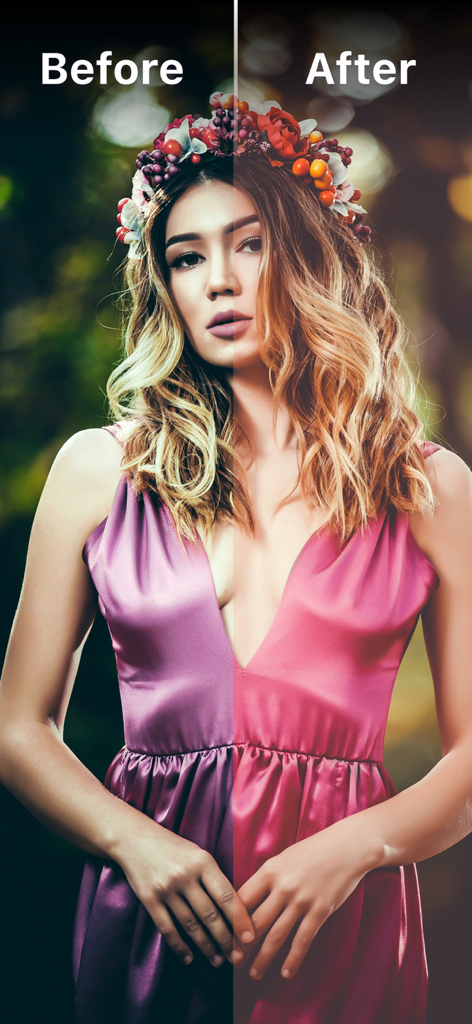
Side by side comparison of a woman portrait before and after applying an aesthetic Lightroom filter
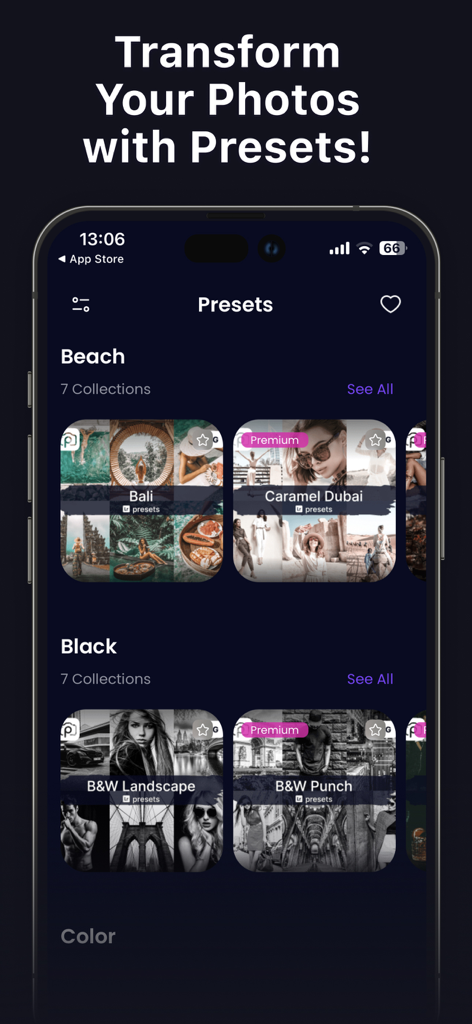
Mobile app interface showing organized photo preset categories like Beach and Black and White
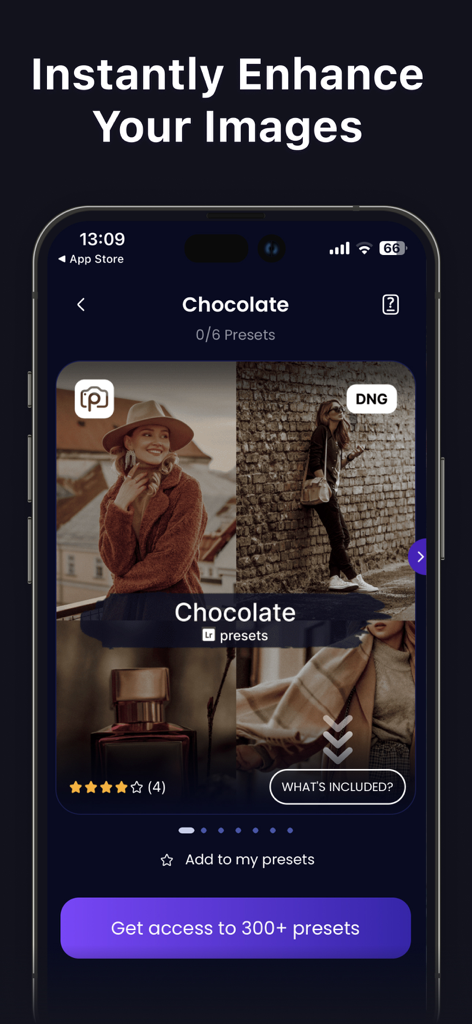
A mobile phone displaying a collection of warm chocolate-toned Lightroom presets for photo editing
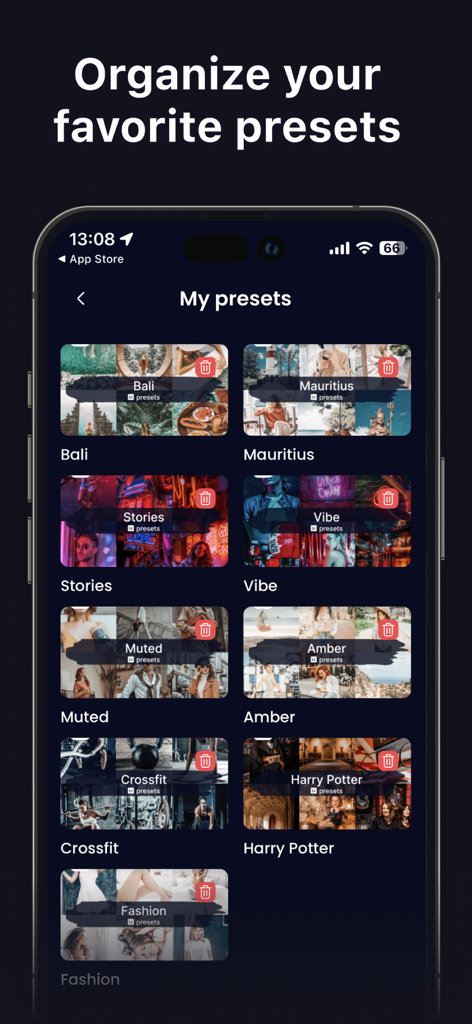
A mobile interface showing a collection of organized favorite photo presets in categories like travel and fashion.
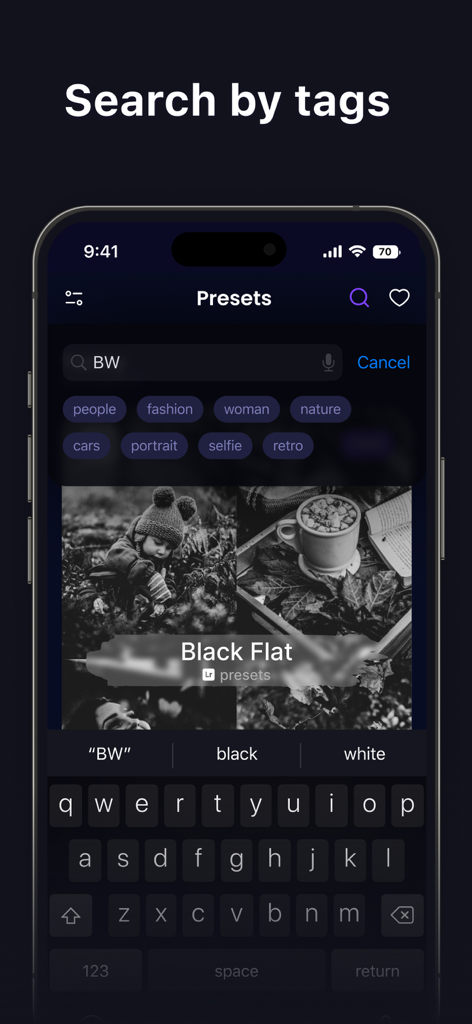
Mobile app interface showing search by tags for Lightroom photo presets including categories like fashion and portrait.
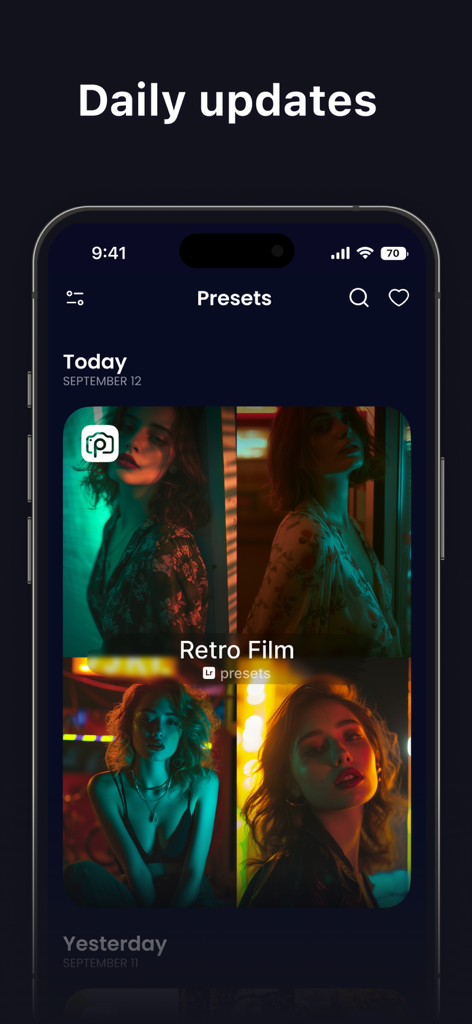
Interface of the Lightroom presets app showing daily updates and Retro Film filters for photos.
Description
Download
More Like This
Apps with similar features and user experience

Lightroom: AI Photo Editor
Adobe Inc.

MIX-Photo Editor & Filters
灏 徐

Presets for Lightroom - FLTR
Onelight Apps CY Ltd

Colorby: AI Photo Color Editor
Zhanghan Ke

PRESETS: Filters for Pictures
Gustas Brazaitis

Edith: Presets for Lightroom
MWM

Soft Focus Lite 〜beauty selfie
handyCloset Inc.

BerryFilm - Korean Style Cam
Seungyun Kim

Video Filters Photo Editor TON
Onelight Apps CY Ltd
This page is not an official page of the app or its developer, but an independent editorial publication created for informational and commentary purposes. Unless expressly stated otherwise, neither the app nor its developer is affiliated with, endorsed by, sponsored by, authorized by, or otherwise officially connected with MWM, Apple, Google Play, the app publisher, or the app's developer, and nothing on this page implies that the app was developed using MWM's services. Any trademarks, logos, screenshots, and other content remain the property of their respective owners.